- Nowy
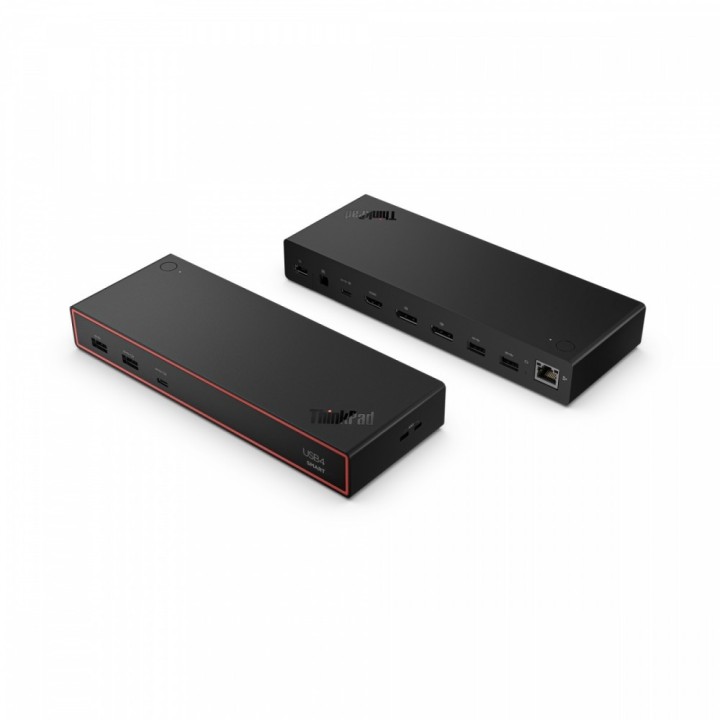
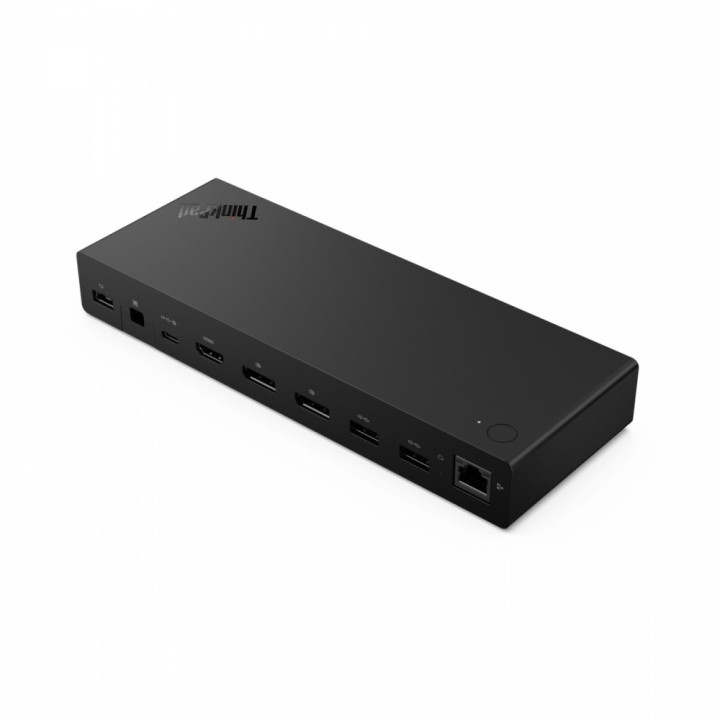
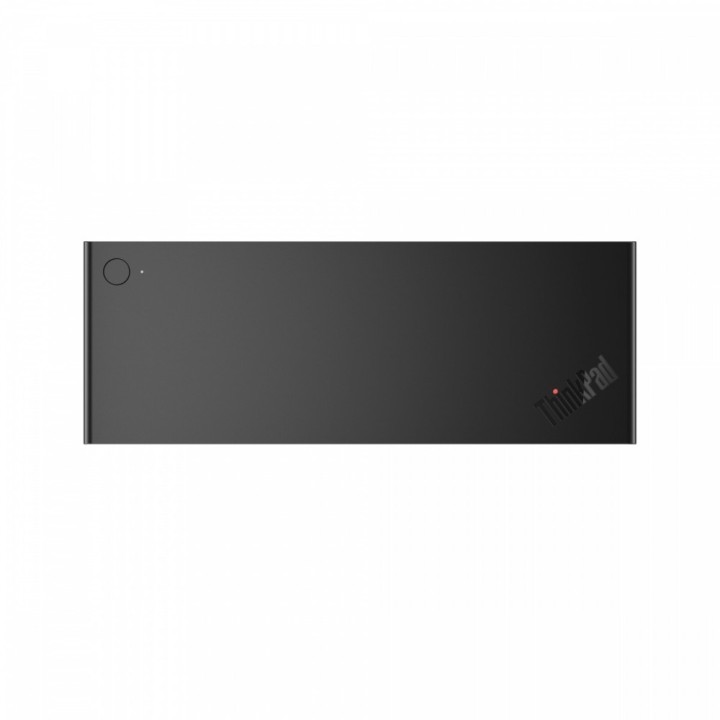
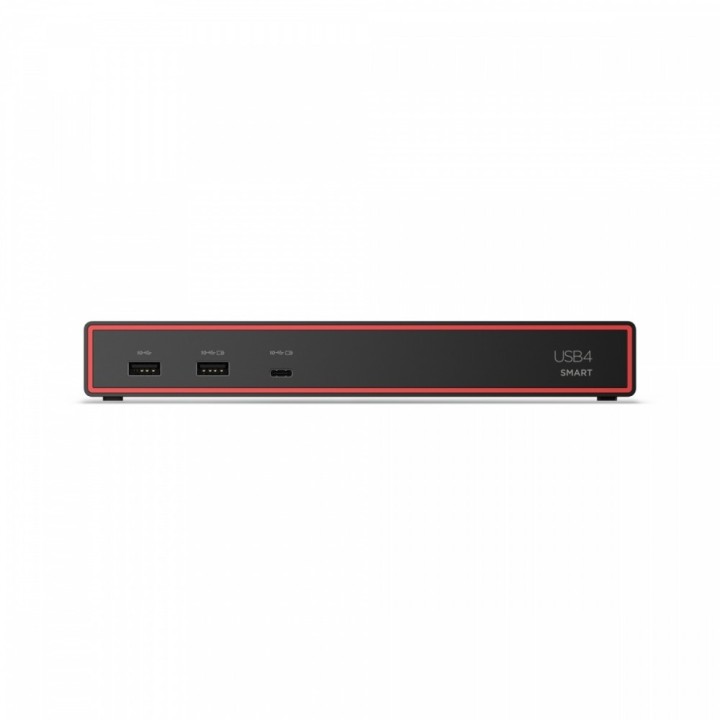
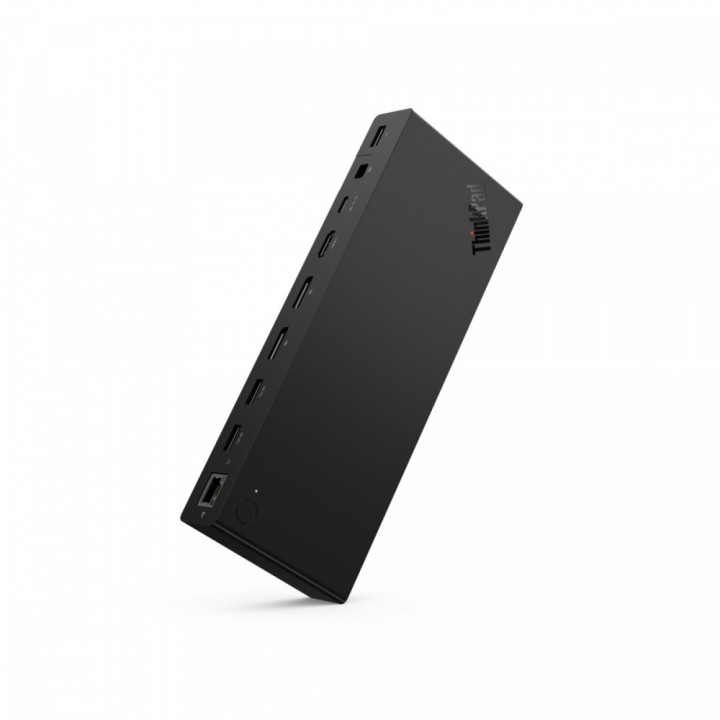
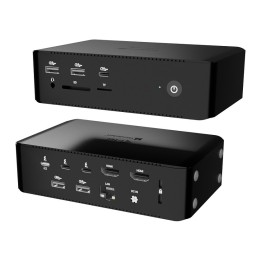
Stacja dokująca ThinkPad USB4 Smart Dock 5500 40BC0100EU obrazki
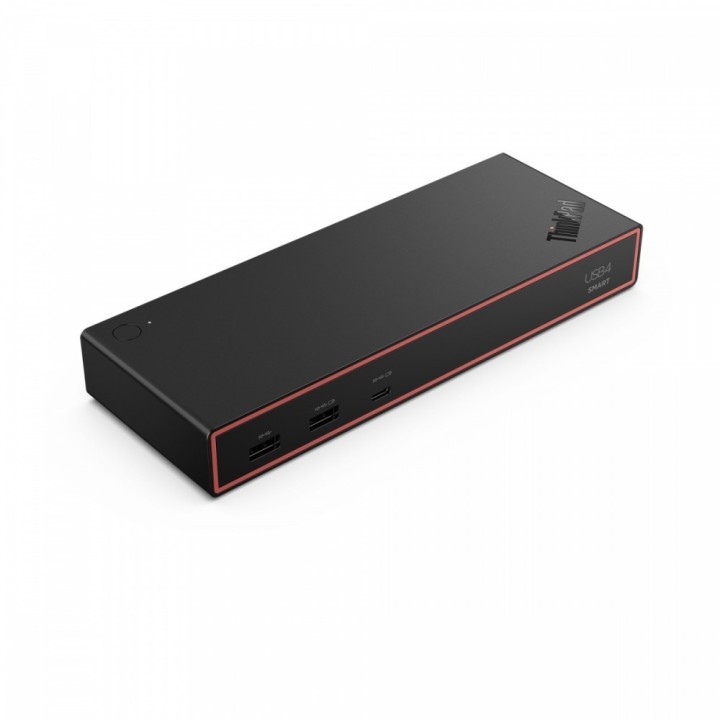
Stacja dokująca ThinkPad USB4 Smart Dock 5500 40BC0100EU
Opis produktu
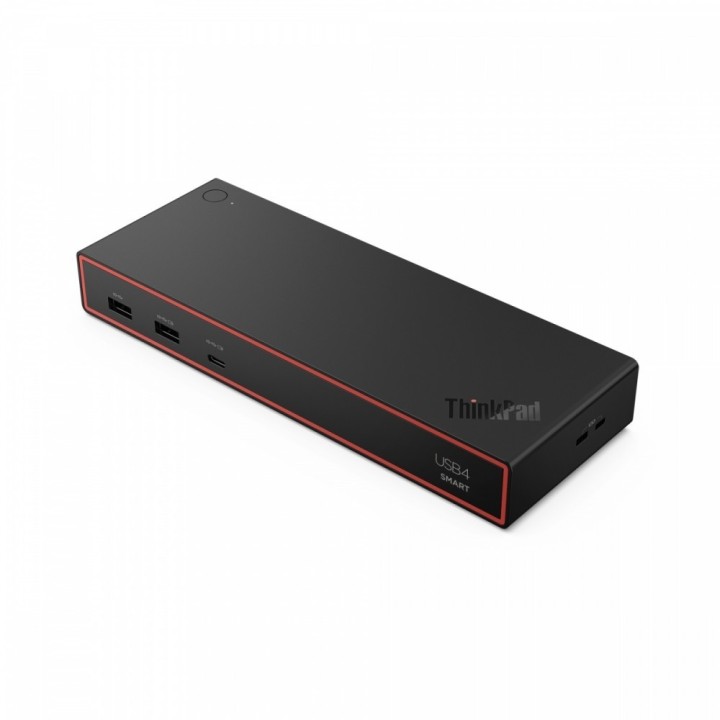
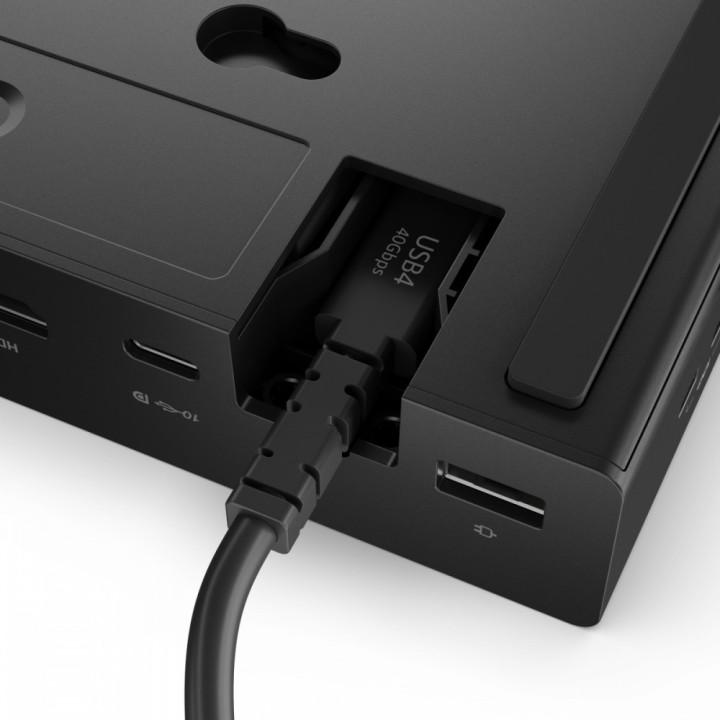
Zaprojektowana z myślą o zwiększeniu codziennej produktywności, stacja dokująca Lenovo ThinkPad USB4 Smart Dock 5500 to najnowocześniejszy model z naszej nowej serii stacji dokujących USB, oferujący inteligentniejszy sposób pracy. Dzięki zupełnie nowemu oprogramowaniu Lenovo Accessories Fleet Manager (LAFM) opartemu na platformie AWS for IT Manager oraz przepustowości 40 Gb/s i łączności USB4 z laptopem, możesz rozbudować konfigurację monitora o większą liczbę pikseli i wyższe częstotliwości odświeżania.
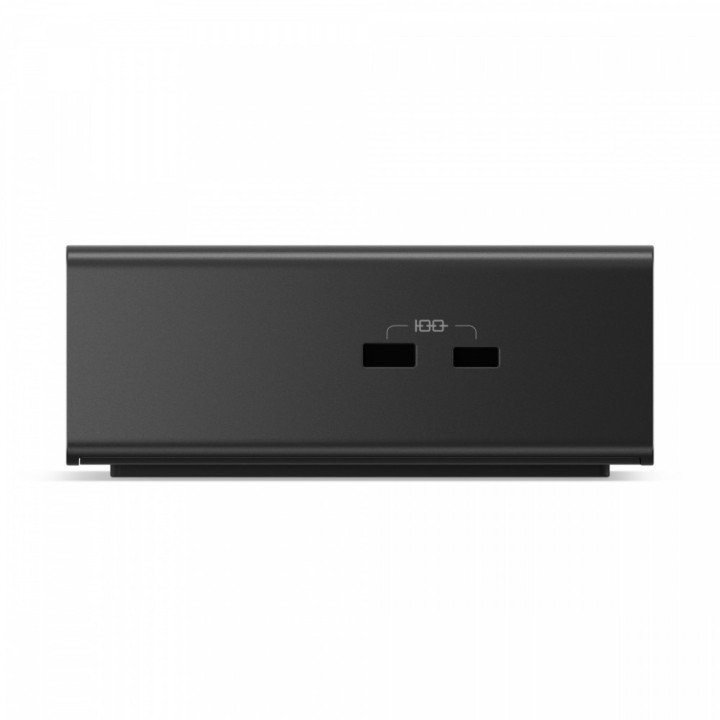
- ThinkPad USB4 Smart Dock 5500 Dzięki najnowszej technologii USB4, wydajność łączności jest czterokrotnie większa w porównaniu z USB-C 3.2 Gen 2, z przepustowością do 40 Gb/s. Możesz korzystać z jednego wyświetlacza 8K o ultrawysokiej rozdzielczości 60 Hz lub dwóch monitorów 4K o wysokiej częstotliwości odświeżania 144 Hz, aby w pełni rozszerzyć możliwości swojego laptopa Lenovo o platformę obliczeniową z różnymi rodzajami urządzeń peryferyjnych. Obsługuje standard PD 3.1 i zapewnia moc wyjściową do 100 W, co pozwala na szybkie ładowanie laptopa, dzięki czemu z łatwością rozszerzysz potencjał swojego miejsca pracy.
- Uniwersalna kompatybilność ze stacjami dokującymi i różnymi systemami operacyjnymi.
- Dzięki Lenovo Accessories Fleet Manager (LAFM), inteligentnemu rozwiązaniu do zarządzania w chmurze nowej generacji, działającemu w przeglądarce internetowej, menedżerowie IT mogą zarządzać, aktualizować, konfigurować i diagnozować flotę stacji dokujących w elastyczny, wydajny i wygodny sposób, w dowolnym miejscu i czasie.
Specyfikacja
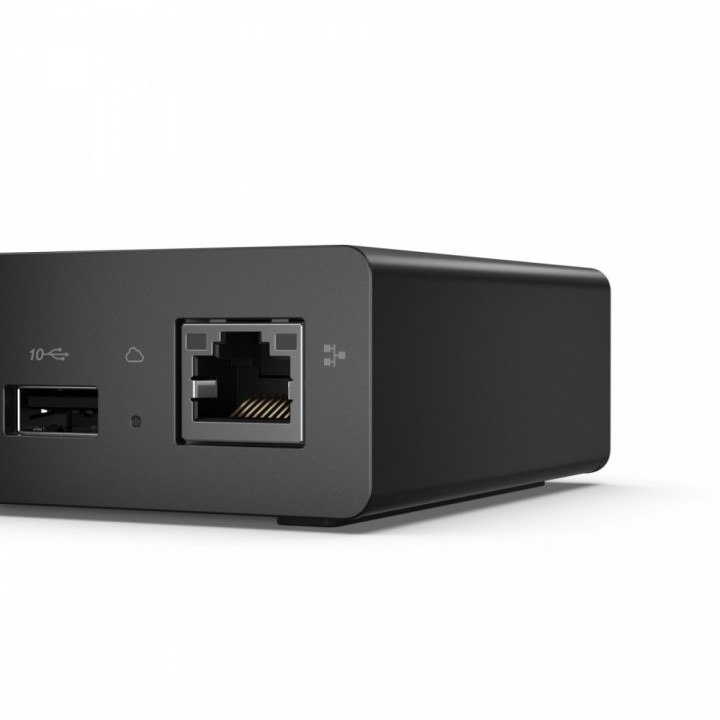
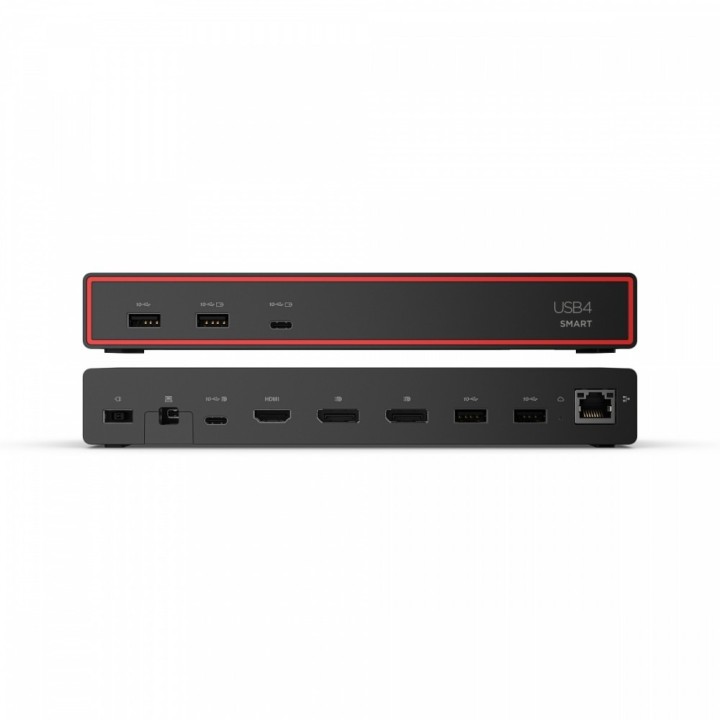
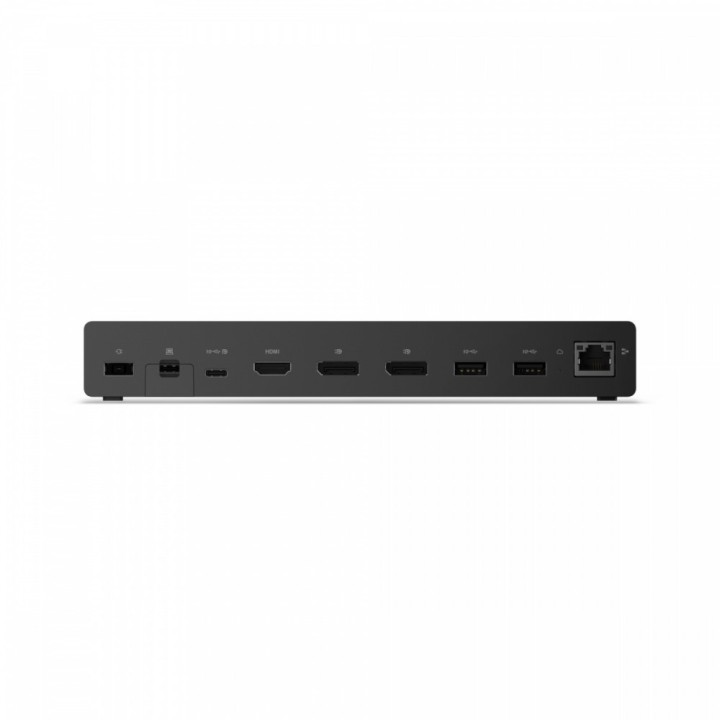
- Porty we/wy (replikatory/stacje dok.): 1 x HDMI Type A
- Dokowanie (laptopy): Tak
- Pasuje do: ThinkPad
- Wymagania systemowe: Windows 11 macOS Sonoma macOS Sequoia
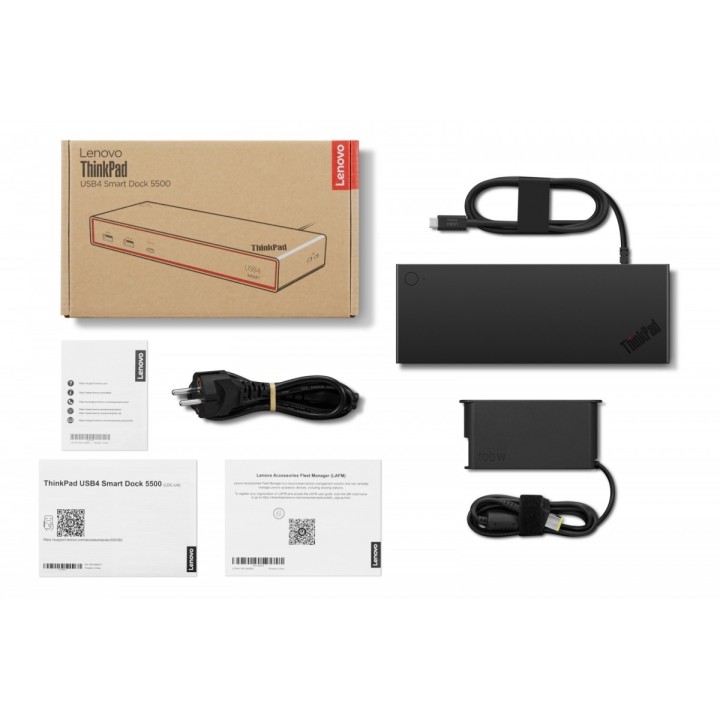
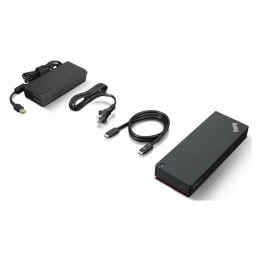
- Akcesoria w zestawie: ThinkPad USB4 Smart Dock ze zintegrowanym kablem USB4 o długości 1 m Zasilacz 100 W Przewód zasilający Ulotka Lenovo Accessories Fleet Manager Instrukcja obsługi Karta gwarancyjna
- Kolor (wyliczeniowy): Czarny
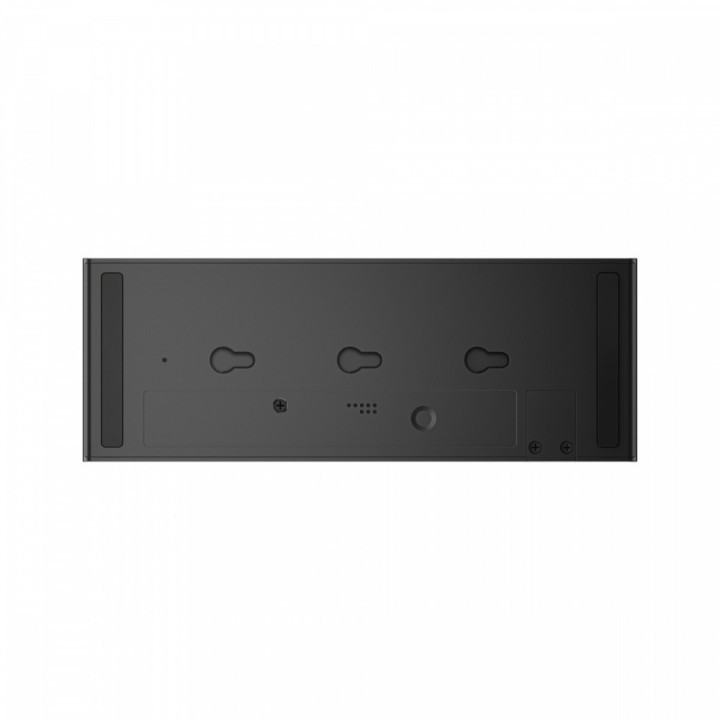
- Wymiary: 31.5 x 80 x 218 mm
- Waga: 472 g
- Uwaga: CE+WEEE
Szczegóły produktu
- Marka Lenovo
- Kod produktu 691d30f360201d074eb77bdf
- Dostępność 74 Przedmioty
- EAN13 0195892120551
- MPN 40BC0100EU
Specyfikacja
- Złącze do komputera USB4
- Maksymalna rozdzielczość wyjścia 3840 × 2160
- Liczba portów USB-A (szt.) 4 szt.
- Liczba obsługiwanych monitorów (szt.) 4 szt.
- Liczba portów USB-C (szt.) 2 szt.
- Moc ładowania laptopa (W) 65 W
Producent
Producent
Lenovo Technology B.V. Sp. z o.o. Oddział w Polsce
ul. Gottlieba Daimlera 1 02-460 Warszawa Polska
Osoba odpowiedzialna w UE
Lenovo (Slovakia) s.r.o.
Landererova 12 811 09 Bratislava SLOVAKIA
E-mail: balenovo_sk@lenovo.com
Telefon: +421 2/686 880 00
Bezpieczeństwo
Informacje o bezpieczeństwie
List of safety warnings for docking stations based on the requirements of General Product Safety Regulation (EU) 2023/988 (GPSR) * Risk of electric shock: * Make sure that the docking station is connected to an efficient grounded outlet. * Do not touch the plug or cable with wet hands. * Avoid using the docking station in areas with high humidity. * Risk of overheating: * Provide adequate ventilation while maintaining at least 5 cm of free space around the docking station. * Do not block ventilation openings. * Do not place the docking station on soft surfaces such as blankets or pillows. * Fire risk: * Use only original power supplies and accessories recommended by the manufacturer. * Do not leave the docking station on unattended near flammable materials. * Risk of bodily injury: * Use the docking station on a stable surface to minimize the risk of falling connected devices. * Avoid using the docking station in a position that causes excessive heat pressure on the skin to prevent burns. * Hazards in humid environments: * Do not use the docking station outdoors in rain or in places with high humidity, such as bathrooms. * If the docking station is flooded, immediately disconnect it from the power source and contact the service. * Hazards at high temperatures: * Do not expose the docking station to direct sunlight. * Avoid using the docking station at temperatures above the recommended range (usually 5-35°C). * Risk of damage during cleaning: * Disconnect the docking station from the power supply before cleaning and use a soft, slightly damp cloth. * Avoid using strong detergents that can damage the surface of the docking station. * Caution when replacing accessories: * Use only accessories recommended by the manufacturer. * When replacing batteries, follow the manufacturer's instructions and do not expose the battery to high temperatures. * Battery Use Hazards: * Avoid damaging the battery by impact or puncture. * If the battery overheats or swells, stop using the docking station immediately. * Child warnings: * Keep power cables out of reach of children. * Make sure your kids don't play with the docking station or accessories that can be dangerous. * Cleanliness: * Failure to regularly clean ports and sockets can lead to damage or failure. * Clean ports and sockets regularly using a dry and clean cloth, avoiding moisture input.
Stacje dokujące
- Nowy
- Nowy
- Nowy
- Nowy
- Nowy
- Nowy
- Nowy
- Nowy
- Nowy
Ostatnio oglądane
Produkty, które ostatnio zwróciły Twoją uwagę.
- Nowy
- Nowy
- Nowy

- Nowy
- Nowy
- Nowy
- Nowy
- Nowy
- Nowy
- Nowy
- Nowy
- Nowy