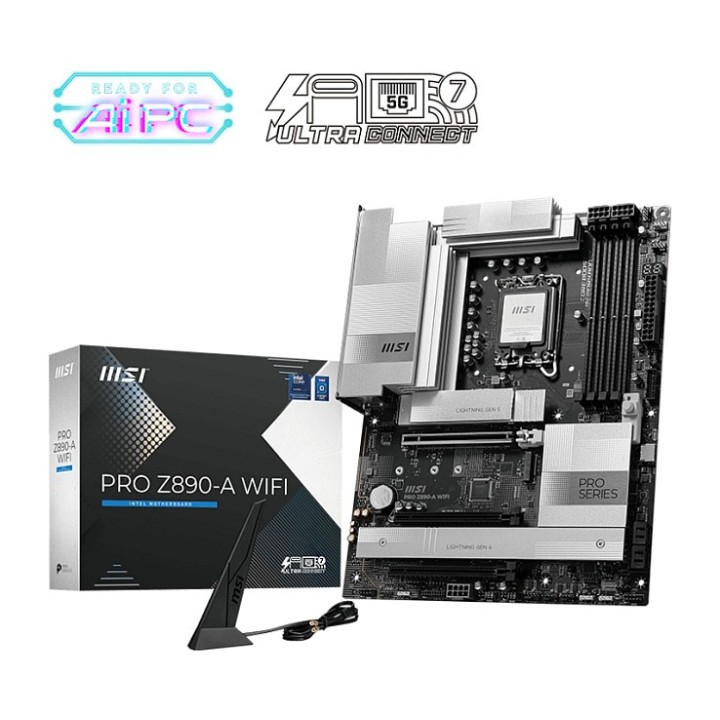
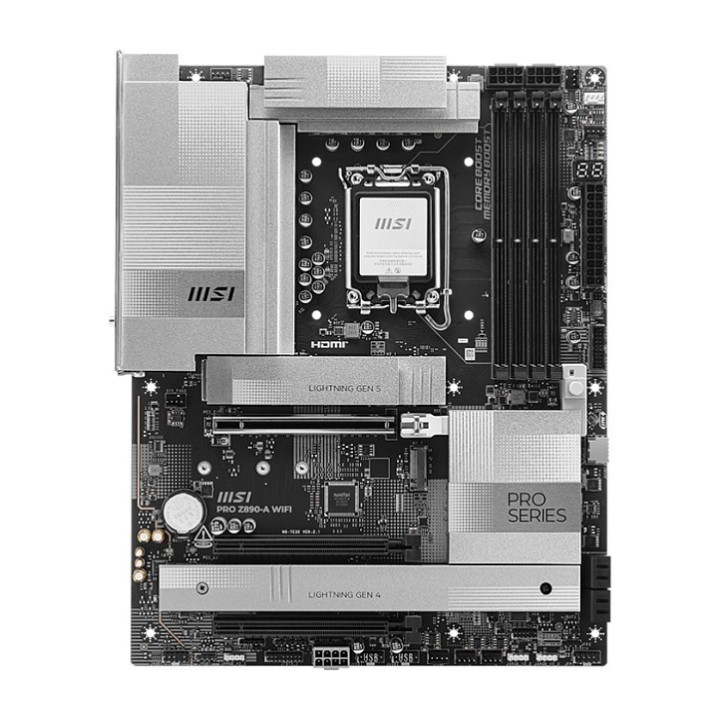
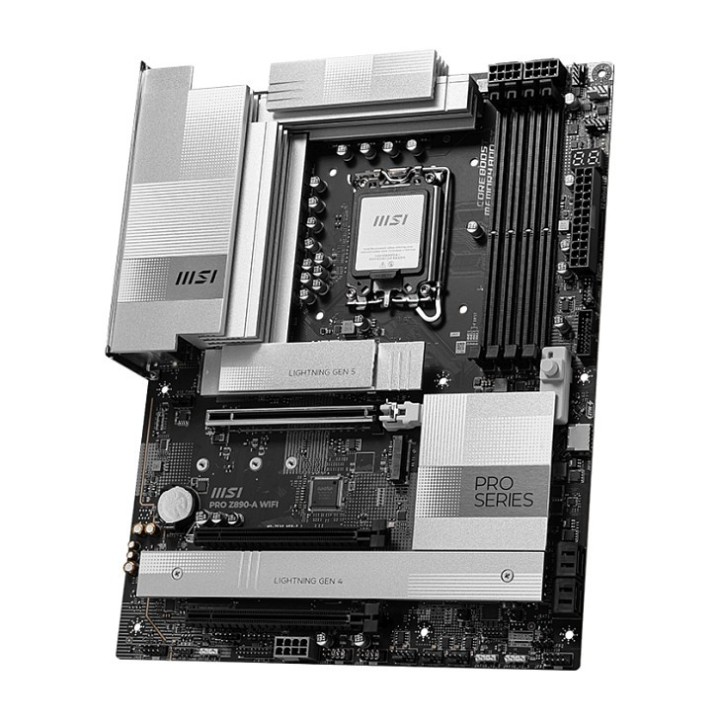
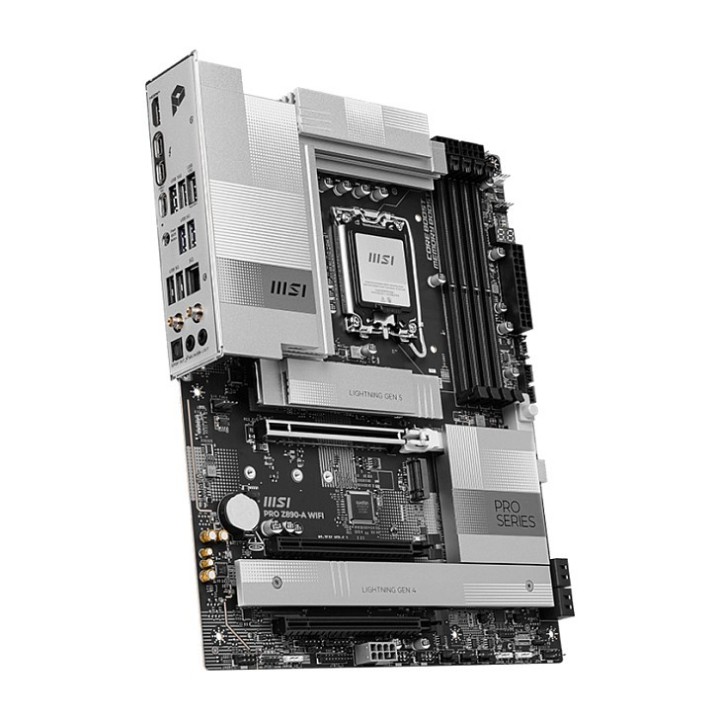
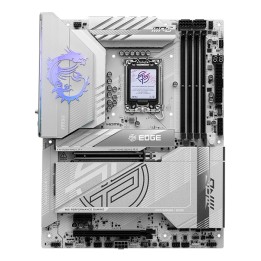
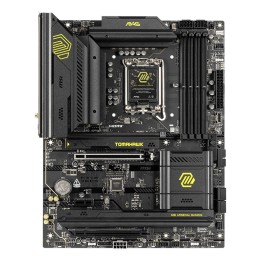
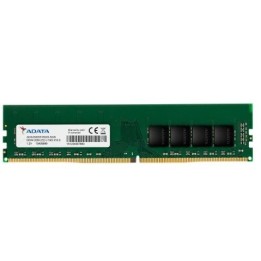
MSI PRO Z890-A WIFI ATX LGA1851 (Intel Z890)

Cena: 1 359,99 zł
Brutto
Dostępność produktu: Dostępny 17 szt.
Czas dostawy Wysyłka w ciągu 3 dni roboczych
Koszt dostawy Bezpłatna dostawa od 250 zł.

Opis produktu

Płyta główna MSI PRO Z890-A WIFI stworzona z myślą o nowoczesnych konfiguracjach opartych na gnieździe LGA 1851 (Socket V1). Obsługuje procesory Intel Core Ultra (Series 2) oraz chipset Intel Z890, oferując wsparcie dla pamięci DDR5 do 256 GB w czterech bankach DIMM i trybie dwukanałowym. Maksymalna obsługiwana częstotliwość pamięci wynosi 9200 MHz, a pamięć jest zgodna z modułami Non‑ECC.

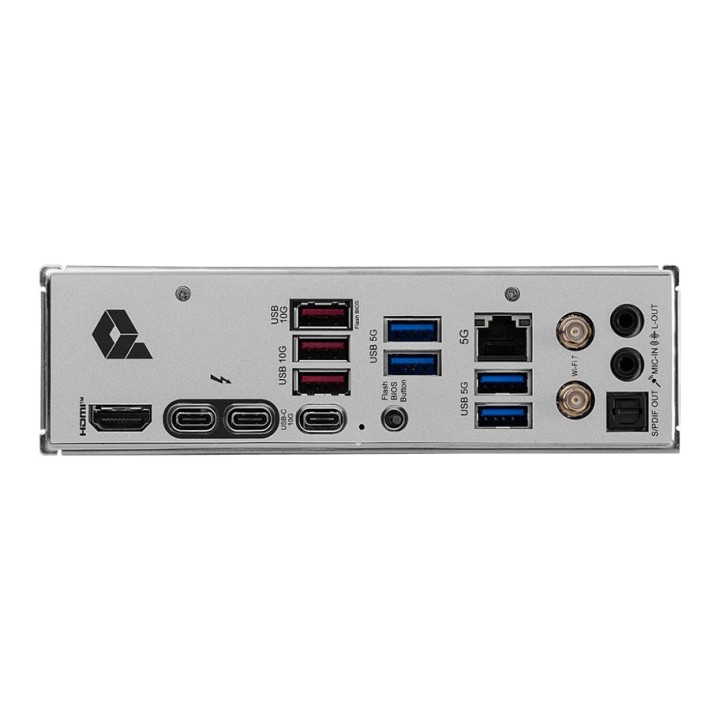
Platforma zapewnia rozbudowane możliwości magazynowania i rozbudowy: cztery gniazda M.2 oraz interfejsy SATA III (4 złącza) obsługujące dyski HDD i SSD, z obsługą poziomów RAID 0/1/5/10. Do dyspozycji są także złącza wideo — jedno HDMI w wersji 2.1 oraz jeden DisplayPort 1.4 — oraz port Thunderbolt, co ułatwia podłączenie nowoczesnych monitorów i peryferiów.

Wbudowane łącza sieciowe obejmują 5 Gigabit Ethernet oraz moduł Wi‑Fi 7 (802.11be) z zachowaniem zgodności z wcześniejszymi standardami 802.11a/b/g/n/ac/ax (w tym Wi‑Fi 6E). Rozwiązania komunikacyjne uzupełnia Bluetooth 5.4. Układ audio Realtek ALC897 obsługuje wyjście 7.1, a płyta utrzymana jest w kolorystyce czarnej, formacie ATX.

Specyfikacja

  • Gniazdo procesora: LGA 1851 (Socket V1)
  • Obsługiwane procesory: Intel Core Ultra (Series 2)
  • Chipset: Intel Z890
  • Format: ATX
  • Maksymalna pojemność pamięci: 256 GB
  • Typ pamięci: DDR5-SDRAM
  • Liczba gniazd pamięci: 4
  • Kanały pamięci: Dwukanałowy
  • Kompatybilność ECC: Non-ECC
  • Maks. częstotliwość pamięci: 9200 MHz
  • Liczba gniazd M.2: 4
  • Interfejsy dysków: M.2, SATA III
  • Liczba złączy SATA III: 4
  • Obsługiwane rodzaje dysków: HDD, SSD
  • Poziomy RAID: 0, 1, 5, 10
  • Ethernet: 5 Gigabit Ethernet
  • Liczba portów Ethernet (RJ-45): 1
  • Obsługiwane standardy Wi-Fi: 802.11a, 802.11b, 802.11g, 802.11n (Wi‑Fi 4), 802.11ac (Wi‑Fi 5), 802.11ax (Wi‑Fi 6 / 6E), 802.11be (Wi‑Fi 7)
  • Bluetooth: 5.4
  • Układ audio: Realtek ALC897
  • Wyjście audio: 7.1 kanał.
  • Ilość portów HDMI: 1
  • Wersja HDMI: 2.1
  • Ilość DisplayPort: 1
  • Wersja DisplayPort: 1.4
  • Ilość portów Thunderbolt: 1
  • Ilość gniazd zasilania EPS (8-pin): 1
  • Obsługiwane systemy operacyjne Windows: Windows 11 x64
  • Kolor: Czarny
  • Szerokość: 243.8 mm
  • Głębokość: 304.8 mm

Szczegóły produktu

  • Marka MSI
  • Kod produktu 6927d06b0360ebf38b06fe8e
  • Dostępność 17 Przedmioty
  • EAN13 4711377259729
  • MPN 7E32002R

Specyfikacja

  • Gniazdo procesora LGA1851
  • Maksymalna pojemność RAM (GB) 256 GB
  • Liczba slotów RAM (szt.) 4 szt.
  • Liczba gniazd M.2 (szt.) 4 szt.

Producent

Producent

MSI Polska SP. z o. o.

Magazynowa 1 55-040 Kobierzyce Polska

E-mail: info.pl@msi.com

Osoba odpowiedzialna w UE

MSI Computer Europe B.V.

Science Park 5706 5692ER Son Eindhoven Netherlands

E-mail: GPSR@msi.com

Telefon: +31-40-267-6100

Bezpieczeństwo

Informacje o bezpieczeństwie

List of motherboard safety warnings based on the requirements of General Product Safety Regulation (EU) 2023/988 (GPSR): * Risk of electric shock: Make sure the power supply is disconnected before installing or disassembling any components. Do not touch pins, connectors or paths on the board with wet hands or in humid environments. * Short-circuit risk: Be careful that no metal objects come into contact with the plate during installation or use. * Risk of Electrostatic Damage (ESD): Use an antistatic band when working with the motherboard to avoid damage to sensitive components. * Risk of injury: Sharp edges and small elements on the board can pose a risk of injury. Be careful when manipulating. * Fire risk: Incorrect connection of power supply or overheating of components can lead to fire. Make sure all connections are correct and cooling is adequate. * Risk of component damage: Do not use excessive force when installing components to avoid damaging the board or the component itself. * Compatibility: Make sure that all components (processor, RAM, graphics card) are compatible with your motherboard. * Stability: Place the motherboard on a stable, flat surface to prevent mechanical damage. * Overheating: Provide adequate cooling to prevent the motherboard and its components from overheating. Clean radiators and fans regularly. * Kids: Keep the motherboard and small items out of reach of children to avoid the risk of ingestion or other accidents. * Installation: Disconnect the motherboard from power before any interference.

Ładowanie...
Wróć na górę