- Nowy
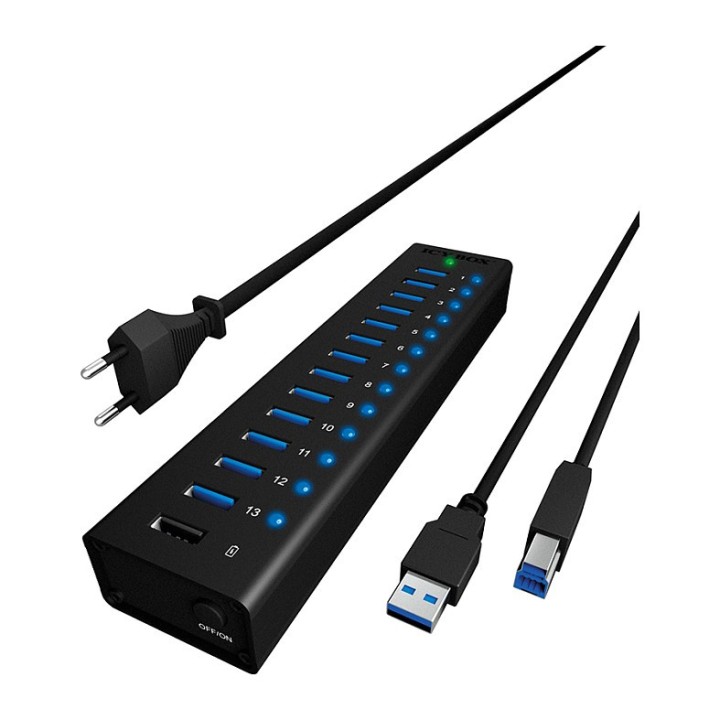
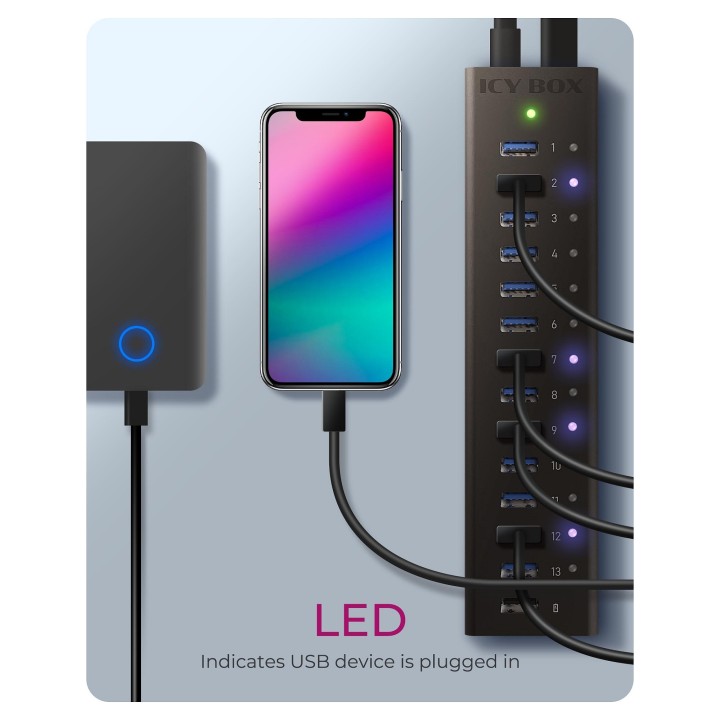
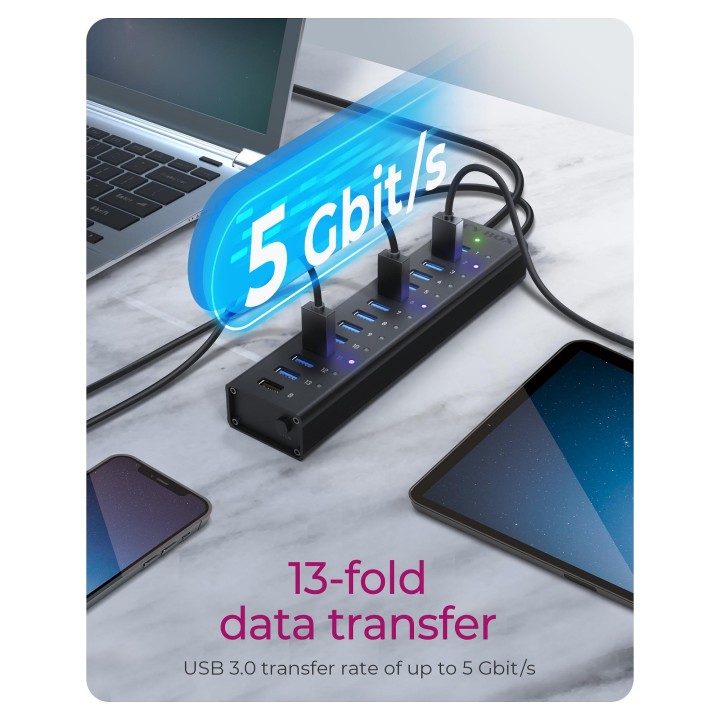
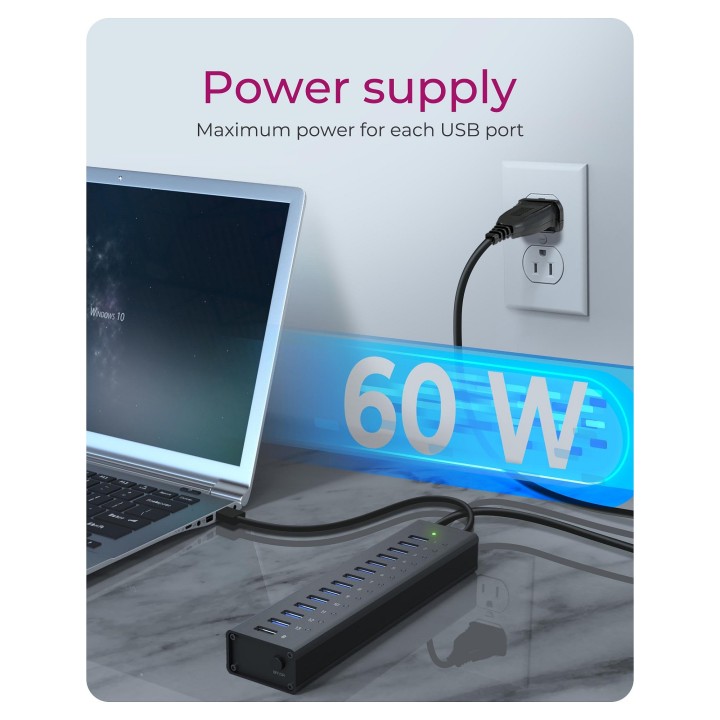
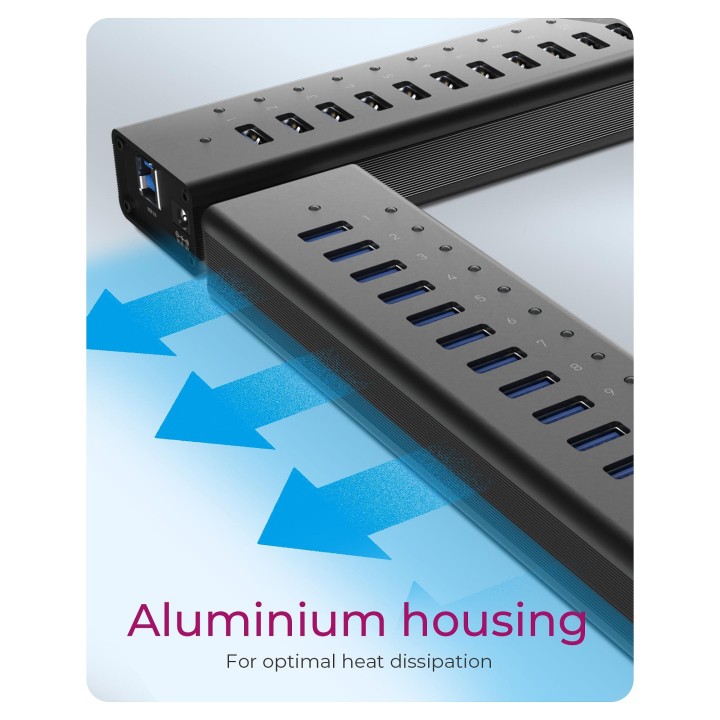
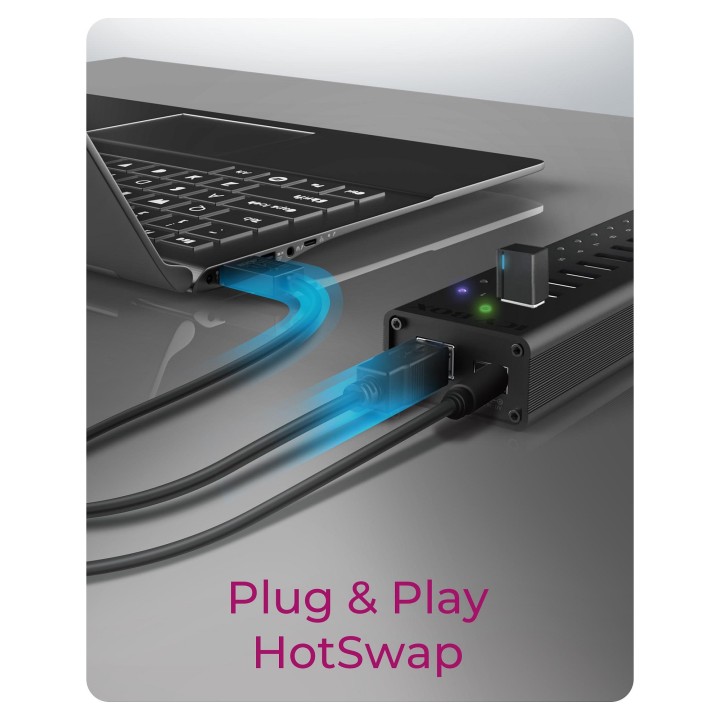
Aktywny 13-portowy Hub USB 3.0 z wytrzymałą aluminiową obudową
- Solidna aluminiowa obudowa
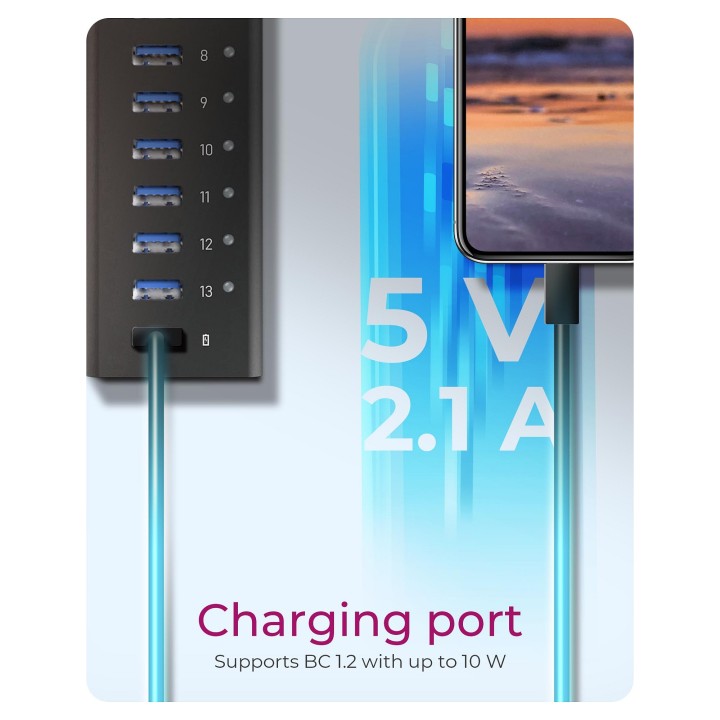
- 13x USB 3.0 typu A, plus 1x port ładujący USB, 5V/2,1A
- 1x USB typu B do połączenia z komputerem
- Szybkość transferu do 5 Gb/s
- Plug & Play i Hot Swap
RaidSonic Technology GmbH
Kurt-Fischer-Strasse 50 D- 22926 Ahrensburg Germany
E-mail: potrykus@raidsonic.de
Formularz kontaktowy: https://icybox.de/contact
Telefon: +49 4102 468900
List of safety warnings for USB hubs based on the requirements of General Product Safety Regulation (EU) 2023/988 (GPSR): * Risk of electric shock: * Do not use damaged USB cables. * Do not touch the USB hub with wet hands. * Avoid contact with water and moisture. * Risk of overheating: * Do not cover the USB hub during use. * Make sure the USB hub has adequate ventilation. * Do not place the USB hub near heat sources. * Risk of short circuit and damage to devices: * Do not connect devices with too high power consumption. * Use a power supply with the appropriate parameters (if required). * Disconnect unused devices. * Risk of data corruption: * Securely disconnect USB devices before removing the plug from the hub port. * Avoid sudden power disconnection. * Restrictions on use: * Do not use the USB hub as intended. * Do not modify or repair the device yourself. * Child-related hazards: * Keep your USB hub and small accessories out of reach of children. * Do not allow children to play with the USB hub. * Maintenance and cleaning: * Clean the USB hub regularly with a dry cloth. * Do not use aggressive cleaners. * When connecting peripherals, especially external drives: * Use dedicated power supply for the USB hub to provide enough power.
Produkty, które ostatnio zwróciły Twoją uwagę.