- Nowy
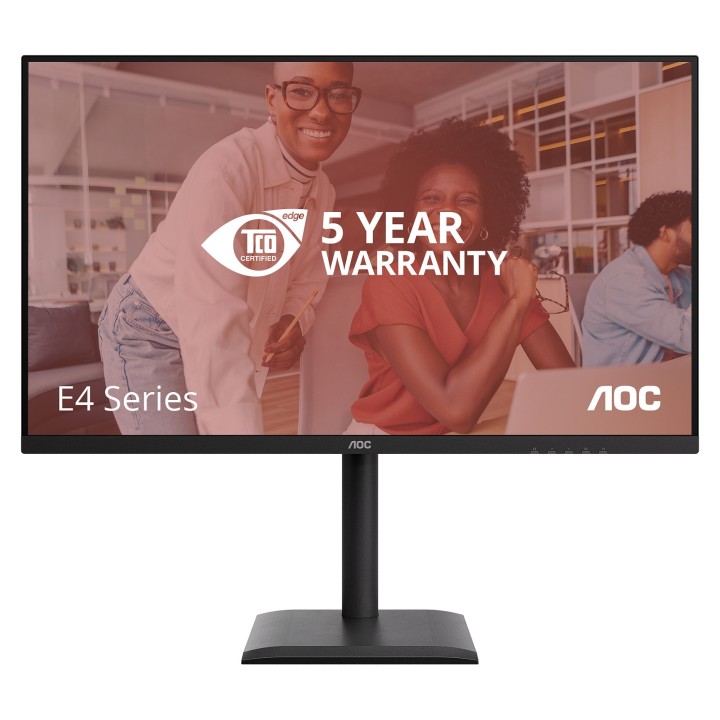
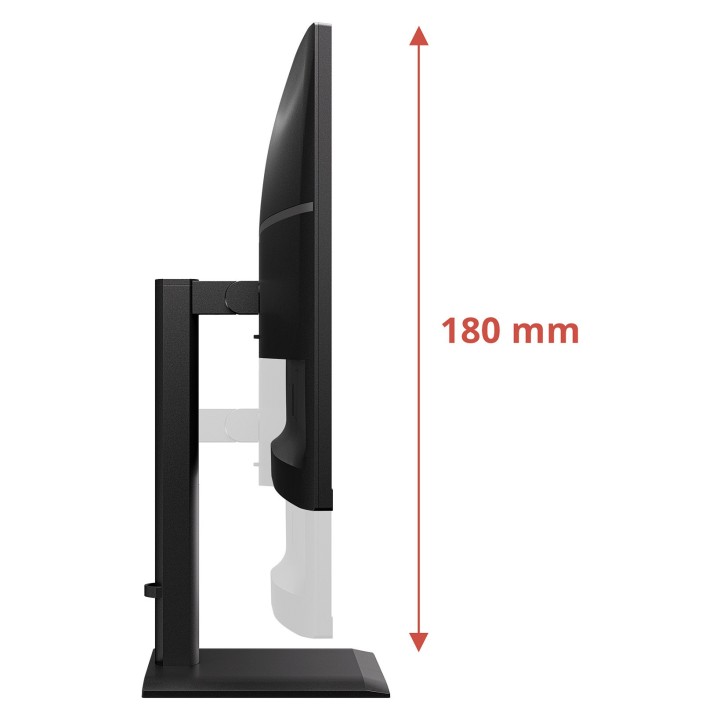
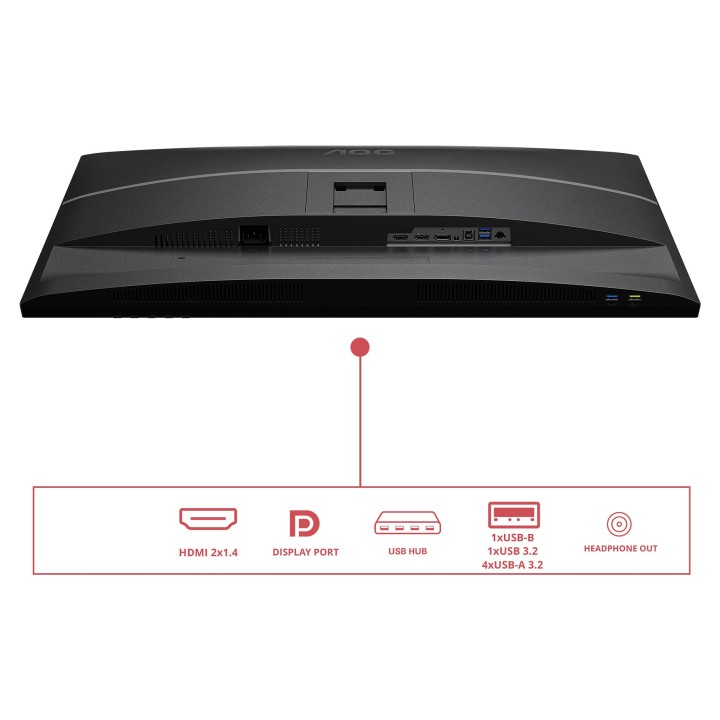
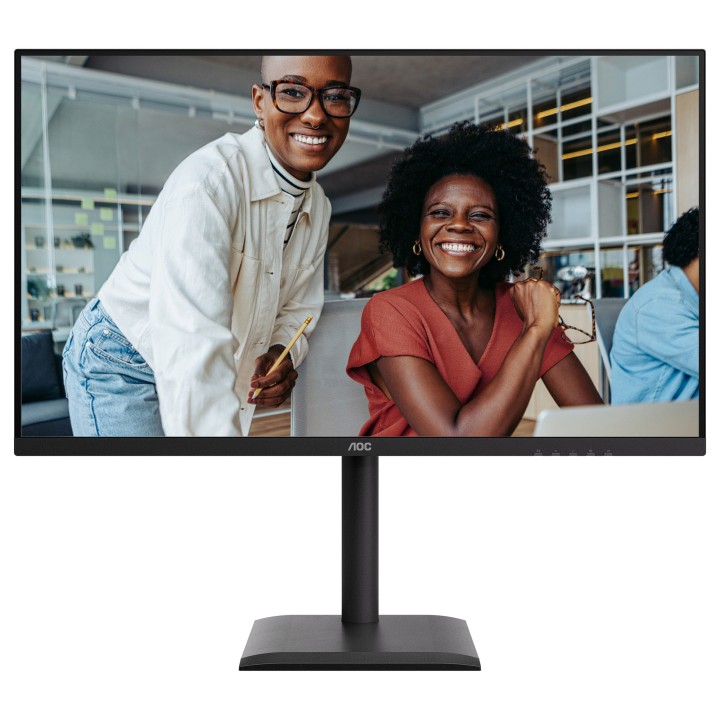
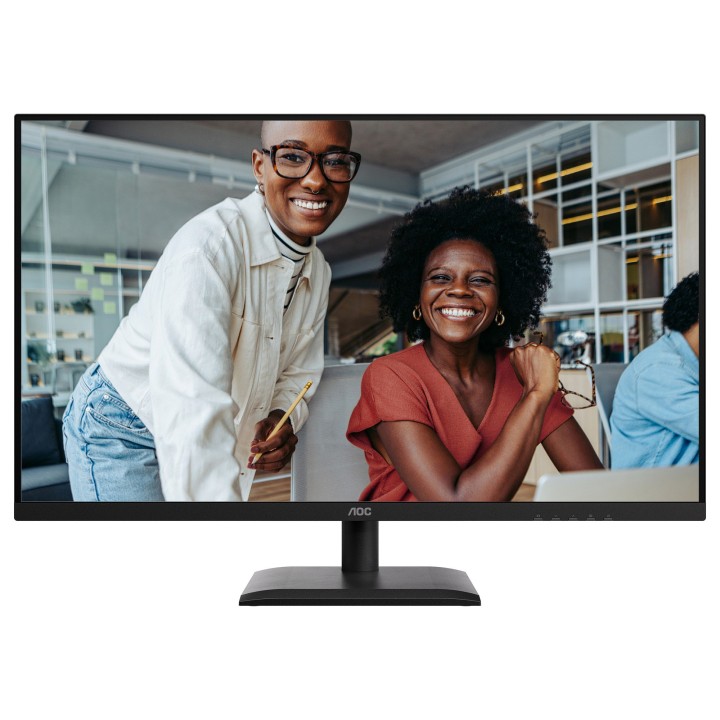
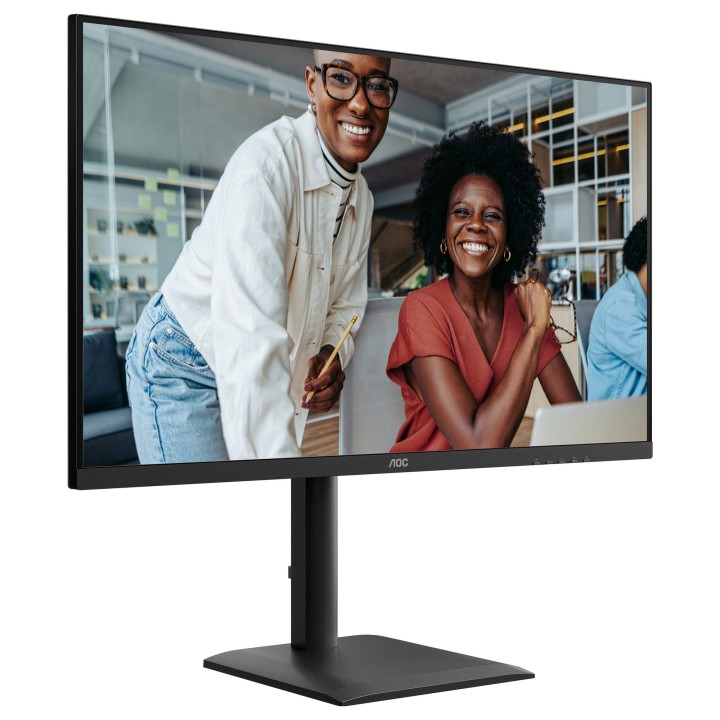
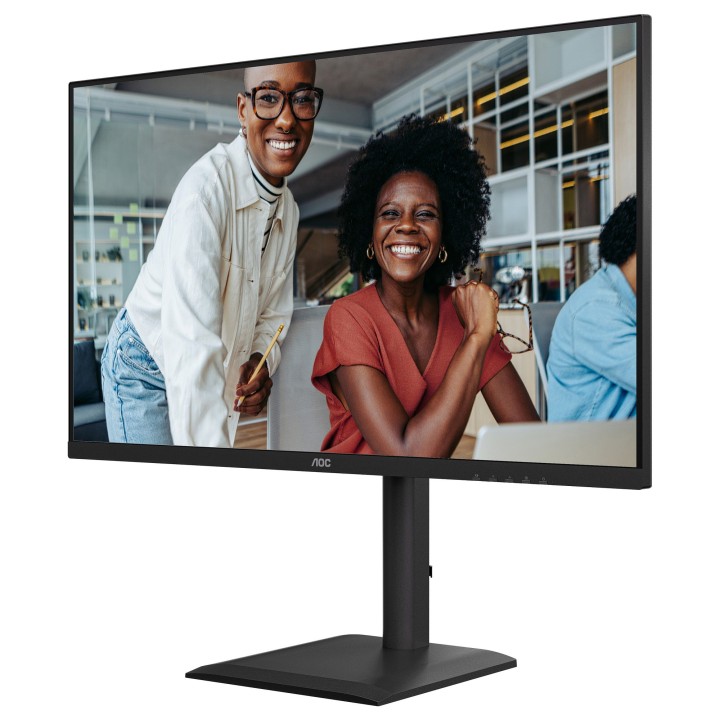
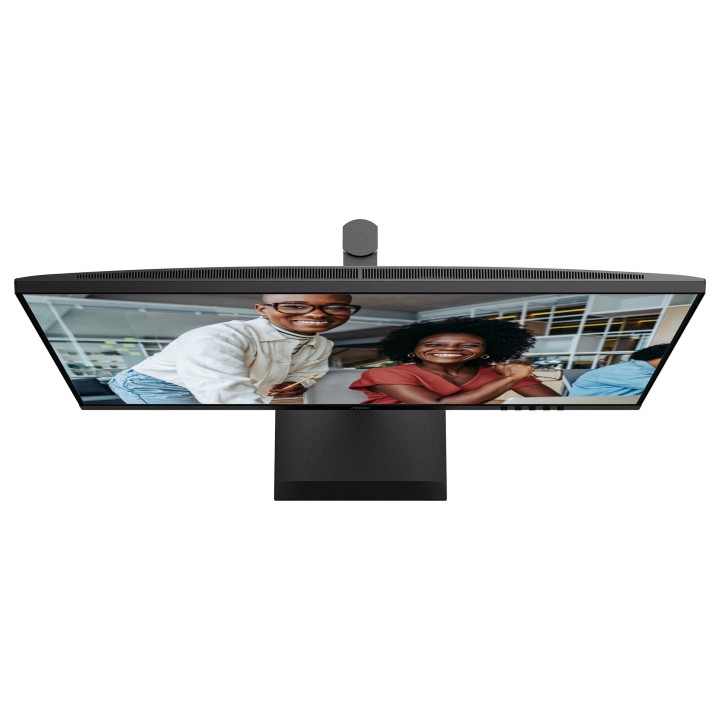
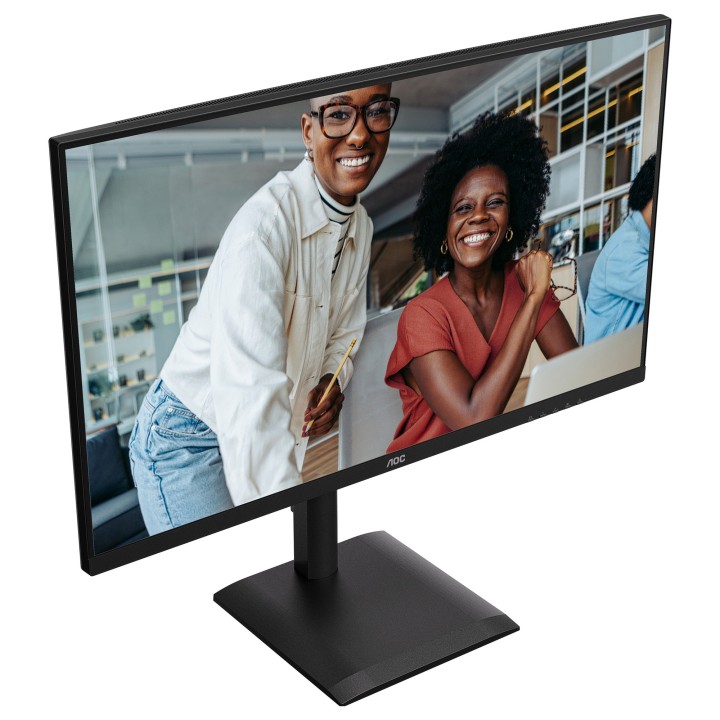
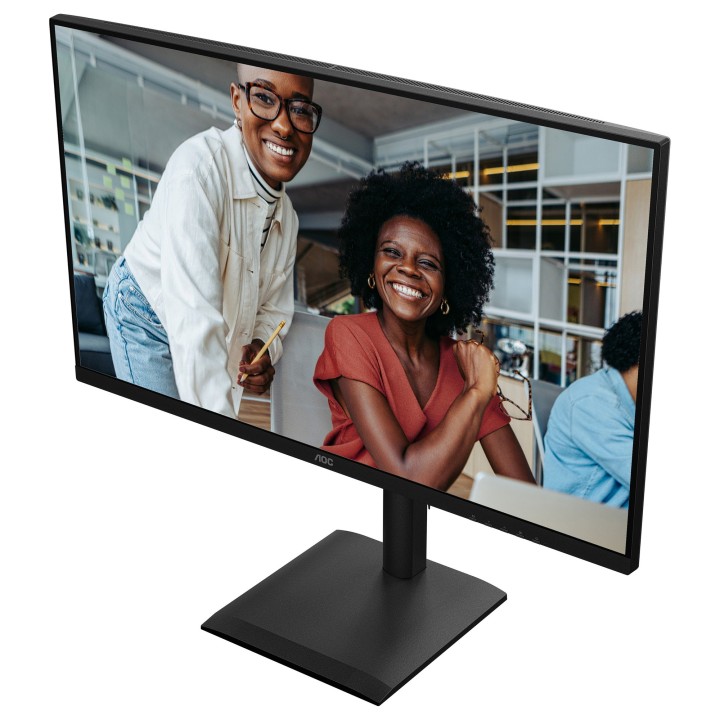
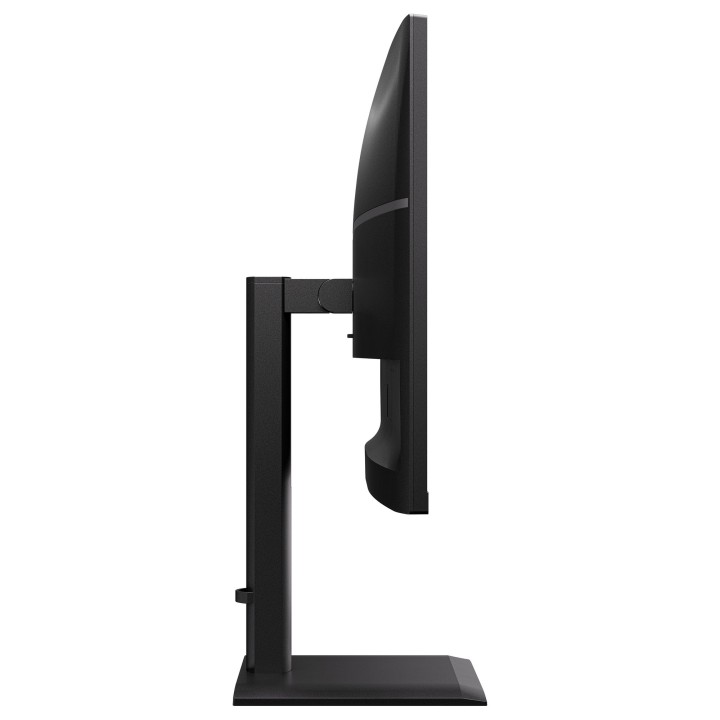
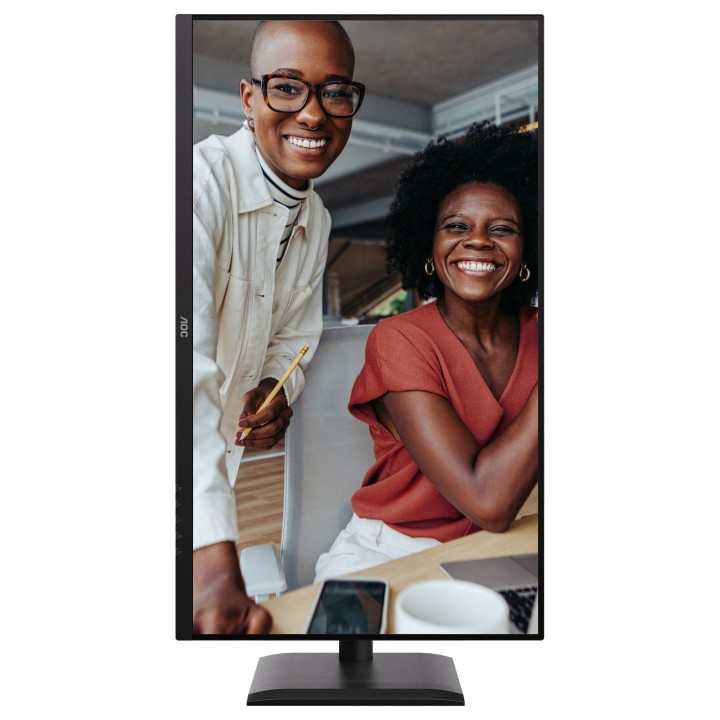
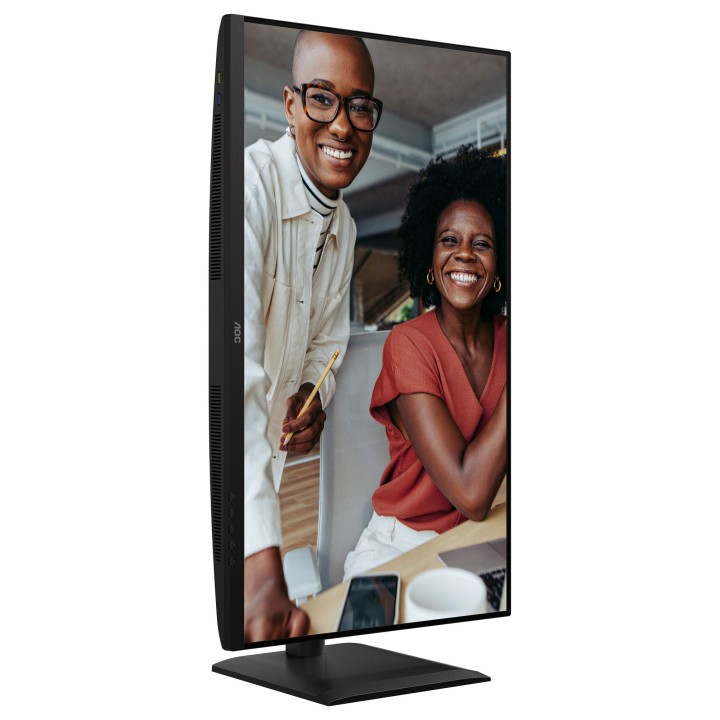
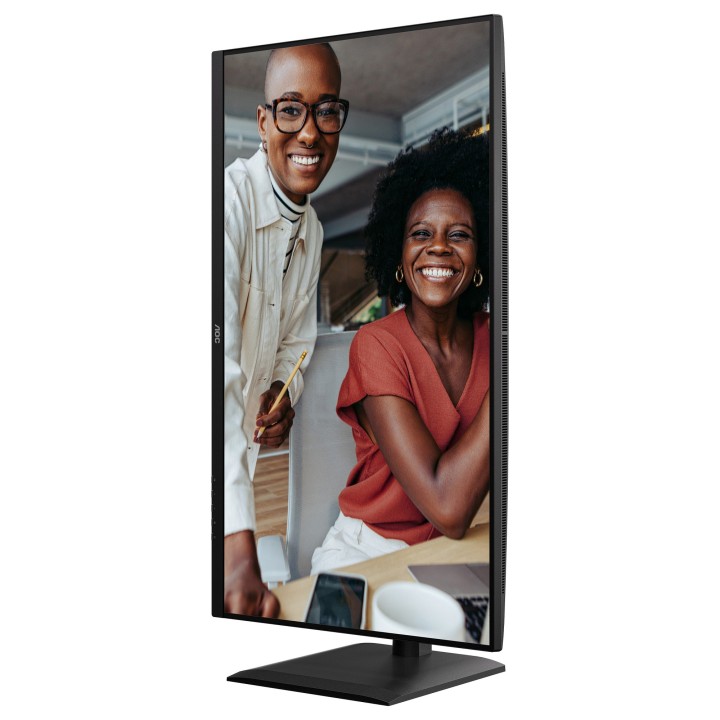
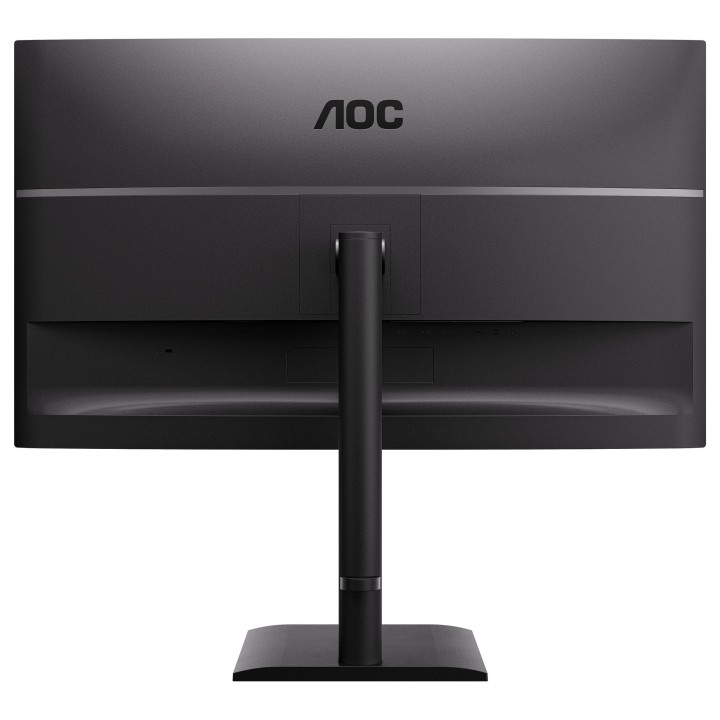
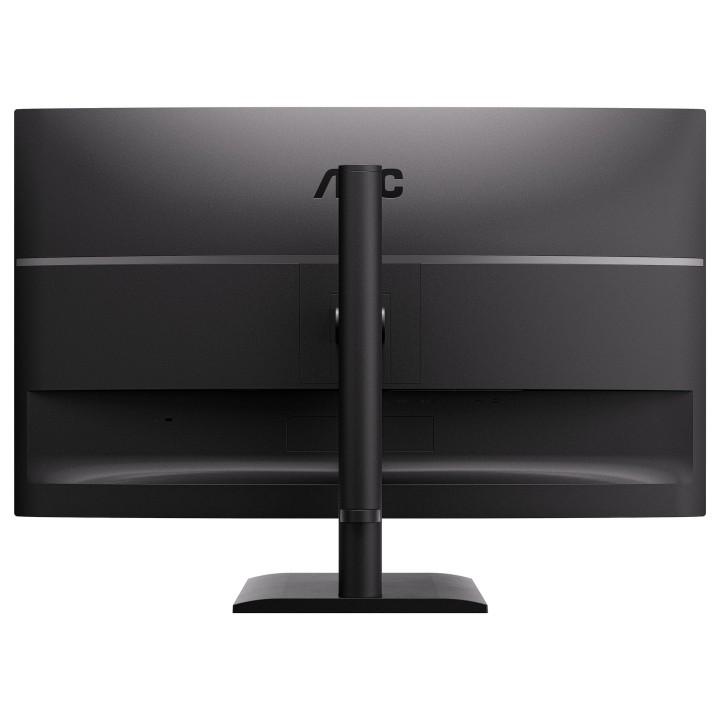
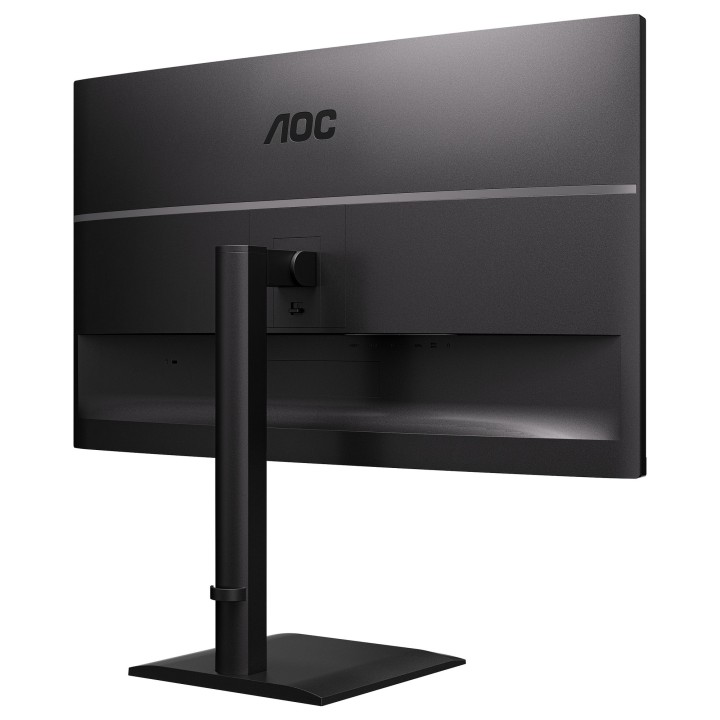
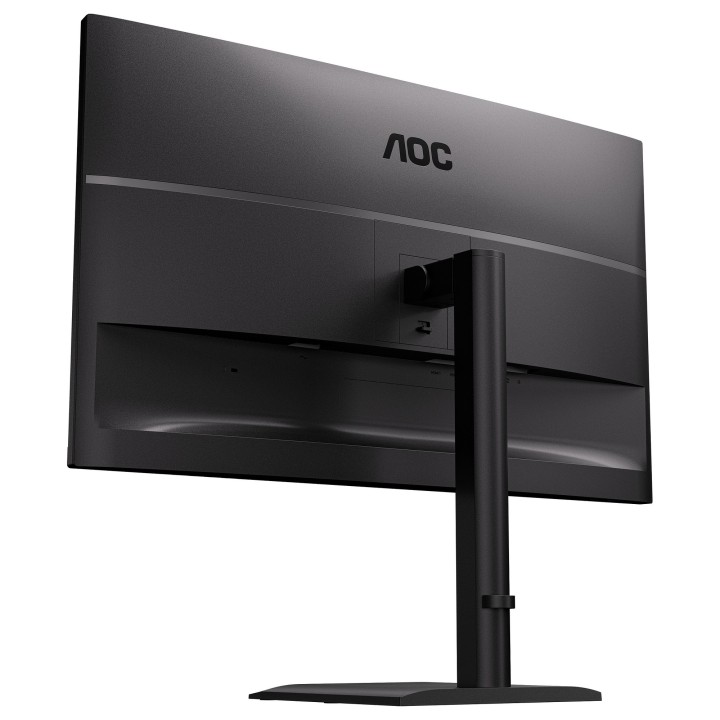
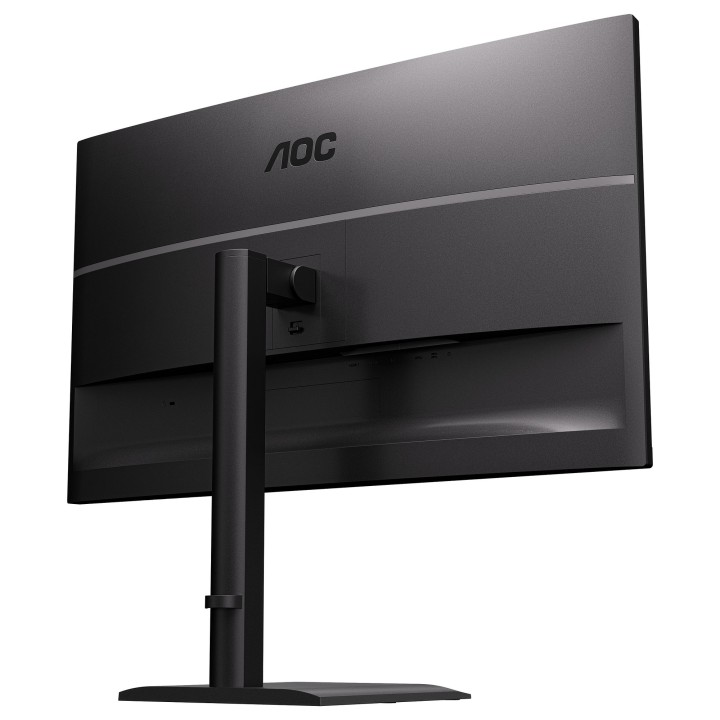
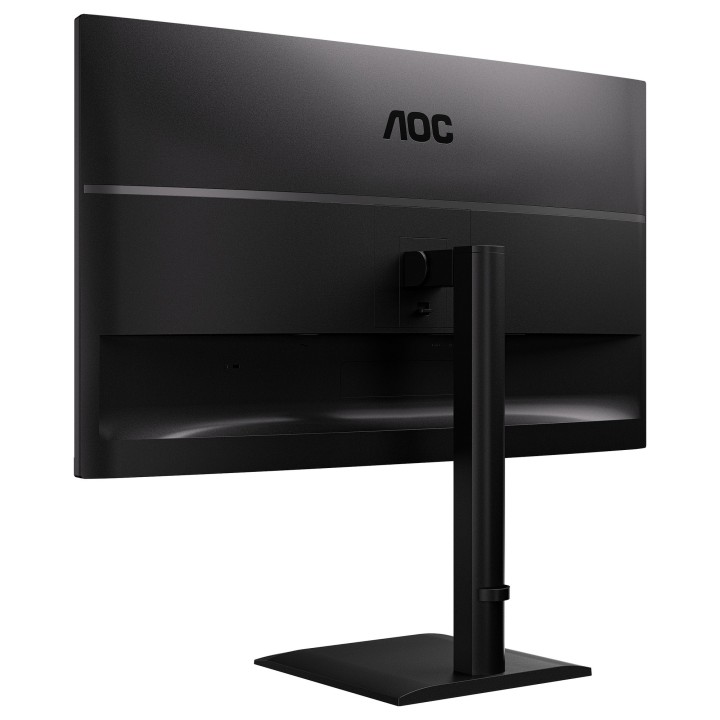
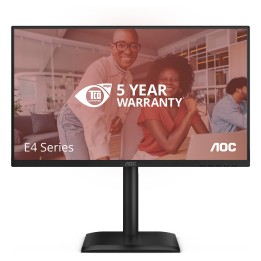
AOC 31.5inch 2560x1440 100Hz IPS Flat H/A 180 MM Adaptive Sync TUV EyeComfort Hardware USB HUB SPEAKERS Anti Blue light DP HDMI obrazki
AOC 31.5inch 2560x1440 100Hz IPS Flat H/A 180 MM Adaptive Sync TUV EyeComfort Hardware USB HUB SPEAKERS Anti Blue light DP HDMI
Opis produktu
AOC E4 Q32E4U. Długość przekątnej ekranu: 80 cm (31.5"), Rozdzielczość: 2560 x 1440 px, Typ HD: Quad HD, Technologia wyświetlacza: LED, Czas odpowiedzi (typowy): 4 ms, Natywne proporcje obrazu: 16:9, Kąt widzenia (poziomy): 178°, Kąt widzenia (pionowy): 178°. Wbudowane głośniki. Wbudowany USB hub, Wersja USB hub: 3.2 Gen 1 (3.1 Gen 1). Standard VESA, Opcja regulacji wysokości. Kolor produktu: Czarny
Specyfikacja
- Opis produktu: AOC Q32E4U E4 Series monitor LED 32" HDR
- Rodzaj urządzenia: Monitor LCD z podświetleniem LED 32"
- Adres URL kodu QR Etykiety Efektywności Energetycznej: Https:eprel.ec.europa.euqr2458787
- Klasa energii: Klasa C
- Cechy: Koncentrator USB 3.2 Generacji 1.
- Typ panela: IPS
- Współczynnik kształtu: 16:9
- Rozdzielczość natywna: QHD 2560 x 1440 przy 100 Hz
- Rozstaw pikseli: 0.2727 mm
- Współczynnik kontrastu: 1000:1 20000000:1 (dynamic)
- Czas reakcji: 4 ms (szarydoszarego)
- Obsługa kolorów: 16,7 miliony kolorów
- Paleta Kolorów: 118.4 sRGB (CIE 1976)
- Złącza wejściowe: 2xHDMI, DisplayPort
- Regulacja pozycji ekranu: Wysokość, pivot (obrót), pokrętło, odchylenie
- Powłoka ekranu: Antyrefleksyjna
- Kolor: Czarny
- Wymiary (szer.głęb.wys.) z podstawką (najwyższa pozycja): 71.45 cm x 27.04 cm x 62.86 cm
- Waga: 9.01 kg
- Standardy ochrony środowiska: TCO Certified Edge Displays, TCO Certified, generacja 10, dla wyświetlaczy, Tak EPEAT Gold
- Zgodność z normami: CB, FCC, RoHS, WEEE, REACH, PCF, EAC, TUV Rheinland Low Blue Light (Hardware Solution), TUVGS, TUVErgo, ECMA
Szczegóły produktu
- Marka AOC INTERNATIONAL
- Kod produktu 6933a412051ef458ebe44548
- Dostępność 27 Przedmioty
- EAN13 4038986112956
- MPN Q32E4U
Specyfikacja
- Przekątna ekranu (cal) 31,5 cal
- Czas reakcji GtG (ms) 4 ms
- Rozdzielczość natywna 2560 × 1440
- Typ matrycy IPS
- Częstotliwość odświeżania (Hz) 100 Hz
-
Wejścia obrazu
DisplayPort
HDMI - Ekran dotykowy Nie
- Zakrzywiony ekran Nie
- Standard VESA 100 × 100
- Pivot Tak
Producent
Producent
OC International (Europe) B.V.
Prins Bernhardplein 200 1097 JB Amsterdam Netherlands
Formularz kontaktowy: https://www.aoc.com/support
Telefon: +31 20 504 00 10
Bezpieczeństwo
Informacje o bezpieczeństwie
List of computer monitor safety warnings based on the requirements of General Product Safety Regulation (EU) 2023/988 (GPSR): * Risk to vision: Long-term gazing at the monitor screen may cause eye strain, dry eyes or headaches. * Limit the working time with the monitor. * Take regular breaks. * Maintain proper distance from the screen. * Ensure proper lighting in the room. * Set the brightness and contrast of the monitor to a comfortable level. * Ergonomics: Incorrect position when working with the monitor can lead to back, neck, and shoulder pain. * Set the monitor to the correct height so that the top edge of the screen is at eye level or slightly below. * Use an adjustable chair and desk to ensure an ergonomic position. * Maintain proper posture while sitting. * Risk of electric shock: Improper use or damage to the monitor can lead to electric shock. * Do not use the monitor in humid environments. * Do not touch the monitor with wet hands. * Do not put any items inside the monitor. * If the power cable is damaged, replace it with a new one. * Disconnect the monitor from power before cleaning. * Fire risk: Overheating or short circuiting in the monitor can cause a fire. * Do not cover the ventilation holes of the monitor. * Do not place the monitor near heat sources. * Use only the original power supply that came with your monitor. * If the monitor overheats, disconnect it from power immediately. * Mechanical damage: The fall of the monitor can cause damage and pose a threat to the user. * Set the monitor on a stable surface. * Secure cables to avoid accidental tripping. * For monitor transport, use appropriate protective packaging. * Cleaning: Improper cleaning of the monitor can damage the screen or cause other problems. * Use only a soft, dry cloth to clean the screen. * Do not use cleaning products containing alcohol, ammonia or other corrosive substances. * Disconnect the monitor from power before cleaning. * Disposal: Incorrect disposal of the monitor can pose a threat to the environment. * Return the used monitor to the e-waste collection point. * Do not throw the monitor in a regular trash can. * Children: The monitor is not a toy and should not be used by children without supervision. * Make sure children do not touch the power cables. * Make sure kids don't play around with the monitor packaging. * Repairs: Do not try to repair the monitor yourself. * Any repairs should be done by qualified personnel. * Monitor portability: Be careful when moving your monitor. * Disconnect all cables before moving. * Use appropriate packaging. * Weather conditions: Do not expose the monitor to extreme temperatures or moisture. * Protect your monitor from direct sunlight. * Adjustable settings: Do not use extreme brightness or contrast settings. * These can cause faster eye strain. * Noise: If the monitor makes disturbing noises, turn it off immediately. * Contact the technical service. * Environmental protection: Be sure to turn off the monitor when not in use. * You save energy this way. * Software: Use only the software provided by the manufacturer. * You will avoid compatibility issues.
Monitory
- Nowy
- Nowy
- Nowy
- Nowy
- Nowy
- Nowy
- Nowy
- Nowy
Ostatnio oglądane
Produkty, które ostatnio zwróciły Twoją uwagę.
- Nowy
- Nowy
- Nowy
- Nowy