- Nowy
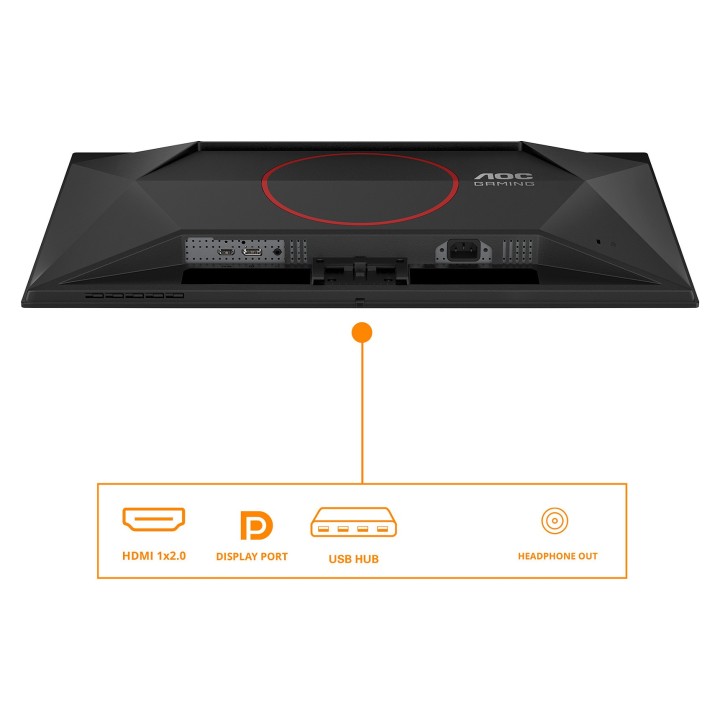
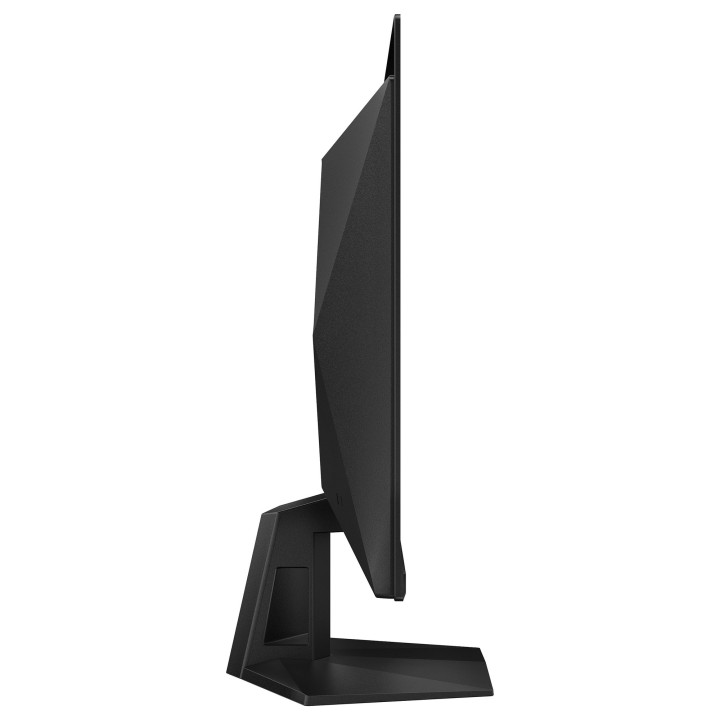
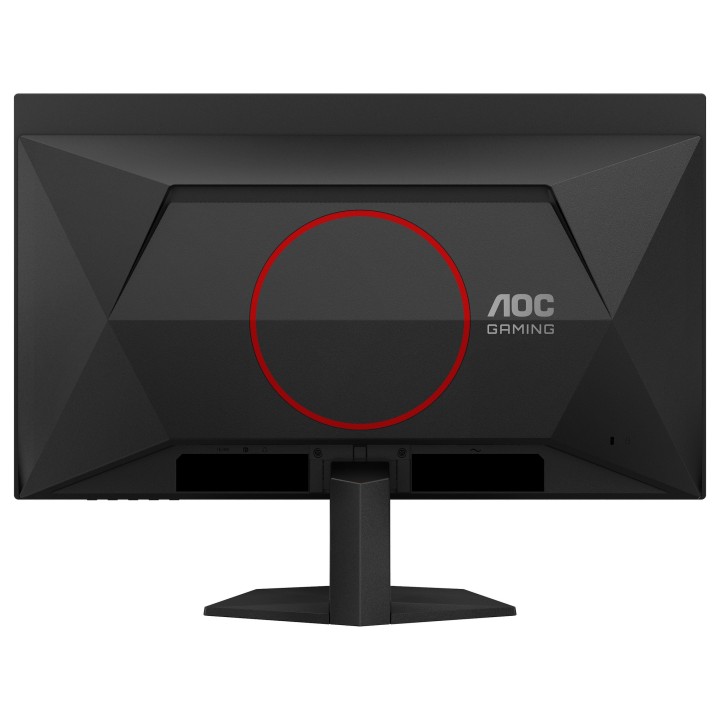
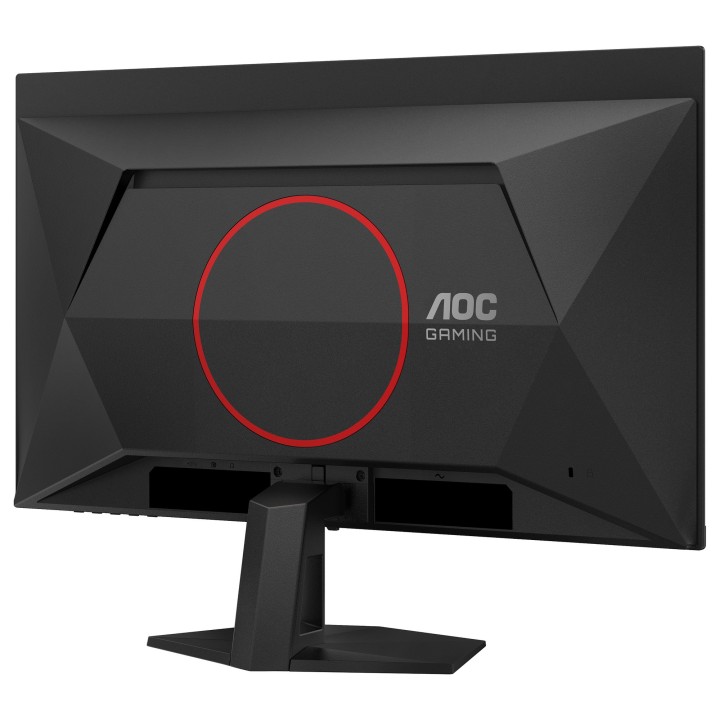
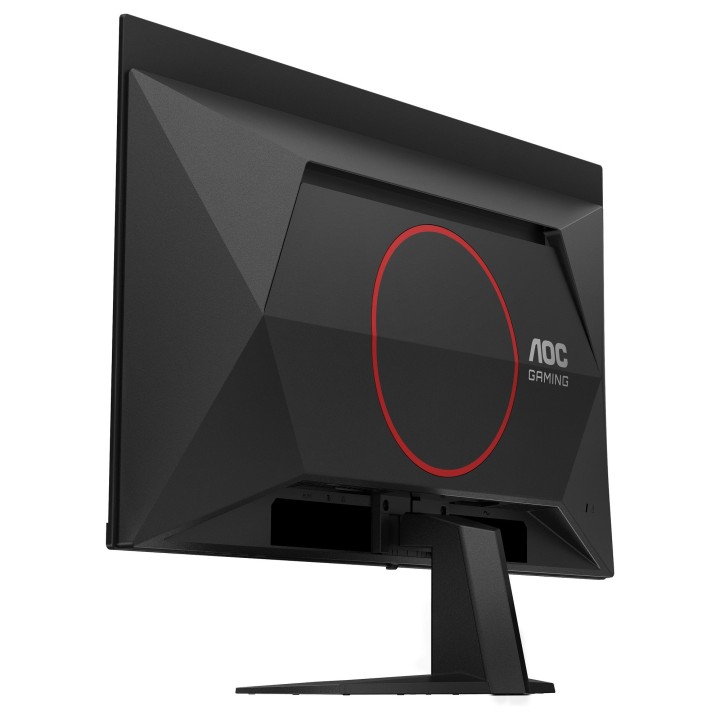
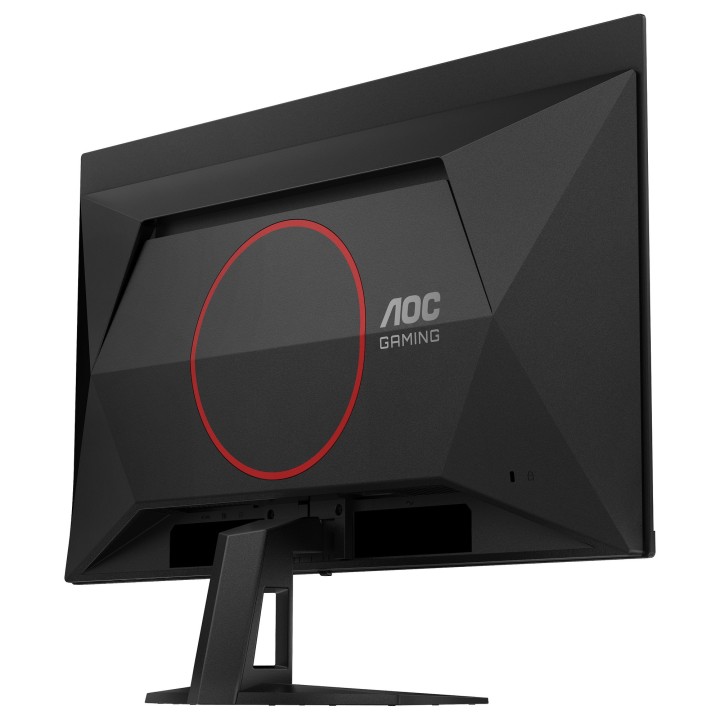
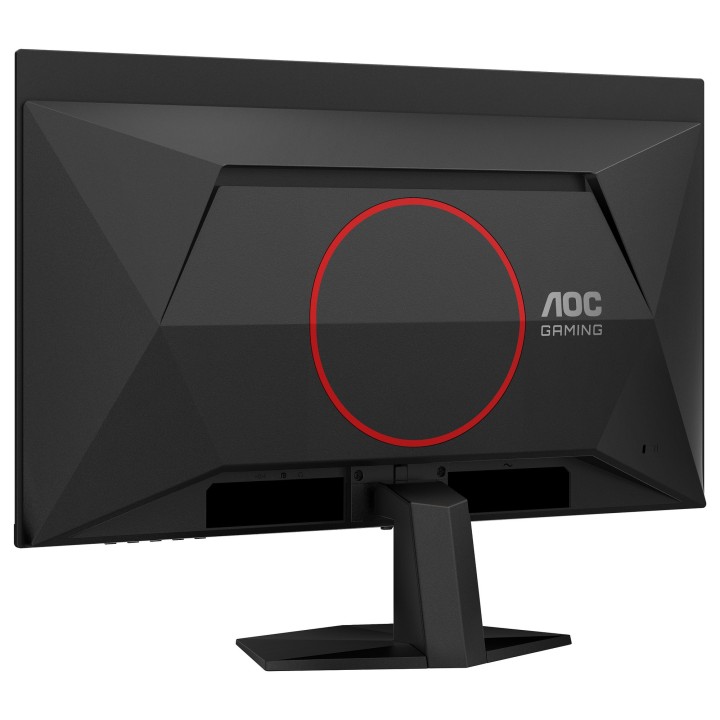
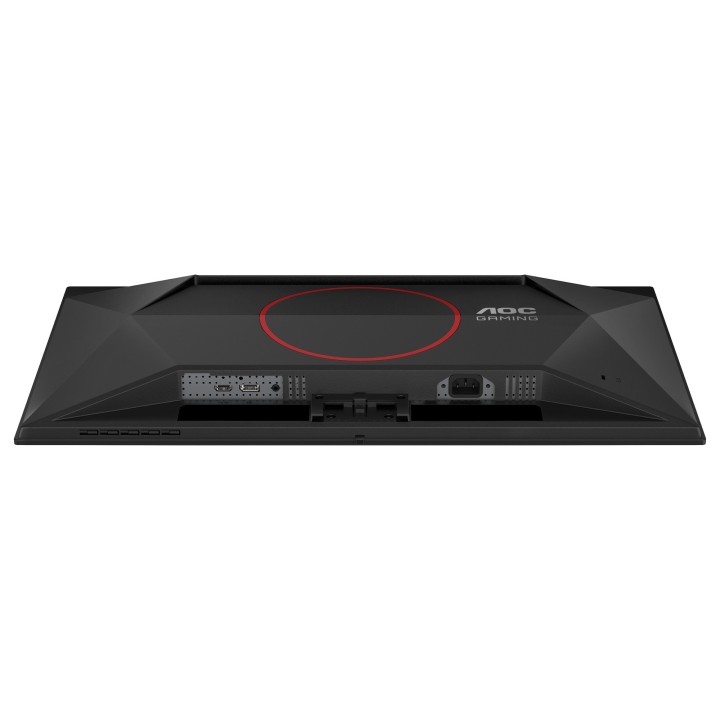
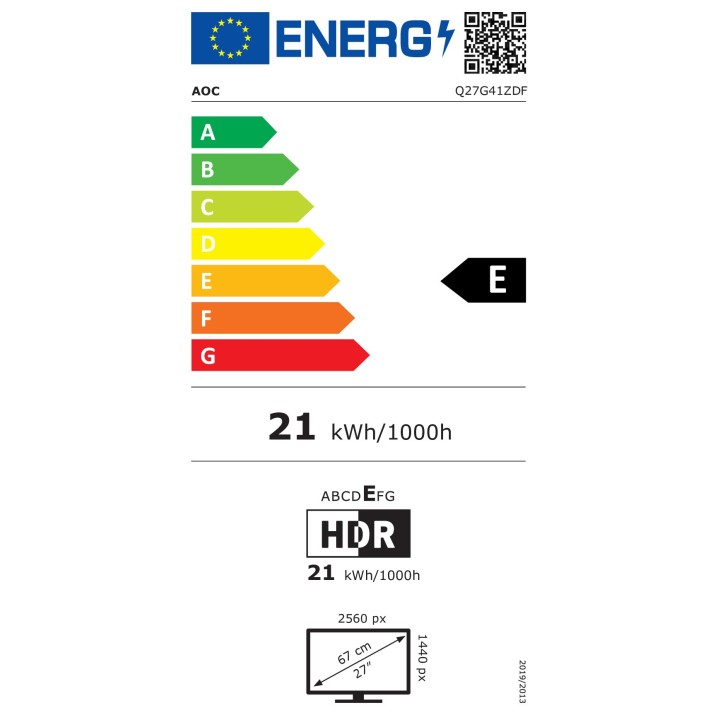
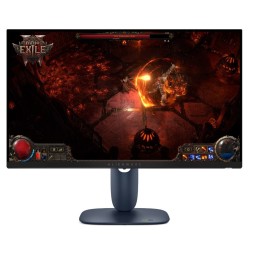
Q27G41ZDF
TYLKO DLA ODWAŻNYCH
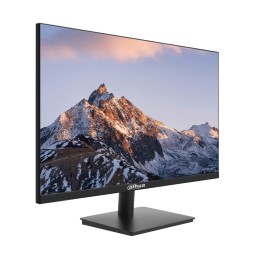
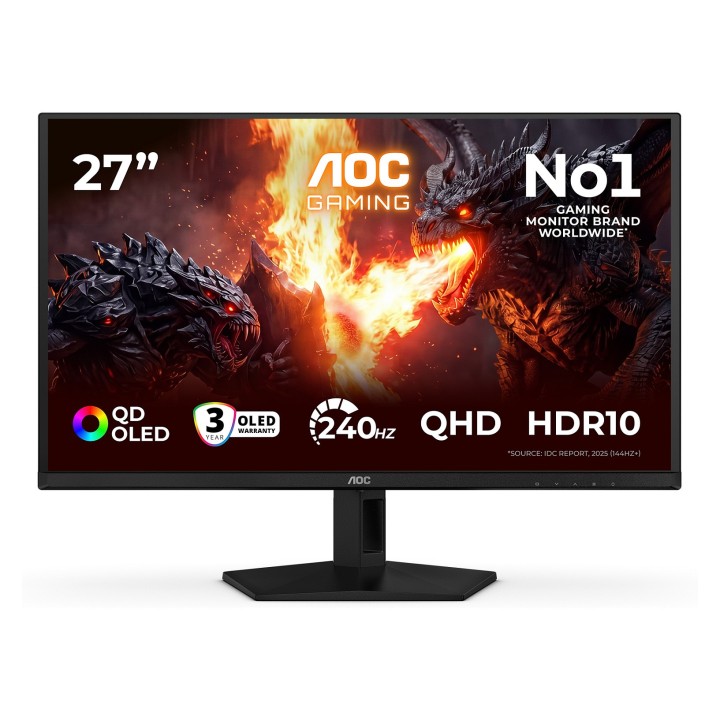
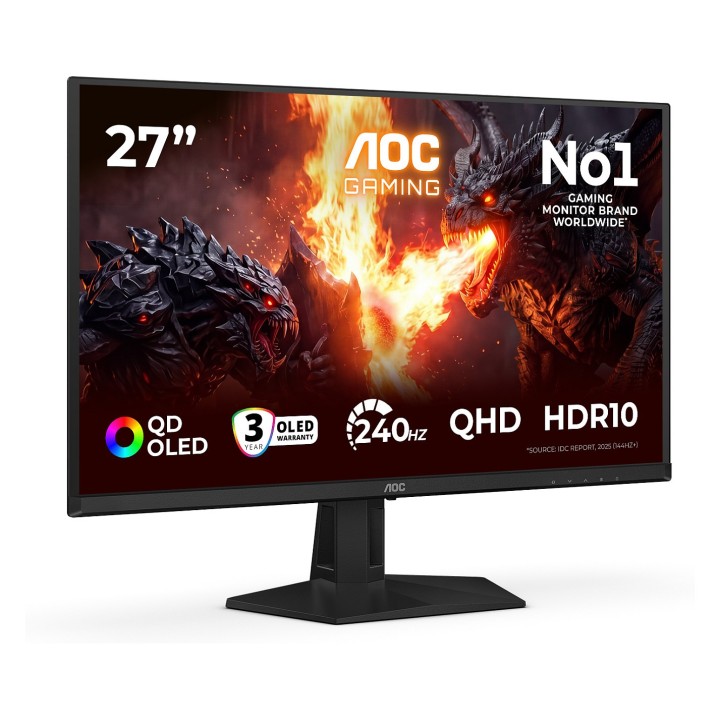
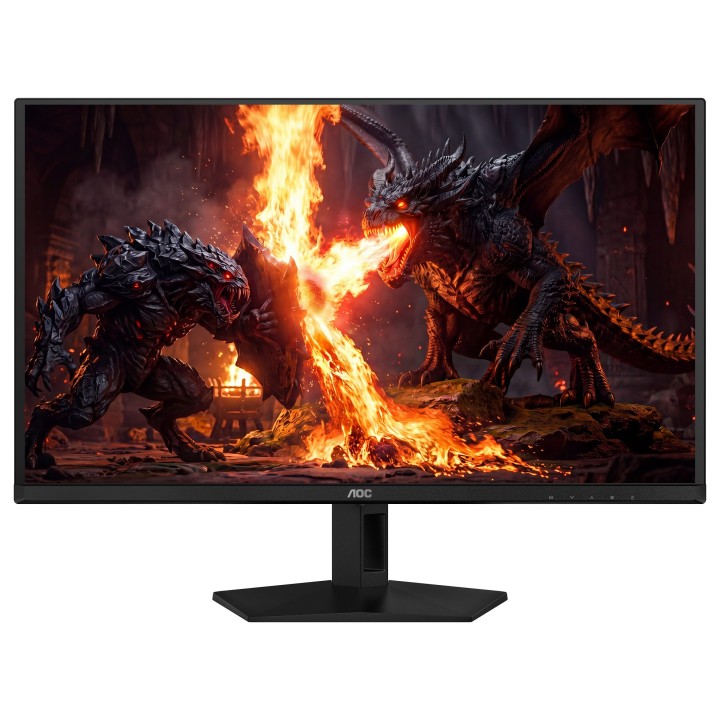
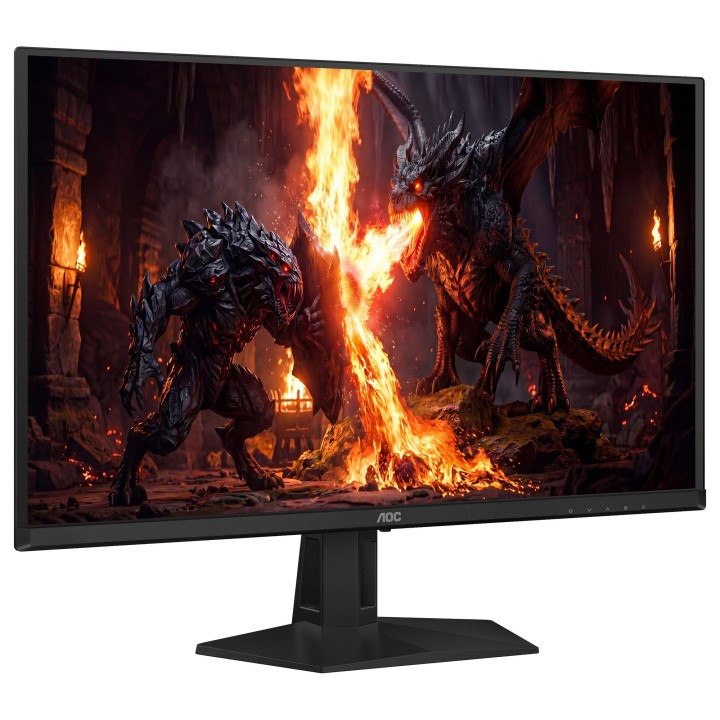
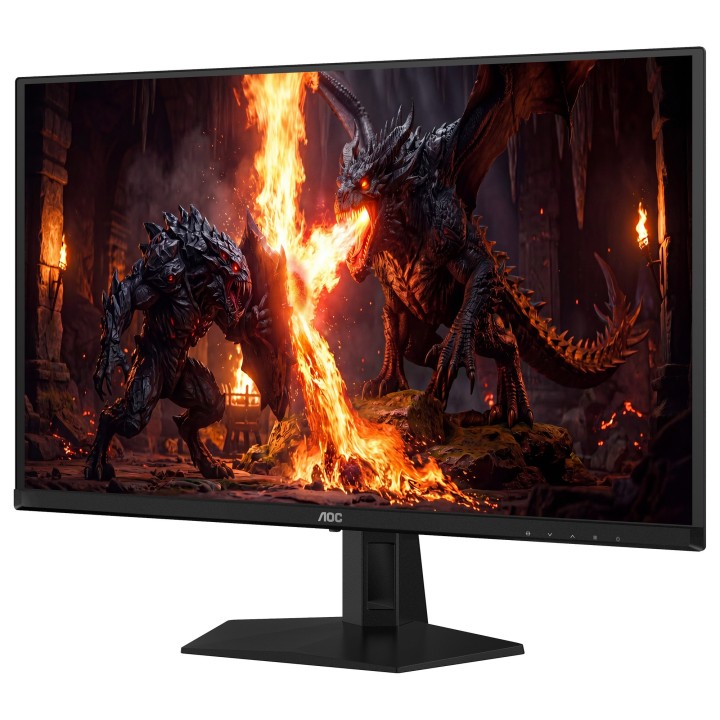
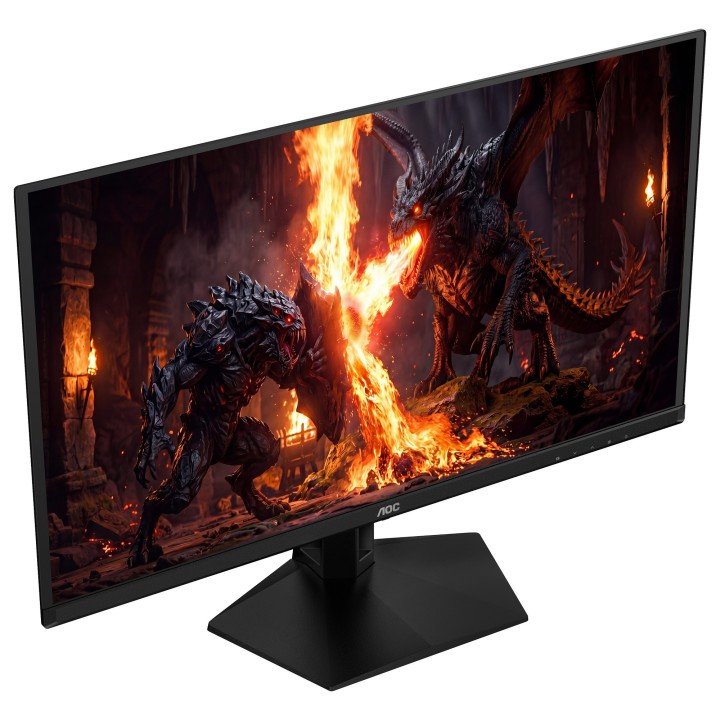
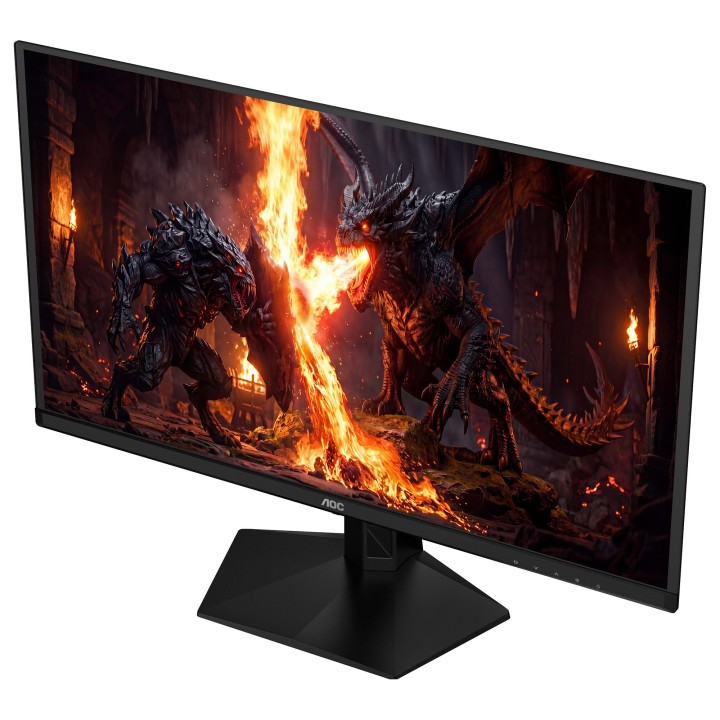
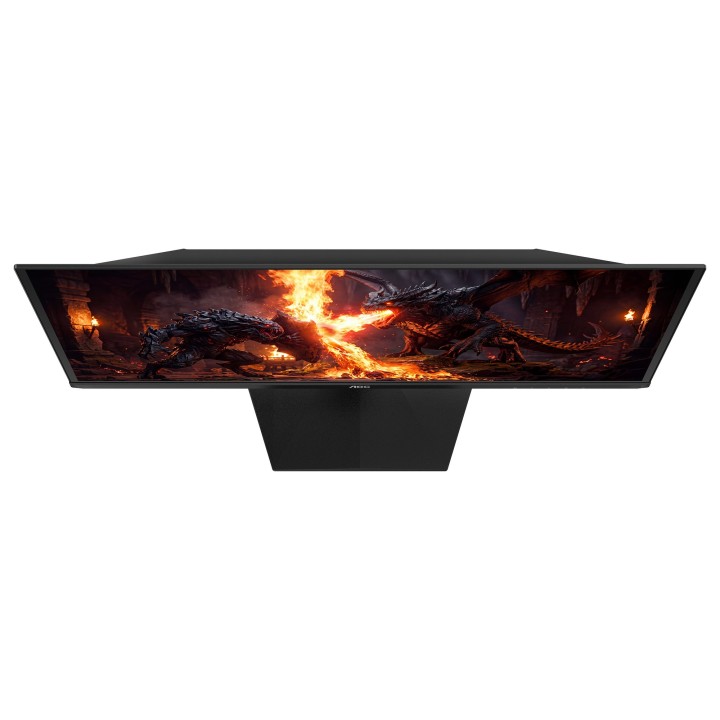
Zdominuj swoje sesje gamingowe dzięki monitorowi Q27G41ZDF QD-OLED, oferującemu oszałamiającą klarowność QHD i ultrawydajność 240Hz.
Poznaj monitor Q27G41ZDF Gaming, oparty na technologii QD-OLED, zapewniającej wyjątkową dokładność kolorów, głęboki kontrast i realistyczne obrazy. Dzięki rozdzielczości QHD przy 240 Hz, G-Sync Compatible i niskiemu input lag rozgrywka pozostaje płynna i responsywna w każdej chwili. Obsługa HDR10 poprawia jasność i szczegółowość, zapewniając immersyjne sceny w różnych gatunkach. Dzięki 3-letniej gwarancji, personalizacji w G-Menu i niezawodności nastawionej na graczy, Q27G41ZDF został zaprojektowany, aby zapewniać zarówno wydajność, jak i pewność na dłuższą metę.
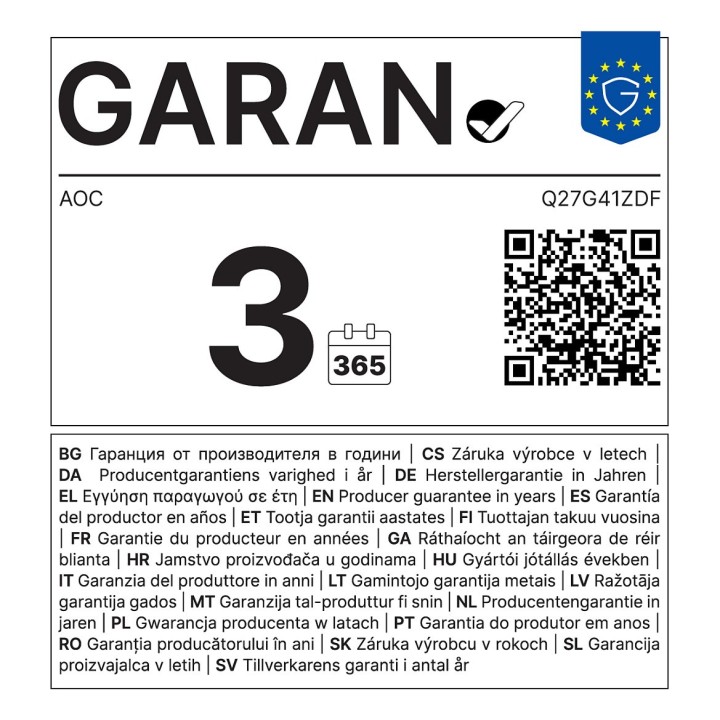
Trzy lata gwarancji OLED
Gwarancja wliczona: 3 lata gwarancji (obejmującej ochronę przed wypaleniem OLED*) Więcej informacji znajduje się na stronie z informacjami o gwarancji.
240Hz Częstotliwość Odświeżania
240 Hz całkowicie uwalnia moc najlepszych kart graficznych, gwarantując bezprecedensową płynność obrazu na ekranie. Gdy każdy detal jest ostry i każdy ruch wyświetlony wyraźnie, Twoje reakcje mogą zjednoczyć się z akcją i przenieść rozgrywkę na nowy poziom.
Rozdzielczość QHD
Dzięki rozdzielczości 2560 x 1440 pikseli Quad HD (QHD) zapewnia najwyższą jakość i ostrość obrazu oraz wysoki poziom jego szczegółowości. Szerokoekranowe proporcje obrazu 16:9 zapewniają wystarczającą ilość miejsca zarówno na aplikacje biurowe, jak i rozrywkę w postaci gier i filmów.
Przeżyj grę w pełni z HDR10
HDR10 jest tutaj, aby dalej podnieść jakość obrazu, poprawiając synchronizację Twojej karty graficznej lub konsoli z monitorem. To tworzy bardziej realistyczne, wciągające i płynne doświadczenie z grą: Poczujesz się jak wchodząc do gry, klatka po klatce.
G-Sync Compatible
Umożliwia bezbłędną jakość obrazu poprzez synchronizację nowych generacji kart graficznych NVIDIA* z tym monitorem G-SYNC Compatible.
Niskie opóźnienie sygnału wejściowego
Uwolnij swój refleks, przełączając się na Tryb niskiego opóźnienia AOC. Zapomnij o bajerach graficznych: ten tryb przełącza monitor na ustawienia stawiające czysty czas reakcji na pierwszym miejscu, zapewniając decydującą przewagę w wyrównanych starciach, gdy decydują ułamki sekund.
GMENU
Menu G AOC to bezpłatne narzędzie, które można zainstalować na komputerze i cieszyć się pełną personalizacją w połączeniu z maksymalną wygodą.
OC International (Europe) B.V.
Prins Bernhardplein 200 1097 JB Amsterdam Netherlands
Formularz kontaktowy: https://www.aoc.com/support
Telefon: +31 20 504 00 10
List of computer monitor safety warnings based on the requirements of General Product Safety Regulation (EU) 2023/988 (GPSR): * Risk to vision: Long-term gazing at the monitor screen may cause eye strain, dry eyes or headaches. * Limit the working time with the monitor. * Take regular breaks. * Maintain proper distance from the screen. * Ensure proper lighting in the room. * Set the brightness and contrast of the monitor to a comfortable level. * Ergonomics: Incorrect position when working with the monitor can lead to back, neck, and shoulder pain. * Set the monitor to the correct height so that the top edge of the screen is at eye level or slightly below. * Use an adjustable chair and desk to ensure an ergonomic position. * Maintain proper posture while sitting. * Risk of electric shock: Improper use or damage to the monitor can lead to electric shock. * Do not use the monitor in humid environments. * Do not touch the monitor with wet hands. * Do not put any items inside the monitor. * If the power cable is damaged, replace it with a new one. * Disconnect the monitor from power before cleaning. * Fire risk: Overheating or short circuiting in the monitor can cause a fire. * Do not cover the ventilation holes of the monitor. * Do not place the monitor near heat sources. * Use only the original power supply that came with your monitor. * If the monitor overheats, disconnect it from power immediately. * Mechanical damage: The fall of the monitor can cause damage and pose a threat to the user. * Set the monitor on a stable surface. * Secure cables to avoid accidental tripping. * For monitor transport, use appropriate protective packaging. * Cleaning: Improper cleaning of the monitor can damage the screen or cause other problems. * Use only a soft, dry cloth to clean the screen. * Do not use cleaning products containing alcohol, ammonia or other corrosive substances. * Disconnect the monitor from power before cleaning. * Disposal: Incorrect disposal of the monitor can pose a threat to the environment. * Return the used monitor to the e-waste collection point. * Do not throw the monitor in a regular trash can. * Children: The monitor is not a toy and should not be used by children without supervision. * Make sure children do not touch the power cables. * Make sure kids don't play around with the monitor packaging. * Repairs: Do not try to repair the monitor yourself. * Any repairs should be done by qualified personnel. * Monitor portability: Be careful when moving your monitor. * Disconnect all cables before moving. * Use appropriate packaging. * Weather conditions: Do not expose the monitor to extreme temperatures or moisture. * Protect your monitor from direct sunlight. * Adjustable settings: Do not use extreme brightness or contrast settings. * These can cause faster eye strain. * Noise: If the monitor makes disturbing noises, turn it off immediately. * Contact the technical service. * Environmental protection: Be sure to turn off the monitor when not in use. * You save energy this way. * Software: Use only the software provided by the manufacturer. * You will avoid compatibility issues.
Produkty, które ostatnio zwróciły Twoją uwagę.