- Nowy
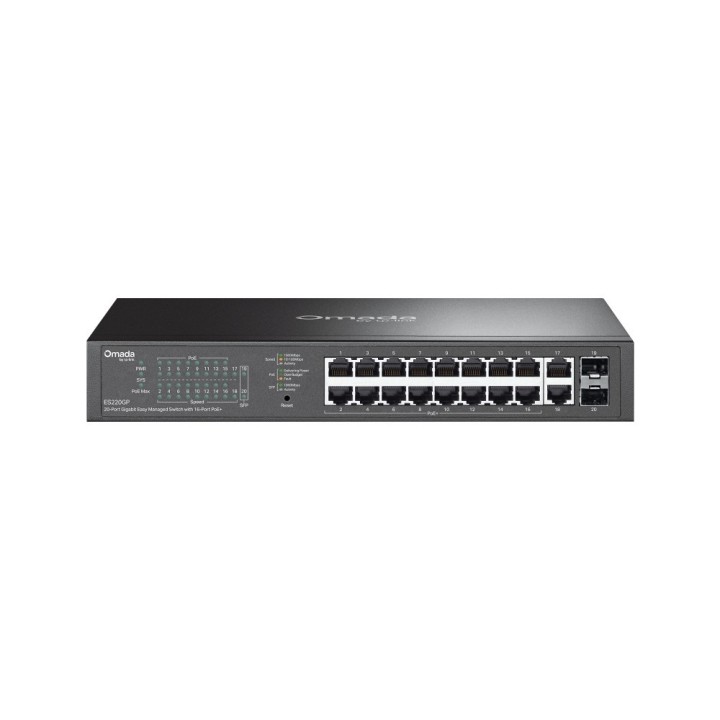
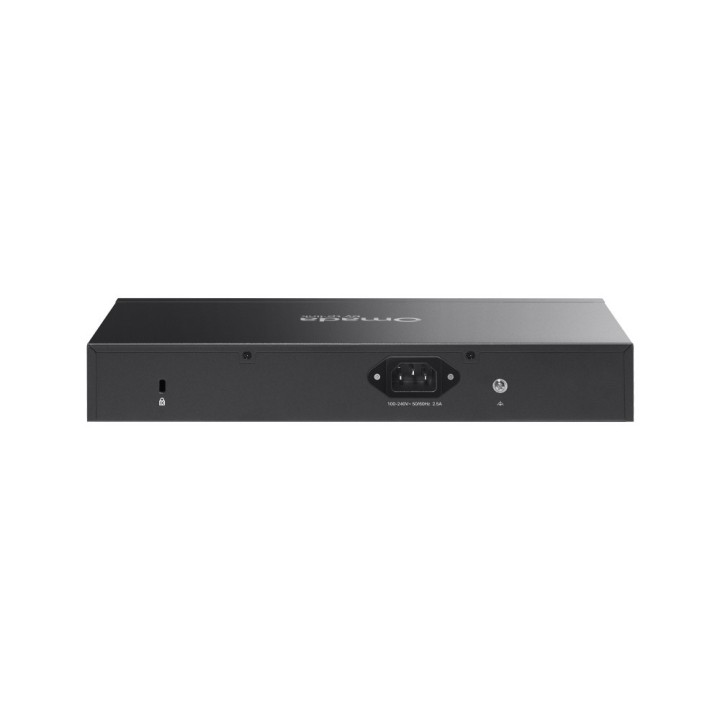
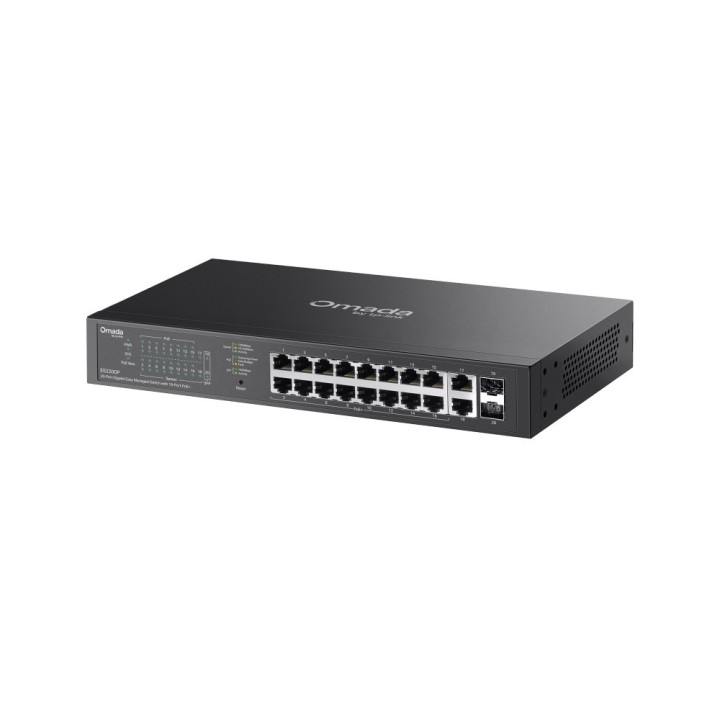
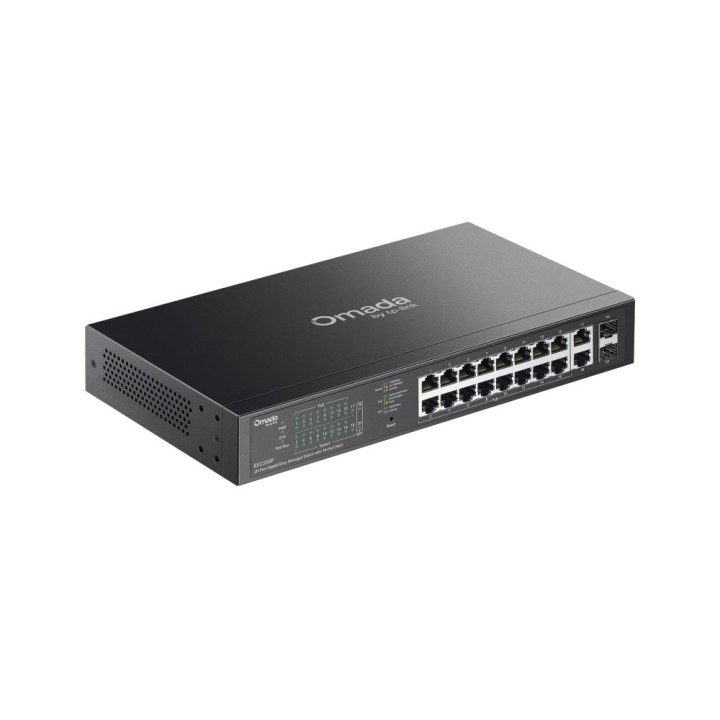
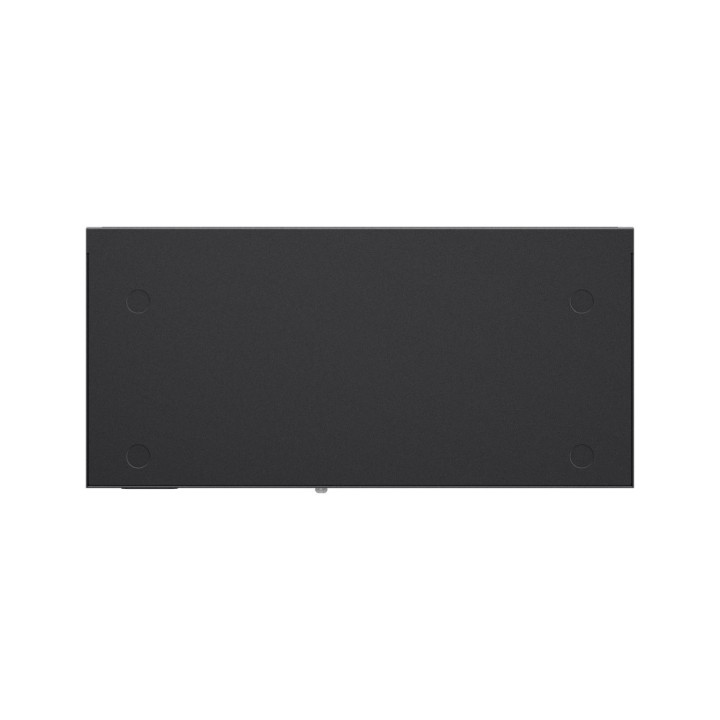
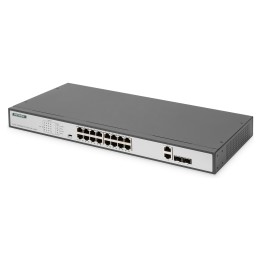
20-PORT 1G EASY MANAGED SWITCH/16-P POE+ STEEL CASE AND FANLESS obrazki
20-PORT 1G EASY MANAGED SWITCH/16-P POE+ STEEL CASE AND FANLESS
Opis produktu
Omada Central Essentials is a free, easy-to-use version of the Omada Central.
It provides cloud-based centralised management and monitoring for the Omada networking system, covering access points, switches, and gateways, ideal for surveillance networks and small businesses.
Multiple Application Scenarios
Surveillance
Works with IP Cameras
Wi-Fi Coverage
Works with Access Points
Wired Connections
Works with Non-PoE Devices such as PCs and Printers
Specyfikacja
- Quality of Service (QoS) support: Yes
- Web-based management: Yes
- Switch type: Managed
- Cloud-managed: Yes
- SFP module slots quantity: 2
- Gigabit Ethernet (copper) ports quantity: 18
- Installed SFP modules quantity: 0
- Installed SFP+ modules quantity: 0
- Basic switching RJ-45 Ethernet ports type: Gigabit Ethernet (10/100/1000)
- Basic switching RJ-45 Ethernet ports quantity: 18
- Power connector: AC-in jack
- Flow control support: Yes
- Ethernet LAN data rates: 10,100,1000 Mbit/s
- Auto-negotiation: Yes
- Networking standards: IEEE 802.1Q,IEEE 802.1ab,IEEE 802.1p,IEEE 802.3af,IEEE 802.3at,IEEE 802.3x
- VLAN support: Yes
- Number of VLANs: 32
- Link aggregation: Yes
- Auto MDI/MDI-X: Yes
- Virtual LAN features: MTU VLAN,Port-based VLAN,Tagged VLAN
- 10G support: No
- Broadcast storm control: Yes
- Port mirroring: Yes
- MAC address table: 8000 entries
- Switching capacity: 40 Gbit/s
- Jumbo frames support: Yes
- Forwarding rate: 29.76 Mpps
- Packet buffer memory: 4 MB
- Number of queues: 8
- Store-and-forward: Yes
- IGMP snooping: Yes
- DHCP features: DHCP client
- Queue scheduling algorithms: Weighted Round Robin (WRR)
- Multicast support: Yes
- Product colour: Black
- Rack mounting: Yes
- Housing material: Metal
- Mean time between failures (MTBF): 320156 h
- Noise level: 20.1 dB
- Fanless: Yes
- Compliance certificates: CE,Federal Communications Commission (FCC),RoHS
- AC input frequency: 50/60 Hz
- Power consumption (max): 182.43 W
- Input current: 2.5 A
- AC input voltage: 100 - 240 V
- Power source: AC
- Power over Ethernet plus (PoE+) ports quantity: 16
- Power over Ethernet (PoE): Yes
- Total Power over Ethernet (PoE) budget: 150 W
- Power over Ethernet (PoE) power per port: 30 W
- Power over Ethernet (PoE) type supported: PoE+
- Operating temperature (T-T): -5 - 40 °C
- Operating relative humidity (H-H): 10 - 90 %
- Storage temperature (T-T): -40 - 70 °C
- Storage relative humidity (H-H): 5 - 90 %
- Width: 294 mm
- Height: 44 mm
- Depth: 180 mm
- Cables included: AC
- User guide: Yes
Szczegóły produktu
- Marka TP-LINK
- Kod produktu 6934fbc0051ef458eb672dde
- Dostępność 7 Przedmioty
- EAN13 1210002609746
- MPN ES220GP
Specyfikacja
- Liczba portów (szt.) 20 szt.
- Rodzaj zarządzania Zarządzalny
- Budżet PoE (W) 150 W
- Liczba portów SFP (szt.) 2 szt.
Producent
Producent
TP-Link Polska Sp. z o.o.
Ożarowska 40/42 05-850 Duchnice Polska
E-mail: info.pl@tp-link.com
Telefon: +48 22 360 63 63
Osoba odpowiedzialna w UE
TP-Link
Ożarowska 40/42 05-850 Duchnice Polska
E-mail: office.poland@tp-link.com
Telefon: +48 22 360 63 00
Bezpieczeństwo
Informacje o bezpieczeństwie
List of safety warnings for network equipment based on the requirements of General Product Safety Regulation (GPSR) 2023/988: 1. Risk of electric shock: * Make sure that the device is connected to a working socket with grounding. * Do not touch the plug or cable with wet hands. * Avoid using the device in places with high humidity. 2. Risk of overheating: * Provide adequate ventilation while maintaining at least 5 cm of free space around the device. * Do not block ventilation openings and avoid putting network equipment on soft surfaces such as blankets or pillows. 3. Fire risk: * Use only original power supplies and accessories recommended by the manufacturer. * Do not leave the device on unattended near flammable materials. 4. Risk of bodily injury: * Use the device on a stable surface to minimize the risk of falling. 5. Hazards in humid environments: * Do not use network equipment outdoors in rain or in places with high humidity. * If the device is flooded, immediately disconnect it from the power source and contact the service. 6. Hazards at high temperatures: * Do not expose the device to direct sunlight. * Avoid using network equipment at temperatures above the recommended range (usually 5-35°C). 7. Risk of damage during cleaning: * Before cleaning, disconnect the device from the power supply and use a soft, slightly damp cloth. * Avoid using strong detergents that can damage the surface of the device. 8. Caution when replacing accessories: * Use only the accessories recommended by the manufacturer. * When replacing batteries, follow the manufacturer's instructions and do not expose the battery to high temperatures. 9. Risks associated with battery use: * Avoid damage to the battery by impact or puncture. * If the battery overheats or swells, stop using the device immediately. 10. Warnings for children: * Keep power cables out of reach of children. * Make sure that children do not play with the device or accessories that can be dangerous. 11. Electromagnetic interference: * Using network equipment near medical devices such as pacemakers can cause electromagnetic interference. * Maintain a distance of at least 15 cm between network equipment and medical devices. 12. Fire hazard: * Storing network equipment near flammable materials or using non-original power supplies may increase the risk of fire. * Use your smartphone away from fabrics, paper, and other flammable materials. 13. Regular maintenance: * Failure to regularly clean ports and sockets can lead to damage or failure. * Clean ports and sockets regularly using a dry and clean cloth, avoiding moisture input.
Switche
- Nowy
- Nowy
- Nowy
- Nowy
- Nowy
- Nowy
- Nowy
Ostatnio oglądane
Produkty, które ostatnio zwróciły Twoją uwagę.
- Nowy
- Nowy
- Nowy
- Nowy
- Nowy
- Nowy
- Nowy

- Nowy
- Nowy
- Nowy