- Nowy
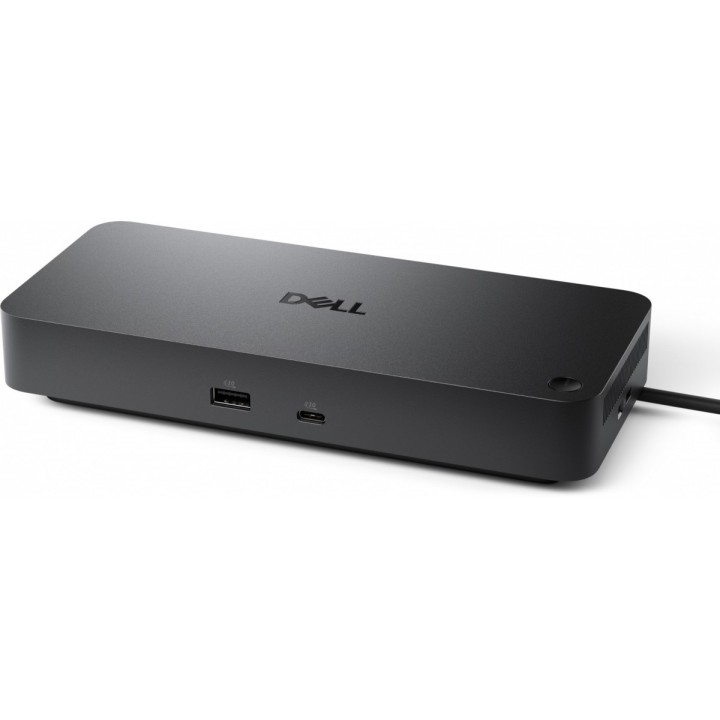
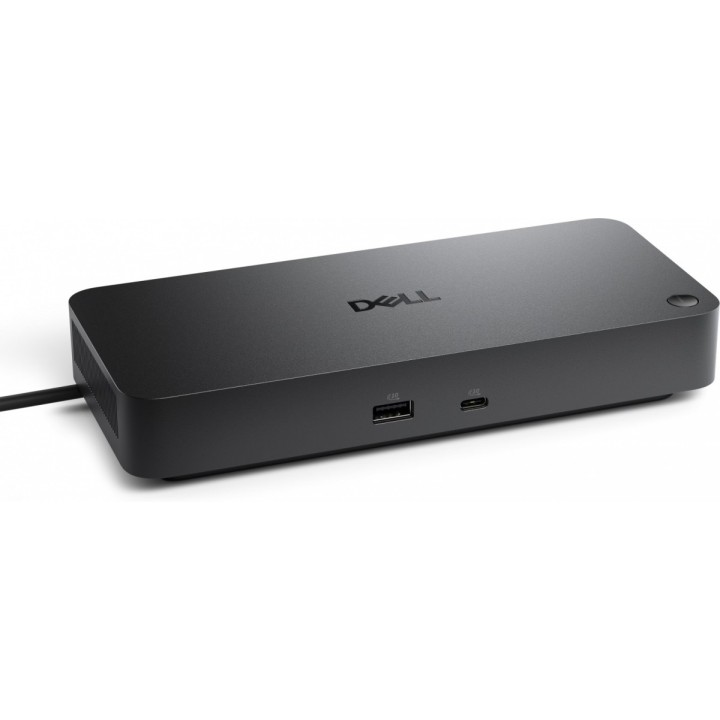
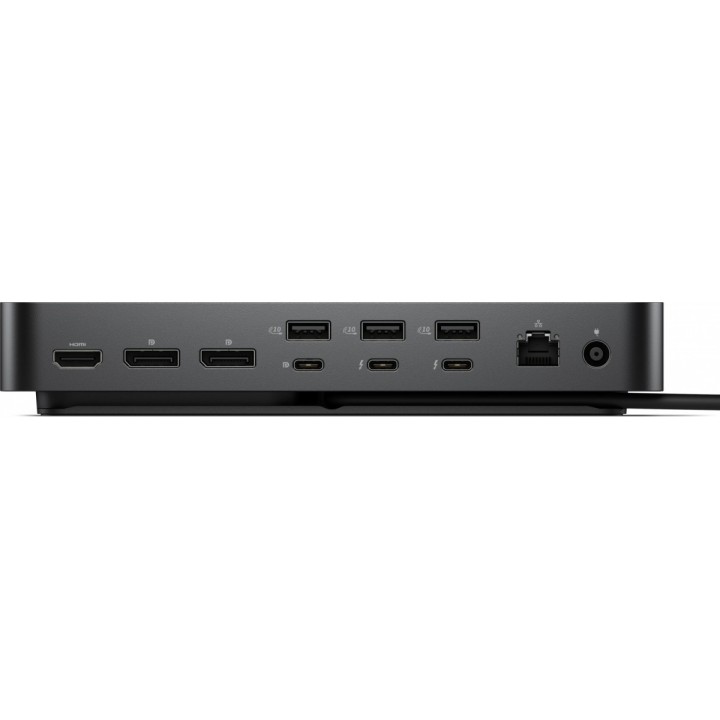
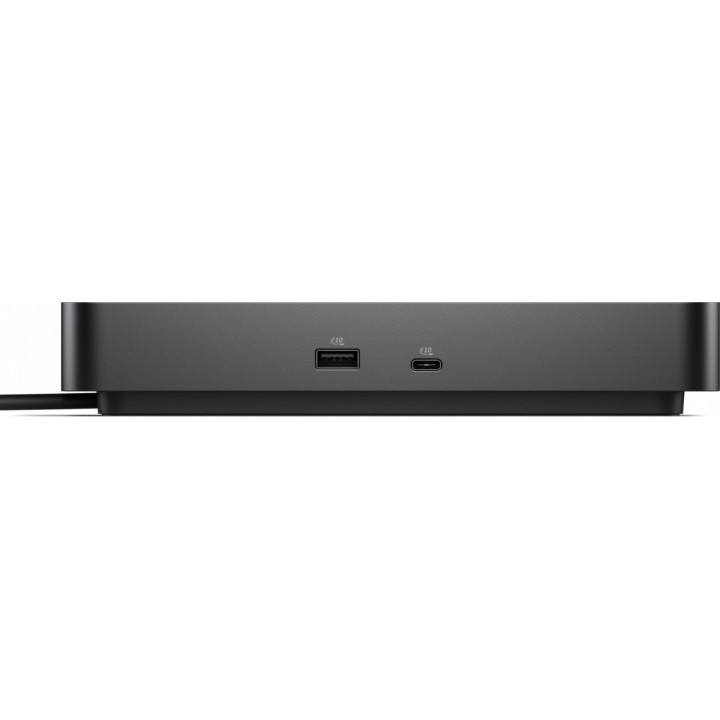
Dell Pro Thunderbolt 4 Dock WD25TB4 to zaawansowana stacja dokująca zaprojektowana do rozbudowanych stanowisk pracy. Dostarcza zasilanie USB Power Delivery do 130 W, a dedykowany zasilacz o mocy 180 W zapewnia stabilne wsparcie dla podłączonych urządzeń i ładowania laptopa. Urządzenie udostępnia dwa porty Thunderbolt 4 dla szybkiego przesyłu danych i łańcuchowego łączenia urządzeń.
Obsługa wieloekranowa umożliwia podłączenie do czterech wyświetlaczy z maksymalną częstotliwością 60 Hz, z wyjściami HDMI 2.1 oraz DisplayPort 1.4. Maksymalna rozdzielczość cyfrowa wynosi 6144 x 3456 px, co pozwala na pracę z dużymi powierzchniami roboczymi i wysoką szczegółowością obrazu.
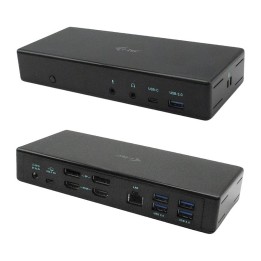
Stacja oferuje bogate możliwości połączeń: 2 porty USB-C (USB 3.2 Gen 2), 4 porty USB-A (USB 3.2 Gen 2) oraz gniazdo Ethernet RJ-45 o przepustowości 2500 Mbit/s. Wyposażona jest również w gniazdo Kensington, wskaźniki LED i przełącznik zasilania. Funkcje takie jak MAC Address Pass-Through i Power Button Sync ułatwiają integrację z istniejącymi środowiskami IT. Brak zintegrowanego czytnika kart oraz wyjścia słuchawkowego i wejścia mikrofonowego.
Urządzenie wspiera zarządzanie korporacyjne za pomocą Dell Device Management Console, Dell Display and Peripheral Manager oraz Dell Device Management Agent, a na obsługiwanych komputerach Intel vPro umożliwia zarządzanie poza pasmem przez Intel AMT za pośrednictwem Thunderbolt. Obudowa w kolorze czarnym o wymiarach 205 x 90 x 35.3 mm i wadze 567 g została zaprojektowana z uwzględnieniem materiałów pochodzących z recyklingu PCR.
Dell Sp. z o.o.
ul. Inflancka 4A 00-189 Warszawa Poland
E-mail: regulatory.compliance@dell.com
Telefon: 15 123 381 551
List of safety warnings for docking stations based on the requirements of General Product Safety Regulation (EU) 2023/988 (GPSR) * Risk of electric shock: * Make sure that the docking station is connected to an efficient grounded outlet. * Do not touch the plug or cable with wet hands. * Avoid using the docking station in areas with high humidity. * Risk of overheating: * Provide adequate ventilation while maintaining at least 5 cm of free space around the docking station. * Do not block ventilation openings. * Do not place the docking station on soft surfaces such as blankets or pillows. * Fire risk: * Use only original power supplies and accessories recommended by the manufacturer. * Do not leave the docking station on unattended near flammable materials. * Risk of bodily injury: * Use the docking station on a stable surface to minimize the risk of falling connected devices. * Avoid using the docking station in a position that causes excessive heat pressure on the skin to prevent burns. * Hazards in humid environments: * Do not use the docking station outdoors in rain or in places with high humidity, such as bathrooms. * If the docking station is flooded, immediately disconnect it from the power source and contact the service. * Hazards at high temperatures: * Do not expose the docking station to direct sunlight. * Avoid using the docking station at temperatures above the recommended range (usually 5-35°C). * Risk of damage during cleaning: * Disconnect the docking station from the power supply before cleaning and use a soft, slightly damp cloth. * Avoid using strong detergents that can damage the surface of the docking station. * Caution when replacing accessories: * Use only accessories recommended by the manufacturer. * When replacing batteries, follow the manufacturer's instructions and do not expose the battery to high temperatures. * Battery Use Hazards: * Avoid damaging the battery by impact or puncture. * If the battery overheats or swells, stop using the docking station immediately. * Child warnings: * Keep power cables out of reach of children. * Make sure your kids don't play with the docking station or accessories that can be dangerous. * Cleanliness: * Failure to regularly clean ports and sockets can lead to damage or failure. * Clean ports and sockets regularly using a dry and clean cloth, avoiding moisture input.

Produkty, które ostatnio zwróciły Twoją uwagę.