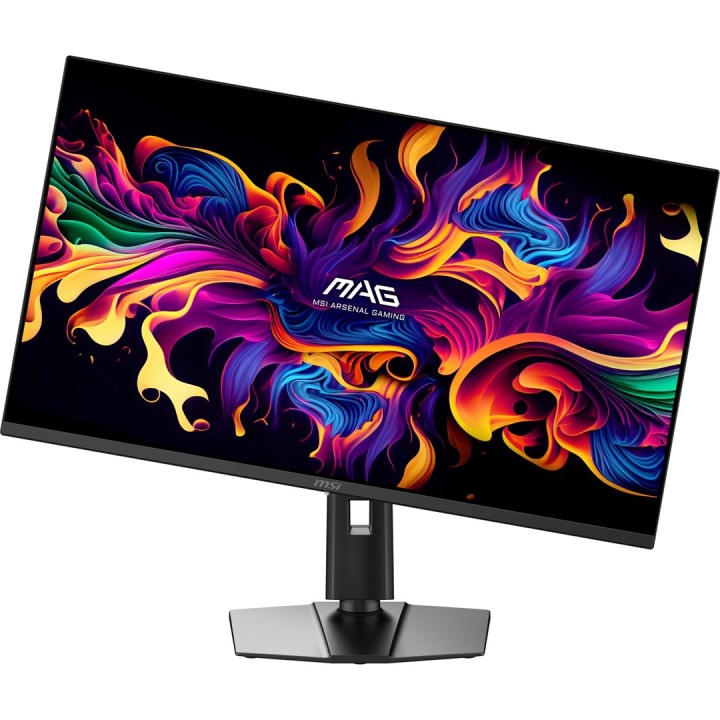
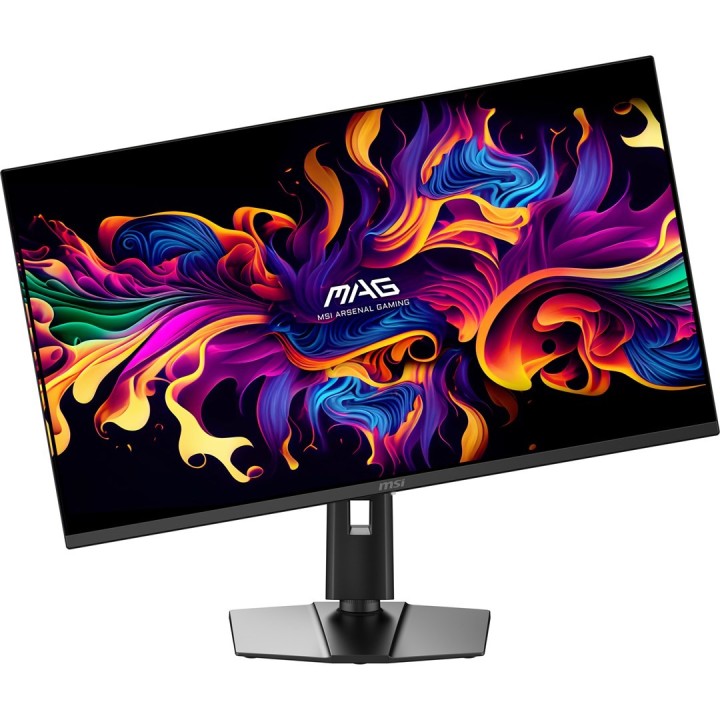
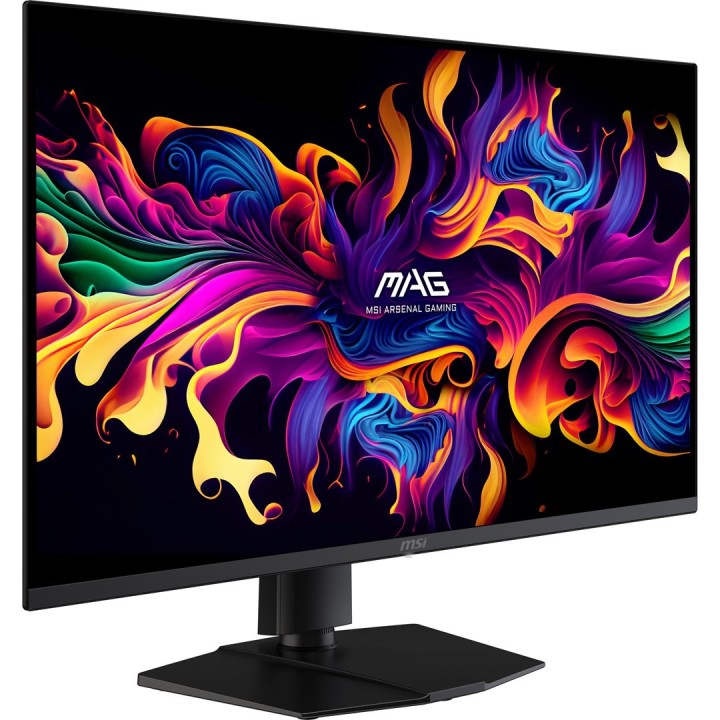
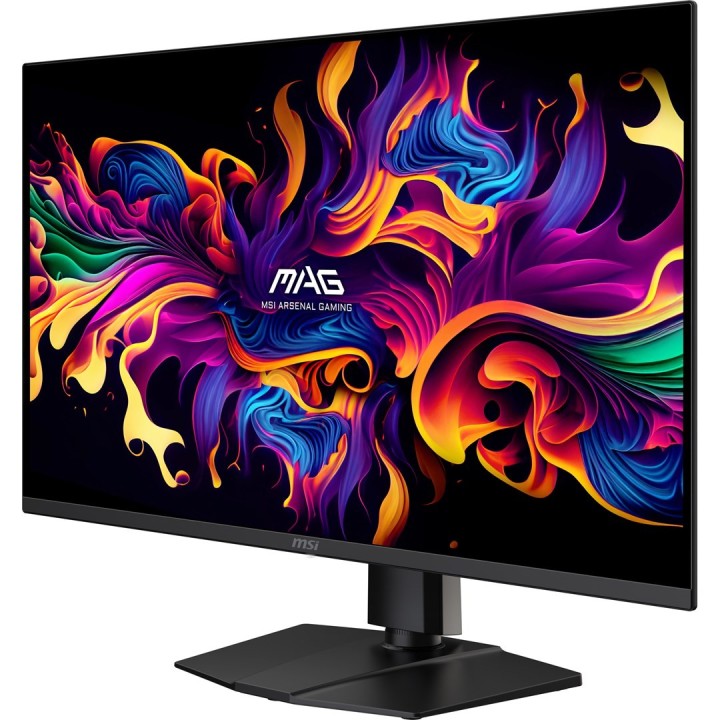
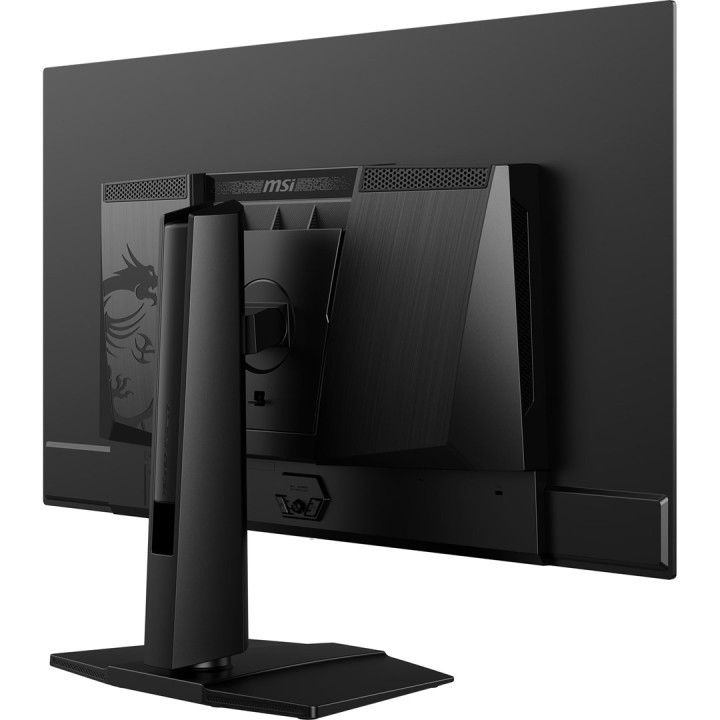
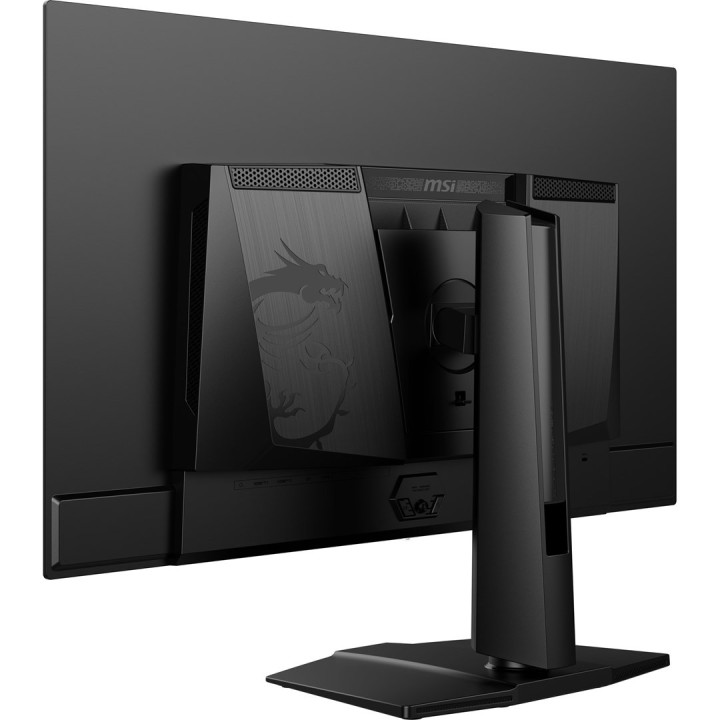
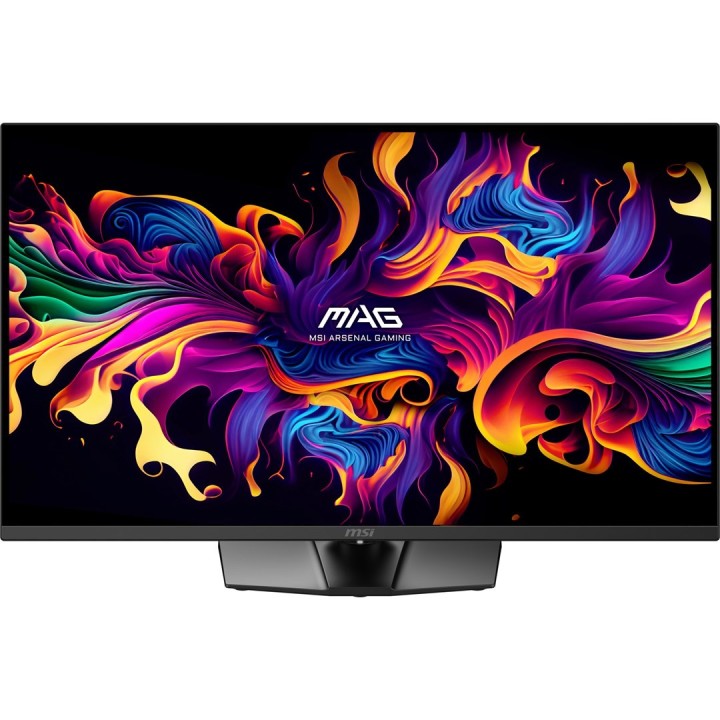
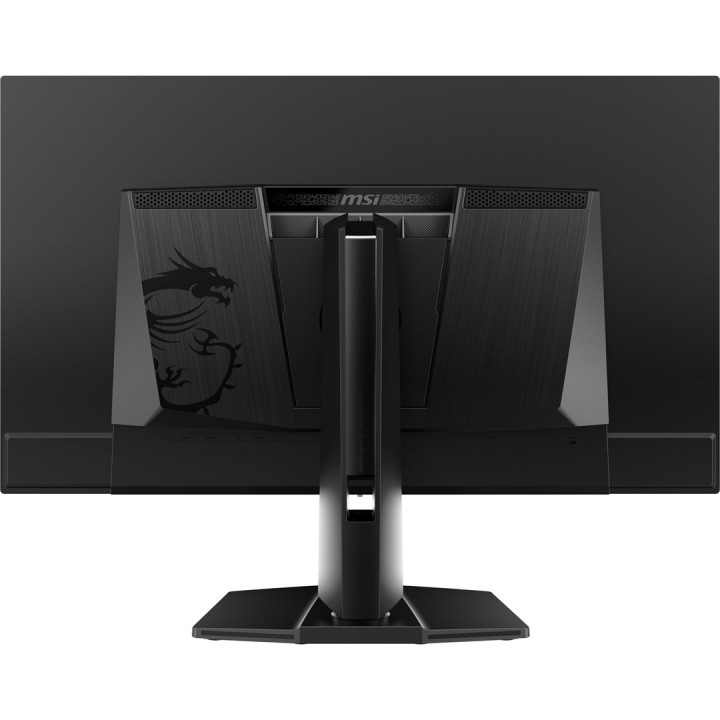
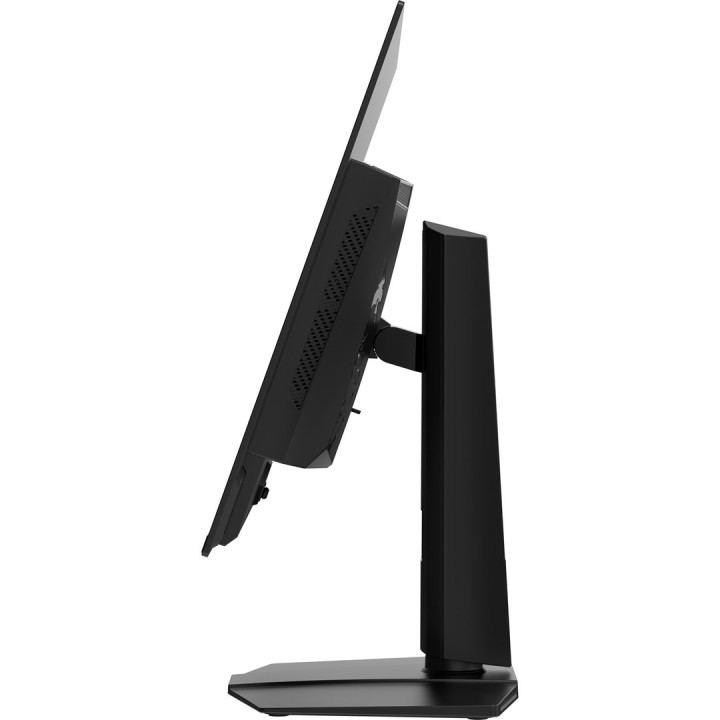
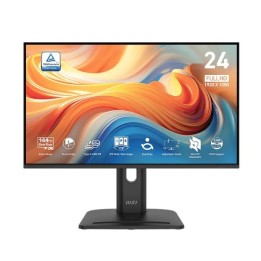
MSI MAG 322UP QD-OLED E16 31.5inch QD-OLED UHD 165Hz 0.03ms 2xHDMI2.1 DP
Opis produktu
Gamingowy monitor MAG 322UP QD-OLED E16 - wizualizuj swoje zwycięstwo
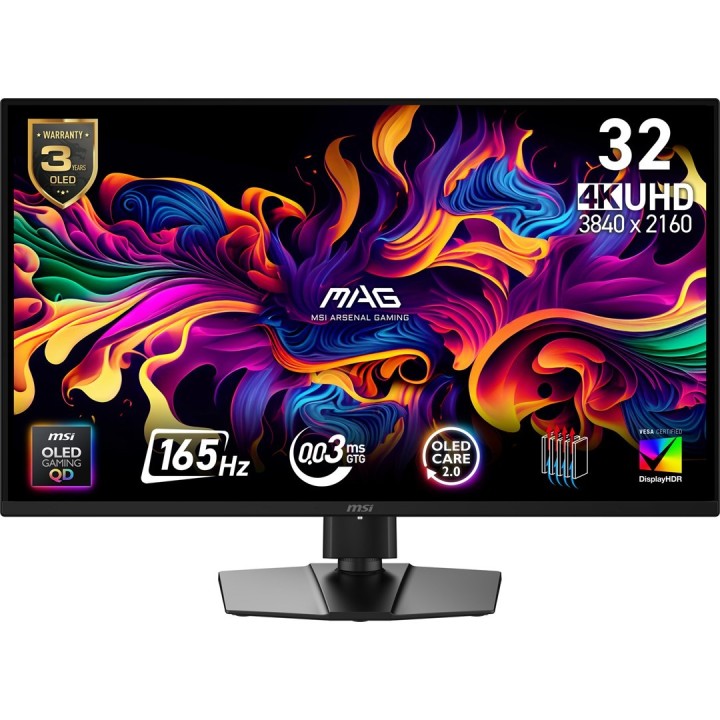
Monitor gamingowy monitor MAG 322UP QD-OLED E16 zapewnia doskonały obraz dzięki najnowszemu panelowi QD-OLED o rozdzielczości 3840 × 2160 (UHD), częstotliwości odświeżania 165 Hz i niezwykle szybkiej reakcji 0,03 ms (GtG). Certyfikaty VESA ClearMR 10000 i DisplayHDR True Black 400 zapewniają żywe kolory, doskonały kontrast i minimalne rozmycie ruchu. Technologię OLED Care 2.0 docenisz pro zmniejszenie ryzyka nagrywania ekranu OLED.
Pro graczy konsolowych dostępne są nowoczesne HDMI 2.1 z prędkością transmisji 48 Gb/s, obsługą 120 Hz, VRR i ALLM.
Kluczowe cechy
- AMD FreeSync™ Premium Pro
- VESA DisplayHDR True Black 400
- Kensington Lock
- Rodzaj panelu: QD-OLED
- Przekątna: 31.5"
- Rozdzielczość: 3840 × 2160 (UHD)
- Czas reakcji: 0,03 ms (GtG)
- Częstotliwość odświeżania: 165 Hz
- Kontrast: 1 500 000:1 (typ. )
- Liczba kolorów: 1,07 miliarda (10 bitów)
- Jasność: SDR 250 cd/m², HDR 450 cd/m²
- Kąty widzenia: 178° / 178°
- Powierzchnia wyświetlacza: Anti-Reflection
Łączność
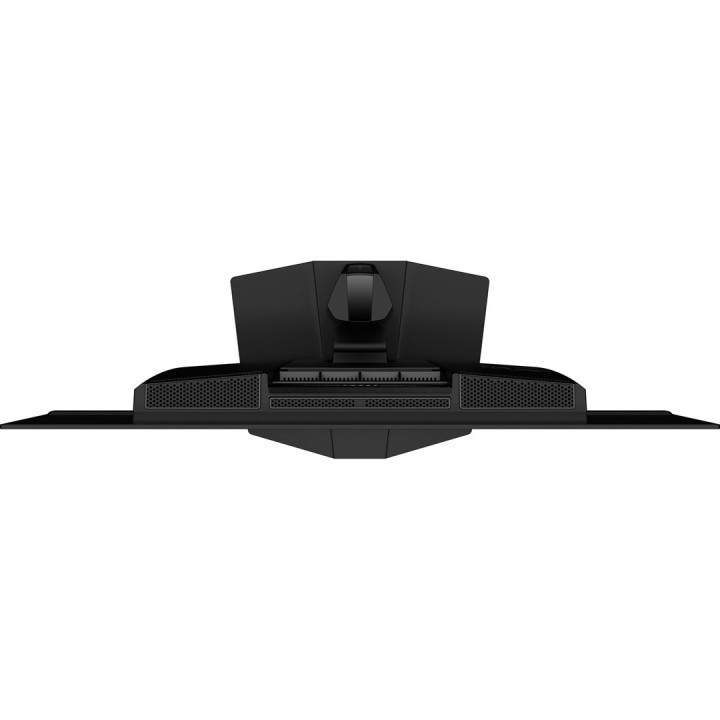
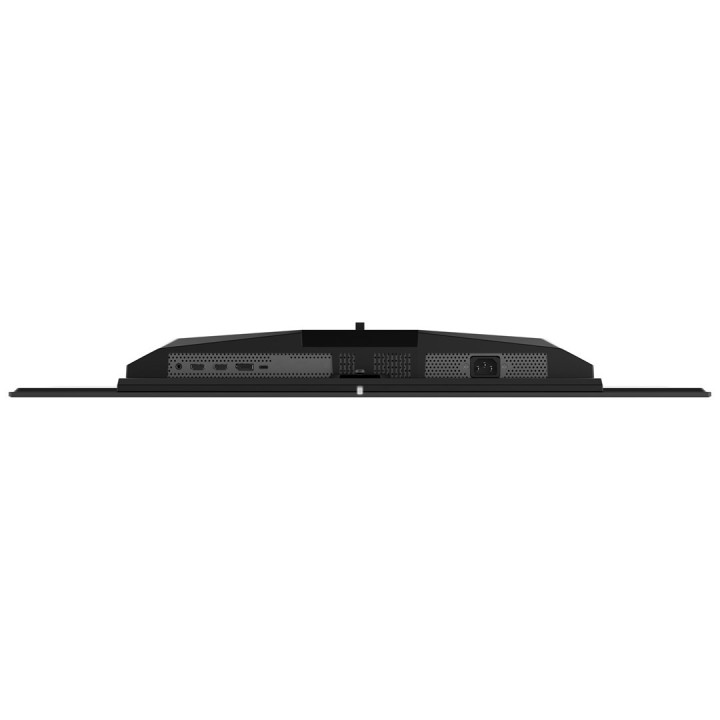
- 2× HDMI 2.1 (UHD@165Hz)
- 1× DisplayPort 1.4a (HBR3)
- 1× USB-C (DP Alt Mode) z 15W Power Delivery
- 1× wyjście słuchawkowe (Headphone-out)
Zasilanie i zużycie
- Zasilanie: Wewnętrzne
- Zużycie energii: 32 W
- Klasa energetyczna: F
Ergonomia i montaż
- Nachylenie: -5° ~ 15°
- Obrót: -30° ~ 30°
- Pivot: -10° ~ 10°
- Regulacja wysokości: 0 ~ 110 mm
- Montaż na ścianie: VESA 100 × 100 mm
Wymiary i waga
- Z podstawką (Š×V×H): 719,1 × 593,9 × 241,9 mm
- Bez stojaka (Š×V×H): 719,1 × 418,3 × 69,3 mm
- Waga: 7,7 / 12,3 kg
Zawartość opakowania
- Przewód DisplayPort 1× (1.4a)
- 1× przewód zasilający (C13)
- 1× instrukcja obsługi
- 4× śruby pro

Szczegóły produktu
- Marka MSI
- Kod produktu 69670f7a2c8a097e982a6ad2
- Dostępność 25 Przedmioty
- EAN13 4711377319652
- MPN MAG 322UP QD-OLED E16
Specyfikacja
- Przekątna ekranu (cal) 31,5 cal
- Czas reakcji GtG (ms) 0,03 ms
- Rozdzielczość natywna 3840 × 2160
- Typ matrycy OLED
- Częstotliwość odświeżania (Hz) 165 Hz
- Ekran dotykowy Nie
- Zakrzywiony ekran Nie
- Standard VESA 100 × 100
- USB-C z obrazem Tak
Producent
Producent
MSI Polska SP. z o. o.
Magazynowa 1 55-040 Kobierzyce Polska
E-mail: info.pl@msi.com
Osoba odpowiedzialna w UE
MSI Computer Europe B.V.
Science Park 5706 5692ER Son Eindhoven Netherlands
E-mail: GPSR@msi.com
Telefon: +31-40-267-6100
Bezpieczeństwo
Informacje o bezpieczeństwie
List of computer monitor safety warnings based on the requirements of General Product Safety Regulation (EU) 2023/988 (GPSR): * Risk to vision: Long-term gazing at the monitor screen may cause eye strain, dry eyes or headaches. * Limit the working time with the monitor. * Take regular breaks. * Maintain proper distance from the screen. * Ensure proper lighting in the room. * Set the brightness and contrast of the monitor to a comfortable level. * Ergonomics: Incorrect position when working with the monitor can lead to back, neck, and shoulder pain. * Set the monitor to the correct height so that the top edge of the screen is at eye level or slightly below. * Use an adjustable chair and desk to ensure an ergonomic position. * Maintain proper posture while sitting. * Risk of electric shock: Improper use or damage to the monitor can lead to electric shock. * Do not use the monitor in humid environments. * Do not touch the monitor with wet hands. * Do not put any items inside the monitor. * If the power cable is damaged, replace it with a new one. * Disconnect the monitor from power before cleaning. * Fire risk: Overheating or short circuiting in the monitor can cause a fire. * Do not cover the ventilation holes of the monitor. * Do not place the monitor near heat sources. * Use only the original power supply that came with your monitor. * If the monitor overheats, disconnect it from power immediately. * Mechanical damage: The fall of the monitor can cause damage and pose a threat to the user. * Set the monitor on a stable surface. * Secure cables to avoid accidental tripping. * For monitor transport, use appropriate protective packaging. * Cleaning: Improper cleaning of the monitor can damage the screen or cause other problems. * Use only a soft, dry cloth to clean the screen. * Do not use cleaning products containing alcohol, ammonia or other corrosive substances. * Disconnect the monitor from power before cleaning. * Disposal: Incorrect disposal of the monitor can pose a threat to the environment. * Return the used monitor to the e-waste collection point. * Do not throw the monitor in a regular trash can. * Children: The monitor is not a toy and should not be used by children without supervision. * Make sure children do not touch the power cables. * Make sure kids don't play around with the monitor packaging. * Repairs: Do not try to repair the monitor yourself. * Any repairs should be done by qualified personnel. * Monitor portability: Be careful when moving your monitor. * Disconnect all cables before moving. * Use appropriate packaging. * Weather conditions: Do not expose the monitor to extreme temperatures or moisture. * Protect your monitor from direct sunlight. * Adjustable settings: Do not use extreme brightness or contrast settings. * These can cause faster eye strain. * Noise: If the monitor makes disturbing noises, turn it off immediately. * Contact the technical service. * Environmental protection: Be sure to turn off the monitor when not in use. * You save energy this way. * Software: Use only the software provided by the manufacturer. * You will avoid compatibility issues.
Monitory
Ostatnio oglądane
Produkty, które ostatnio zwróciły Twoją uwagę.