- Nowy
Przeznaczenie i zastosowanie
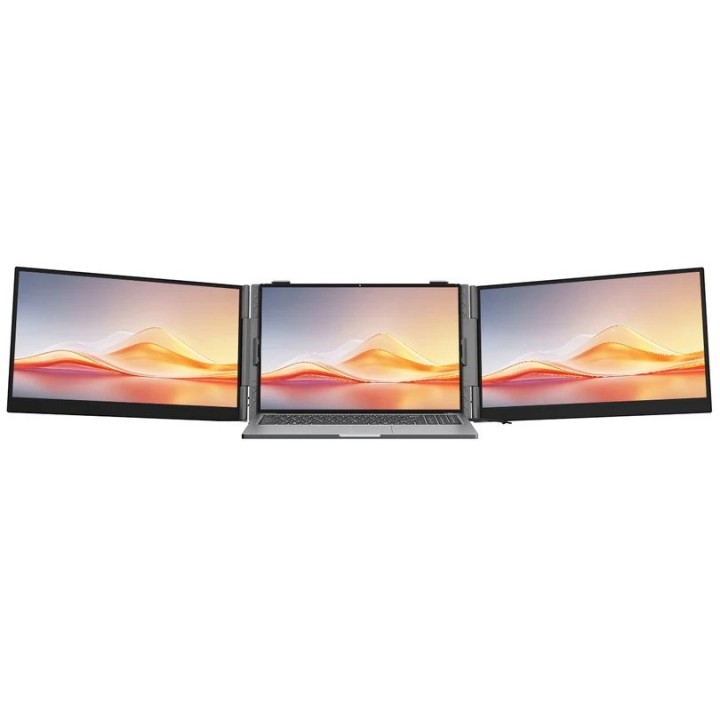
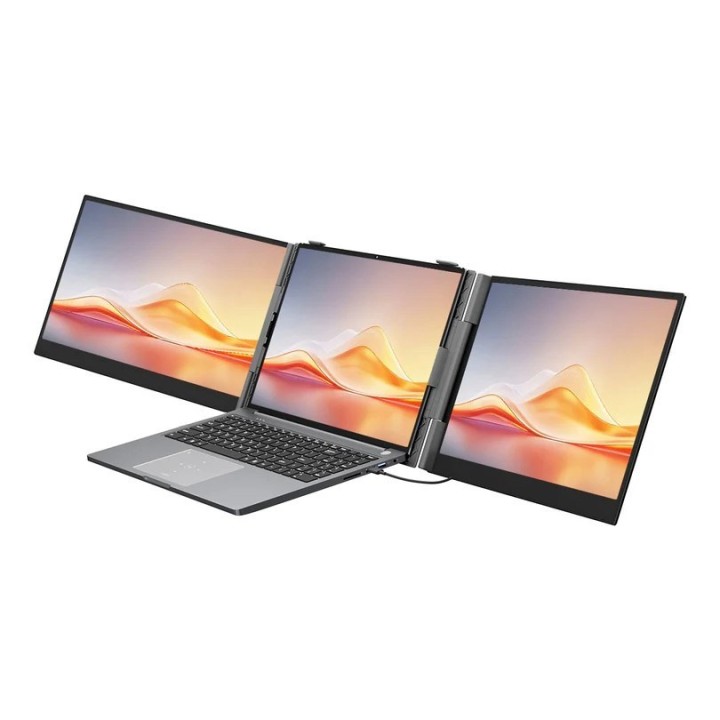
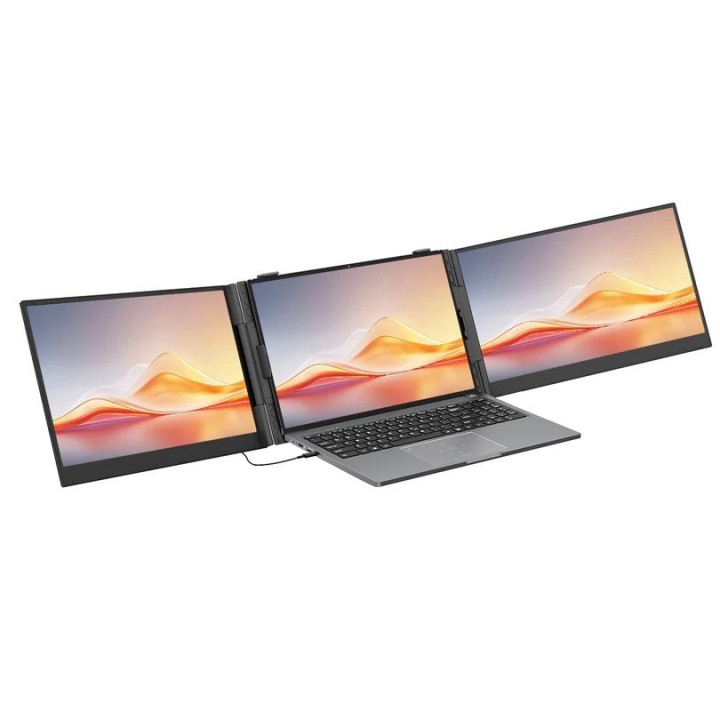
Przenośny monitor Blackview DCM6Pro to 14-calowy ekran Full HD zaprojektowany do rozszerzenia lub powielenia obrazu z laptopów, tabletów i urządzeń mobilnych podczas pracy zdalnej, prezentacji oraz dodatkowego wyświetlania treści w podróży. Urządzenie umożliwia szybkie dodanie drugiego ekranu bez stałego stanowiska biurowego.
Ekran i jakość obrazu
Panel o rozdzielczości 1920 × 1080 pikseli wykorzystuje matrycę IPS/PLS z podświetleniem LED, zapewniając równomierne odwzorowanie barw i szerokie kąty widzenia (do 178°). Jasność deklarowana na poziomie około 300 cd/m² oraz standardowe odświeżanie 60 Hz sprawiają, że obraz jest czytelny przy typowych zastosowaniach biurowych, multimedialnych i przeglądaniu sieci. Monitor oferuje także funkcje zmniejszające zmęczenie oczu, adaptując wyświetlanie do długotrwałej pracy.
Złącza i zasilanie
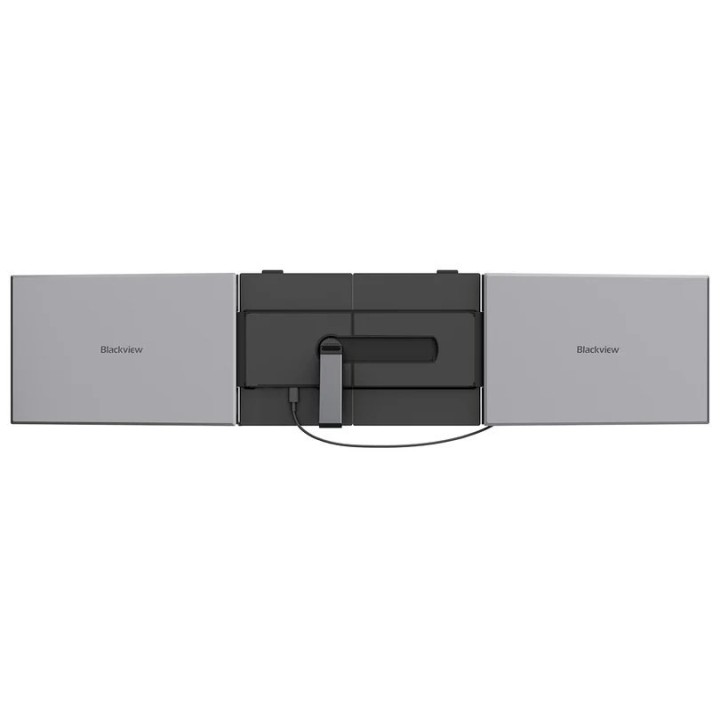
Model DCM6Pro wyposażono w porty USB-C obsługujące przesył obrazu i zasilanie; konstrukcja przewiduje możliwość zasilania i transmisji sygnału jednocześnie przez interfejs USB-C oraz obsługę PD 3.0 (20 V / 5 A) w celu szybkiego zasilania monitora z kompatybilnego źródła. Dzięki temu możliwe jest podłączenie urządzeń mobilnych i komputerów bez konieczności stosowania oddzielnych kabli zasilających, a w niektórych konfiguracjach drugi ekran może zostać uruchomiony przy użyciu jednego kabla.
Konstrukcja i mobilność
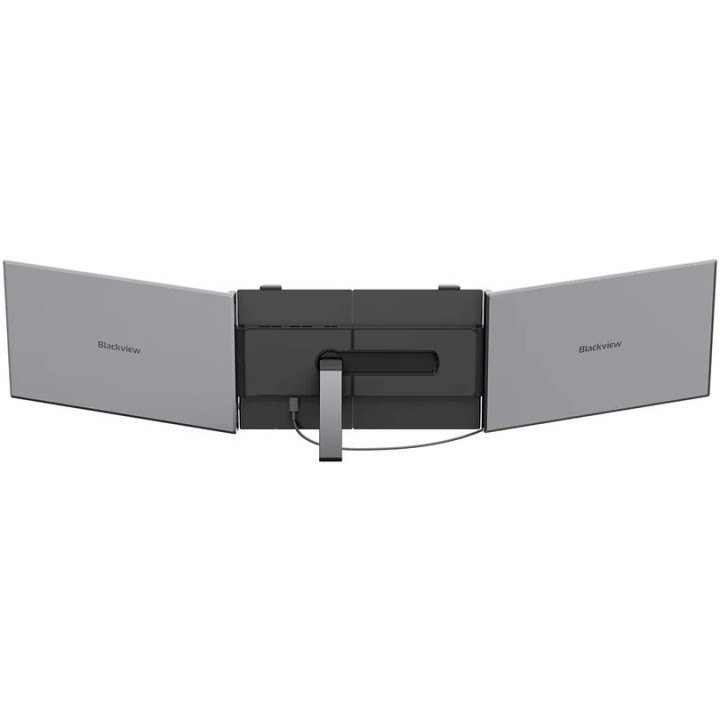
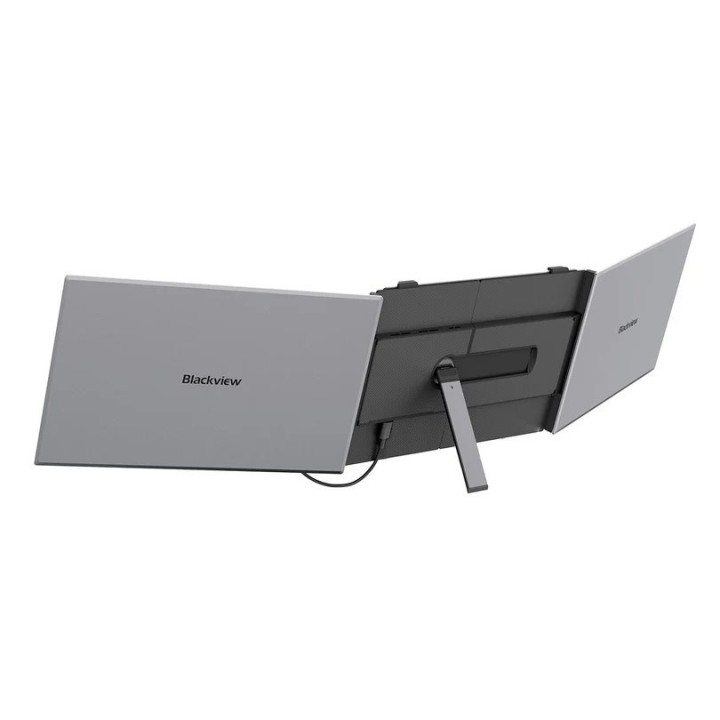
Obudowa ma smukłą i lekką konstrukcję, co ułatwia przenoszenie monitora i użytkowanie w terenie. Urządzenie zawiera wbudowany akumulator, co pozwala na krótkotrwałą pracę bez stałego zasilania sieciowego. Powierzchnia ekranu i obudowa zostały zaprojektowane z myślą o codziennym użytkowaniu poza biurem, z naciskiem na kompaktowość i odporność na typowe obciążenia przenośne.
Kompatybilność i funkcje dodatkowe
Monitor współpracuje z wieloma systemami operacyjnymi, w tym z macOS, Linux, Microsoft Windows, Android i Chrome OS, co ułatwia integrację z różnorodnym sprzętem. Urządzenie obsługuje standardy przesyłu obrazu przez USB-C i oferuje funkcje praktyczne przy pracy wielozadaniowej, takie jak szybkie podłączenie drugiego wyświetlacza i narzędzia poprawiające komfort oglądania. Kolor obudowy: szary.
CK MEDIATOR POLSKA Sp. z o.o. sp.k.
Patriotów 110 04-844 Warszawa Polska
E-mail: serwis@ecoserwis.pl
Formularz kontaktowy: https://ckmediator.pl/
Telefon: +48221234339
CK MEDIATOR POLSKA Sp. z o.o. sp.k.
Patriotów 110 04-844 Warszawa Polska
E-mail: serwis@ecoserwis.pl
Formularz kontaktowy: https://ckmediator.pl/
Telefon: tel.:+48 22 123 43 39
List of computer monitor safety warnings based on the requirements of General Product Safety Regulation (EU) 2023/988 (GPSR): * Risk to vision: Long-term gazing at the monitor screen may cause eye strain, dry eyes or headaches. * Limit the working time with the monitor. * Take regular breaks. * Maintain proper distance from the screen. * Ensure proper lighting in the room. * Set the brightness and contrast of the monitor to a comfortable level. * Ergonomics: Incorrect position when working with the monitor can lead to back, neck, and shoulder pain. * Set the monitor to the correct height so that the top edge of the screen is at eye level or slightly below. * Use an adjustable chair and desk to ensure an ergonomic position. * Maintain proper posture while sitting. * Risk of electric shock: Improper use or damage to the monitor can lead to electric shock. * Do not use the monitor in humid environments. * Do not touch the monitor with wet hands. * Do not put any items inside the monitor. * If the power cable is damaged, replace it with a new one. * Disconnect the monitor from power before cleaning. * Fire risk: Overheating or short circuiting in the monitor can cause a fire. * Do not cover the ventilation holes of the monitor. * Do not place the monitor near heat sources. * Use only the original power supply that came with your monitor. * If the monitor overheats, disconnect it from power immediately. * Mechanical damage: The fall of the monitor can cause damage and pose a threat to the user. * Set the monitor on a stable surface. * Secure cables to avoid accidental tripping. * For monitor transport, use appropriate protective packaging. * Cleaning: Improper cleaning of the monitor can damage the screen or cause other problems. * Use only a soft, dry cloth to clean the screen. * Do not use cleaning products containing alcohol, ammonia or other corrosive substances. * Disconnect the monitor from power before cleaning. * Disposal: Incorrect disposal of the monitor can pose a threat to the environment. * Return the used monitor to the e-waste collection point. * Do not throw the monitor in a regular trash can. * Children: The monitor is not a toy and should not be used by children without supervision. * Make sure children do not touch the power cables. * Make sure kids don't play around with the monitor packaging. * Repairs: Do not try to repair the monitor yourself. * Any repairs should be done by qualified personnel. * Monitor portability: Be careful when moving your monitor. * Disconnect all cables before moving. * Use appropriate packaging. * Weather conditions: Do not expose the monitor to extreme temperatures or moisture. * Protect your monitor from direct sunlight. * Adjustable settings: Do not use extreme brightness or contrast settings. * These can cause faster eye strain. * Noise: If the monitor makes disturbing noises, turn it off immediately. * Contact the technical service. * Environmental protection: Be sure to turn off the monitor when not in use. * You save energy this way. * Software: Use only the software provided by the manufacturer. * You will avoid compatibility issues.

Produkty, które ostatnio zwróciły Twoją uwagę.