- Nowy
Czym jest produkt
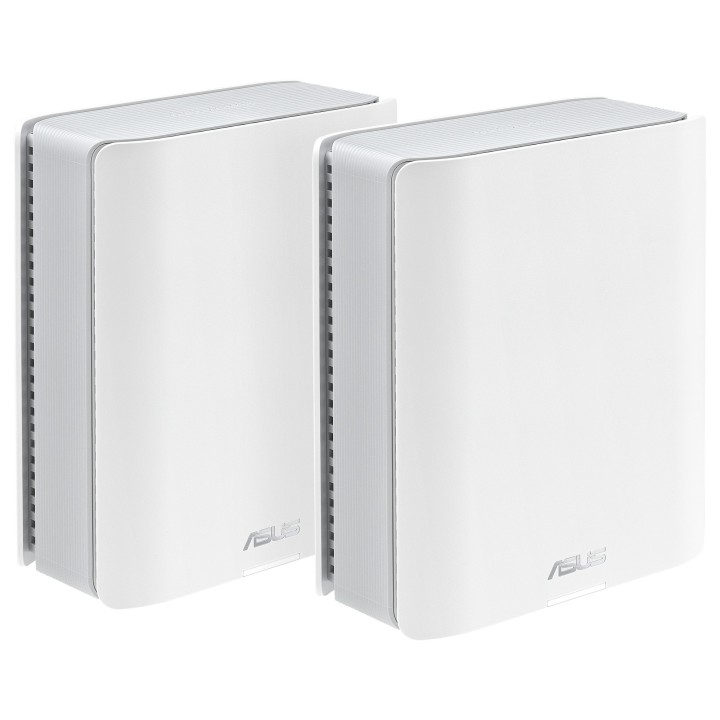
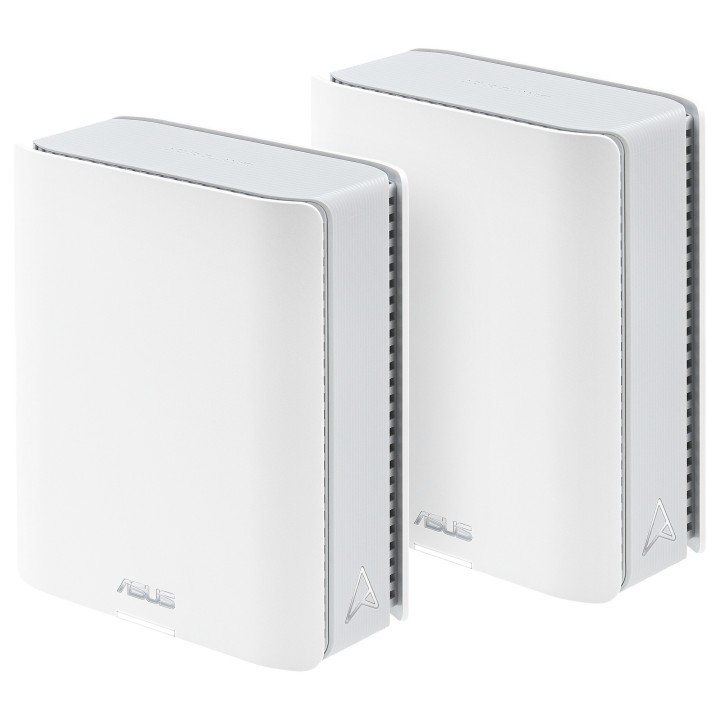
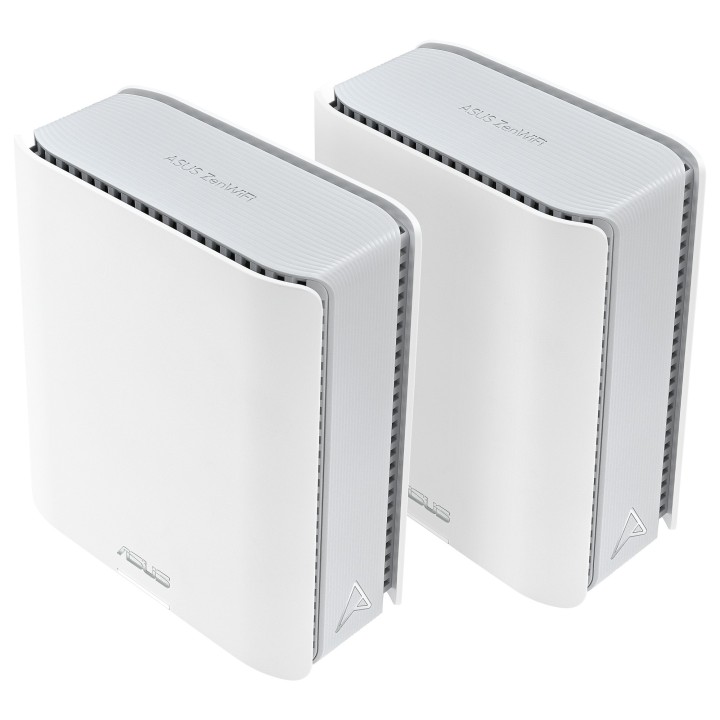
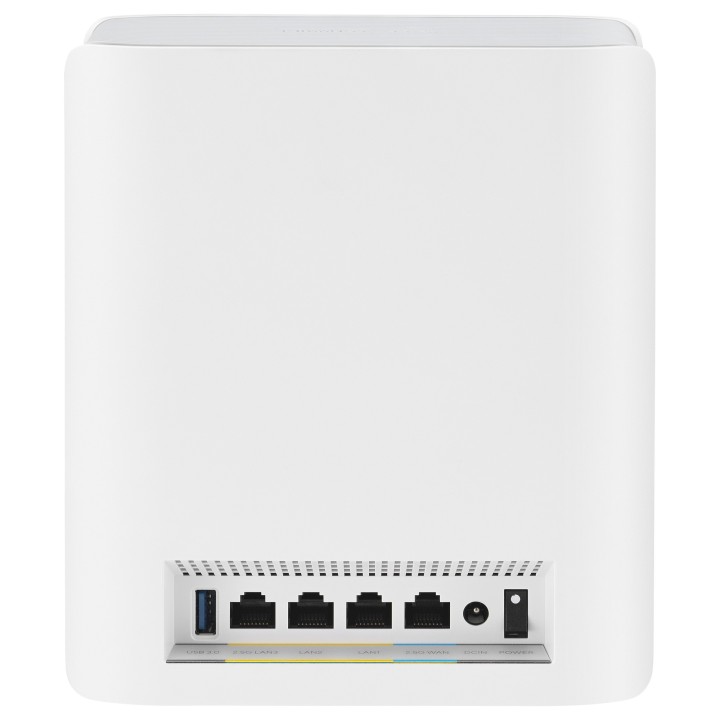
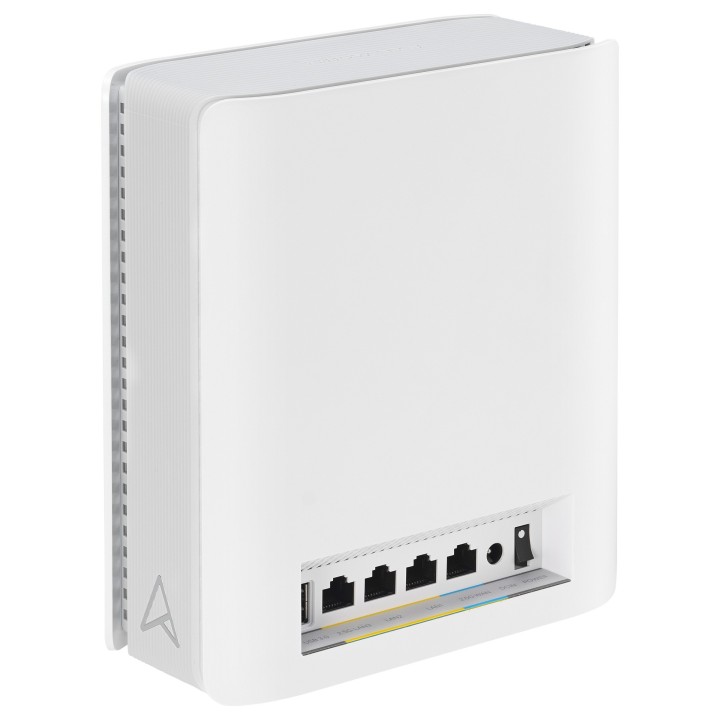
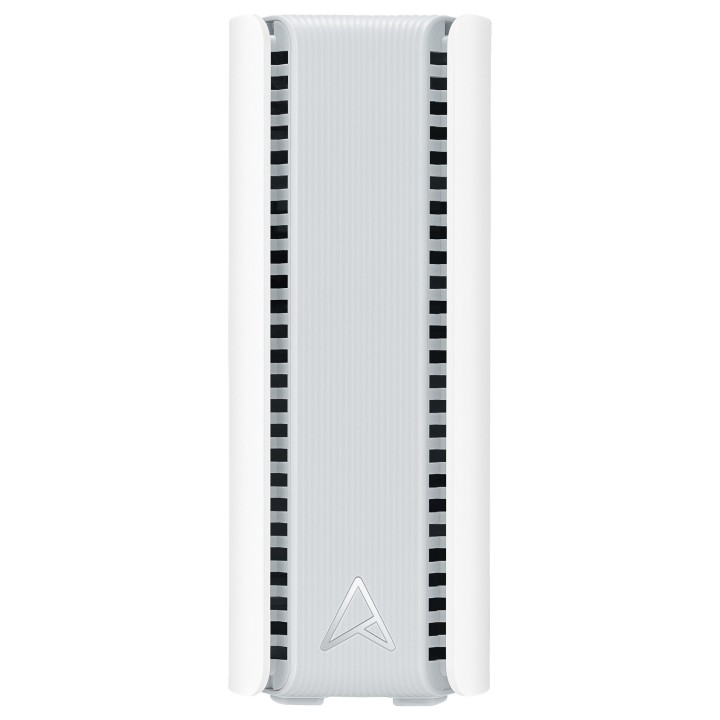
ASUS ZenWiFi BT8 to dwuelementowy system sieci mesh przeznaczony do zapewnienia szybkiego i stabilnego połączenia bezprzewodowego w domu lub małym biurze. Urządzenie działa w standardzie Wi‑Fi 7 (802.11be) i obsługuje trzy pasma 2,4 GHz, 5 GHz oraz 6 GHz, co pozwala na równoczesne podłączenie wielu urządzeń przy zachowaniu wysokiej przepustowości.
Wydajność sieci
System oferuje łączną maksymalną przepustowość do 8643 Mbit/s rozdzieloną na trzy pasma, co przekłada się na wyraźną poprawę szybkości i płynności transmisji przy strumieniowaniu wideo w wysokiej rozdzielczości, grach online i pracy zdalnej. Urządzenia wyposażono w 1 GB pamięci operacyjnej oraz 128 MB pamięci flash, co wspiera stabilność działania zaawansowanych funkcji sieciowych. Obsługiwane standardy komunikacyjne obejmują m.in. IEEE 802.11a/b/g/n/ac/ax/be, a mechanizmy szyfrowania obejmują WPA, WPA2, WPA2‑Enterprise oraz WPA3‑Personal.
Zasięg i konstrukcja
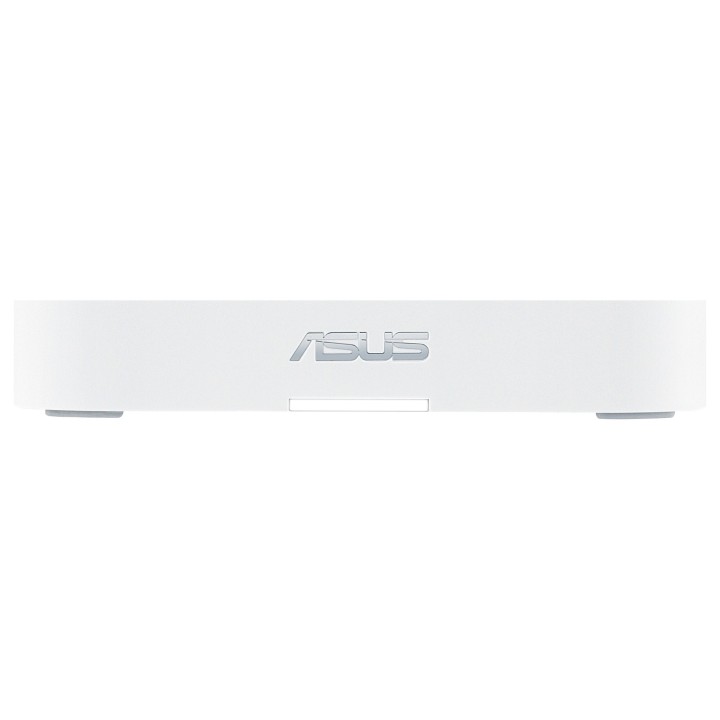
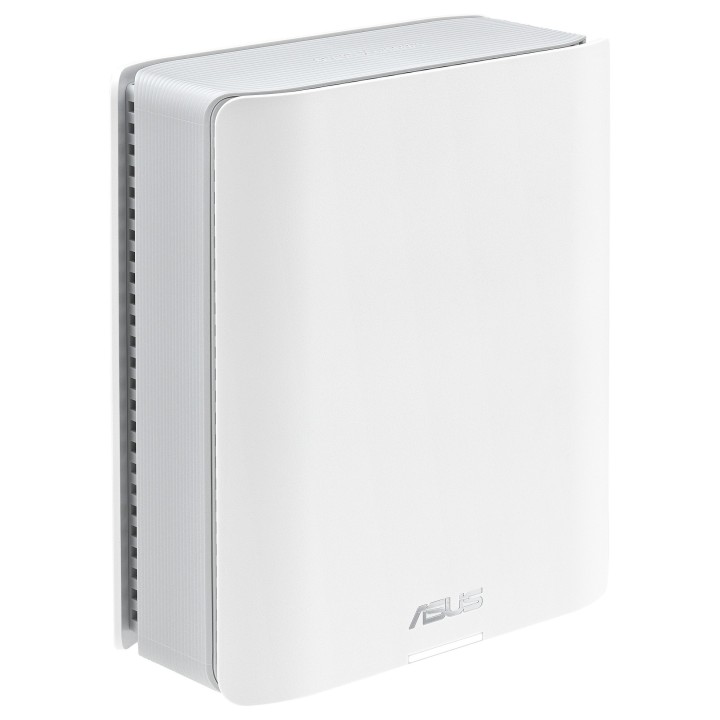
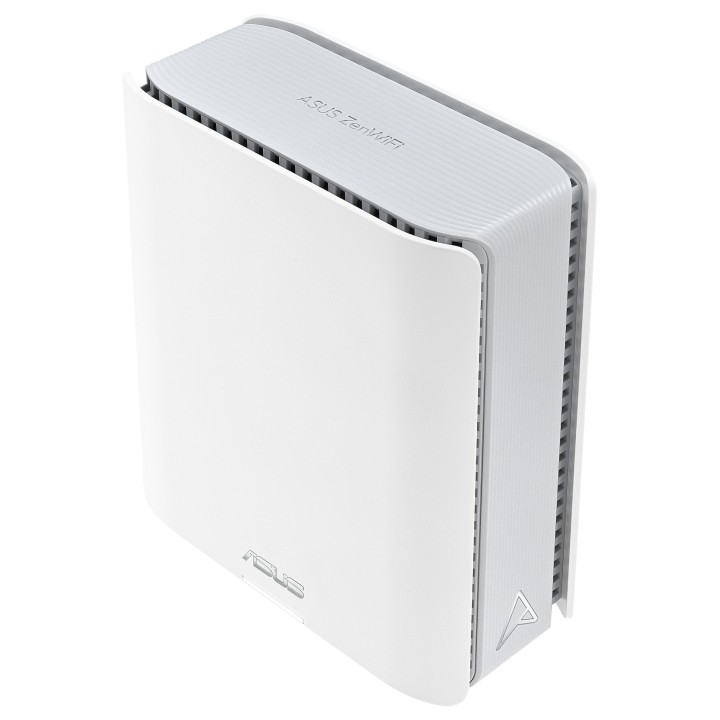
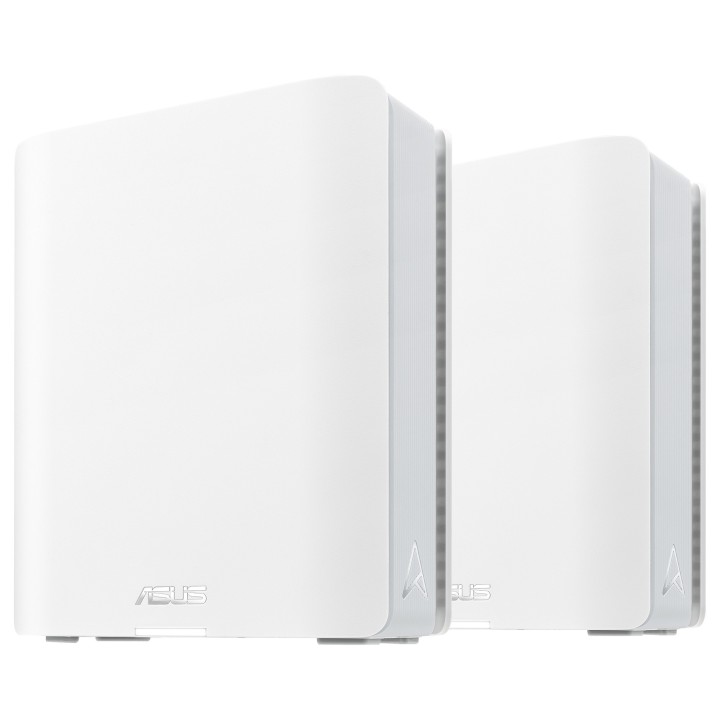
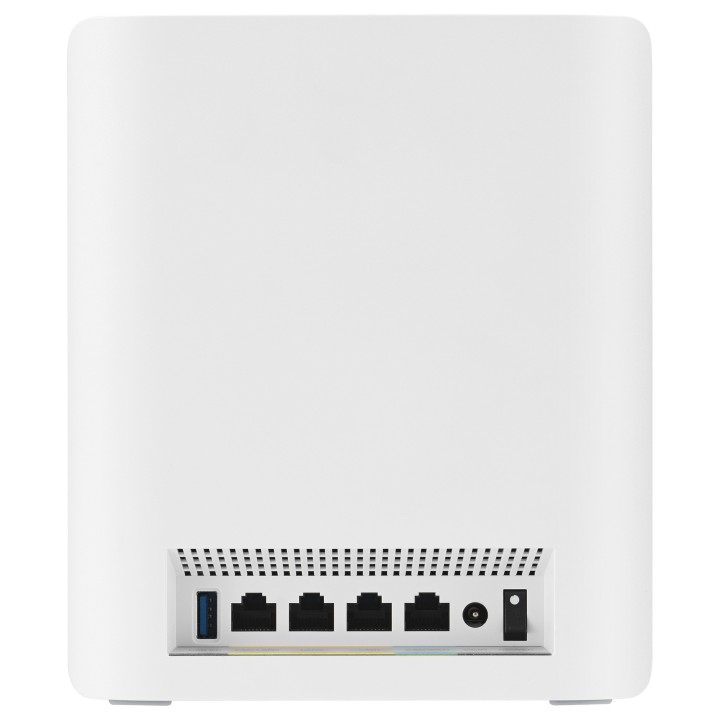
Projekt urządzeń przewiduje wewnętrzne anteny (7 anten na jednostkę) oraz konstrukcję pozwalającą na pokrycie powierzchni do około 548 m² w konfiguracji dwuelementowej, co ułatwia eliminowanie martwych stref w większych lokalizacjach. Obudowa w kolorze białym zawiera diody informujące o stanie zasilania. W zestawie przewidziano kabel Ethernet, co umożliwia podłączenie jednostek do sieci przewodowej lub wykorzystanie połączenia kablowego dla urządzeń stacjonarnych.
Bezpieczeństwo i zarządzanie
Kontrola dostępu i ochrona transmisji realizowane są za pomocą zaawansowanych protokołów szyfrowania i wbudowanego firewalla. Urządzenie współpracuje z aplikacją ASUS Router, umożliwiającą zdalne zarządzanie ustawieniami sieci, monitorowanie ruchu oraz konfigurację reguł bezpieczeństwa. Dzięki temu możliwe jest centralne zarządzanie siecią mesh i dopasowanie polityk dostępu do potrzeb użytkowników.
Zasilanie i wymiary
Stacja zasilana jest przy użyciu zewnętrnego zasilacza o napięciu wyjściowym 12 V i prądzie 3 A, a urządzenie pracuje przy częstotliwości wejściowej 50–60 Hz. Wymiary pojedynczej jednostki to 159 mm szerokości, 72 mm głębokości i 186 mm wysokości, a masa jednej sztuki wynosi około 855 g. Zestaw zawiera dwie jednostki, co ułatwia elastyczne rozmieszczenie elementów systemu w przestrzeni użytkowej.
ASUS Polska SP. z o.o.
Cybernetyki 9 02-677 Warszawa Polska
E-mail: sales@asus-polska.pl
ASUS Polska Sp. z o.o.
Harkort str 21-23 40880 Ratingen Germany
E-mail: sales@asus-polska.pl
Telefon: 22 571 80 00
List of safety warnings for WiFi and Access Point Routers based on the requirements of Regulation (EU) 2023/988 on General Product Safety (GPSR) 1. Risk of electric shock: * Make sure that the device is connected to a working socket with grounding. * Do not touch the plug or cable with wet hands. * Avoid using the device in places with high humidity. 2. Risk of overheating: * Provide adequate ventilation while maintaining at least 5 cm of free space around the device. * Do not block ventilation openings. 3. Fire risk: * Use only original power supplies and accessories recommended by the manufacturer. * Do not leave the device on unattended near flammable materials. 4. Hazards at high temperatures: * Do not expose the device to direct sunlight. * Avoid using the router at temperatures above the recommended range (usually 5-35°C). 5. Risk of damage during cleaning: * Before cleaning, disconnect the device from the power supply and use a soft, slightly damp cloth. * Avoid using strong detergents that can damage the surface of the device. 6. Warnings for children: * Keep power cables out of reach of children. * Make sure that children do not play with the device or accessories that can be dangerous. 7. Regularly check the technical condition of the device: * Check the condition of the device regularly for mechanical damage, cracks or other defects. * Do not use the device if it has visible mechanical damage. 8. Use in humid environments * Avoid using your router in the bathroom, in the rain or in other humid environments 9. Interference with other devices * Using a router near medical devices such as pacemakers can cause electromagnetic interference. * Keep a distance of at least 15 cm between your router and medical devices. 10. Regular maintenance * Failure to regularly clean ports and sockets can lead to damage or failure. * Clean ports and sockets regularly using a dry and clean cloth, avoiding moisture input. 11. Risk of loss of water resistance * Do not immerse in water if it is not waterproof. 12. Electromagnetic interference * Smartwatches can interfere with medical devices such as pacemakers. 13. Small parts: * Components of the device, can be swallowed by children. * Keep your device and its accessories out of reach of children. Do not allow children to use the device themselves without supervision. 14. Risk of battery damage * Improper use, such as overheating or using a non-original charger, can lead to battery damage and, in extreme cases, to battery explosion. * Charge your device at room temperature and use only original accessories. Do not expose your smartwatch to high temperatures. 15. Maintenance and cleaning * Impurities such as sweat or dirt can cause discomfort and damage to materials. * Clean your smartwatch and strap regularly with a soft, damp cloth. Avoid using harsh chemicals.
Produkty, które ostatnio zwróciły Twoją uwagę.