- Nowy
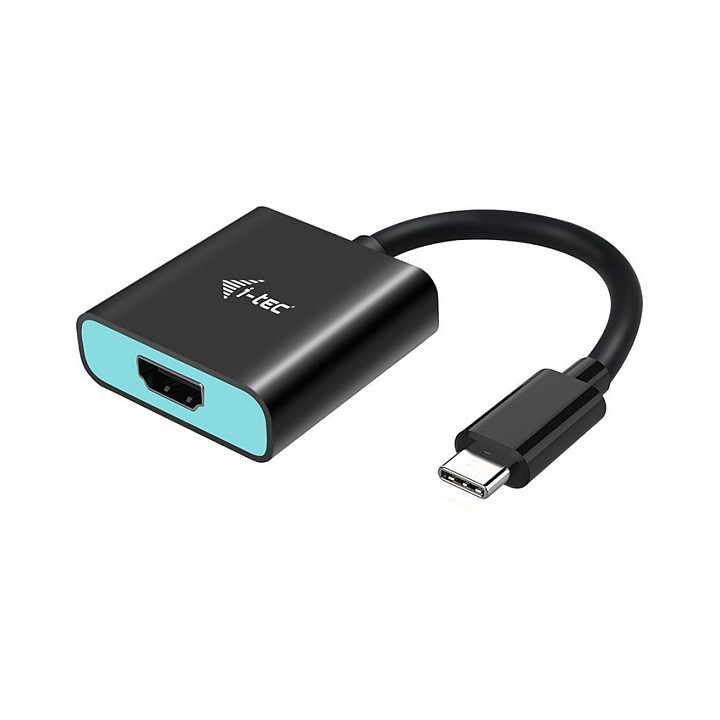
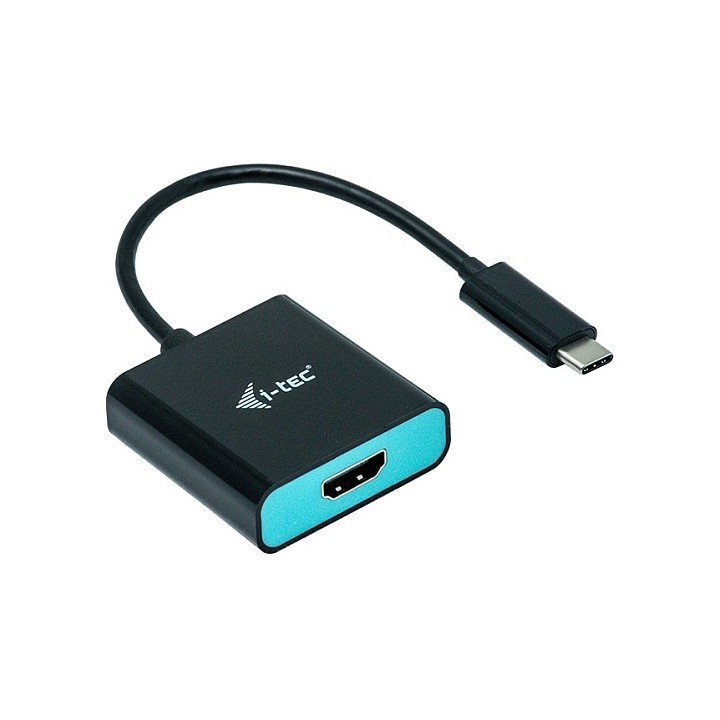
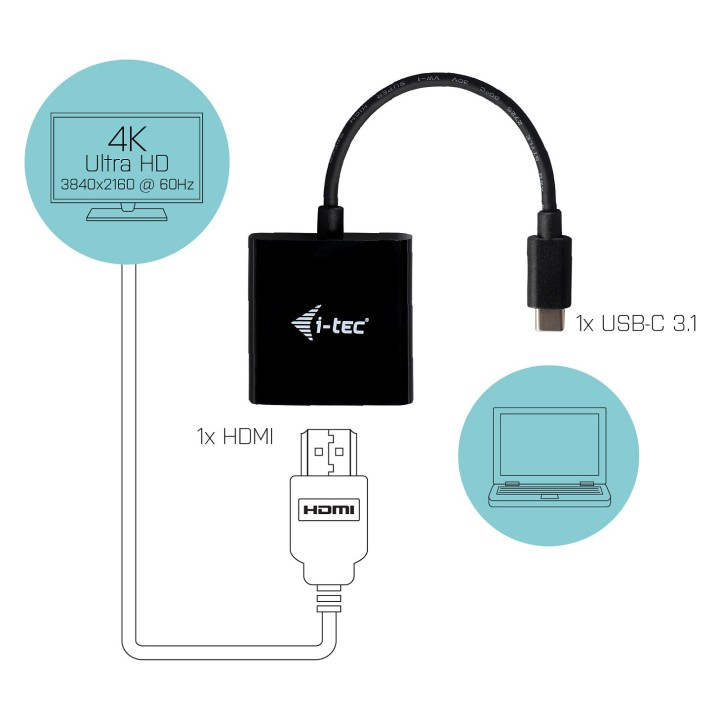
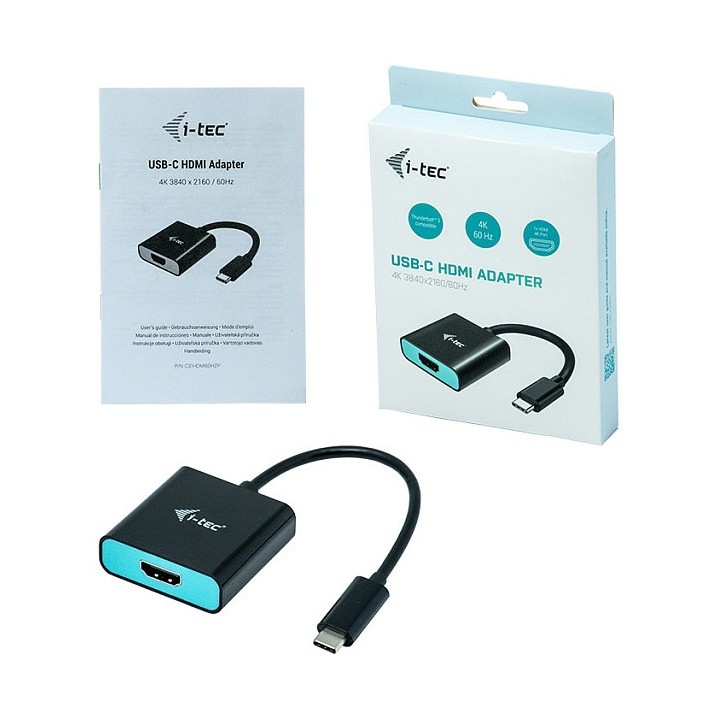
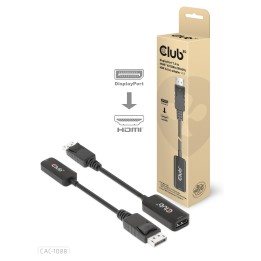
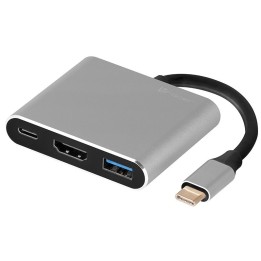
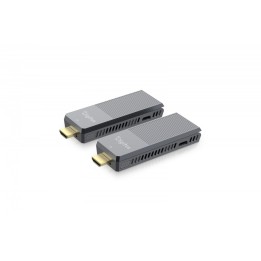
Rozszerz swój pulpit na zewnętrzny monitor HDMI lub podłącz projektor lub telewizor z interfejsem HDMI do notebooka, tabletu lub komputera PC za pomocą nowego złącza USB-C lub Thunderbolt 3. Adapter obsługuje wideo 4K Ultra HD o rozdzielczości do 3840 x 2160 @ 60 Hz i dźwięk stereo.
Korzystanie jest bardzo proste, wystarczy podłączyć adapter do portu USB-C lub Thunderbolt 3 w komputerze, podłączyć go do urządzenia wyświetlającego za pomocą kabla HDMI i od razu można zacząć korzystać. Instalacja sterownika odbywa się automatycznie z systemu.
i-tec Technologies s.r.o
Teslova 2 702 00 Ostrava Czechy
E-mail: skropka@i-tec.pl
Telefon: +48 513 168 695
List of safety warnings for adapters, tracks based on the requirements of Regulation (EU) 2023/988 on general product safety (GPSR): 1. Risk of electric shock: * Make sure that the device to which you connect the adapter is disconnected from the power supply before starting assembly or disassembly. * Do not touch the metal parts of the adapter when connecting to power. * Do not use adapters in damp or wet places. 2. Risk of overheating: * Do not use overloaded power adapters, which may cause overheating of connected devices. * Make sure the adapter has adequate thermal protection. 3. Risk of fire: * Do not use damaged adapters. * Do not place adapters near flammable materials. 4. Risk of damage to equipment: * Make sure that the parameters of the adapter (voltage, intensity) comply with the requirements of the connected devices. * Do not use adapters for devices that require grounding if the adapter does not provide it. 5. Mechanical risk (herring): * Beware of sharp edges of herring during assembly and disassembly. * Do not use damaged herrings. 6. Risk for children: * Keep adapters and herring out of reach of children. * Small components may pose a choking hazard. 7. Loss of water resistance: * If the product has seals, avoid contact with seawater, which can damage these components. * Clean the adapter regularly to avoid discomfort. 8. Electromagnetic interference: * Users of medical devices should consult a doctor before using the adapter. 9. Risk of allergic reactions to materials * In case of redness or discomfort, remove the adapter. 10. Risk of battery damage * Avoid using non-original chargers as this may lead to battery damage.