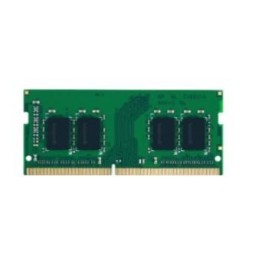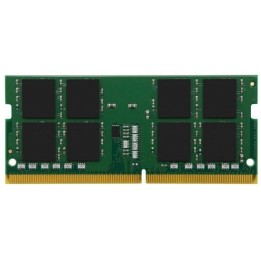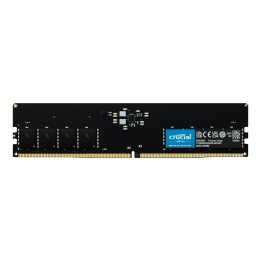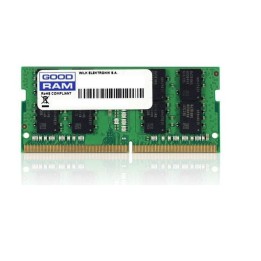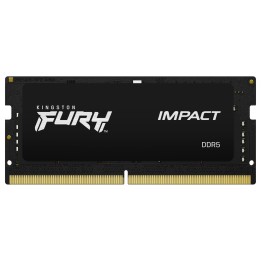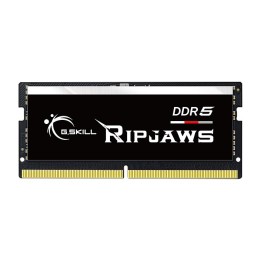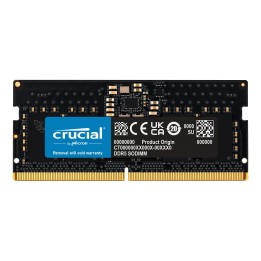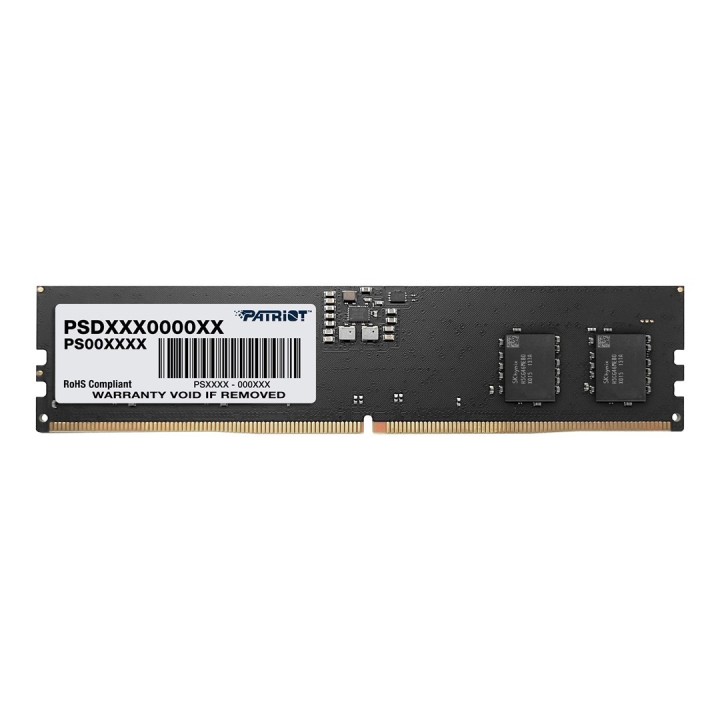
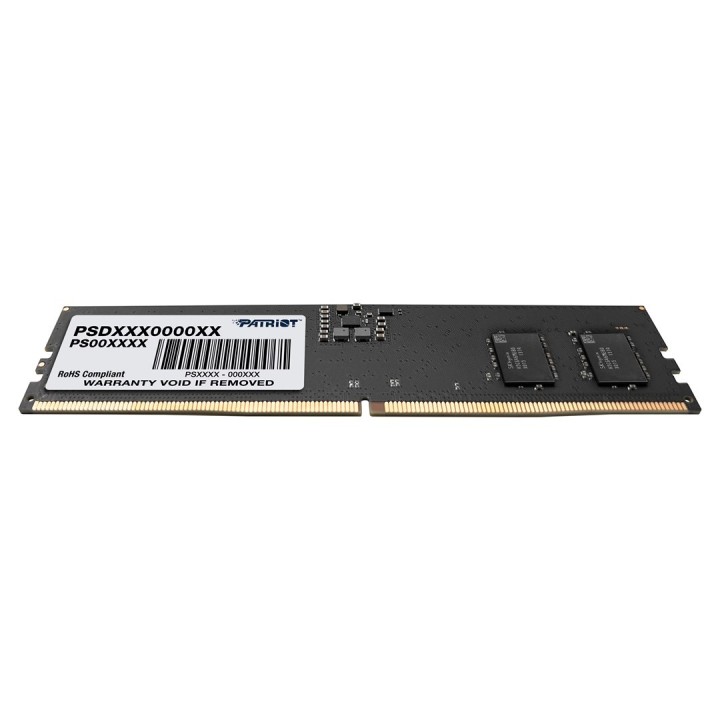
PATRIOT MEMORY Signature DDR5 32GB 5600MHz UDIMM 1.1V CL46
Opis produktu
PATRIOT MEMORY Signature DDR5 32GB to pojedynczy moduł pamięci UDIMM przeznaczony do komputerów stacjonarnych. Oferuje 32 GB pojemności w formie jednej kości, ułatwiając rozbudowę pamięci w systemach opartych na standardzie DDR5.
Moduł pracuje z częstotliwością 5600 MHz i posiada opóźnienie CAS Latency 46. Pamięć działa przy napięciu 1.1 V i nie obsługuje korekcji błędów ECC, co czyni ją odpowiednią dla typowych zastosowań konsumenckich i gier.
Linia Signature akcentuje prostotę konfiguracji i zgodność z platformami obsługującymi DDR5. Produkt skupia się na podstawowych parametrach pamięci, dostarczając wysoką pojemność i natywną pracę w standardzie DDR5.
Specyfikacja
- Marka: PATRIOT MEMORY
- Linia: Signature
- Pojemność: 32 GB
- Ilość modułów w zestawie: 1
- Typ modułu: UDIMM
- Standard pamięci: DDR5
- Częstotliwość pracy: 5600 MHz
- Opóźnienie CAS (CL): 46
- Napięcie pracy: 1.1 V
- Obsługa ECC: Nie
- Konfiguracja: Pojedyncza kość
- Przeznaczenie: Komputer stacjonarny (PC)
Szczegóły produktu
- Marka PATRIOT MEMORY
- Kod produktu 66437b190c243f133c29659f
- Dostępność 2 Przedmioty
- EAN13 4711378425017
- MPN PSD532G56002
Producent
Producent
Patriot Memory B.V
Innsbruckweg 190-192 3047 AH Rotterdam Holandia
E-mail: support@patriotmemory.com
Formularz kontaktowy: https://www.patriotmemory.com/contact-us
Telefon: +31 (0)10-2931-250
Bezpieczeństwo
Informacje o bezpieczeństwie
List of RAM security warnings based on the requirements of General Product Safety Regulation (GPSR) 2023/988 * Short circuit risk: Ensure that RAM modules are properly installed and secured in the slots on the laptop motherboard. Incorrect connection can lead to short circuit and damage to components. * Risk of Electrostatic Damage (ESD): Before touching the RAM modules, ground yourself to avoid electrostatic discharges that can damage electronic components. * Risk of overheating: Provide adequate ventilation inside the laptop to prevent RAM modules from overheating during heavy use. * Compatibility: Make sure the RAM modules you purchase are compatible with your laptop model and motherboard specifications. Incompatible modules can cause operating problems or system corruption. * Installation: Turn off your laptop and disconnect it from power before installing or replacing RAM modules. Follow the laptop manufacturer's instructions for proper installation. * Mechanical Damage: Avoid dropping or hitting RAM modules, as they can be damaged and stop working. * Kids: Keep RAM modules out of reach of children, as small items can pose a choking hazard. * Recycling: Recycle used RAM modules at appropriate collection points to avoid negative environmental impacts. * Moisture and liquids: Avoid contact of RAM modules with moisture and liquids that can cause corrosion and damage.
Pamięć RAM do laptopów
Ostatnio oglądane
Produkty, które ostatnio zwróciły Twoją uwagę.