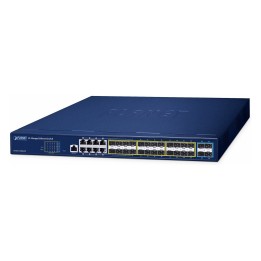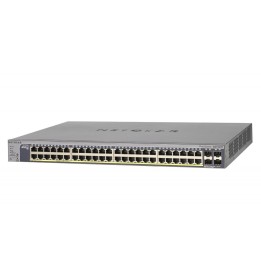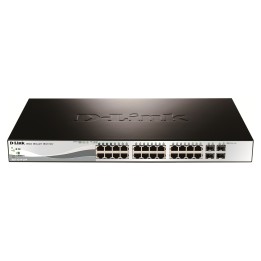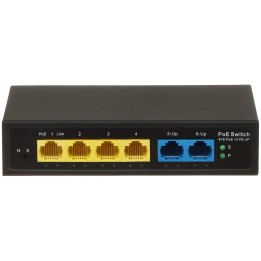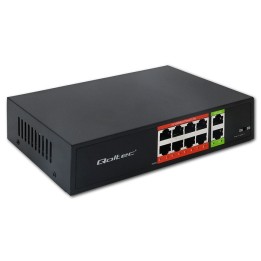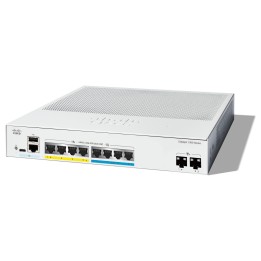
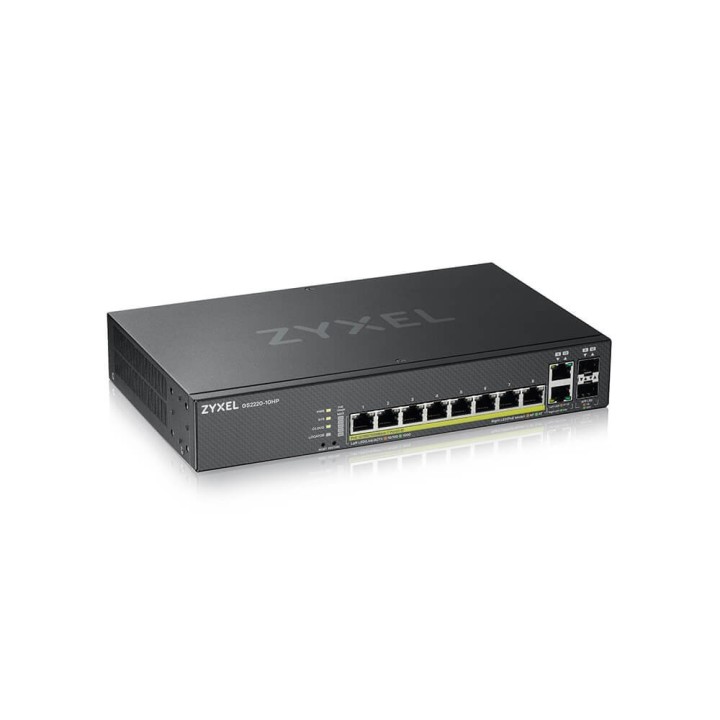
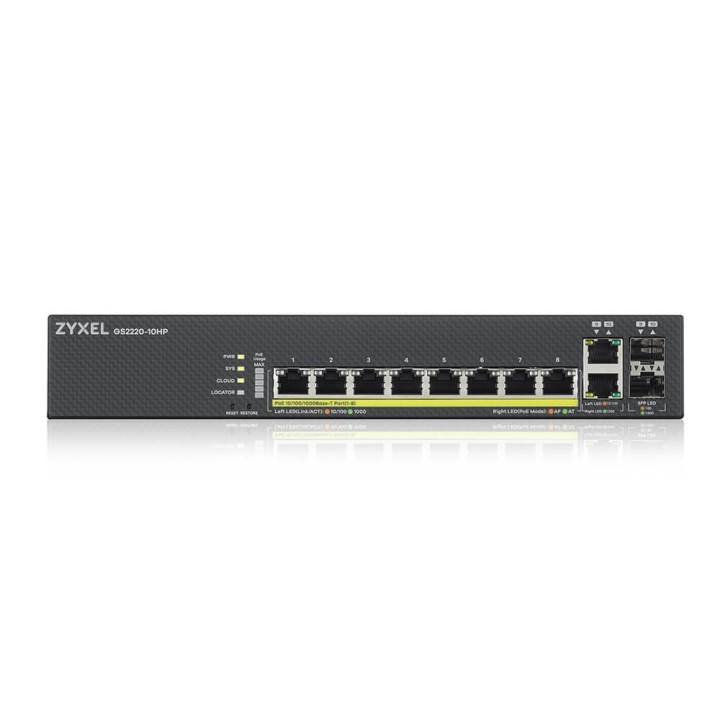
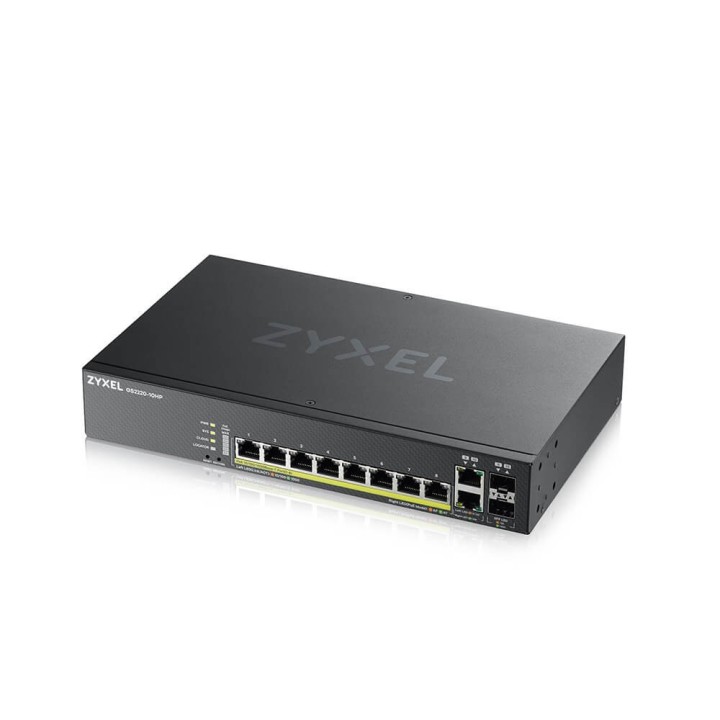
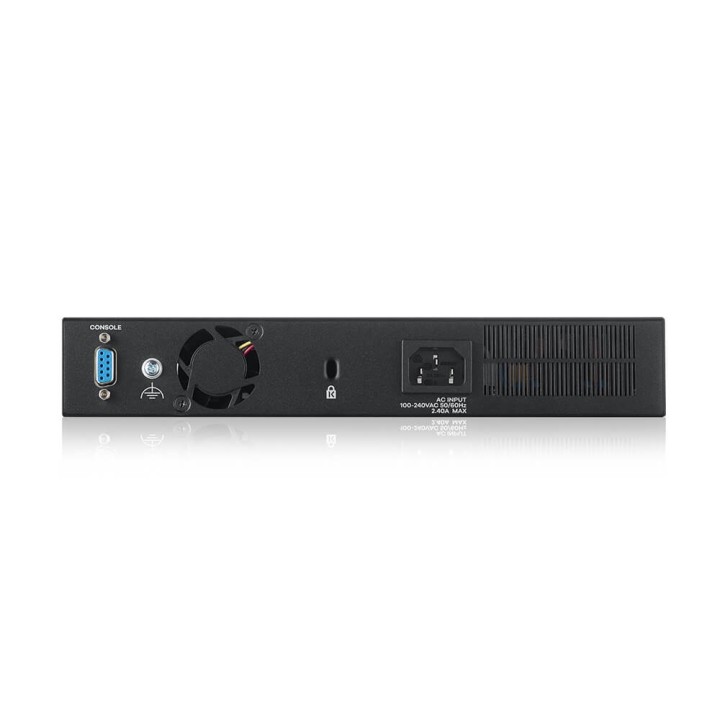
GS220-10HP 8xGbE L2 PoE Switch 1Y NCC Pro Pack GS2220-10HP-EU0101F

Cena: 1 627,99 zł
Brutto
Dostępność produktu: Dostępny 2 szt.
Czas dostawy Wysyłka w ciągu 3 dni roboczych
Koszt dostawy Bezpłatna dostawa od 250 zł.

Opis produktu

GS2220-10HP

Pierwszy na rynku przełącznik z obsługą trzech trybów zarządzania

  • Seria GS2220 to pierwszw zarządzalne przełączniki hybrydowe z funkcją zarządzania w chmurze Nebula, zarządzaniem niezależnym i SNMP.

Potężna funkcjonalność L2

  • Seria GS2220 posiada bogaty zestaw funkcji warstwy 2, który może kształtować ruch w zakresie dowolnych wdrożeń VoIP, wideokonferencji i IPTV. Zaawansowane funkcje kontroli ruchu zaimplementowane w serii GS2220, takie jak multicast L2, IGMP snooping, Multicast VLAN Registration zapewniają hotelom, firmom i placówkom edukacyjnym większe możliwośći i bardziej efektywne zarządzanie ruchem we współczesnych konwergentnych aplikacjach.

Tailor-made experience for Networked AV

  • An intuitive wizard that prompts for high level requirement for network infrastructure, follow up with AI-intelligent to apply all the necessary details to setup a professional AVoIP system. With the intuitive graphical status overview of the key AV network elements such as IGMP and IP information, accompany with condensed function menu help you manage and monitor the system with ease.

Zarządzaj po swojemu!

  • Obsługa Zyxel NebulaFlex Pro umożliwia łatwe przełączanie, w dowolnym momencie za pomocą zaledwie kilku kliknięć, pomiędzy trybem zarządzania niezależnego i intuicyjną platformą zarządzania w chmurze Nebula z ROCZNYM pakietem Pro Pack w cenie przełącznika.

Efektywne zasilanie urządzeń i oszczędzanie energii

  • Aby zaspokoić potrzeby urządzeń, które wymagają dużej mocy modele PoE obsługują standard 802.3at, oferując 30 watów na każdym porcie oraz budżet zasilania o maksymalnej mocy 375 W. Tryb inteligentnego zużycia pozwala na dostarczanie tylko rzeczywistej mocy wymaganej przez urządzenia podłączone do przełącznika, co przedkłada się na większy zwrot z inwestycji.

Elastyczne połączenie portów

  • Seria GS2220 posiada porty miedziane i porty typu combo, modele 50 i 50HP są nawet wyposażone w dodatkowe dedykowane porty SFP dla łączy uplink. Elastyczną kombinację portów można z łatwością zastosować w każdej instalacji przełączającej w warstwie 2.

Specyfikacja

  • Klasa przełącznika: Zarządzalny
  • Zastosowanie (switche): Dom i małe biuro (do 16 portów)
  • Warstwa przełączania (switche): L2
  • Architektura sieci (switche): GigabitEthernet
  • Liczba portów 10/100 Mbps: 10
  • Liczba portów 10/100/1000 Mbps: 8
  • Liczba portów COMBO: 2
  • Przepustowość (switche Gbps): 20 GB/s
  • Prędkość przekazywania (Mpps): 15 MB/s
  • Bufor pakietów: 1.5 MB
  • Bufor pamięci (switche): 16 KB
  • Rozmiar tablicy adresów MAC: 32
  • Obsługiwane protokoły i standardy: IEEE 802.3u 100BASE-TX Ethernet* IEEE 802.3ab 1000BASE-T Ethernet* IEEE 802.3z 1000BASE-X* IEEE 802.3af PoE* IEEE 802.3at PoE plus* IEEE 802.3az EEE* IEEE 802.3x flow control IEEE 802.1AB LLDP/LLDP-MED* IEEE 802.3ad LACP aggregation* IEEE 802.1D Spanning Tree Protocol (STP)* IEEE 802.1w Rapid Spanning Tree Protocol (RSTP)* IEEE 802.1s Multiple Spanning Tree Protocol (MSTP) IEEE 802.1Q VLAN tagging IEEE 802.1p Class of Service (CoS) prioritization* IEEE 802.1X port authentication*
  • QoS: No. of hardware queues per port: 8* Storm control and event log: Broadcast, multicast, unknown unicast (DLF)* Port-based rate limiting* (ingress/ egress) Rate limiting per IP/TCP/UDP per port Policy-based rate limiting 802.3x flow control 802.1p Class of Service (SPQ, WFQ, WRR, hybrid-SPQ combination capable) DiffServ (DSCP)
  • Bezpieczeństwo: Port security Layer 2 MAC filtering Layer 3 IP filtering Layer 4 TCP/UDP socket filtering Static MAC forwarding Multiple RADIUS servers* Multiple TACACS+ servers 802.1x VLAN and 802.1p assignment by RADIUS Login authentication by RADIUS Login authentication by TACACS+ TACACS+ accounting RADIUS accounting Authorization on RADIUS Authorization on TACACS+ SSH v2 SSL MAC freeze DHCP snooping IPv4 DHCP snooping IPv6 ARP inspection Static IP-MAC-Port binding Policy-based security filtering Port isolation IP source guard (IPv4/IPv6) MAC search* Guest VLAN* ACL packet filtering (IPv4/IPv6) CPU protection Interface related trap enable disable (by port) MAC-based authentication per VLAN Denial of Service (DoS)
  • Zarządzanie, monitorowanie, konfiguracja: Cloud management by Nebula Control Center* New for V4.70 Networked AV mode by Web Interface Zyxel iStackingTM Web interface Management through Web interface, Console, Telnet, SNMP Remote firmware upgrade by FTP/ Web/TFTP Configuration saving and retrieving* Multiple logins supported Configure clone* Multilevel CLI CLI (Cisco-like) DHCP relay per VLAN DHCP Relay MAC Proxy DHCP client IPv4* DHCP client IPv6 DHCP option 82 Daylight saving* NTP supports IPv4/IPv6 Port mirroring* RS-232 out-of-band console port Scheduled PoE* PoE default consumption mode* Restore to last custom default New for V4.70 Auto PD Recovery
  • Typ obudowy: Rack (Switche/UPS)
  • Zasilacz (switche): Zewnętrzny
  • Pobór mocy: 21.8 W
  • Czas pracy pomiędzy awariami (MTBF): 587.477 h
  • Akcesoria w zestawie: Kabel zasilający Zestaw do montażu w stojaku
  • Zasilanie: 100 - 240 V AC, 50/60 Hz
  • Wymiary: 267 x 162 x 44 mm / 10.51 x 6.38 x 1.73 cala
  • Waga: 3.97 kg
  • Pozostałe parametry: Specyfikacje środowiskowe Temperatura 0 ° C do 50 ° C / 32 ° F do 122 ° F Wilgotność 10% do 95% (bez kondensacji)
  • Uwaga: CE+WEEE

Szczegóły produktu

  • Marka Zyxel
  • Kod produktu 660fbd1b71a267703cb1fef6
  • Dostępność 2 Przedmioty
  • EAN13 4718937607402
  • MPN GS2220-10HP-EU0101F

Specyfikacja

  • Liczba portów (szt.) 8 szt.
  • Liczba portów PoE (szt.) 8 szt.
  • Rodzaj zarządzania Zarządzalny
  • Montaż Rack Tak
  • Bez wentylatora Nie
  • Typ obudowy sieciowej Rack (Switche/UPS)

Producent

Producent

Zyxel Communications A/S

Generatorvej 8D 2860 Søborg Dania

E-mail: sales@zyxel.eu

Formularz kontaktowy: https://www.zyxel.com/service-provider/global/en/contact-us

Osoba odpowiedzialna w UE

Zyxel Networks A/S

Gladsaxevej 378 2860 Søborg Denmark

E-mail: sales@zyxel.dk

Formularz kontaktowy: https://www.zyxel.com/global/en/contact

Telefon: +45 39550700

Bezpieczeństwo

Informacje o bezpieczeństwie

List of safety warnings for network equipment based on the requirements of General Product Safety Regulation (GPSR) 2023/988: 1. Risk of electric shock: * Make sure that the device is connected to a working socket with grounding. * Do not touch the plug or cable with wet hands. * Avoid using the device in places with high humidity. 2. Risk of overheating: * Provide adequate ventilation while maintaining at least 5 cm of free space around the device. * Do not block ventilation openings and avoid putting network equipment on soft surfaces such as blankets or pillows. 3. Fire risk: * Use only original power supplies and accessories recommended by the manufacturer. * Do not leave the device on unattended near flammable materials. 4. Risk of bodily injury: * Use the device on a stable surface to minimize the risk of falling. 5. Hazards in humid environments: * Do not use network equipment outdoors in rain or in places with high humidity. * If the device is flooded, immediately disconnect it from the power source and contact the service. 6. Hazards at high temperatures: * Do not expose the device to direct sunlight. * Avoid using network equipment at temperatures above the recommended range (usually 5-35°C). 7. Risk of damage during cleaning: * Before cleaning, disconnect the device from the power supply and use a soft, slightly damp cloth. * Avoid using strong detergents that can damage the surface of the device. 8. Caution when replacing accessories: * Use only the accessories recommended by the manufacturer. * When replacing batteries, follow the manufacturer's instructions and do not expose the battery to high temperatures. 9. Risks associated with battery use: * Avoid damage to the battery by impact or puncture. * If the battery overheats or swells, stop using the device immediately. 10. Warnings for children: * Keep power cables out of reach of children. * Make sure that children do not play with the device or accessories that can be dangerous. 11. Electromagnetic interference: * Using network equipment near medical devices such as pacemakers can cause electromagnetic interference. * Maintain a distance of at least 15 cm between network equipment and medical devices. 12. Fire hazard: * Storing network equipment near flammable materials or using non-original power supplies may increase the risk of fire. * Use your smartphone away from fabrics, paper, and other flammable materials. 13. Regular maintenance: * Failure to regularly clean ports and sockets can lead to damage or failure. * Clean ports and sockets regularly using a dry and clean cloth, avoiding moisture input.
Ładowanie...
Wróć na górę