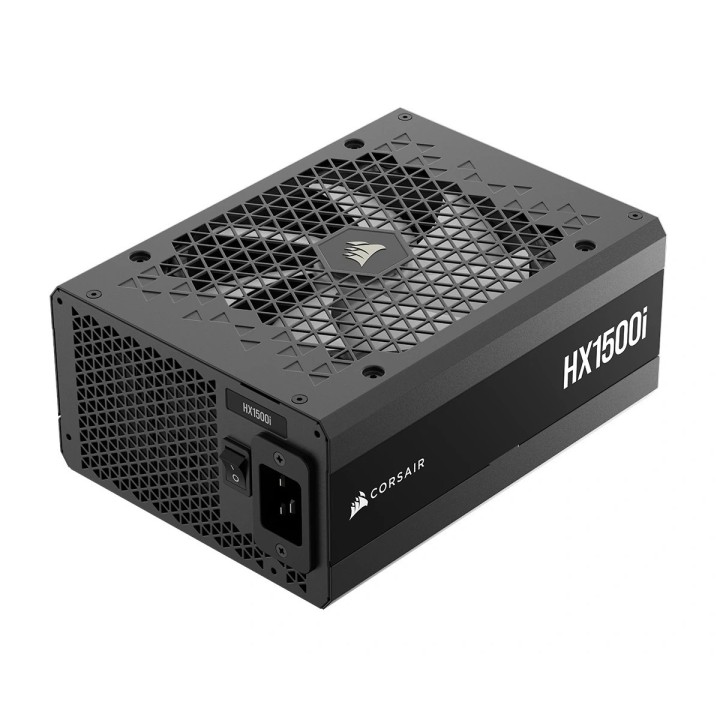
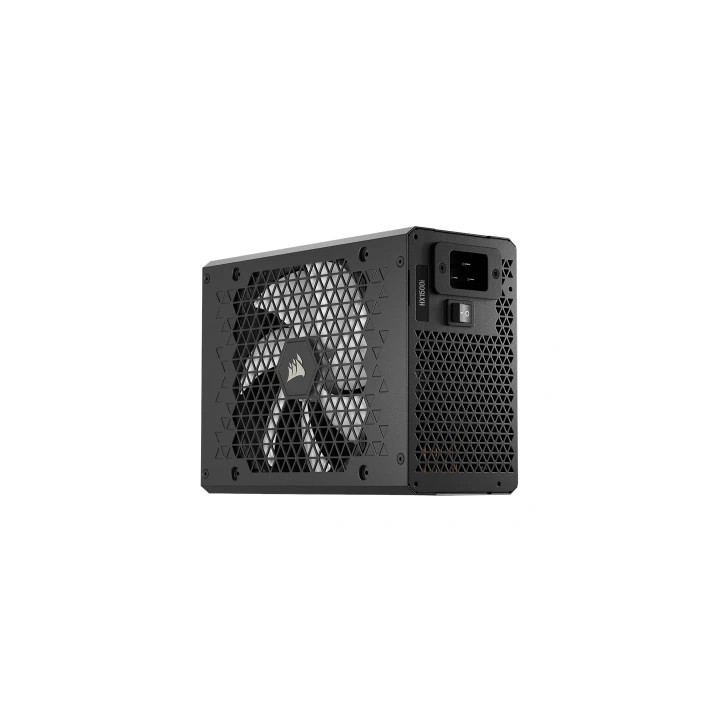
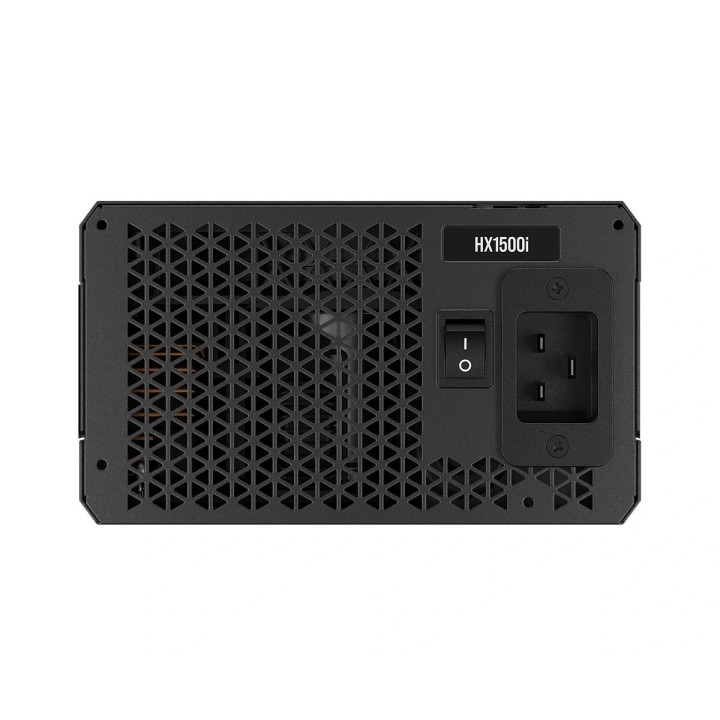
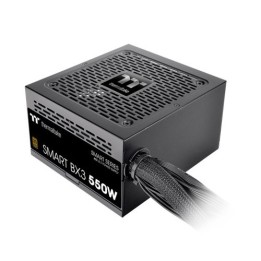
Corsair HX1500i 1500W ATX 3.1 80 PLUS Platinum

Cena: 1 444,49 zł
Brutto
Dostępność produktu: Dostępny 8 szt.
Czas dostawy Wysyłka w ciągu 2 dni roboczych
Koszt dostawy Bezpłatna dostawa od 250 zł.

Opis produktu

Corsair HX1500i to wysokowydajny zasilacz o mocy 1500 W, zaprojektowany z myślą o entuzjastach i profesjonalnych zestawach komputerowych wymagających stabilnego zasilania. Spełnia standard ATX 3.1 oraz obsługuje PCIe 5.1, dzięki czemu jest przygotowany do współpracy z najnowszymi kartami graficznymi i komponentami o wysokim poborze mocy. Certyfikat 80 PLUS Platinum zapewnia wysoką sprawność energetyczną — do 92% — co przekłada się na niższe straty energii i mniejsze wydzielanie ciepła.

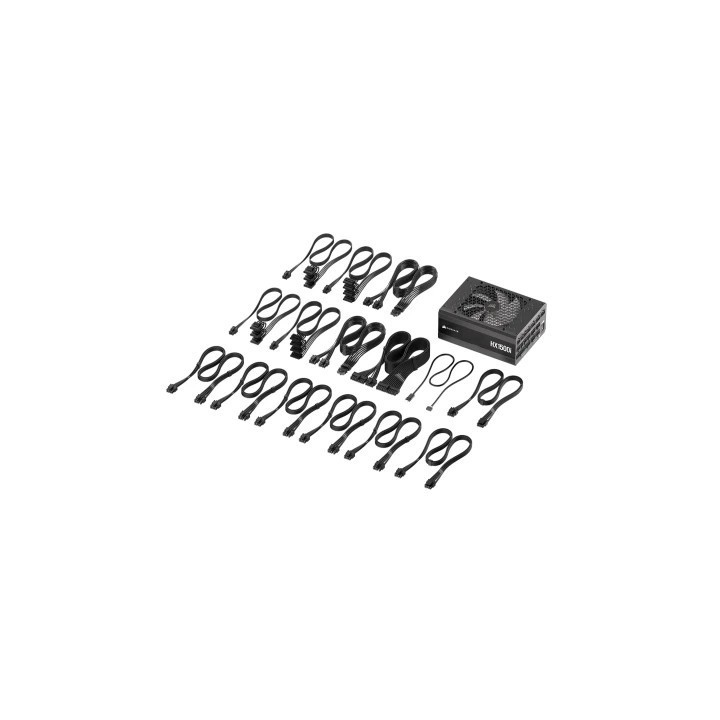
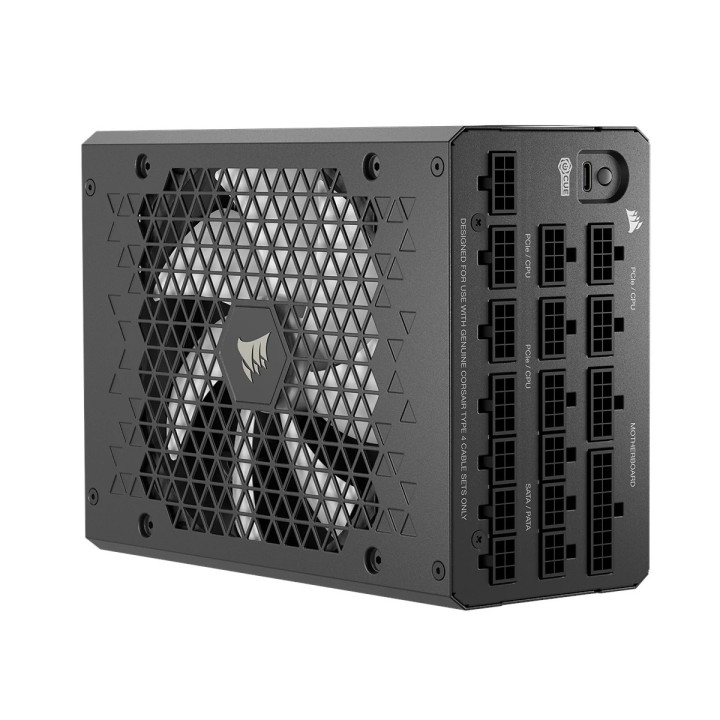
Konstrukcja w pełni modułowa ułatwia prowadzenie okablowania i dopasowanie konfiguracji przewodów do konkretnego systemu. Zestaw złączy obejmuje m.in. jedno 24-pinowe złącze główne (20+4), dwa złącza EPS 4+4-pin, pięć złączy PCIe 6+2-pin oraz dwa złącza 12VHPWR (16-pin). Dostępne są także osiem złączy SATA oraz sześć złączy Molex, a przedni port USB Type-C ułatwia podłączenie kompatybilnych urządzeń.

Parametry zasilania obejmują m.in. szynę 12V o wydajności 125 A (maks. 1500 W), szyny 3.3V i 5V po 25 A oraz linię 5VSB o wartości 3,5 A (17,5 W). Zasilacz wyposażono w aktywny układ PFC oraz pojedynczy wentylator 140 mm, zapewniający skuteczne chłodzenie przy kompaktowych wymiarach obudowy.

Specyfikacja

  • Marka: Corsair
  • Model: HX1500i
  • Typ urządzenia: Zasilacz wewnętrzny (ATX)
  • Standard: ATX 3.1
  • Maksymalna moc wyjściowa: 1500 W
  • Certyfikat 80+: 80 PLUS Platinum
  • Sprawność: do 92%
  • Modularny: Tak
  • Obsługa PCIe: PCIe 5.1
  • Złącze wejściowe: IEC320 C20
  • Napięcie wejściowe: AC 100–240 V
  • Znamionowy prąd wejściowy: 15 A
  • PFC: Aktywny
  • Wentylator: 140 mm
  • Liczba wentylatorów: 1
  • Główne złącze płyty: 24-pin (20+4)
  • Złącza EPS (4+4-pin): 2
  • Złącza PCIe 6+2-pin: 5
  • Złącza 12VHPWR (16-pin): 2
  • Złącza SATA: 8
  • Złącza Molex (4-pin): 6
  • Złącze Floppy: 0
  • Port USB Type-C: 1
  • 3.3V: 25 A
  • 5V: 25 A
  • 12V: 125 A (1500 W)
  • 5VSB: 3.5 A (17.5 W)
  • Kolor: Czarny
  • Głębokość: 200 mm
  • Szerokość: 150 mm
  • Wysokość: 86 mm
Szczegóły produktu

  • Marka Corsair
  • Kod produktu 67e4b45b95ee385de3768caa
  • Dostępność 8 Przedmioty
  • EAN13 0840440495901
  • MPN CP-9020309-EU

Specyfikacja

  • Moc znamionowa (W) 1500 W
  • Certyfikat sprawności 80 PLUS Platinum
  • Średnica wentylatora (mm) 140 mm
  • Standard ATX 3.1

Producent

Producent

Corsair Memory, B.V.

Wormerweg 1 1311 XA Almere Netherlands

Formularz kontaktowy: https://help.corsair.com/hc/en-us

Osoba odpowiedzialna w UE

Corsair Memory, BV

Wormerweg 8 1311 XB Almere Netherlands

Telefon: +31 365478360

Bezpieczeństwo

Informacje o bezpieczeństwie

List of safety warnings for computer power supplies based on the requirements of General Product Safety Regulation (GPSR) 2023/988 * Risk of electric shock: * Make sure the power supply is properly grounded. * Do not open the power supply housing when it is connected to power. * Do not touch any internal components of the power supply when it is connected to power. * Do not use the power supply in humid or wet environments. * Disconnect the power supply from the power supply before cleaning. * Fire risk: * Do not use a power supply with less power than required by your computer. * Make sure the power supply has adequate surge, short-circuit and thermal protection. * Do not cover the power supply to ensure adequate ventilation. * Do not place the power supply near heat sources. * Regularly inspect power cables for damage. * Explosion risk: * Do not use a power supply that is damaged or has visible signs of damage. * Do not try to repair the power supply yourself. * Use the power supply only for its intended purpose. * Dispose of the power supply according to local regulations. * Risk of injury: * Do not drop the power supply. * Do not disassemble the power supply as it contains live components that can cause electric shock. * Do not expose the power supply to extreme temperatures or moisture. * Before installing the power supply, disconnect the computer from the power supply. * Compatibility and selection: * Make sure the power supply is compatible with the motherboard and other computer components. * Check that the power supply has the right connectors for all components. * Overheating protection: * Provide adequate ventilation in the computer case so that the power supply does not overheat. * Regularly clean the power supply fan from dust. * Installation and use: * Follow the manufacturer's instructions when installing the power supply. * Do not overload the power supply by connecting too many devices to it. * Storage: * Store the power supply in a dry and clean place, away from children. * Cables & Connections: * Make sure all cables are properly connected and not damaged. * Do not use extension cords or adapters that are not intended to be used with the power supply.

Ładowanie...
Wróć na górę