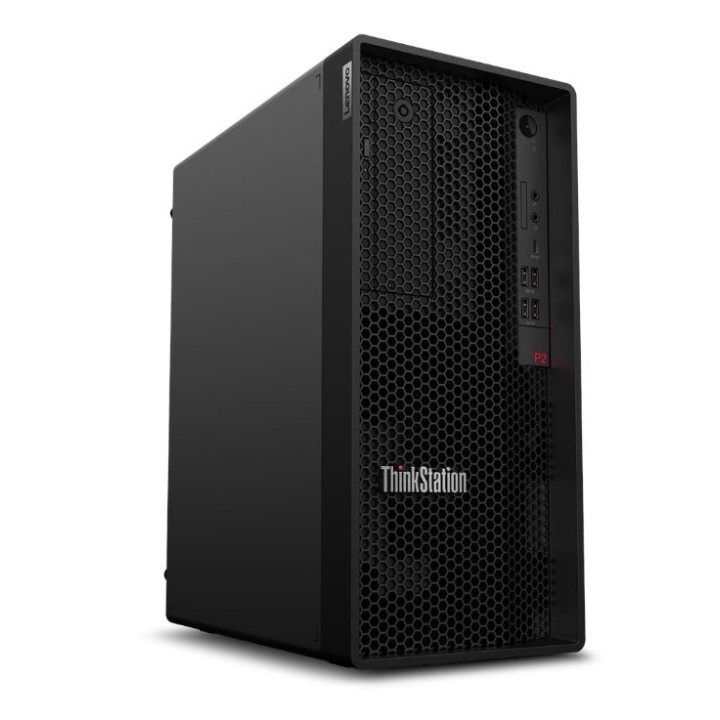
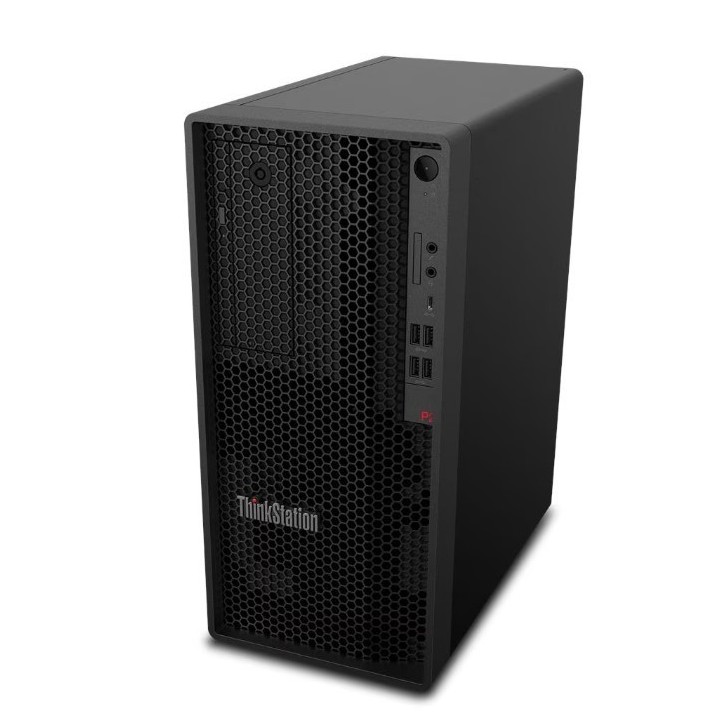
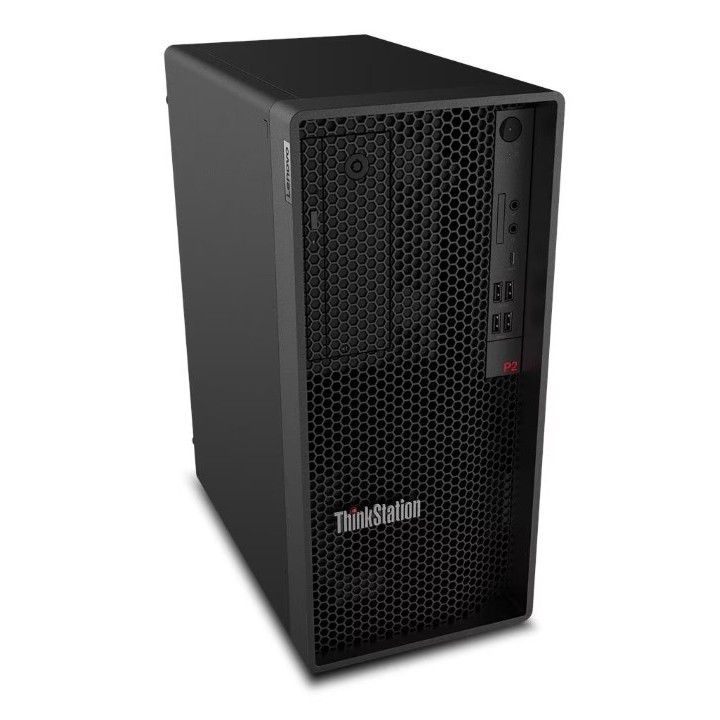
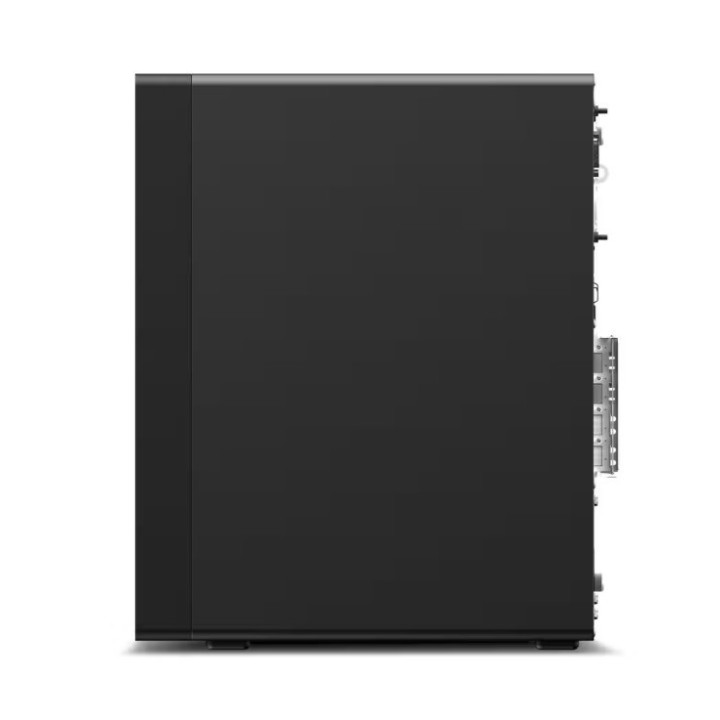
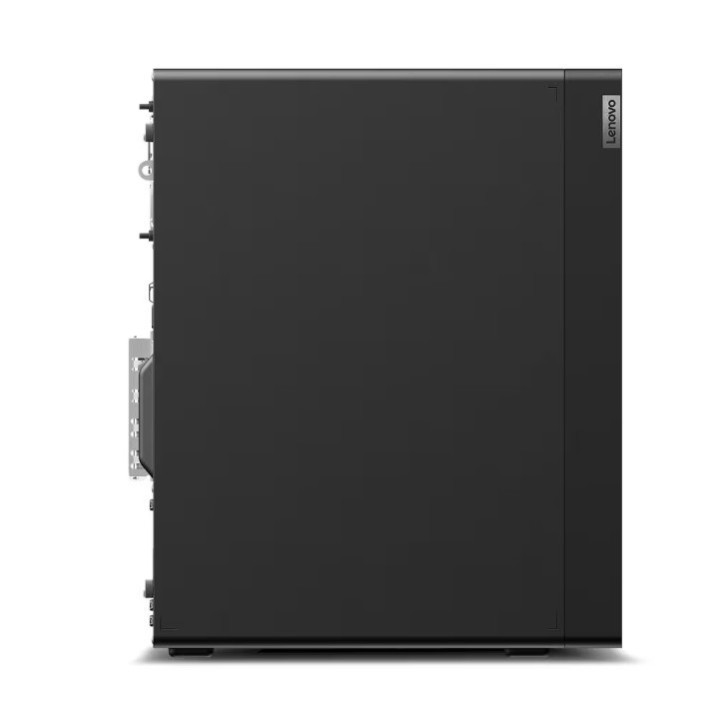
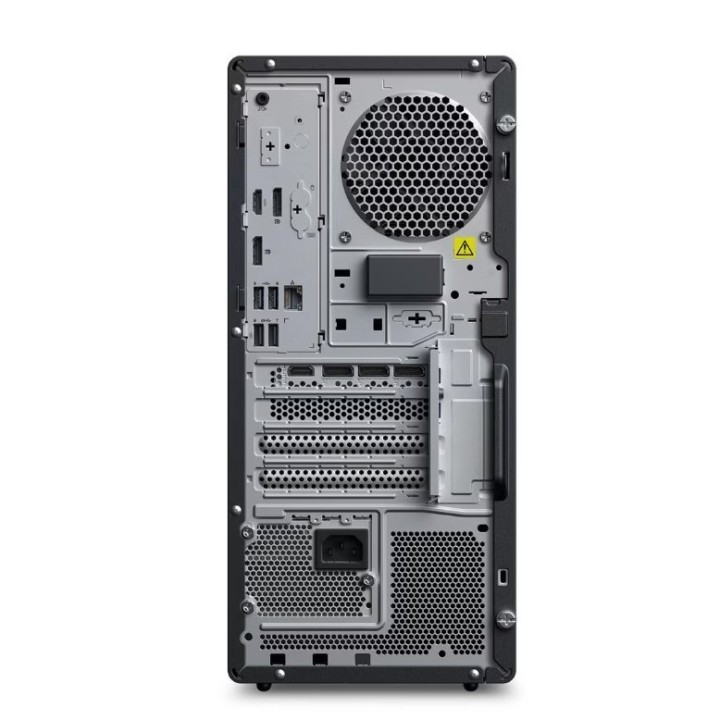
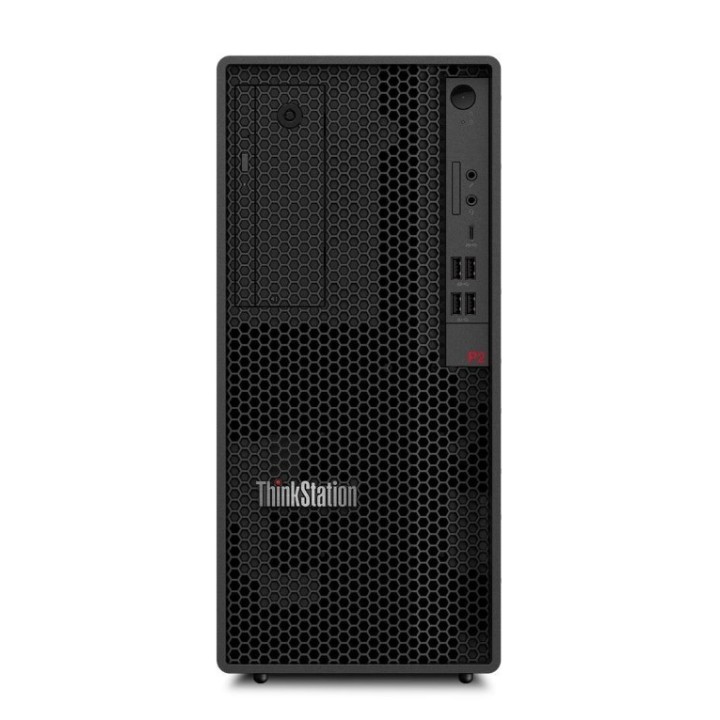
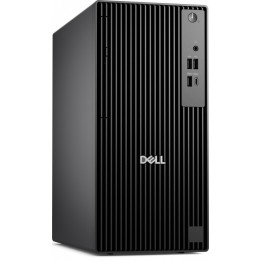
Stacja robocza ThinkStation P2 Tower 30JQ006APB W11Pro Ultra 7 265K/2x32GB/2x1TB/INT + RTX 5070 12GB/vPro/3YRS OS + 1YR Premier
Opis produktu
Lenovo ThinkStation P2 Gen 2 30JQ - Wieża 1 x Core Ultra 7 265K / do 5.5 GHz - vPro Enterprise - RAM 64 GB - SSD 2 x 1 TB - TCG Opal Encryption, NVMe, Performance - GeForce RTX 5070 - Gigabit Ethernet - Win 11 Pro - monitor: brak - klawiatura: Angielska - Europejska - Lenovo TopSeller - z 1 Rok Lenovo Premier Support
Specyfikacja
- Model: ThinkStation P2 Tower Gen 2
- Rodzina procesora: Intel Core Ultra 7 (Copilot dla ver 2XXV)
- Taktowanie procesora (Boost): 5.5 GHz
- Obsługa ECC: Nie
- Pozostałe informacje o procesorze: Intel Core Ultra 7 265K
- Zainstalowana pamięć RAM: 64 GB
- Maks. wielkość pamięci: 128 GB
- Rodzaj pamięci: DDR5
- Częstotliwość szyny pamięci: 5600 MHz
- Typ dysku: SSD
- Pojemność SSD: 2 TB
- Format szerokości SSD: M.2 2280
- Interfejs dysku SSD: PCI-Express
- Model karty graficznej: GeForce RTX 5070
- Producent chipsetu: NVIDIA
- Wielkość pamięci VRAM: 12 GB
- Porty wideo karty graficznej (dla kart dedykowanych - przy karcie zintegowanej usunąć): 1 x HDMI
- Porty wideo: 2 x DisplayPort
- Interfejs sieciowy: 1 x 10/100/1000 Mbit/s
- Napęd optyczny: Brak
- Czytnik kart pamięci (tak/nie): Tak
- Porty USB: 2 x USB 3.2 Type-A Gen 2
- Pozostałe porty we/wy: 1 x Audio (Line-out)
- Gniazda rozszerzeń: 1 x PCIe 4.0 x 16
- Moc zasilacza: 750 W
- Kolor (wyliczeniowy): Czarny
- Obudowa: Tower
- Wysokość: 376 mm
- Szerokość: 170 mm
- Głębokość: 315.35 mm
- Waga: 9.67 kg
- System operacyjny: Windows 11 Pro
- Akcesoria w zestawie: Mysz Klawiatura
- Pozostałe parametry: Intel vPro Enterprise with Intel AMT 16
- Uwaga: CE+WEEE

Szczegóły produktu
- Marka Lenovo
- Kod produktu 688c23f92b3b378436555a16
- Dostępność 11 Przedmioty
- EAN13 0199272068273
- MPN 30JQ006APB
Specyfikacja
- Model procesora 265K
- Seria procesora Intel Core Ultra 7 (Copilot dla ver 2XXV)
- Typ pamięci RAM DDR5
- Pamięć RAM (GB) 64 GB
- Model układu graficznego GeForce RTX 5070
- System operacyjny Windows 11 Pro
- Wi-Fi Nie
- Moc zasilacza (W) 750 W
- Format obudowy Tower
Producent
Producent
Lenovo Technology B.V. Sp. z o.o. Oddział w Polsce
ul. Gottlieba Daimlera 1 02-460 Warszawa Polska
Osoba odpowiedzialna w UE
Lenovo (Slovakia) s.r.o.
Landererova 12 811 09 Bratislava SLOVAKIA
E-mail: balenovo_sk@lenovo.com
Telefon: +421 2/686 880 00
Bezpieczeństwo
Informacje o bezpieczeństwie
List of desktop safety warnings based on the requirements of General Product Safety Regulation (EU) 2023/988 (GPSR) * Risk of electric shock: * Make sure your computer is connected to an efficient grounded outlet. * Do not touch the plug or cable with wet hands. * Avoid using your computer in areas with high humidity. * Risk of overheating: * Provide adequate ventilation while maintaining at least 5 cm of free space around your computer. * Do not block ventilation openings. * Fire risk: * Use only original chargers and accessories recommended by the manufacturer. * Do not leave your computer on unattended near flammable materials. * Risk of bodily injury: * Use your computer on a stable surface to minimize the risk of falling. * Hazards in humid environments: * Do not use your computer outdoors in rain or in areas with high humidity. * If your computer is flooded, disconnect it from the power source immediately and contact the service. * Hazards at high temperatures: * Do not expose your computer to direct sunlight. * Avoid using your computer at temperatures above the recommended range (usually 5-35°C). * Risk of damage during cleaning: * Before cleaning, disconnect the computer from power and use a soft, slightly damp cloth. * Avoid using strong detergents that can damage the surface of your computer. * Caution when replacing accessories: * Use only accessories recommended by the manufacturer. * When replacing batteries, follow the manufacturer's instructions and do not expose the battery to high temperatures. * Battery Use Hazards: * Avoid damaging the battery by impact or puncture. * If the battery overheats or swells, stop using the computer immediately. * Child warnings: * Keep power cables out of reach of children. * Make sure children don’t play with computers or accessories that can be dangerous.
Komputery stacjonarne
Ostatnio oglądane
Produkty, które ostatnio zwróciły Twoją uwagę.