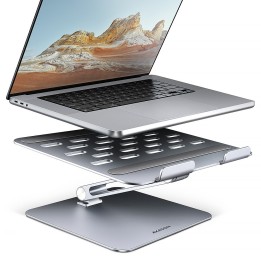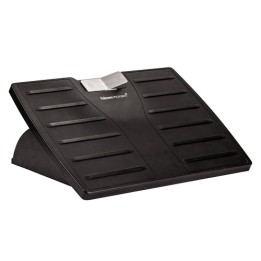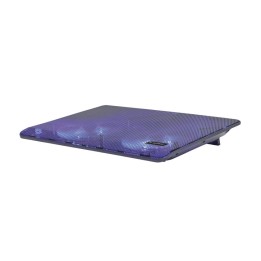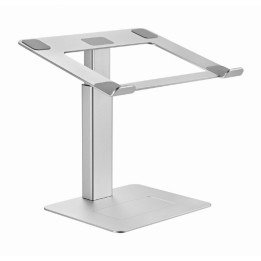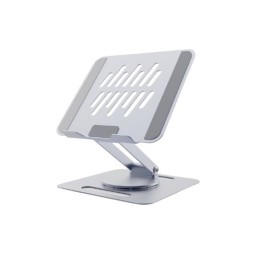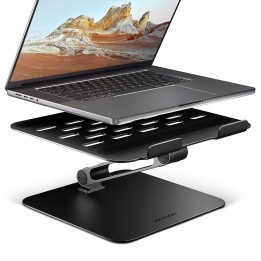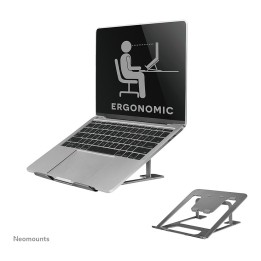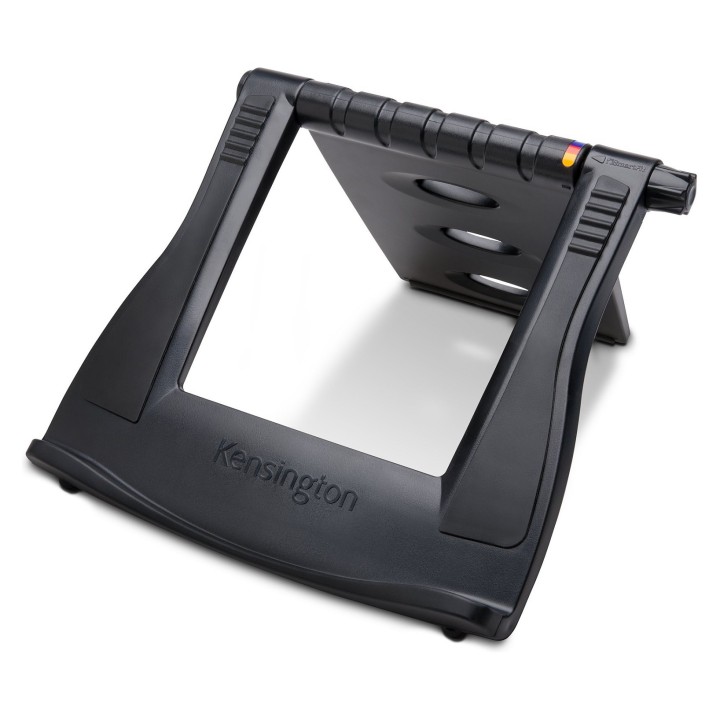
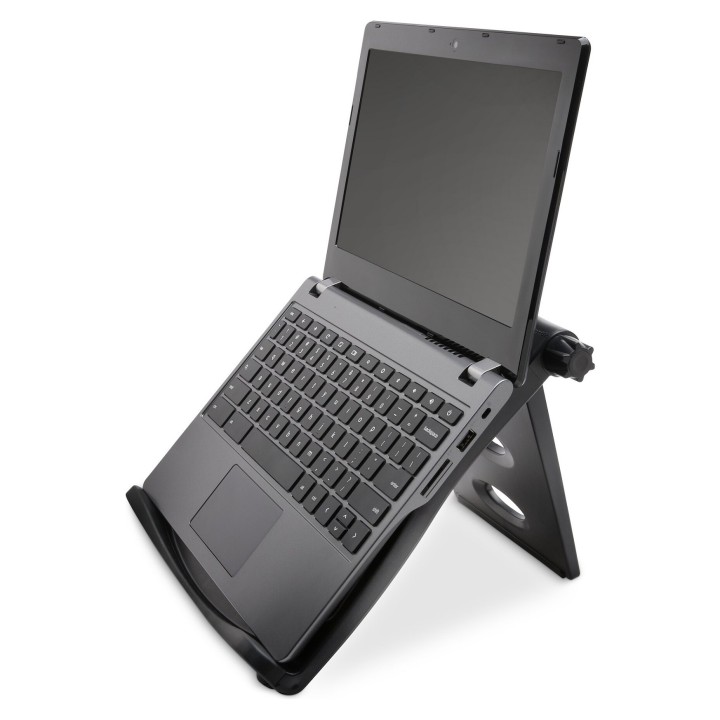
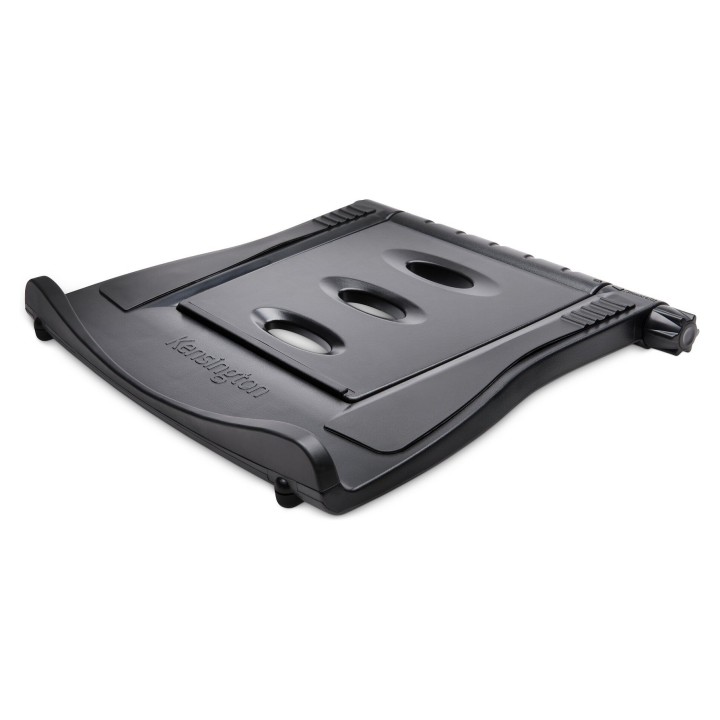
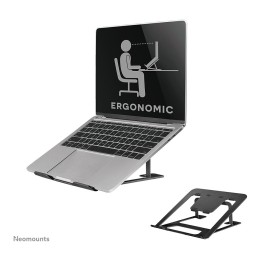
Podstawka chłodząca SmartFit Easy Riser czarna
Opis produktu
Podstawka chłodząca SmartFit Easy Riser czarna
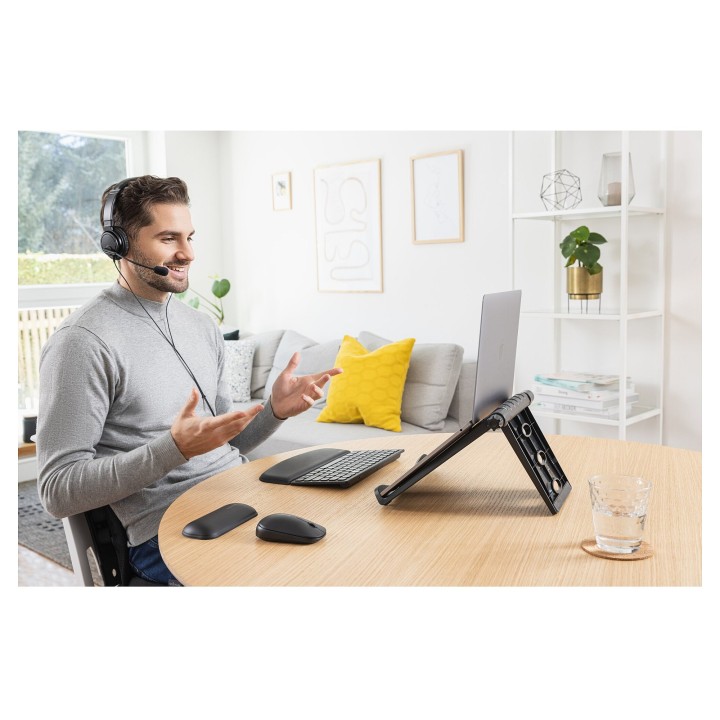
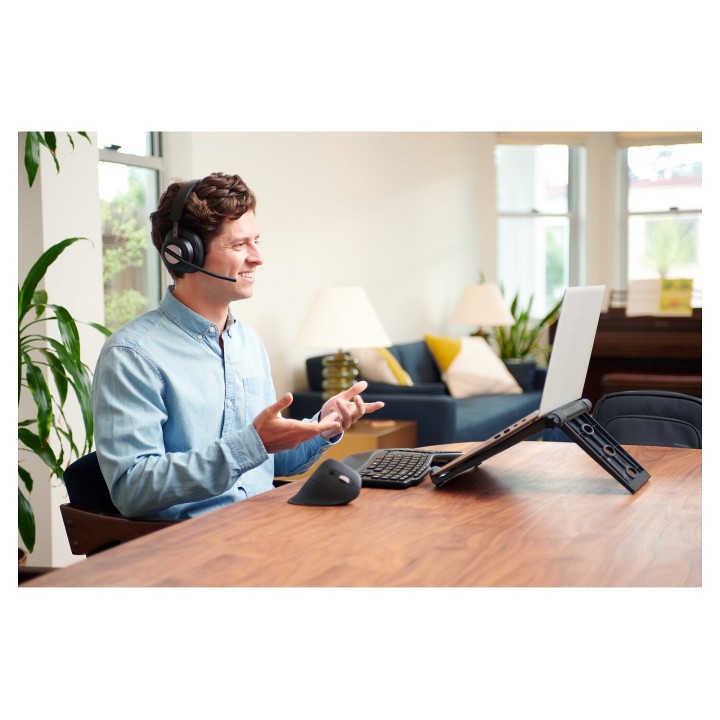
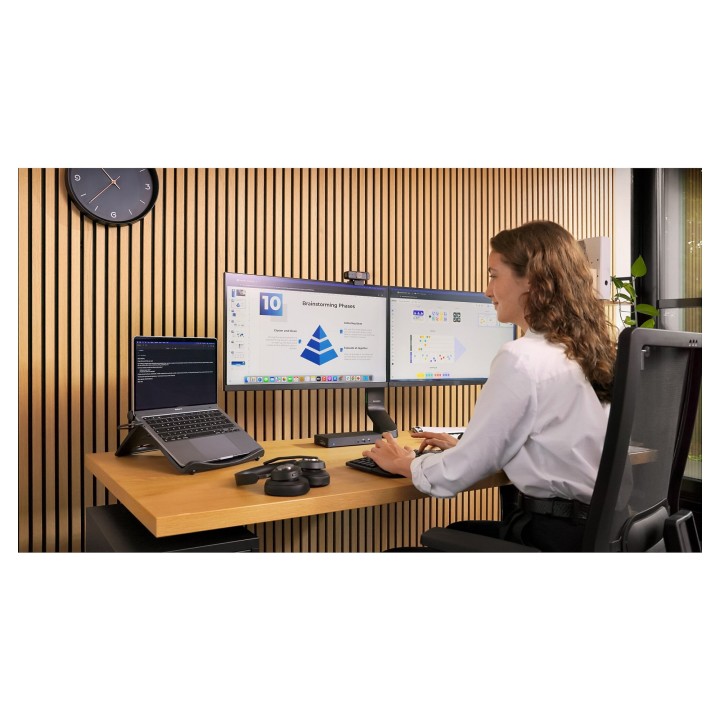
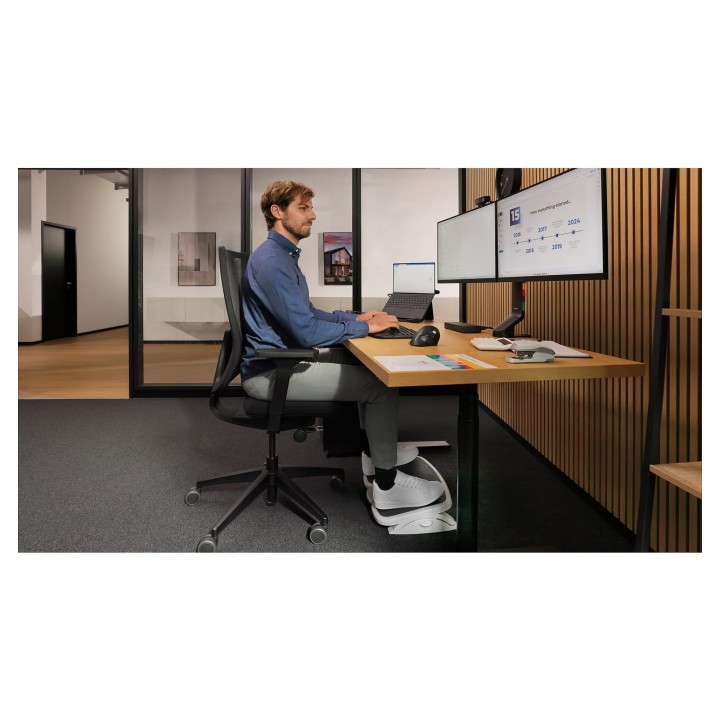
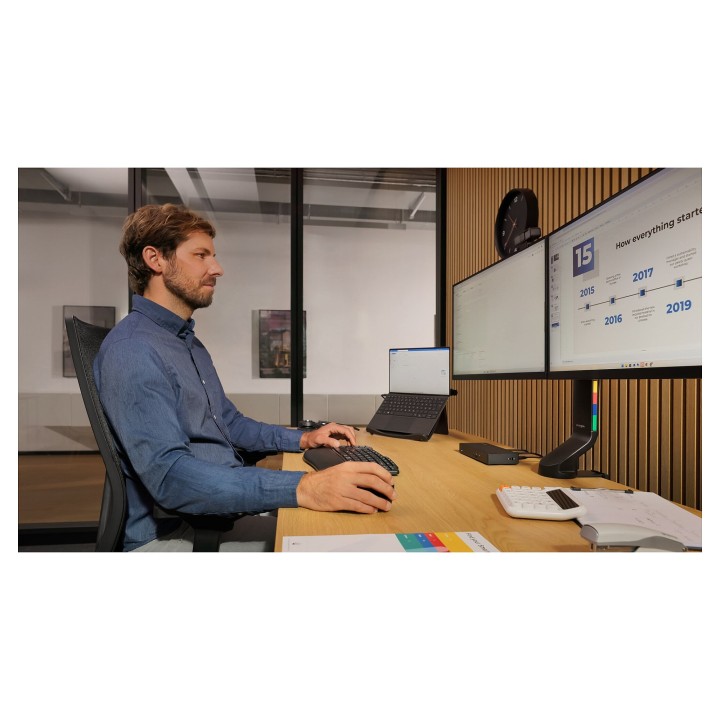
- Uniesienie laptopa zwiększa komfort pracy
- Lepszy przepływ powietrza wydłuża żywotność baterii
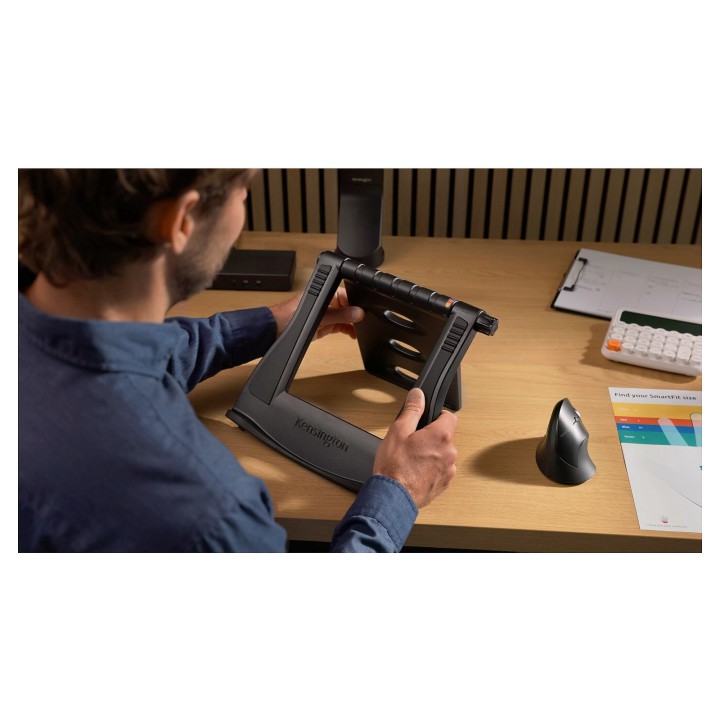
- Kąt nachylenia do 50°
- Podkładki antypoślizgowe utrzymują laptop na miejscu
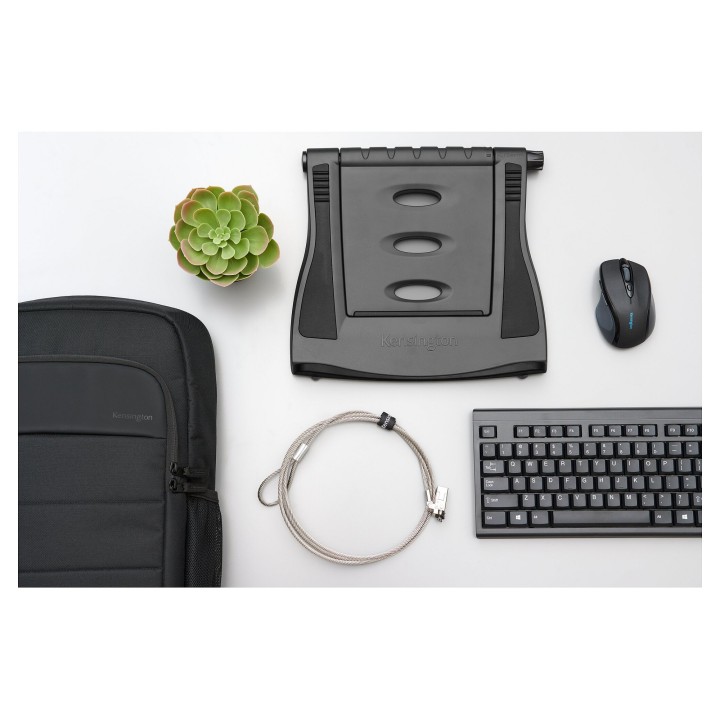
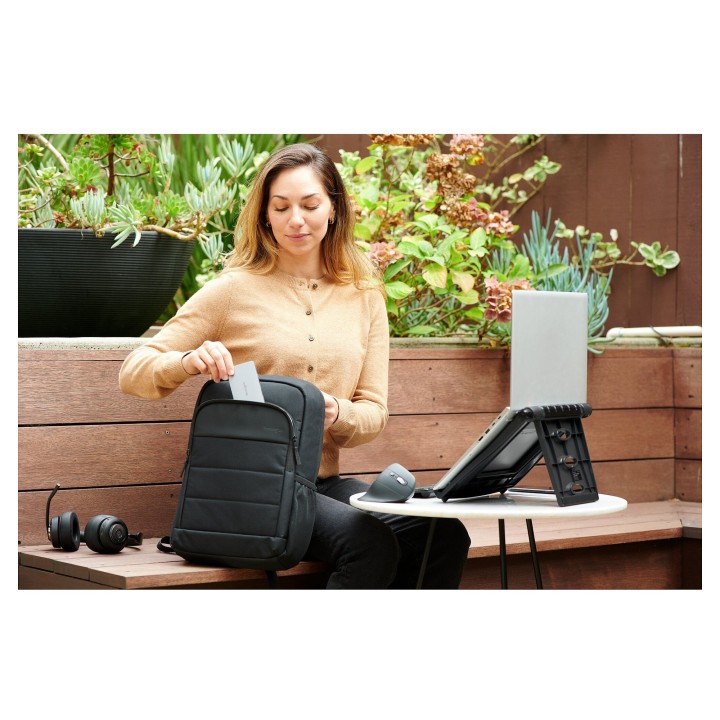
- Możliwość złożenia na płasko ułatwia transport
- Obsługa laptopów o przekątnej od 12 do 17 cali
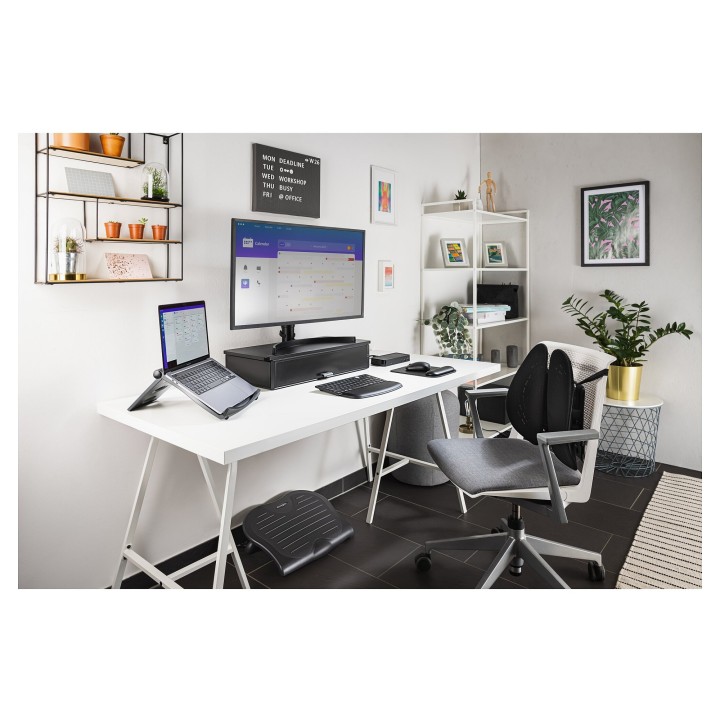
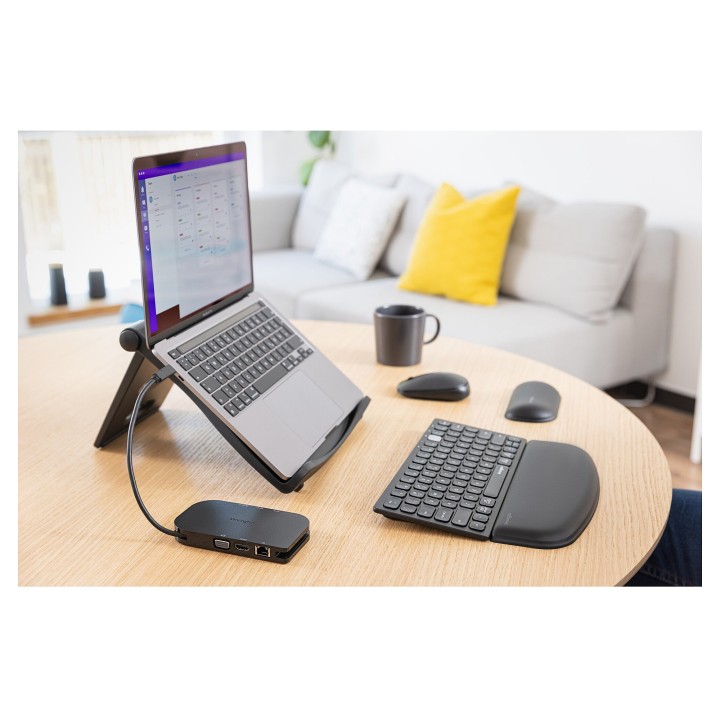
- Do wykorzystania z zewnętrzną klawiaturą i myszą (sprzedawane oddzielnie)
Specyfikacja
- Przekątna ekranu ntb: 12''
- Chłodzenie (Tak/Nie): Tak
- Hub USB: Nie
- Kolor (wyliczeniowy): Czarny
- Uwaga: CE+WEEE
Szczegóły produktu
- Marka Kensington
- Kod produktu 660fbb9871a267703cb0367d
- Dostępność 10 Przedmioty
- EAN13 0085896527886
- MPN K52788WW
Specyfikacja
- Aktywne chłodzenie Tak
- Hub USB Nie
Producent
Producent
LEITZ ACCO Brands GmbH & Co. KG
Siemensstraße 64 D-70469 Stuttgart Niemcy
E-mail: germanyinfo@acco.com
Formularz kontaktowy: https://www.leitz.com/pl-pl/services/wsparcie-klienta/
Telefon: +44 (0)203 364 5390
Bezpieczeństwo
Informacje o bezpieczeństwie
List of safety warnings for the cooling stand based on the requirements of General Product Safety Regulation (EU) 2023/988 (GPSR): 1. Risk of electric shock: * Make sure that the device is connected to a working socket with grounding. * Do not touch the plug or cable with wet hands. * Avoid using the device in places with high humidity. 2. Risk of overheating: * Provide adequate ventilation while maintaining at least 5 cm of free space around the device. * Do not block ventilation openings. 3. Risk of fire: * Use only original accessories recommended by the manufacturer. * Do not leave the device on unattended near flammable materials. 4. Risk of bodily injury: * Use the device on a stable surface to minimize the risk of falling. 5. Hazards in humid environments: * Do not use your laptop outdoors in rain or in areas with high humidity, such as bathrooms. * If the device is flooded, immediately disconnect it from the power source and contact the service. 6. Hazards at high temperatures: * Do not expose the device to direct sunlight. * Avoid using your laptop at temperatures above the recommended range (usually 5-35°C). 7. Risk of damage during cleaning: * Before cleaning, disconnect the laptop from power and use a soft, slightly damp cloth. * Avoid using strong detergents that can damage the surface of the device. 8. Caution when replacing accessories: * Use only the accessories recommended by the manufacturer. * When replacing batteries, follow the manufacturer's instructions and do not expose the battery to high temperatures. 9. Risks associated with battery use: * Avoid damage to the battery by impact or puncture. * If the battery overheats or swells, stop using the device immediately. 10. Warnings for children: * Keep power cables out of reach of children. * Make sure that children do not play with the device or accessories that can be dangerous.
Podstawki i stoliki
Ostatnio oglądane
Produkty, które ostatnio zwróciły Twoją uwagę.