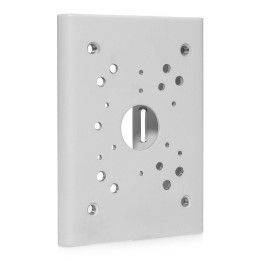
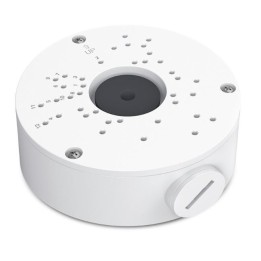
Uchwyt do kamery T91B47 100-410mm
Opis produktu
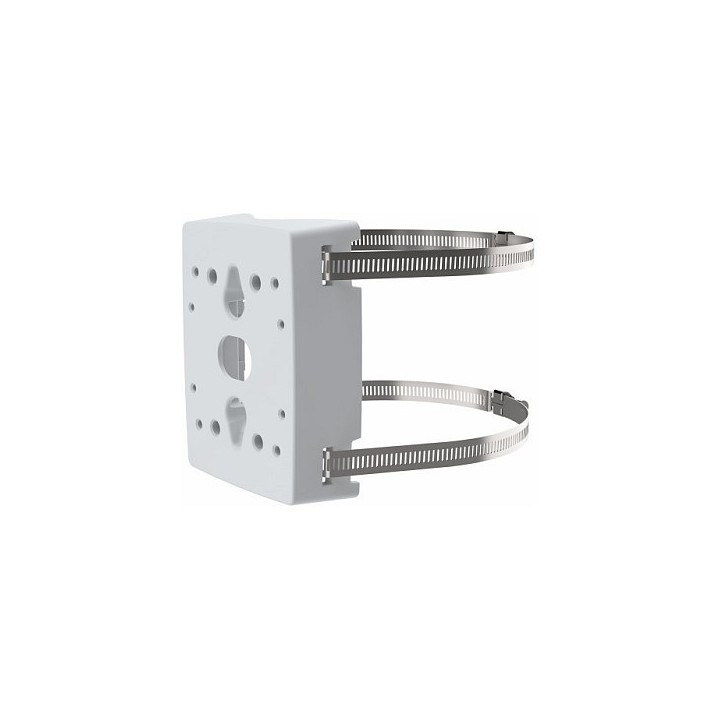
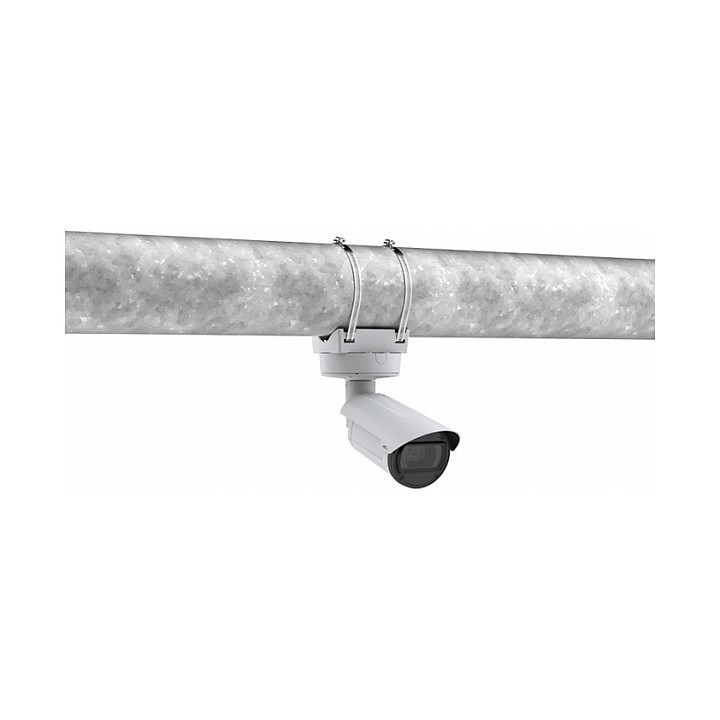
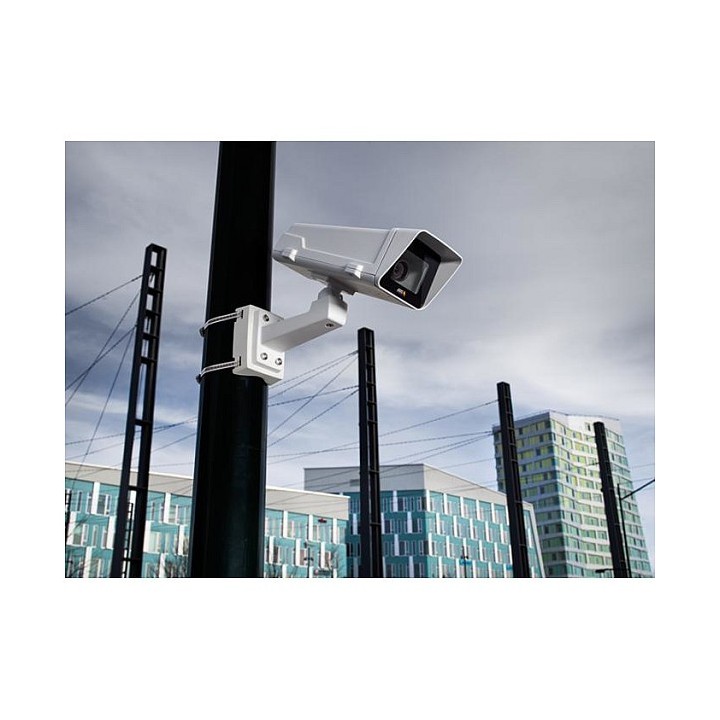
Uchwyt do kamery AXIS T91B47
Do różnych średnic słupa
- Szeroki zakres średnic słupów, na których mogą być montowane
- Bezpieczna i łatwa instalacja
- Odporne na akty wandalizmu, stopień ochrony IK10
- Odporne na korozję, stopień ochrony NEMA 4X
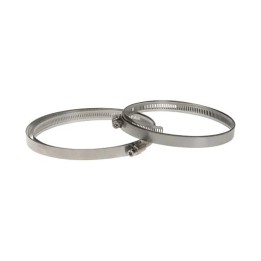
- W komplecie obejmy Axis ze stali nierdzewnej
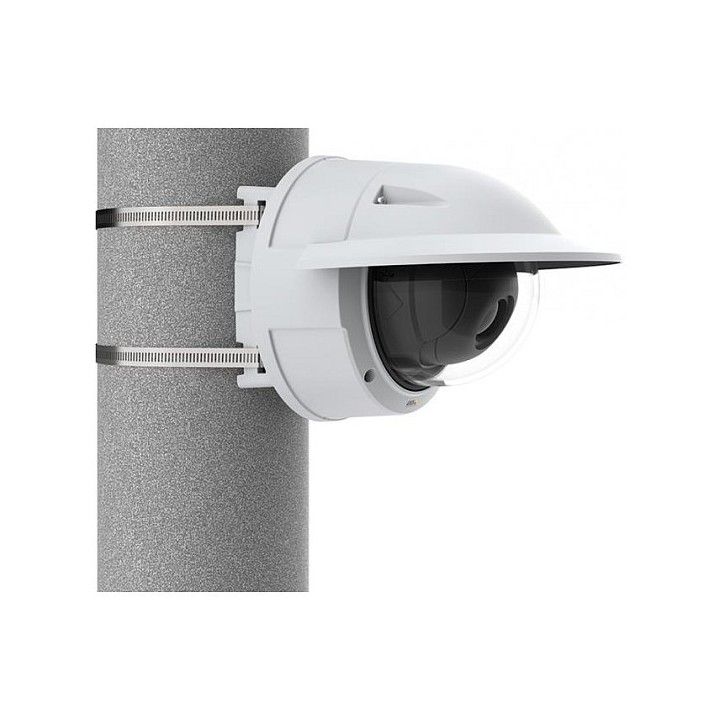
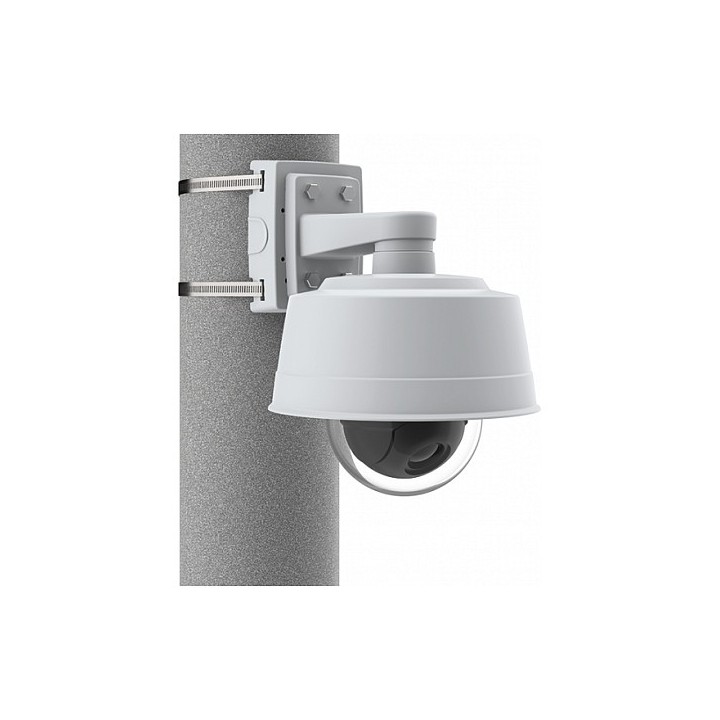
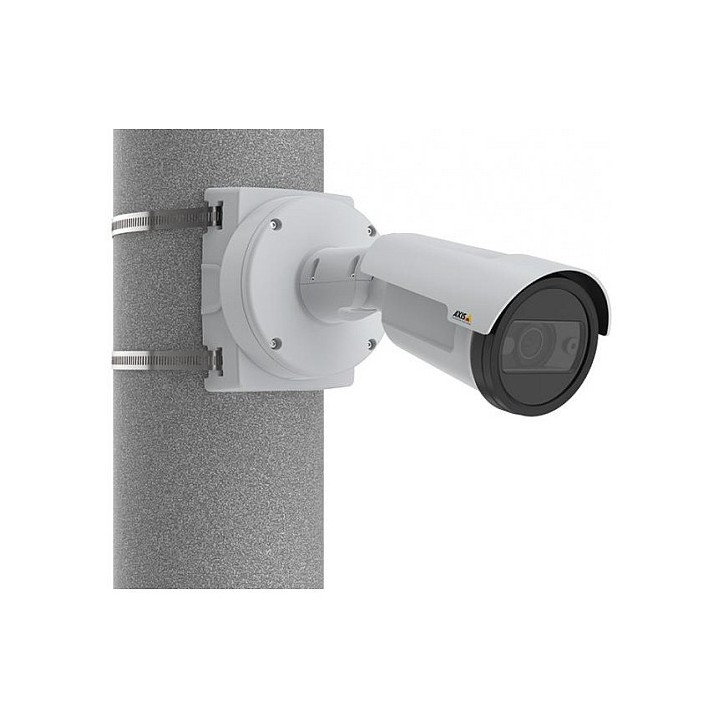
Uchwyt do montażu na słupie AXIS T91B47 Pole Mount jest przeznaczony do użytku wewnątrz i na zewnątrz budynków. Jest dostępny w dwóch wersjach z obejmami stalowymi do słupów o średnicy 50-150 mm i z obejmami stalowymi do słupów o średnicy 100-410 mm.
Uchwyt AXIS T91B47 jest mocowany za pomocą dwóch obejm ze stali nierdzewnej o klasie odpowiedniej do zastosowań morskich (SS316L) ze śrubą TX30 w celu łatwego i bezpiecznego montażu.
Do montażu stałopozycyjnej kamery kopułkowej i stałopozycyjnej kamery typu bullet nie są potrzebne dodatkowe podwieszane akcesoria, gdyż uchwyt AXIS T91B47 pasuje do tyłu kamery, dzięki czemu montaż jest ekonomiczny pod względem kosztów.
Specyfikacja
- Rodzaj uchwytu: Na słupy
- Obciążenie (maks.): 15 kg
- Akcesoria w zestawie: Instrukcja instalacji, Opaski kablowe, Śruby, Paski ze stali nierdzewnej.
- Kolor (wyliczeniowy): Biały
- Wymiary: 111 x 42 x 147 mm
- Waga: 0.3 kg
- Pozostałe parametry: Średnica słupa: 100-410 mm
- Uwaga: CE+WEEE

Szczegóły produktu
- Marka Axis Communications
- Kod produktu 660fbbf071a267703cb0a61d
- Dostępność 200 Przedmioty
- EAN13 7331021061248
- MPN 01164001
Producent
Producent
Axis Communications Sp. z o.o.
Domaniewska 44 02-672 Warszawa Polska
Formularz kontaktowy: https://www.axis.com/pl-pl/contact-us
Telefon: +48 22 452 58 60
Bezpieczeństwo
Informacje o bezpieczeństwie
List of CCTV safety warnings based on the requirements of General Product Safety Regulation (EU) 2023/988 (GPSR): 1. Risk of electric shock: * Make sure that the device is connected to a working socket with grounding. * Do not touch the plug or cable with wet hands. * Avoid using the device in places with high humidity. 2. Risk of overheating: * Provide adequate ventilation while maintaining at least 5 cm of free space around the device. * Do not block ventilation openings. 3. Fire risk: * Use only original chargers and accessories recommended by the manufacturer. * Do not leave the device on unattended near flammable materials. 4. Risk of bodily injury: * Use the device on a stable surface to minimize the risk of falling. 5. Hazards in humid environments: * Do not use the device outdoors in rain or in places with high humidity. * If the device is flooded, immediately disconnect it from the power source and contact the service. 6. Hazards at high temperatures: * Do not expose the device to direct sunlight. * Avoid using your laptop at temperatures above the recommended range (usually 5-35°C). 7. Risk of damage during cleaning: * Before cleaning, disconnect the device from the power supply and use a soft, slightly damp cloth. * Avoid using strong detergents that can damage the surface of the device. 8. Caution when replacing accessories: * Use only the accessories recommended by the manufacturer. * When replacing batteries, follow the manufacturer's instructions and do not expose the battery to high temperatures. 9. Risks associated with battery use: * Avoid damage to the battery by impact or puncture. * If the battery overheats or swells, stop using the device immediately. 10. Warnings for children: * Keep power cables out of reach of children. * Make sure that children do not play with the device or accessories that can be dangerous. 11. Battery explosion risk: * Damaged or low-quality batteries may explode during charging or heavy use. * Use only original charging accessories. * Avoid exposing your smartphone to impacts and high temperatures. 12. Interference with other devices * Using your smartphone near medical devices, such as pacemakers, can cause electromagnetic interference. * Keep a distance of at least 15 cm between your smartphone and medical devices.