- Nowy
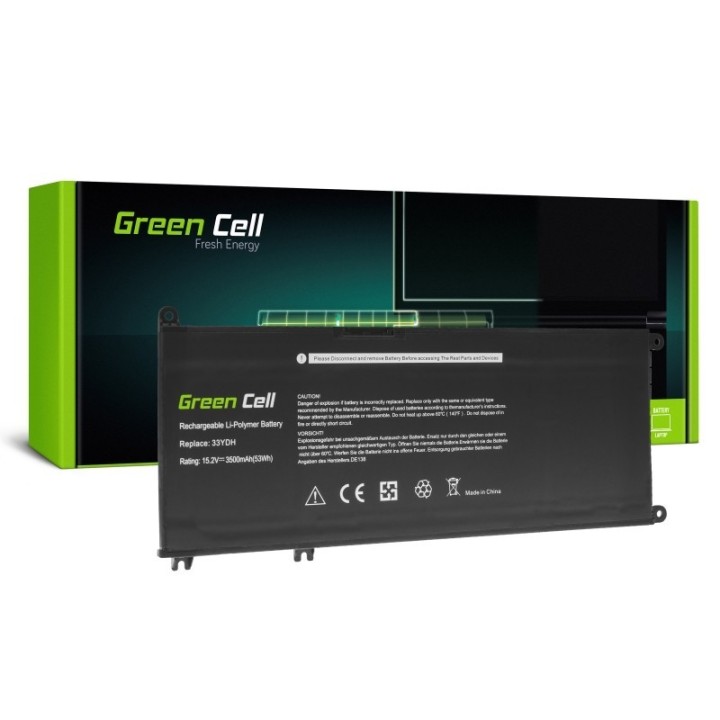
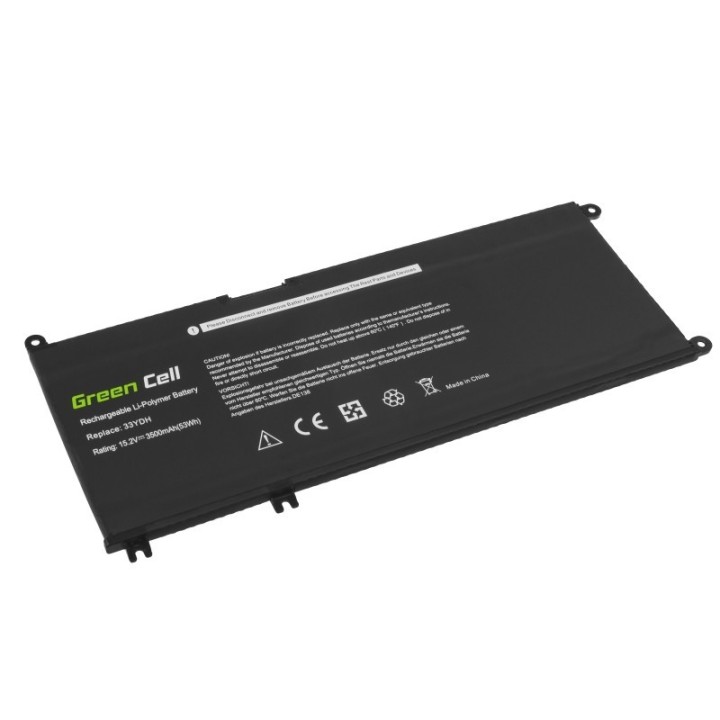
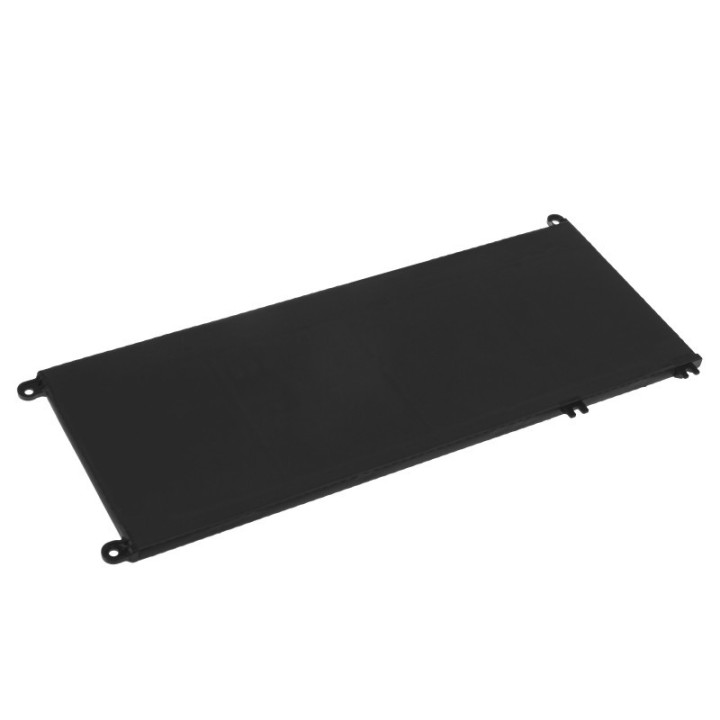
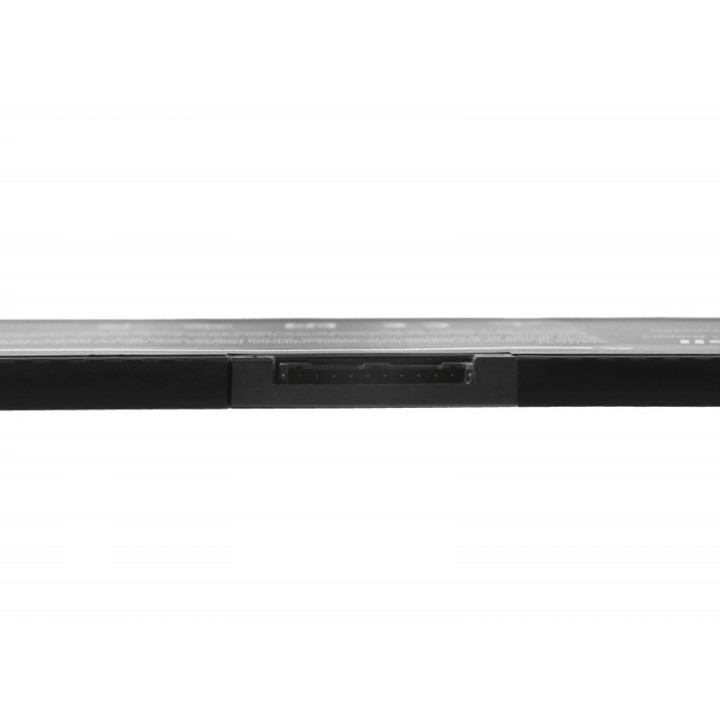

Bateria do Dell G3 3579 33YDH 15,2V 3,5Ah obrazki
Bateria do Dell G3 3579 33YDH 15,2V 3,5Ah
Opis produktu
Bateria Green Cell 33YDH DE138
Bateria Green Cell to wysokiej jakości model przeznaczony do laptopa Dell Inspiron G3 3579 3779 G5 5587 G7 7588 7577 7773 7778 7779 7786 Latitude 3380 3480 3490 3590. Akumulator jest wyposażony w wytrzymałe i wydajne ogniwa Green Cell, co gwarantuje niezawodność i długi czas pracy. Bateria jest starannie zaprojektowanym modelem dedykowanym do konkretnego laptopa, co zapewnia bezpieczną pracę i pełną sprawność komputera.
Specyfikacja
- Zastępuje baterie: 099NF2 33YDH 99NF2
- Pasuje do: Dell Inspiron 15 7577;Dell Inspiron 17 7773;Dell Inspiron 17 7778;Dell Inspiron 17 7779;Dell Inspiron 17 7786;Dell Inspiron G3 15 3579;Dell Inspiron G3 17 3779;Dell Inspiron G5 15 5587;Dell Inspiron G7 15 7588;Dell Latitude 13 3300;Dell Latitude 13 3380;Dell Latitude 14 3480;Dell Latitude 14 3488;Dell Latitude 14 3490;Dell Latitude 15 3500;Dell Latitude 15 3590;Dell Vostro 15 7570;Dell Vostro 15 7580
- Typ ogniwa: Li-poly
- Napięcie: 15.2 V
- Pojemność baterii: 3500 mAh
- Uwaga: CE+WEEE
Szczegóły produktu
- Marka Green Cell
- Kod produktu 660fbc8a71a267703cb15d9c
- Dostępność 5 Przedmioty
- EAN13 5903317227175
- MPN DE138
Specyfikacja
- Pojemność baterii (mAh) 3500 mAh
Producent
Producent
CSG Spółka Akcyjna
ul. rtm. Witolda Pileckiego 8 32-050 Skawina Polska
E-mail: support@greencell.global
Formularz kontaktowy: https://greencell.global/pl/kontakt
Telefon: +48 12 444 62 47
Bezpieczeństwo
Informacje o bezpieczeństwie
List of safety warnings for Laptop Batteries based on the requirements of General Product Safety Regulation (GPSR) 2023/988: * Use only batteries compatible with your laptop model. The wrong battery can cause damage to your laptop and even fire. * Do not expose the battery to extreme temperatures, both high and low. Extreme temperatures can damage the battery or shorten its lifespan. * Avoid dropping or hitting batteries. Mechanical damage can cause internal short circuits and fire. * Do not disassemble or modify the battery. Any repairs should be carried out by qualified personnel. * Do not short the battery poles. Short circuit can cause overheating and fire. * Do not throw batteries into the fire. The battery could explode. * If the battery shows signs of damage, such as bulges, spills, or overheating, stop using it immediately. * Remove the battery from the laptop if it is not used for a long time. This will reduce the risk of battery damage in the event of a power failure. * Disconnect your laptop from power after charging the battery. Continuous charging can shorten battery life. * Store batteries in a dry and cool place, away from flammable materials. * Dispose of used batteries responsibly, in accordance with local environmental regulations.
Baterie do laptopów
- Nowy
- Nowy
- Nowy
- Nowy
- Nowy
- Nowy
- Nowy
- Nowy
- Nowy

Ostatnio oglądane
Produkty, które ostatnio zwróciły Twoją uwagę.
- Nowy
- Nowy