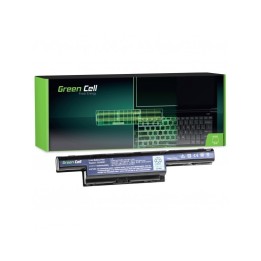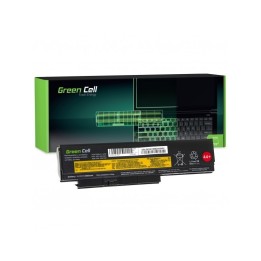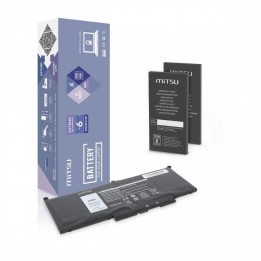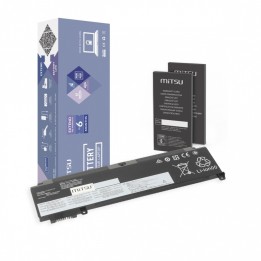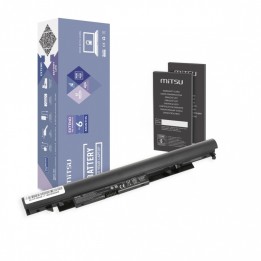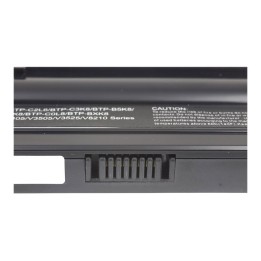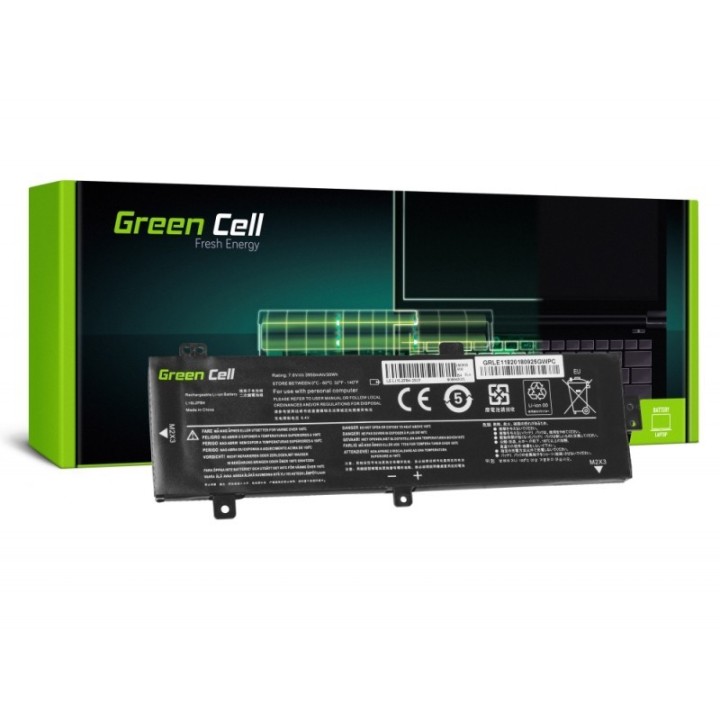
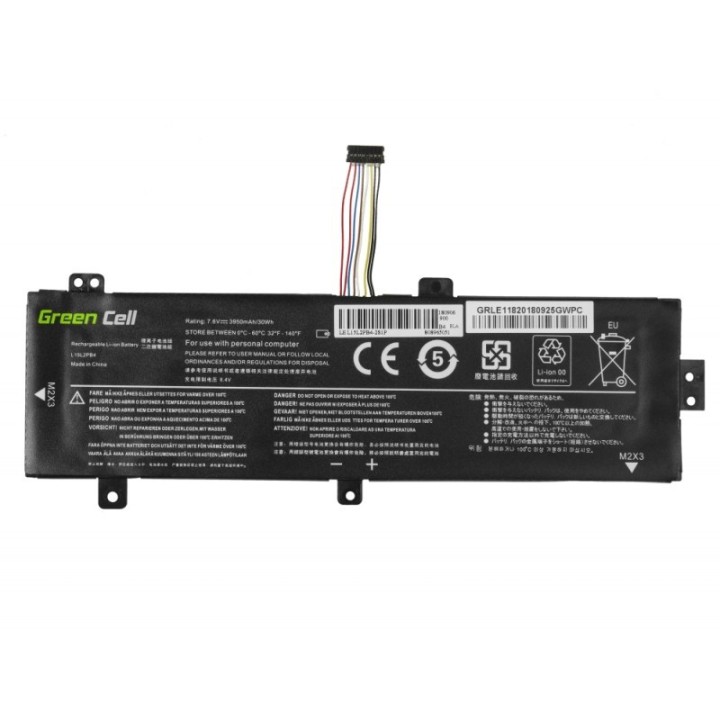
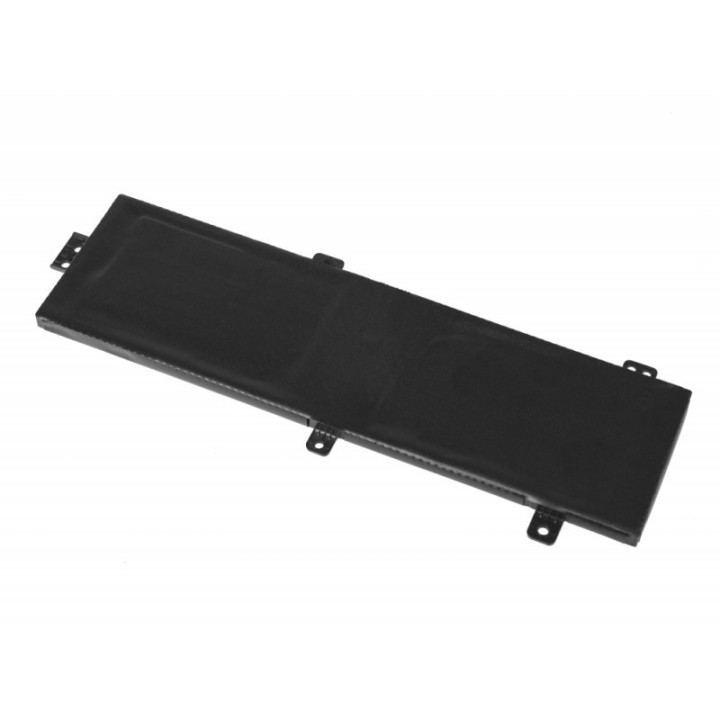
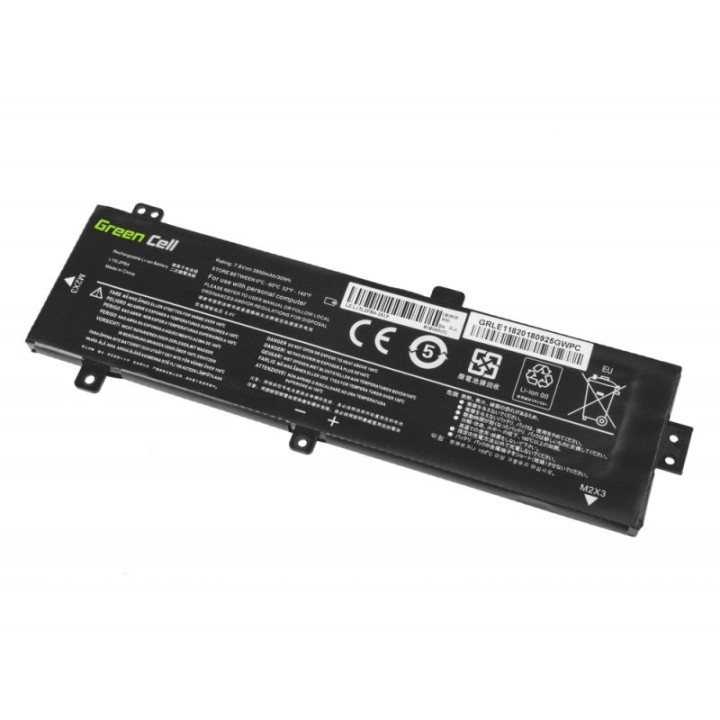

Bateria do Lenovo 310 L15C2PB3 7,6V 3,5Ah

Cena: 121,49 zł
Brutto
Dostępność produktu: Dostępny 4 szt.
Czas dostawy Wysyłka w ciągu 2 dni roboczych
Koszt dostawy Bezpłatna dostawa od 250 zł.

Opis produktu

Bateria Green Cell L15C2PB3 LE118

Specyfikacja

  • Zastępuje baterie: 5B10K87721 5B10K87722 5B10K88299 5B10K90786 5B10K90804 L15C2PB3 L15C2PB5 L15L2PB4 L15M2PB3 L15S2TB0
  • Pasuje do: Lenovo Ideapad 310-15ABR;Lenovo Ideapad 310-15ABR 80ST;Lenovo Ideapad 310-15IAP;Lenovo Ideapad 310-15IAP 80TT;Lenovo Ideapad 310-15IKB;Lenovo Ideapad 310-15IKB 80TV;Lenovo Ideapad 310-15IKB Touch;Lenovo Ideapad 310-15IKB Touch 80TW;Lenovo Ideapad 310-15ISK;Lenovo Ideapad 310-15ISK 80SM;Lenovo Ideapad 310-15ISK 80UH;Lenovo Ideapad 310-15ISK Touch;Lenovo Ideapad 310-15ISK Touch 80SN;Lenovo Ideapad 510-15IKB;Lenovo Ideapad 510-15IKB 80SV;Lenovo Ideapad 510-15ISK;Lenovo Ideapad 510-15ISK 80SR
  • Typ ogniwa: Li-poly
  • Napięcie: 7.6 V
  • Pojemność baterii: 3500 mAh
  • Liczba komór (baterie): 4
  • Uwaga: CE+WEEE

Szczegóły produktu

  • Marka Green Cell
  • Kod produktu 660fbc8b71a267703cb15f14
  • Dostępność 4 Przedmioty
  • EAN13 5903317223856
  • MPN LE118

Specyfikacja

  • Pojemność baterii (mAh) 3500 mAh

Producent

Producent

CSG Spółka Akcyjna

ul. rtm. Witolda Pileckiego 8 32-050 Skawina Polska

E-mail: support@greencell.global

Formularz kontaktowy: https://greencell.global/pl/kontakt

Telefon: +48 12 444 62 47

Bezpieczeństwo

Informacje o bezpieczeństwie

List of safety warnings for Laptop Batteries based on the requirements of General Product Safety Regulation (GPSR) 2023/988: * Use only batteries compatible with your laptop model. The wrong battery can cause damage to your laptop and even fire. * Do not expose the battery to extreme temperatures, both high and low. Extreme temperatures can damage the battery or shorten its lifespan. * Avoid dropping or hitting batteries. Mechanical damage can cause internal short circuits and fire. * Do not disassemble or modify the battery. Any repairs should be carried out by qualified personnel. * Do not short the battery poles. Short circuit can cause overheating and fire. * Do not throw batteries into the fire. The battery could explode. * If the battery shows signs of damage, such as bulges, spills, or overheating, stop using it immediately. * Remove the battery from the laptop if it is not used for a long time. This will reduce the risk of battery damage in the event of a power failure. * Disconnect your laptop from power after charging the battery. Continuous charging can shorten battery life. * Store batteries in a dry and cool place, away from flammable materials. * Dispose of used batteries responsibly, in accordance with local environmental regulations.

Ładowanie...
Wróć na górę