- Nowy
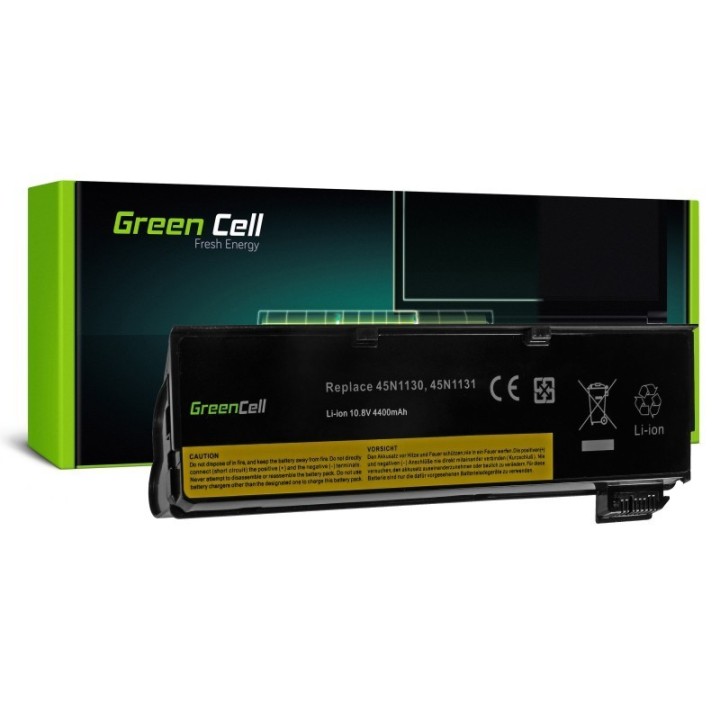
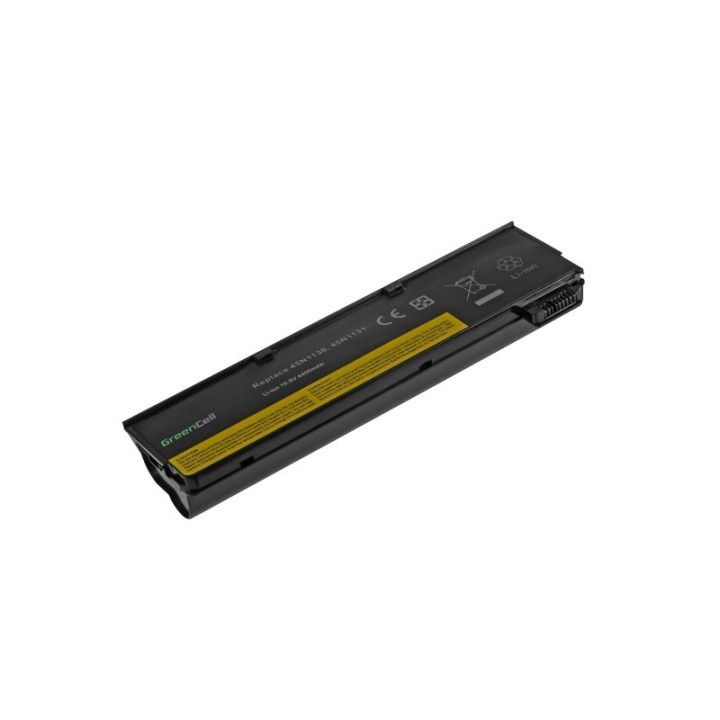
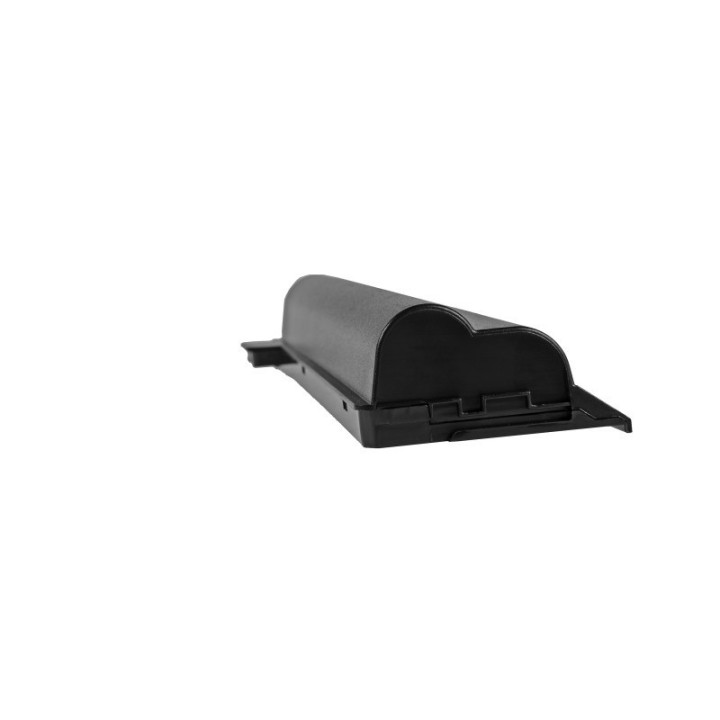
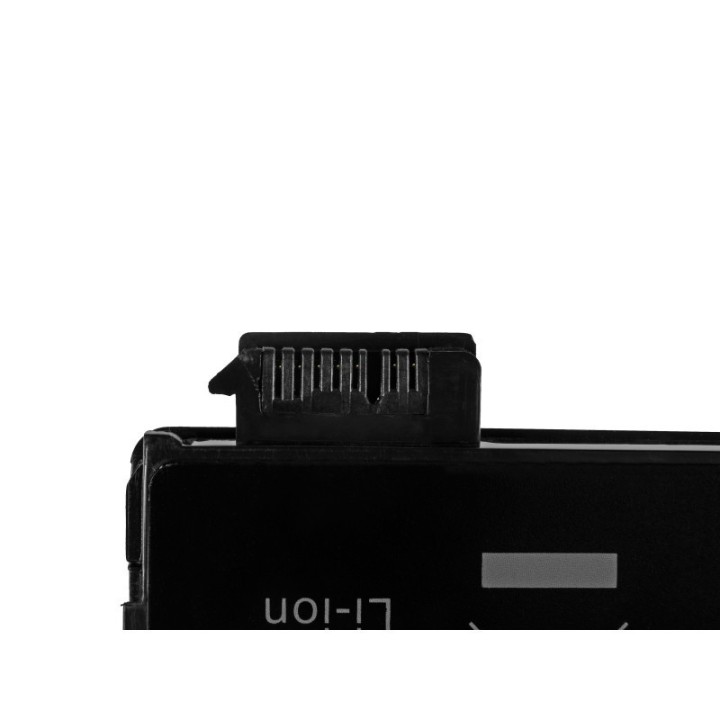

Bateria Green Cell 45N1124 LE57V2
Bateria Green Cell to wysokiej jakości model przeznaczony do laptopa laptopów Lenovo ThinkPad L450 T440 T450 X240 X250. Akumulator jest wyposażony w wytrzymałe i wydajne ogniwa Green Cell, co gwarantuje niezawodność i długi czas pracy. Bateria jest starannie zaprojektowanym modelem dedykowanym do konkretnego laptopa, co zapewnia bezpieczną pracę i pełną sprawność komputera.
CSG Spółka Akcyjna
ul. rtm. Witolda Pileckiego 8 32-050 Skawina Polska
E-mail: support@greencell.global
Formularz kontaktowy: https://greencell.global/pl/kontakt
Telefon: +48 12 444 62 47
List of safety warnings for Laptop Batteries based on the requirements of General Product Safety Regulation (GPSR) 2023/988: * Use only batteries compatible with your laptop model. The wrong battery can cause damage to your laptop and even fire. * Do not expose the battery to extreme temperatures, both high and low. Extreme temperatures can damage the battery or shorten its lifespan. * Avoid dropping or hitting batteries. Mechanical damage can cause internal short circuits and fire. * Do not disassemble or modify the battery. Any repairs should be carried out by qualified personnel. * Do not short the battery poles. Short circuit can cause overheating and fire. * Do not throw batteries into the fire. The battery could explode. * If the battery shows signs of damage, such as bulges, spills, or overheating, stop using it immediately. * Remove the battery from the laptop if it is not used for a long time. This will reduce the risk of battery damage in the event of a power failure. * Disconnect your laptop from power after charging the battery. Continuous charging can shorten battery life. * Store batteries in a dry and cool place, away from flammable materials. * Dispose of used batteries responsibly, in accordance with local environmental regulations.
Produkty, które ostatnio zwróciły Twoją uwagę.