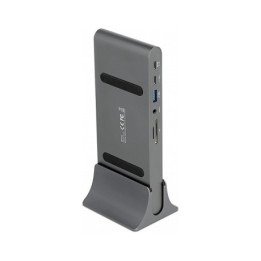
Stacja dokująca USB-C Multi-Function DisplayPort Alt. Mode Video 85W
Opis produktu
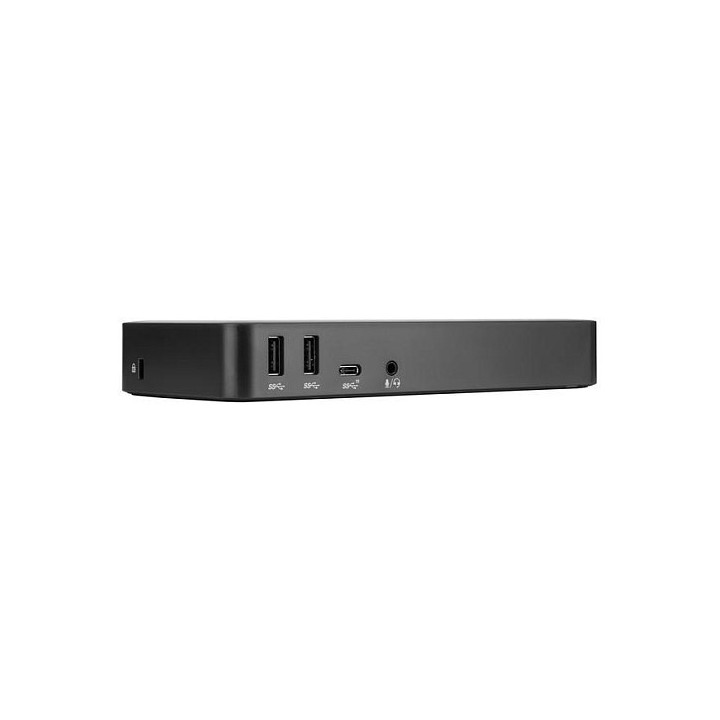
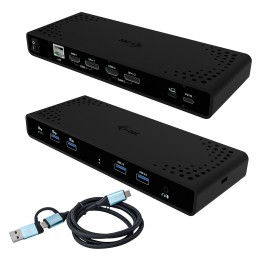
Wielofunkcyjna stacja dokująca Targus DOCK430EUZ
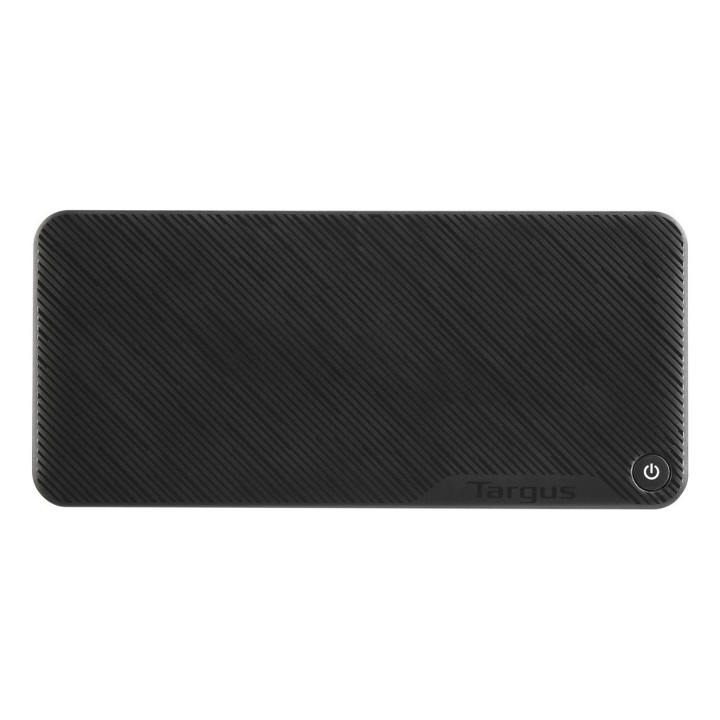
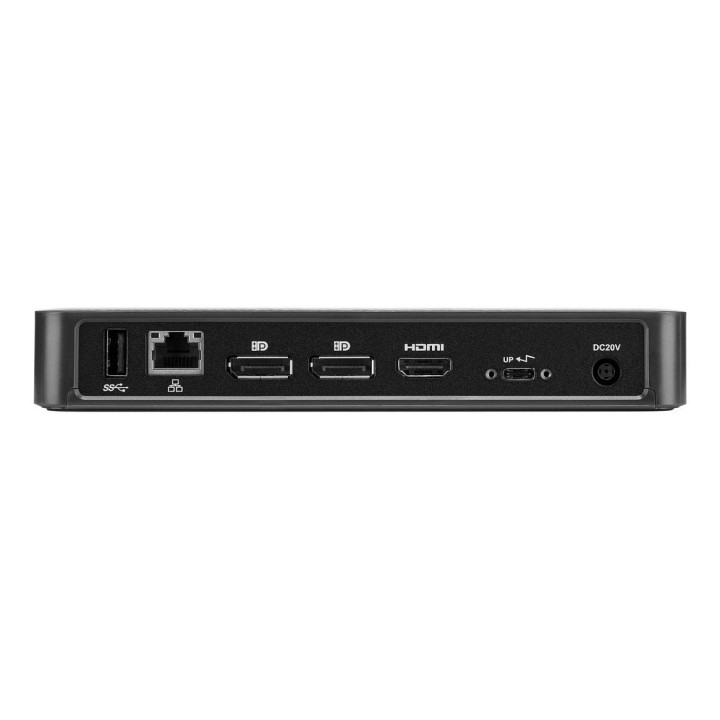
Stwórz wydajniejszą stację roboczą dzięki Targus USB-C DisplayPort Alt. Tryb stacji dokującej o mocy 85 W. Elegancki i potężny ten tryb alternatywny zawiera wszystkie porty i moc, których potrzebujesz w jednej stacji dokującej. Zaprojektowany do obsługi szerokiej gamy marek laptopów i systemów operacyjnych, DOCK430 oferuje szeroką kompatybilność z szeroką gamą hostów, urządzeń i urządzeń peryferyjnych.
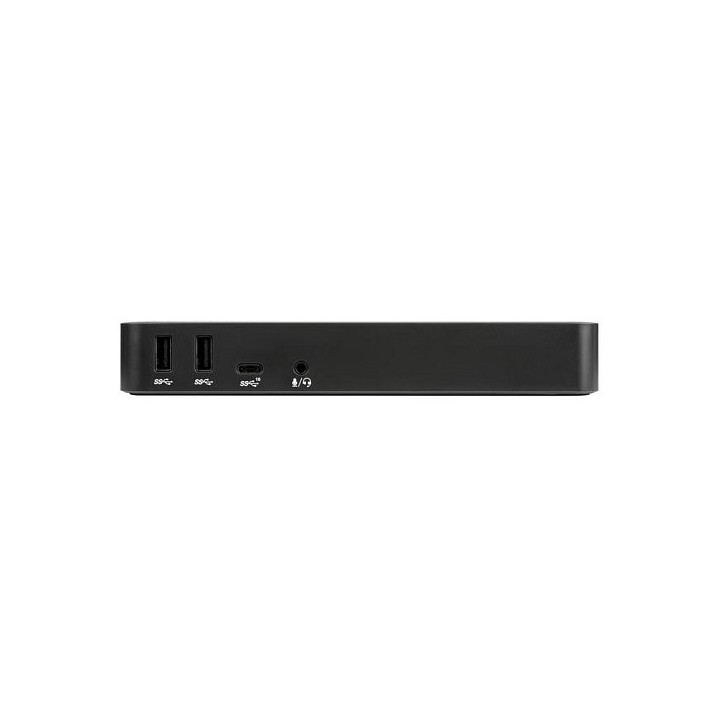
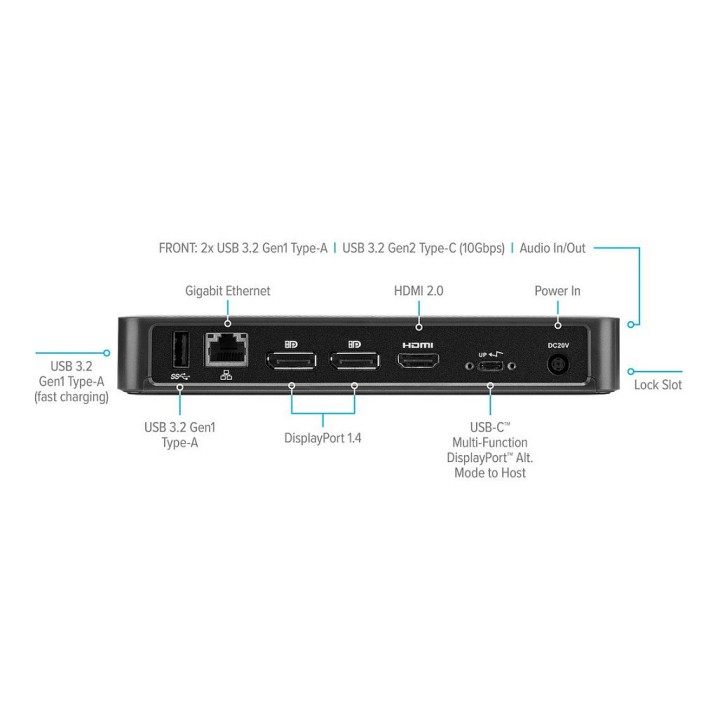
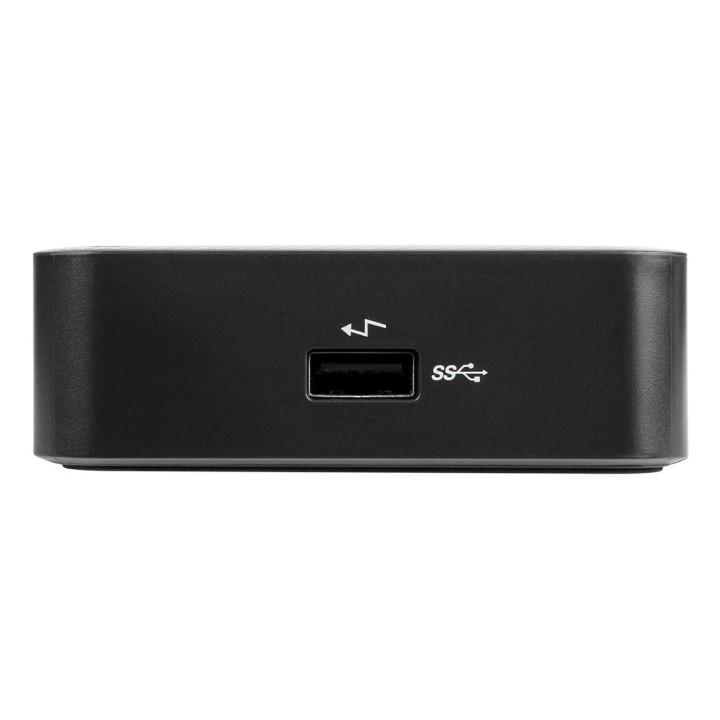
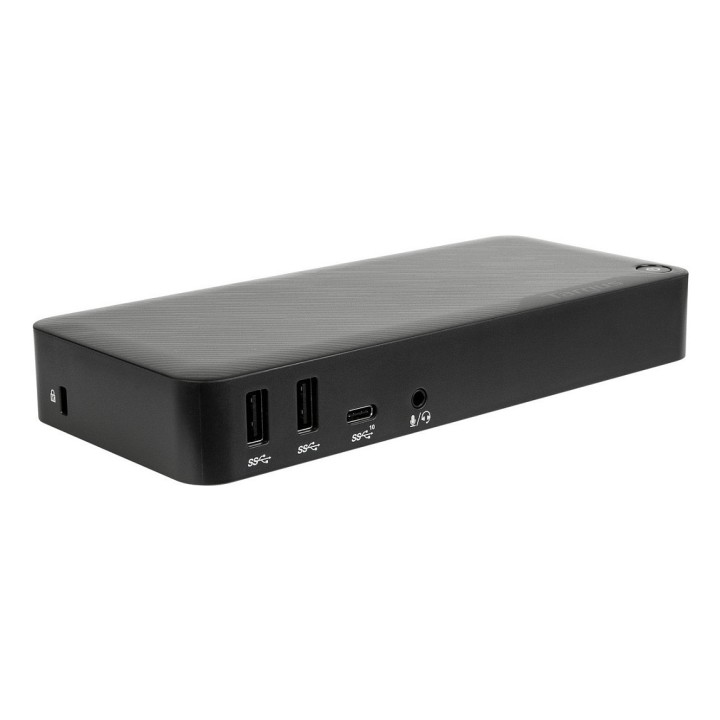
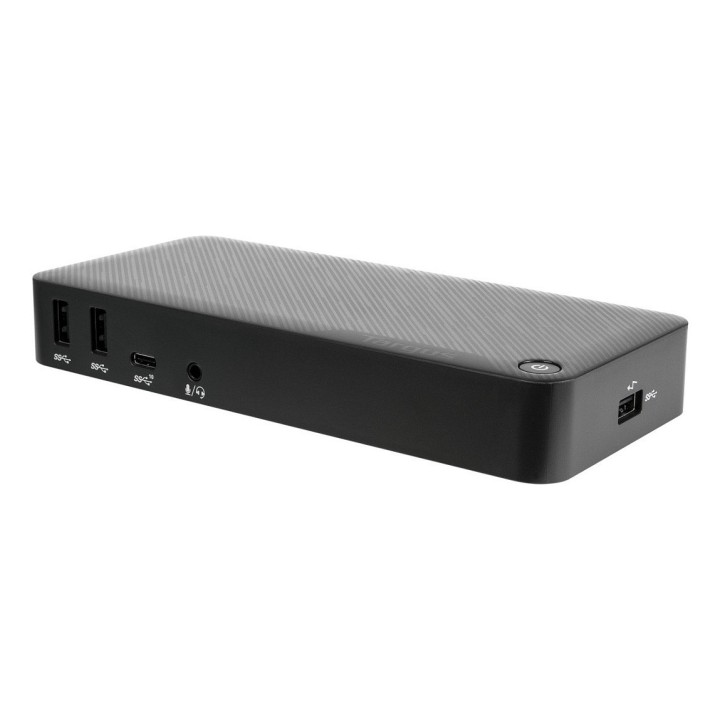
Ciesz się ostrym, czystym rodzimym wideo, obsługując połączenie nawet z trzema monitorami. Dzięki dwóm portom DisplayPort 1.4 i jednemu portowi HDMI 2.0 możesz obsługiwać trzy monitory (1920x1080 p60), dwa monitory (2560x1440 p60) lub jeden monitor (3840x2160 p60) i różne niższe rozdzielczości. Dodatkowo podłącz wszystkie swoje ulubione akcesoria za pomocą połączenia USB-A (4 porty USB 3.2 Gen1, 1 z funkcją szybkiego ładowania) i USB-C (1x 3.2 Gen2), a także portów Ethernet i audio.
Zaprojektowana dla nowoczesnej stacji roboczej stacja dokująca jest wyposażona w wspornik VESA, który pozwala na użycie uchwytu Targus VESA Mount (ACX003GLZ - sprzedawany osobno), aby utrzymać stację dokującą za wyświetlaczem, aby jeszcze bardziej zaoszczędzić miejsce.
Specyfikacja
- Porty we/wy (replikatory/stacje dok.): 1 x RJ-45 (LAN)
- Wymagania sprzętowe: OS: Windows (10 / 8.1 / 7), Mac OS X (10.12 / 10.11 / 10.10), Android (5.0 lub nowszy), Chrome (R51 lub nowszy), Ubuntu Linux
- Kolor (wyliczeniowy): Czarny
- Wymiary: 18 x 8,3 x 2,8 cm
- Waga: 1.5 kg
- Uwaga: Kosz zgodnie z zasadami recyklingu

Szczegóły produktu
- Marka Targus
- Kod produktu 660fbc9171a267703cb165d4
- Dostępność 62 Przedmioty
- EAN13 5051794028843
- MPN DOCK430EUZ
Specyfikacja
-
Obsługiwane systemy
Windows 10
Windows 7
Windows 8.1
Producent
Producent
Targus
Berner Str. 40 60437 Frankfurt Niemcy
E-mail: support@targus.com
Formularz kontaktowy: https://eu.targus.com/pages/support
Osoba odpowiedzialna w UE
Targus Europe Ltd.
Van Hilststraat 19 5145 RK Waalwijk Netherlands
E-mail: AMurphy@targus.com
Formularz kontaktowy: https://eu.targus.com/pages/contact-us
Telefon: +44 7720 285 161
Bezpieczeństwo
Informacje o bezpieczeństwie
List of safety warnings for docking stations based on the requirements of General Product Safety Regulation (EU) 2023/988 (GPSR) * Risk of electric shock: * Make sure that the docking station is connected to an efficient grounded outlet. * Do not touch the plug or cable with wet hands. * Avoid using the docking station in areas with high humidity. * Risk of overheating: * Provide adequate ventilation while maintaining at least 5 cm of free space around the docking station. * Do not block ventilation openings. * Do not place the docking station on soft surfaces such as blankets or pillows. * Fire risk: * Use only original power supplies and accessories recommended by the manufacturer. * Do not leave the docking station on unattended near flammable materials. * Risk of bodily injury: * Use the docking station on a stable surface to minimize the risk of falling connected devices. * Avoid using the docking station in a position that causes excessive heat pressure on the skin to prevent burns. * Hazards in humid environments: * Do not use the docking station outdoors in rain or in places with high humidity, such as bathrooms. * If the docking station is flooded, immediately disconnect it from the power source and contact the service. * Hazards at high temperatures: * Do not expose the docking station to direct sunlight. * Avoid using the docking station at temperatures above the recommended range (usually 5-35°C). * Risk of damage during cleaning: * Disconnect the docking station from the power supply before cleaning and use a soft, slightly damp cloth. * Avoid using strong detergents that can damage the surface of the docking station. * Caution when replacing accessories: * Use only accessories recommended by the manufacturer. * When replacing batteries, follow the manufacturer's instructions and do not expose the battery to high temperatures. * Battery Use Hazards: * Avoid damaging the battery by impact or puncture. * If the battery overheats or swells, stop using the docking station immediately. * Child warnings: * Keep power cables out of reach of children. * Make sure your kids don't play with the docking station or accessories that can be dangerous. * Cleanliness: * Failure to regularly clean ports and sockets can lead to damage or failure. * Clean ports and sockets regularly using a dry and clean cloth, avoiding moisture input.
Stacje dokujące
Ostatnio oglądane
Produkty, które ostatnio zwróciły Twoją uwagę.