- Nowy
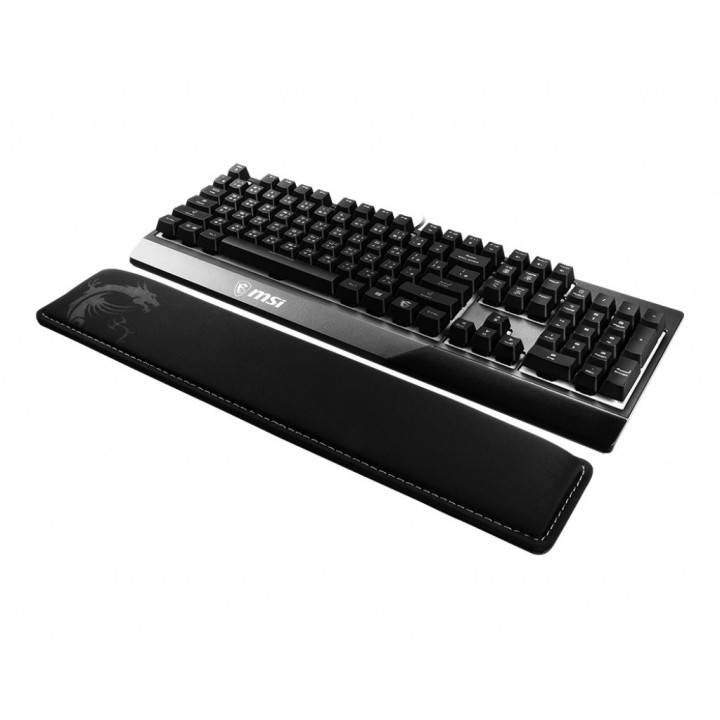
Podkładka pod nadgarstki Vigor WR01 obrazki
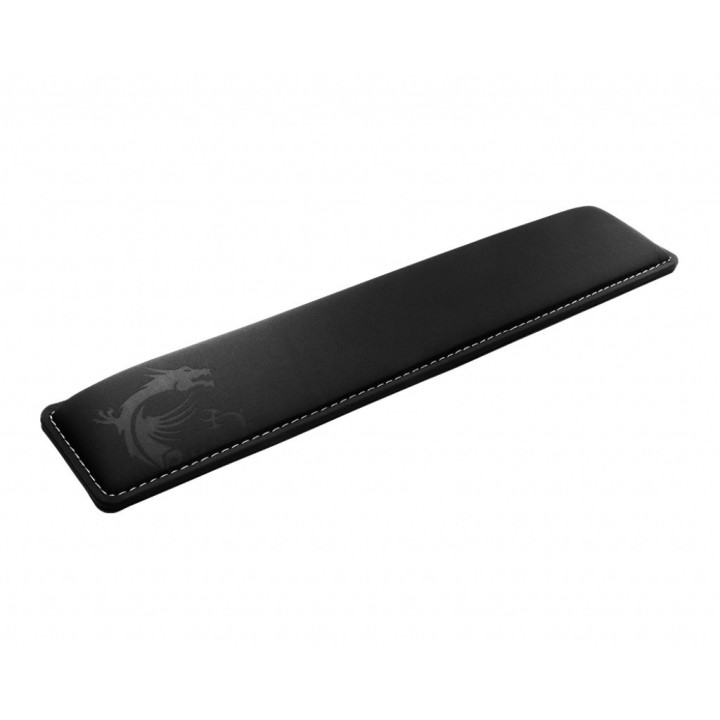
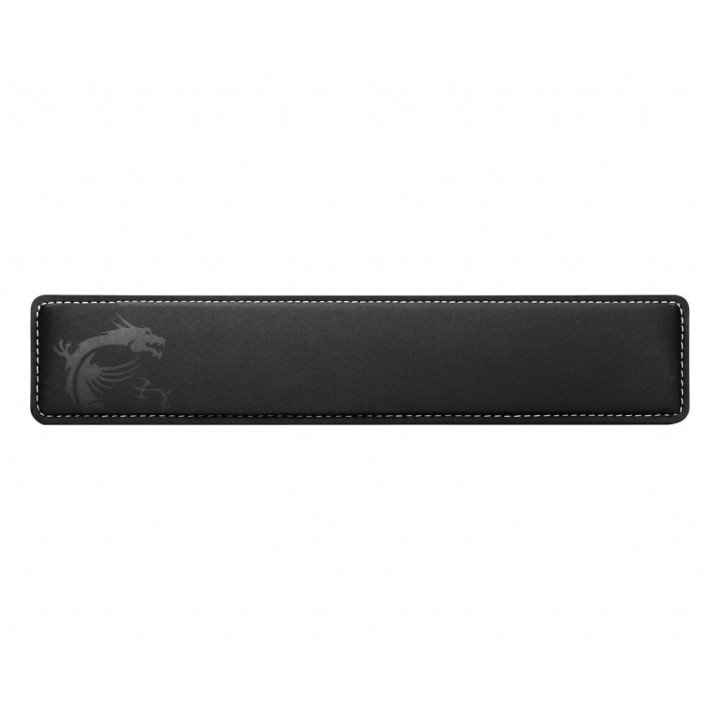
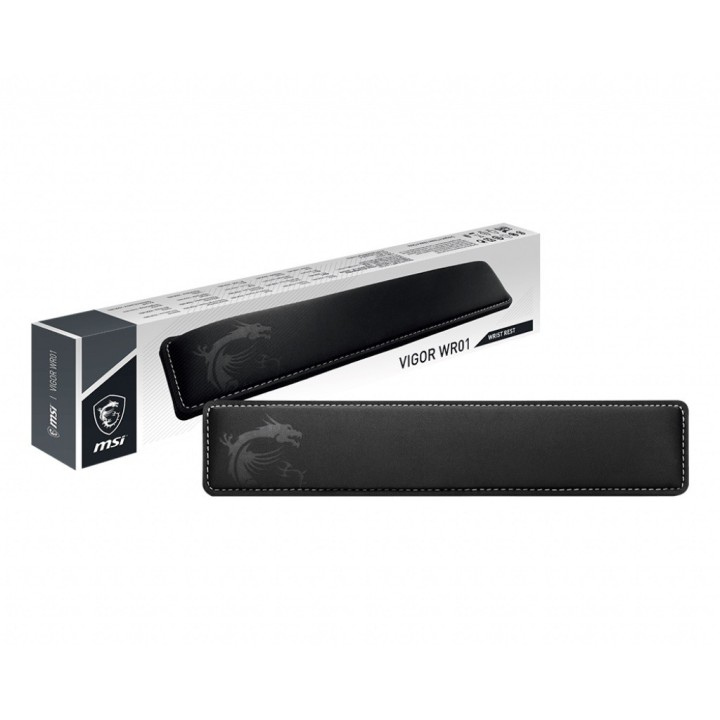
Podkładka pod nadgarstki Vigor WR01
Opis produktu
Pochylona powierzchnia podparcia dla zwiększenia wygody
Ergonomiczny kształt podkładki pod nadgarstki do klawiatury, WR01, zapewni Ci optymalny komfort i pewne podparcie dłoni podczas pracy z każdą pełnowymiarową klawiaturą.
Chłodna i gładka powierzchnia z antybakteryjną powłoką
Podkładkę pod nadgarstki do klawiatury wykonano z lodowej, jedwabnej lycry z powłoką antybakteryjną. Powierzchnia WR01 jest gładka i chłodna w dotyku.
Podkładka z żelem chłodzącym
Specjalnie zaprojektowana pianka z pamięcią kształtu zapewni Ci chłód i wygodę dla dłoni, nawet podczas prowadzenia najdłuższych rozgrywek.
Mocne, pewne podparcie
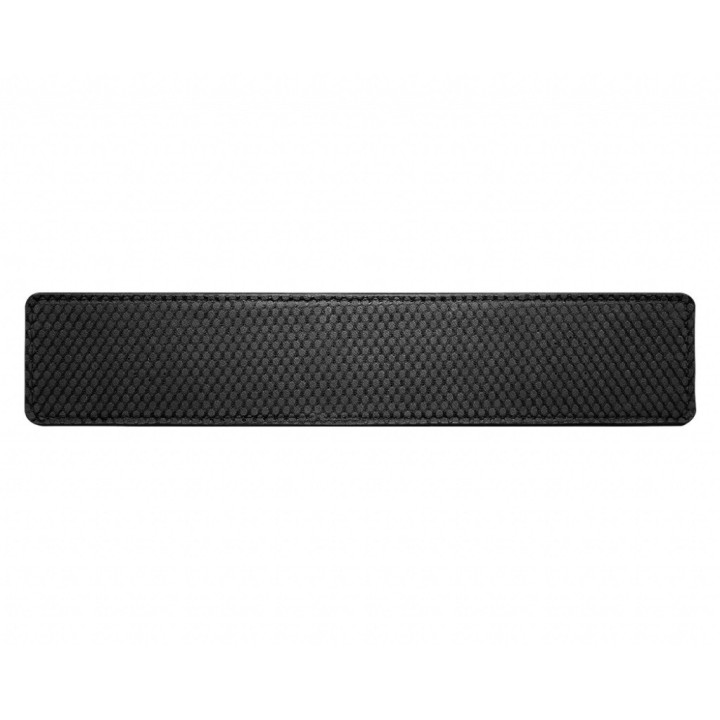
Podkładkę zaprojektowano z antypoślizgowym, gumowym spodem po to, aby nie ślizgała się na biurku.
Specyfikacja
- Przeznaczenie (myszy / podkładki): Biuro
- Wymiary: Szerokość: 432 mm Głębokość: 86 mm Grubość: 25 mm
- Kolor (wyliczeniowy): Czarny
- Podkładka pod nadgarstek: Tak
- Uwaga: Kosz zgodnie z zasadami recyklingu
Szczegóły produktu
- Marka MSI
- Kod produktu 660fbc9c71a267703cb17252
- Dostępność 27 Przedmioty
- EAN13 0824142214480
- MPN OJ0XXXXXX1000
Specyfikacja
- Kolor Czarny
Producent
Producent
MSI Polska SP. z o. o.
Magazynowa 1 55-040 Kobierzyce Polska
E-mail: info.pl@msi.com
Osoba odpowiedzialna w UE
MSI Computer Europe B.V.
Science Park 5706 5692ER Son Eindhoven Netherlands
E-mail: GPSR@msi.com
Telefon: +31-40-267-6100
Bezpieczeństwo
Informacje o bezpieczeństwie
List of mouse safety warnings based on the requirements of General Product Safety Regulation (EU) 2023/988 (GPSR): 1. Ergonomics and repetitive movements: I use the mouse ergonomically to avoid strains and injuries. I regularly take breaks to reduce the risk of carpal tunnel syndrome or other problems associated with repetitive movements. 2. Cleaning and Maintenance: I disconnect the mouse from the computer before cleaning. I use a soft, dry cloth to clean my mouse. I avoid using liquids that can get inside the unit and damage it. 3. Cable and Connections: I make sure the mouse cable is properly connected to the computer and is not damaged. A damaged cable may pose a risk of electric shock or cause the mouse to malfunction. 4. Batteries (if applicable): If I use a battery-operated wireless mouse, I use the right type of battery and insert it correctly. I remove the batteries when the mouse is not in use for extended periods of time to prevent leaks and damage. 5. LED lighting (if applicable): I avoid staring at the intense LED light for a long time, which can cause eye strain. 6. Kids: I store my mouse and small items (e.g. batteries) out of reach of children to avoid the risk of ingestion or choking. 7. Recycling: I return the used mouse to the appropriate recycling point to minimize the environmental impact. 8. Usage: I do not use a damaged mouse as this may result in electric shock or injury. 9. Repairs: I do not repair the mouse myself, I give it to the service. 10. Storage: I store the mouse in a dry place, away from moisture and extreme temperatures.
Podkładki pod mysz
- Nowy
- Nowy

- Nowy
- Nowy
- Nowy

- Nowy

- Nowy
- Nowy
- Nowy
Ostatnio oglądane
Produkty, które ostatnio zwróciły Twoją uwagę.
- Nowy
- Nowy
- Nowy
- Nowy

- Nowy
- Nowy
- Nowy

- Nowy
- Nowy
- Nowy

- Nowy
- Nowy