- Nowy
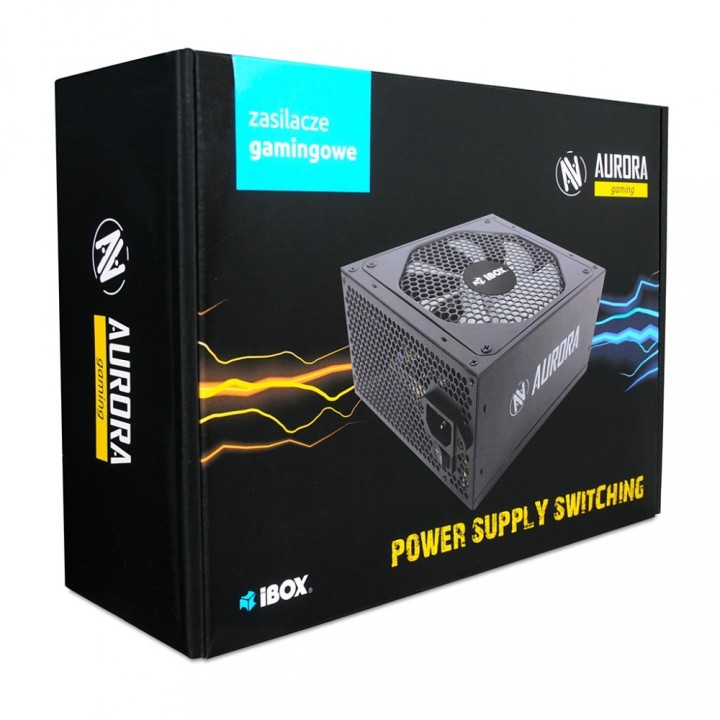
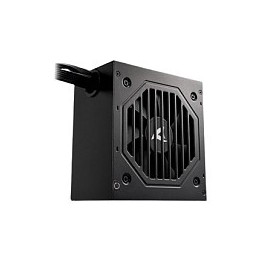
Zasilacz Aurora 500W 14 Fan gaming BOX obrazki
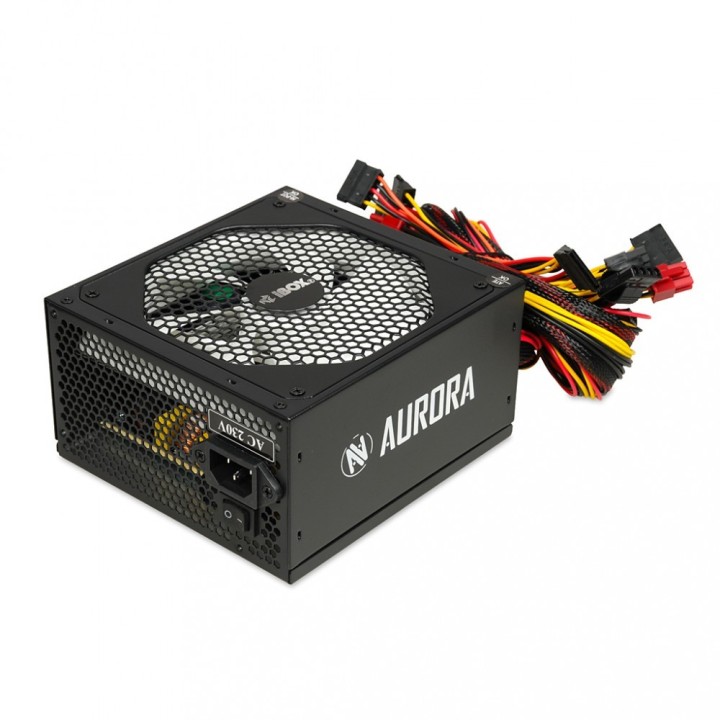
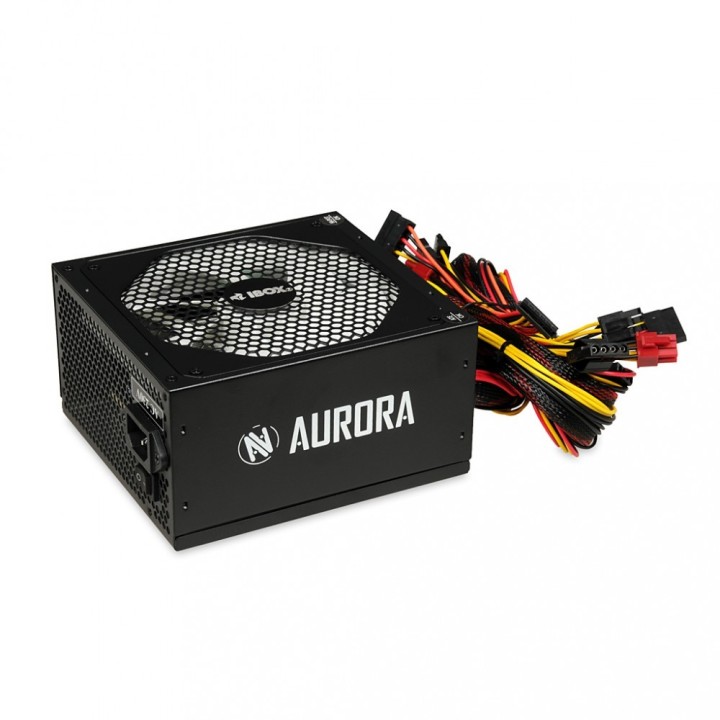
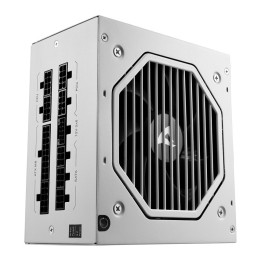
Zasilacz Aurora 500W 14 Fan gaming BOX
Opis produktu
Zasilacz Aurora 500W 14 Fan gaming BOX
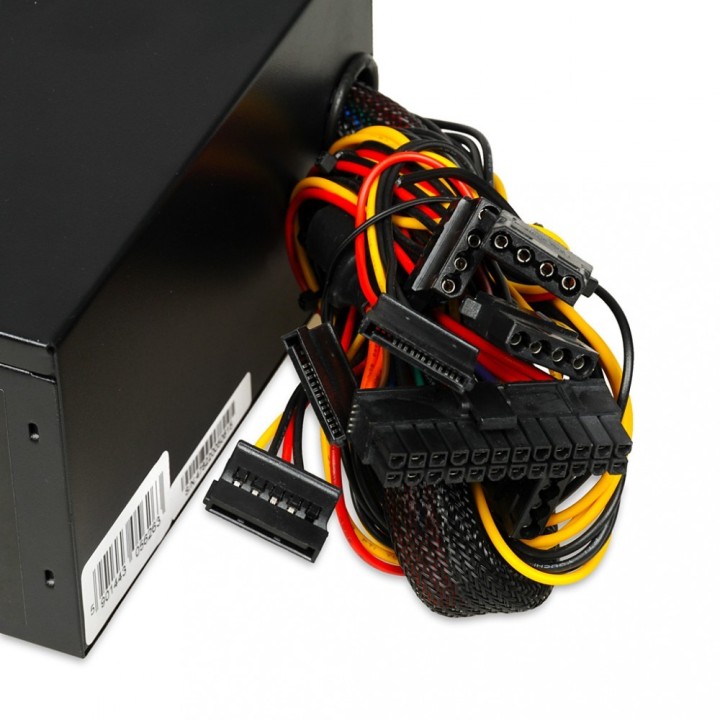
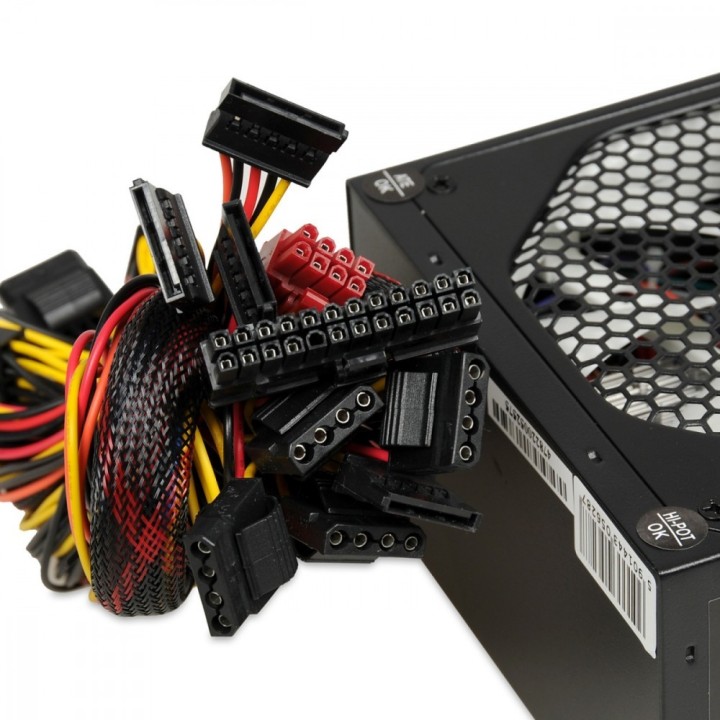
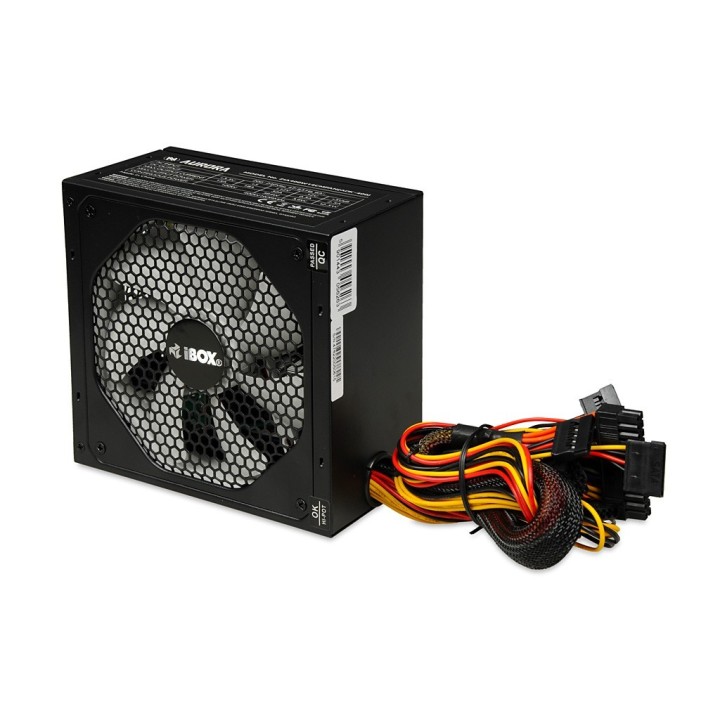
Zasilacz ATX 2.03 w 3 wersjach. O dużej mocy aż 700W przeznaczony do zaawansowanych zestawów gamingowych, 600W dla średniozaawansowanych zestawów i 500W dla rozpoczynających przygodę z gamingiem. Duża ilość zabezpieczeń, w tym: UVP ( podnapięciowe ) / OVP ( przeciwprzepięciowe ) / SCP (przeciwzwarciowe) / OPP (przeciwprzeciążeniowe) / OCP (nadprądowe) / OTP (termiczne) oraz AFC (automatyczna kontrola prędkość obrotowej wentylatora). Dysponuje rozłączalną wtyczką zasilania (20+4) umożliwiającą podłączenie do płyt głównych z zasilaniem 20-pinowym jak i 24-pinowym.
Zasilacze serii AURORA wyposażone są w 14CM wentylator. Rozmiar wentylatora pozawla na zapewnienie lepszego chłodzenia przy mniejszej częstotliowści obrotów, co przekłada się na kulturę pracy jednostki.
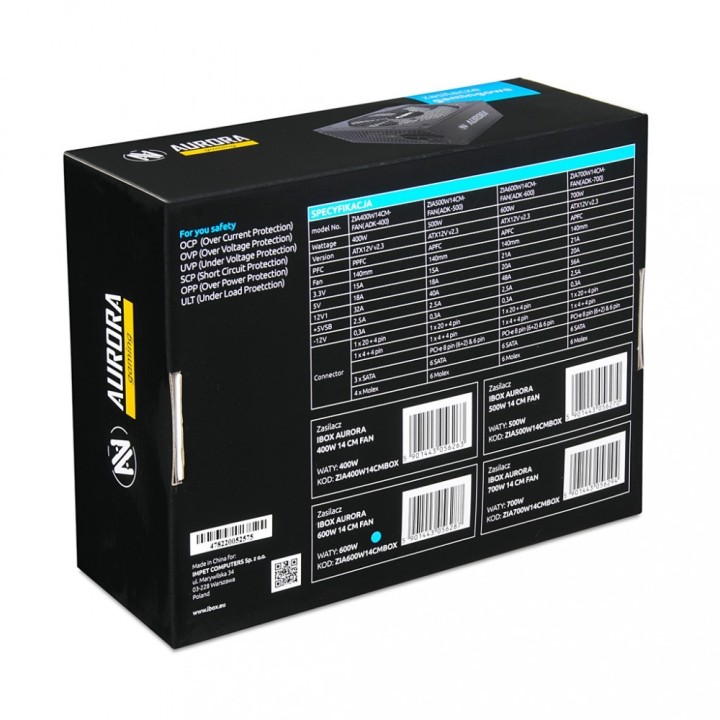
Zasilacze serii AURORA wyposażone są w szereg zabezpieczeń mających na celu ochronę Twojego komputera przed niebezpieczeństwem. Owe zabezpieczenia to:
- UVP ponadnapięciowe
- OVP przeciwprzepięciowe
- SCP przeciwzwarciowe
- OPP przeciwprzeciążeniowe
- OCP nadprądowe
- OTP termiczne
Specyfikacja
- Moc zasilacza: 500 W
- Wentylator: 14 cm
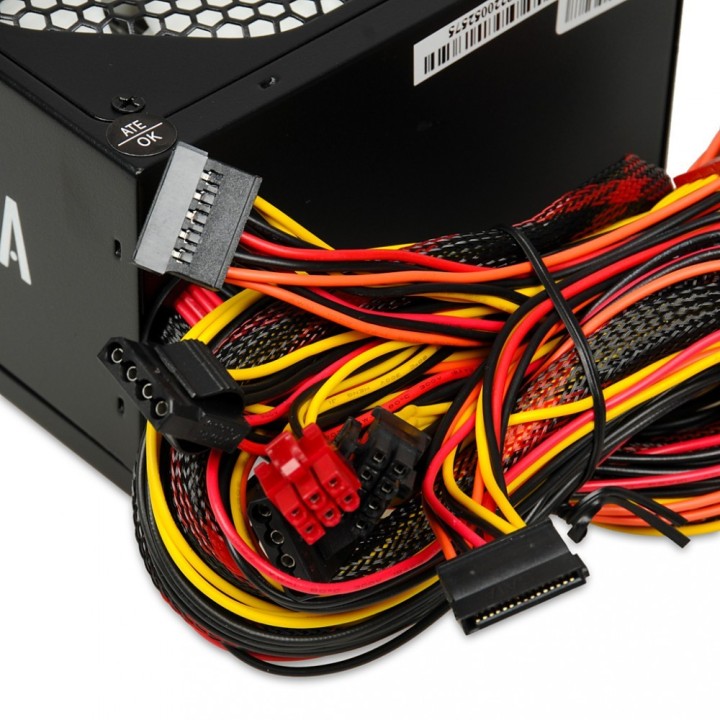
- Ilość złącz zas. MOLEX: 6
- Ilość złącz zas. Floppy: 0
- Ilość złącz zas. SATA: 6
- Ilość złącz zas. 4-pin 12V : 0
- Ilość złącz zas. 8-pin 12V: 0
- Ilość złącz zas. 4+4-pin 12V: 0
- Ilość złącz zas. PCI-E 6-pin: 1
- Ilość złącz zas. PCI-E 6+2-pin : 1
- Ilość złącz zas. PCI-E 8-pin: 0
- Złącze zas. MB: 20 + 4 pin
- Zasilacz modularny: Nie
- Wymiary: 15 x 14 x 8,5 cm
- Certyfikat 80+: Brak
- Uwaga: CE+WEEE
Szczegóły produktu
- Marka iBOX
- Kod produktu 660fbca171a267703cb1783b
- Dostępność 1 Przedmiot
- EAN13 5901443056270
- MPN ZIA500W14CMBOX
Specyfikacja
- Moc znamionowa (W) 500 W
- Format zasilacza ATX
- Średnica wentylatora (mm) 140 mm
- Modularność okablowania Brak modularności
Producent
Producent
Impet Computers Sp. z o.o.
ul. Marywilska 34, budynek I1, 2 piętro 03-228 Warszawa Polska
E-mail: ibox@ibox.pl
Formularz kontaktowy: https://www.impetcomputers.pl/
Telefon: +48 22 811 02 08
Bezpieczeństwo
Informacje o bezpieczeństwie
List of safety warnings for computer power supplies based on the requirements of General Product Safety Regulation (GPSR) 2023/988 * Risk of electric shock: * Make sure the power supply is properly grounded. * Do not open the power supply housing when it is connected to power. * Do not touch any internal components of the power supply when it is connected to power. * Do not use the power supply in humid or wet environments. * Disconnect the power supply from the power supply before cleaning. * Fire risk: * Do not use a power supply with less power than required by your computer. * Make sure the power supply has adequate surge, short-circuit and thermal protection. * Do not cover the power supply to ensure adequate ventilation. * Do not place the power supply near heat sources. * Regularly inspect power cables for damage. * Explosion risk: * Do not use a power supply that is damaged or has visible signs of damage. * Do not try to repair the power supply yourself. * Use the power supply only for its intended purpose. * Dispose of the power supply according to local regulations. * Risk of injury: * Do not drop the power supply. * Do not disassemble the power supply as it contains live components that can cause electric shock. * Do not expose the power supply to extreme temperatures or moisture. * Before installing the power supply, disconnect the computer from the power supply. * Compatibility and selection: * Make sure the power supply is compatible with the motherboard and other computer components. * Check that the power supply has the right connectors for all components. * Overheating protection: * Provide adequate ventilation in the computer case so that the power supply does not overheat. * Regularly clean the power supply fan from dust. * Installation and use: * Follow the manufacturer's instructions when installing the power supply. * Do not overload the power supply by connecting too many devices to it. * Storage: * Store the power supply in a dry and clean place, away from children. * Cables & Connections: * Make sure all cables are properly connected and not damaged. * Do not use extension cords or adapters that are not intended to be used with the power supply.
Zasilacze komputerowe
- Nowy
- Nowy
- Nowy
- Nowy
- Nowy
- Nowy
- Nowy