- Nowy
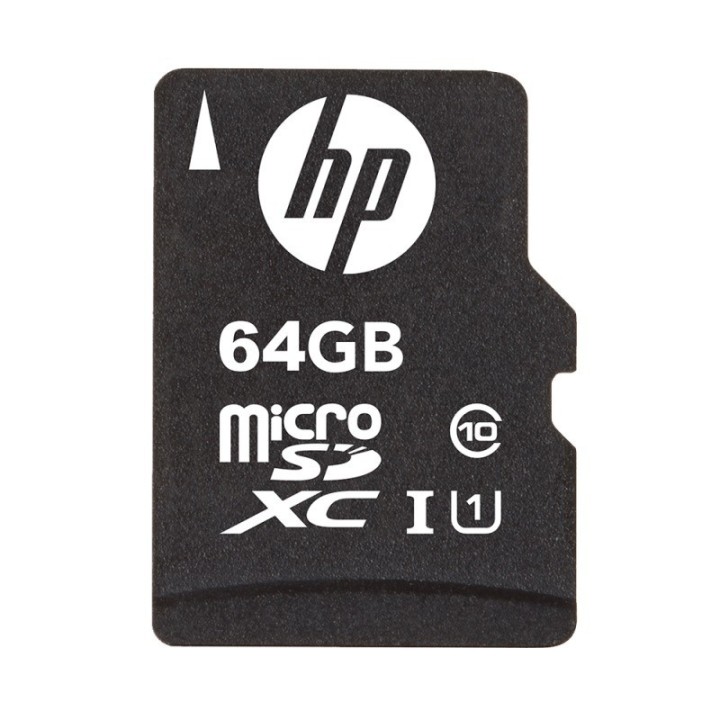
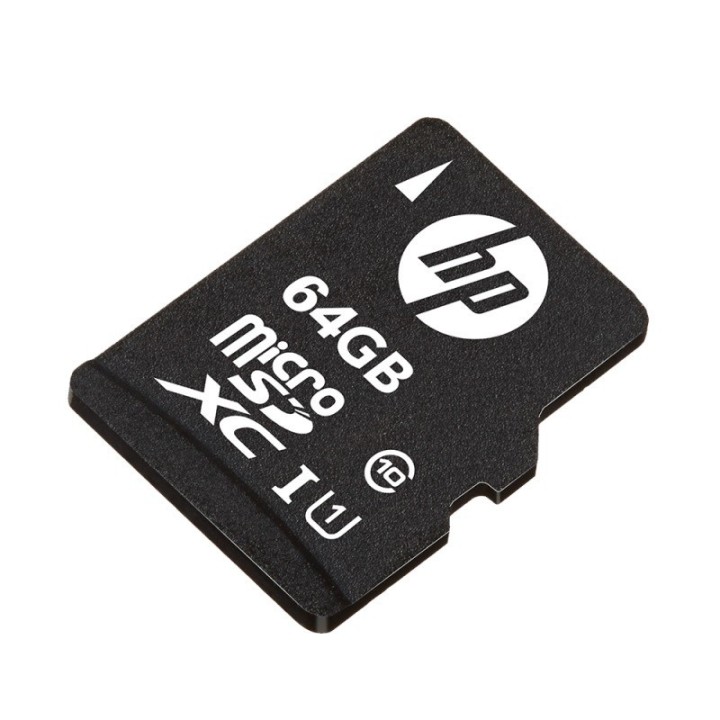
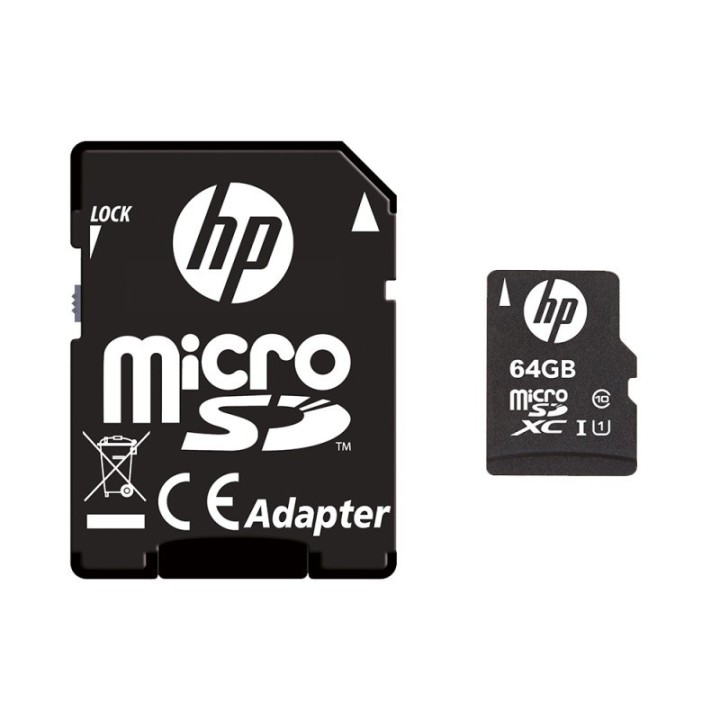
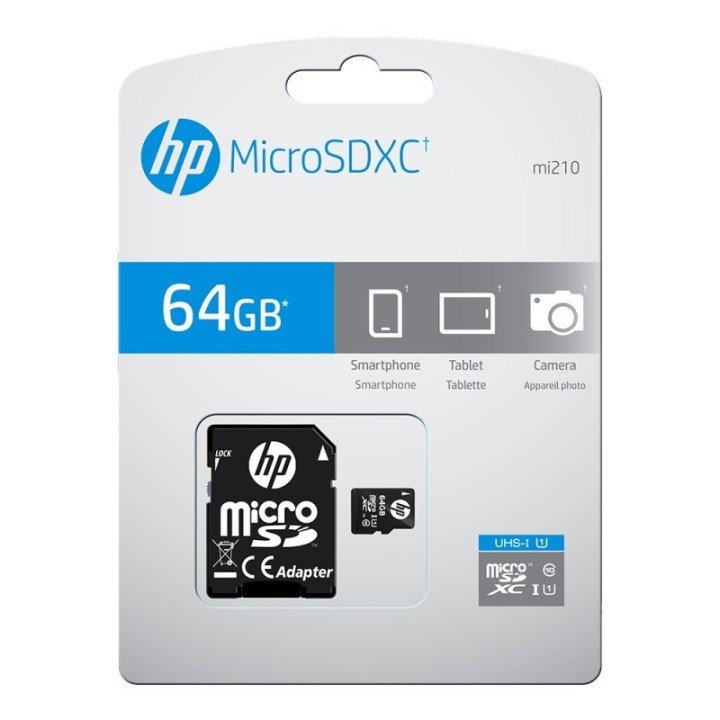
Karta MicroSDXC 64GB SDU64GBXC10HP-EF
Karty pamięci flash HP High Speed UHS-I U1 są gotowe do przechowywania najnowszych cyfrowych treści na smartfonie, tablecie i innych urządzeniach mobilnych.
HP Inc Polska Sp. z o.o.
ul. Szturmowa 2a 02-678 Warszawa Polska
E-mail: support@hp.com
Formularz kontaktowy: https://www.hp.com/us-en/contact-hp/contact.html
Telefon: +1 650-857-1501
HP Inc Polska sp. z o.o
Plac marsz. Józefa Piłsudskiego 1 00-078 Warszawa Polska
E-mail: support@hp.com
List of SD Memory Card Security Warnings based on the requirements of General Product Safety Regulation (GPSR) 2023/988 1. Risk of ingestion: SD memory cards are small and can be swallowed by children, which poses a choking hazard. 2. Mechanical damage: SD memory cards are sensitive to mechanical damage, such as bending, breaking, or scratching. A damaged card may not function properly or lose data. 3. Exposure to moisture and extreme temperatures: SD memory cards can be damaged as a result of exposure to moisture or extreme temperatures. Do not store or use cards in humid environments or in areas exposed to direct sunlight. 4. Compatibility: Make sure the SD memory card is compatible with the device you want it to be used on. Using an incompatible card can cause damage to your card or device. 5. Removing the card: Always remove the SD memory card from the device according to the manufacturer's instructions. Removing the card when writing or reading data may result in data loss or damage to the card. 6. Secure storage: Keep your SD memory cards safe and secure, away from children and pets. Use a protective case to prevent mechanical damage. 7. Secure data deletion: Before throwing away the SD memory card, make sure that all data has been permanently deleted. This can be done with the help of special software for secure data deletion. 8. Electrical Hazards: Do not disassemble, modify, or attempt to repair your SD memory card, as this may cause electric shock or other hazards. 9. Storage in places with a high level of electrification: Avoid storing memory cards in places where there is a high risk of electrostatic discharge. 10. Disposal: Used or damaged SD memory cards must be disposed of in accordance with local regulations for the disposal of electronic waste.