- Nowy
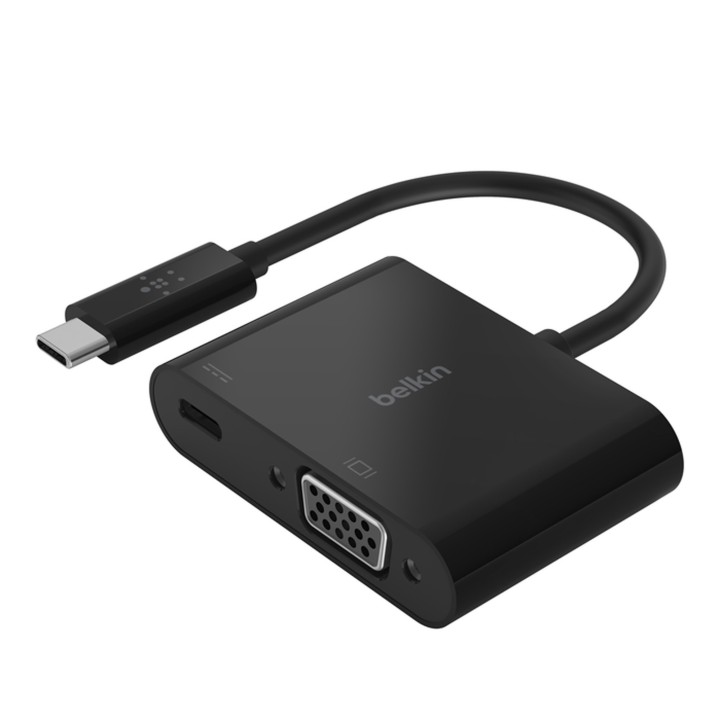
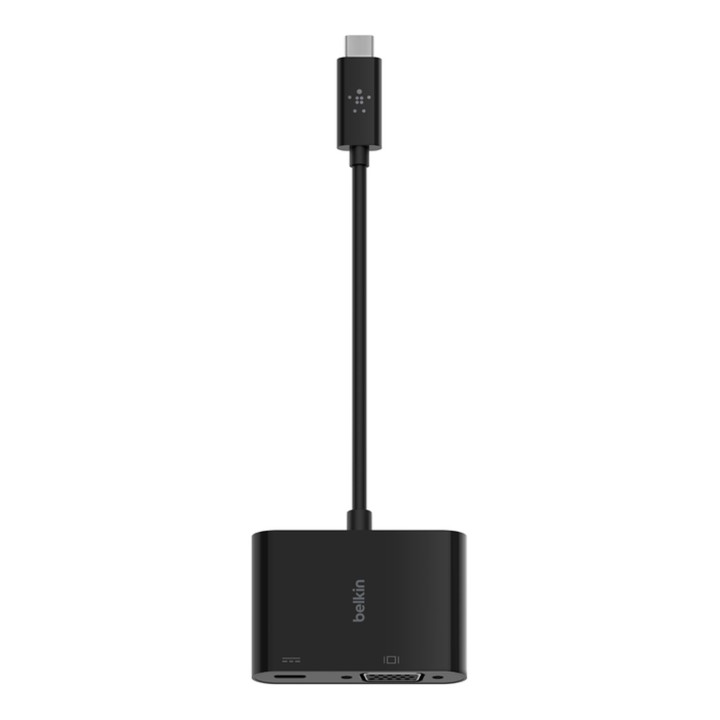
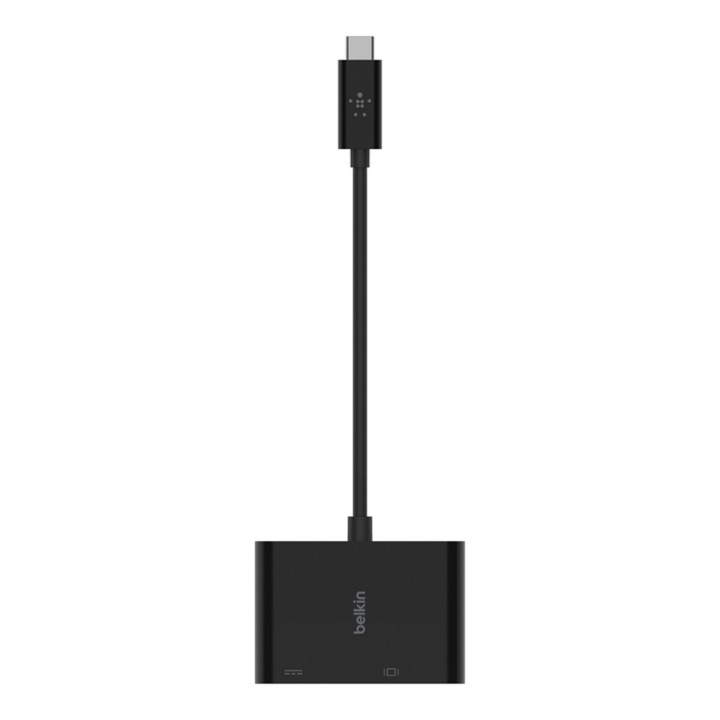
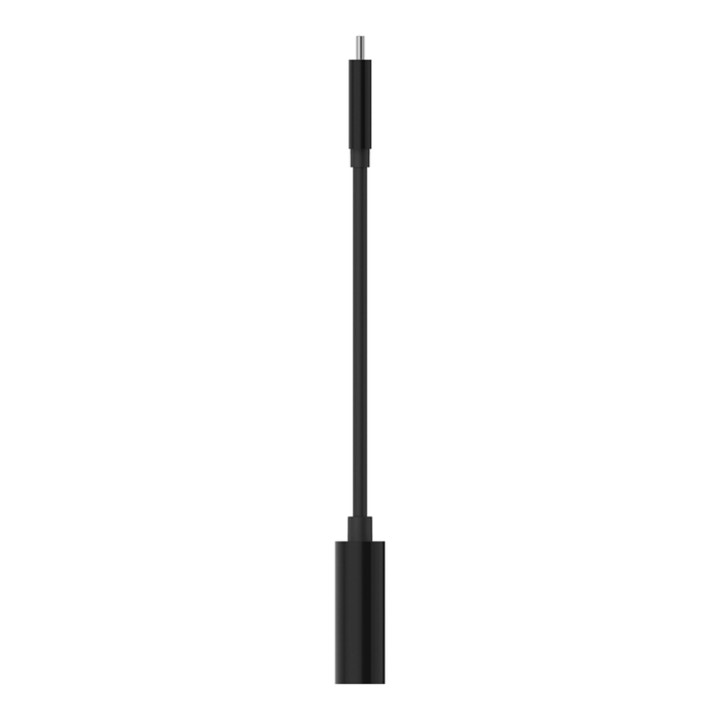
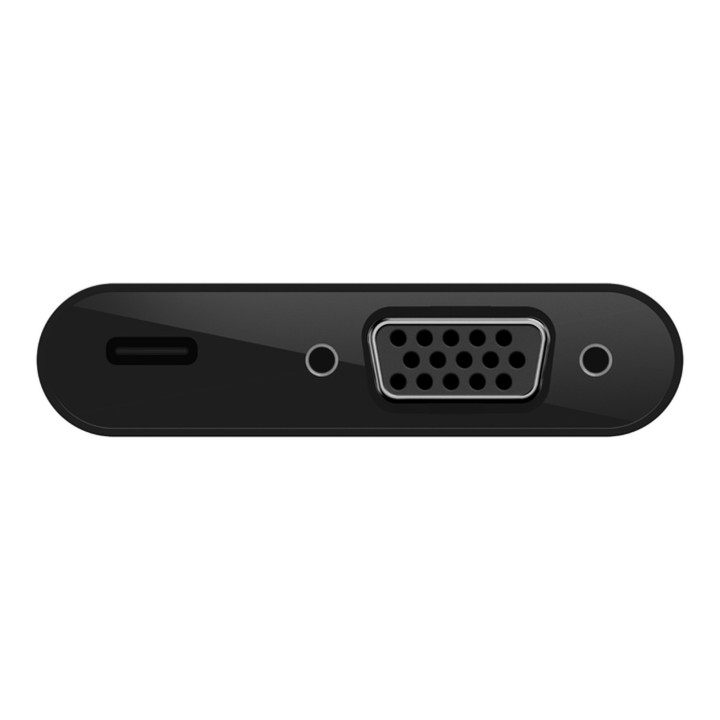
Adapter ładowania z USB-C na VGA+ Belkin AVC001btBK
ZASILANIE I WIDEO PRZEZ JEDEN PORT
Adapter ładowania z USB-C na VGA + łączy się z laptopem lub tabletem przez port USB-C, zapewniając zarówno port VGA do wyświetlania wideo, jak i port USB-C do zasilania. Jego konstrukcja typu plug-and-play działa uniwersalnie z laptopami Mac i Windows oraz innymi urządzeniami USB-C. Oferuje przenośną elastyczność, która doskonale sprawdza się w salach lekcyjnych, konferencjach i targach.
ŁADUJ PODCZAS PRACY
Utrzymuj ładowanie urządzenia podczas korzystania z wyświetlacza wideo z jednego portu USB-C. Wyposażony w przelotowe złącze USB-C Power Delivery o mocy do 60 W, urządzenie będzie się ładować podczas wyświetlania treści.
UTRZYMUJ WYSOKIEJ JAKOŚCI WIDEO
Ten kabel obsługuje wyświetlanie w wysokiej rozdzielczości na kompatybilnych urządzeniach, z rozdzielczością do 1920x1200 (1080p) przy 60 Hz.
Belkin B.V.
Eduard van Beinumstraat 8 1077 CZ Amsterdam Holandia
E-mail: regionalRC@belkin.com
Formularz kontaktowy: https://www.belkin.com/company/contact-us/
Belkin B.V.
Eduard van Beinumstraat 8 1077 CZ Amsterdam Netherlands
Formularz kontaktowy: https://www.belkin.com/company/contact-us/
Telefon: +31 (0)20 658 0800
List of safety warnings for USB hubs based on the requirements of General Product Safety Regulation (EU) 2023/988 (GPSR): * Risk of electric shock: * Do not use damaged USB cables. * Do not touch the USB hub with wet hands. * Avoid contact with water and moisture. * Risk of overheating: * Do not cover the USB hub during use. * Make sure the USB hub has adequate ventilation. * Do not place the USB hub near heat sources. * Risk of short circuit and damage to devices: * Do not connect devices with too high power consumption. * Use a power supply with the appropriate parameters (if required). * Disconnect unused devices. * Risk of data corruption: * Securely disconnect USB devices before removing the plug from the hub port. * Avoid sudden power disconnection. * Restrictions on use: * Do not use the USB hub as intended. * Do not modify or repair the device yourself. * Child-related hazards: * Keep your USB hub and small accessories out of reach of children. * Do not allow children to play with the USB hub. * Maintenance and cleaning: * Clean the USB hub regularly with a dry cloth. * Do not use aggressive cleaners. * When connecting peripherals, especially external drives: * Use dedicated power supply for the USB hub to provide enough power.
Produkty, które ostatnio zwróciły Twoją uwagę.