- Nowy
Obudowa SILENT BASE 802 Black BG039 obrazki
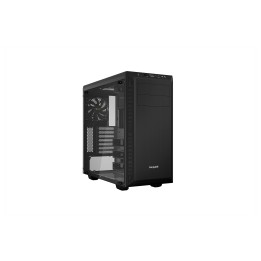
Obudowa SILENT BASE 802 Black BG039
Opis produktu
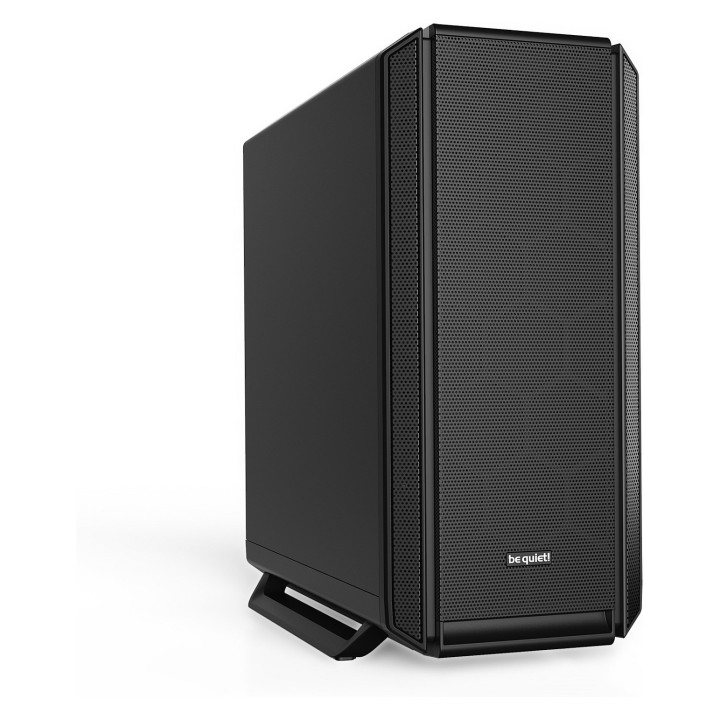
Obudowa Be quiet! SILENT BASE 802
be quiet! Silent Base 802 Black to obudowa dedykowana wyjątkowo cichym i wydajnym konfiguracjom.
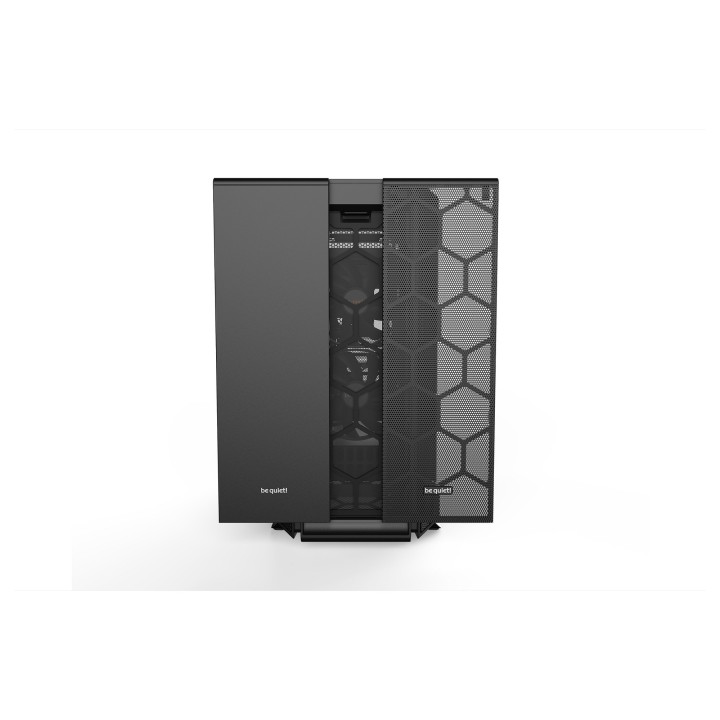
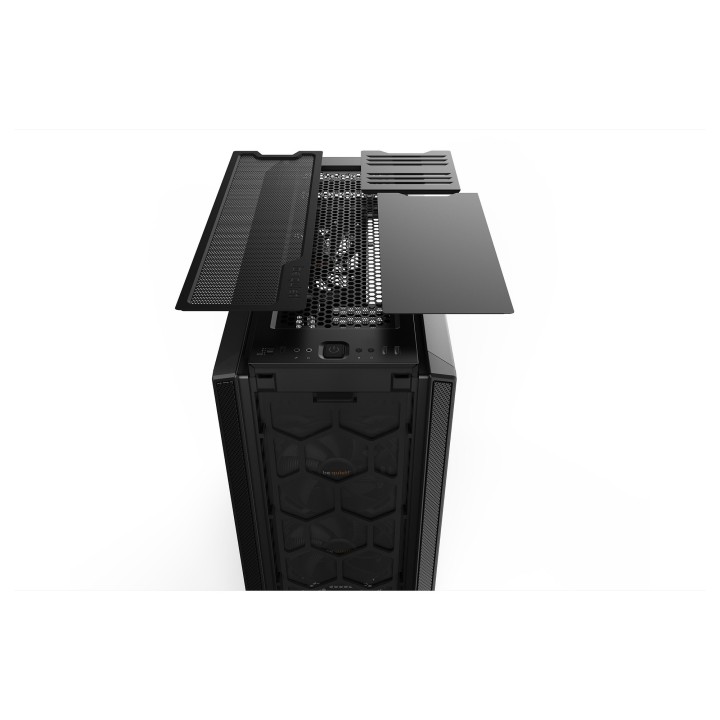
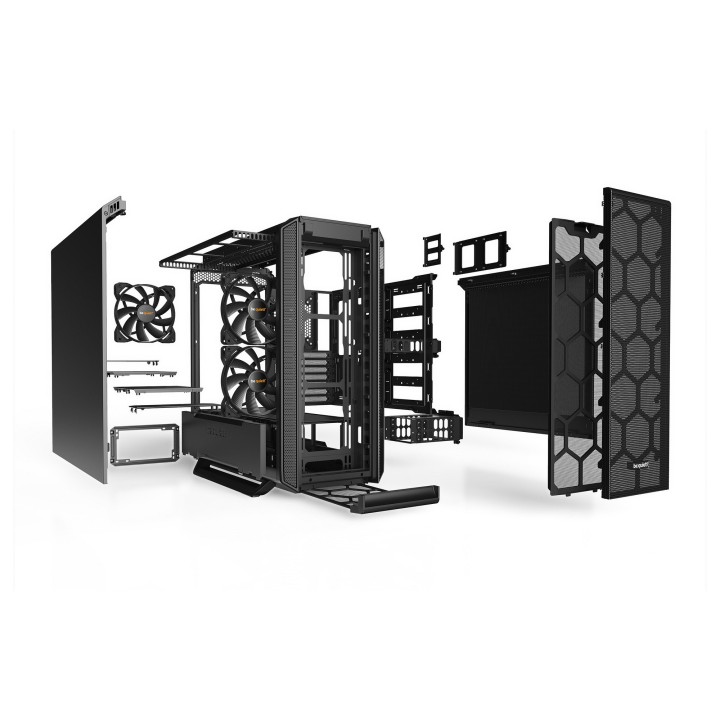
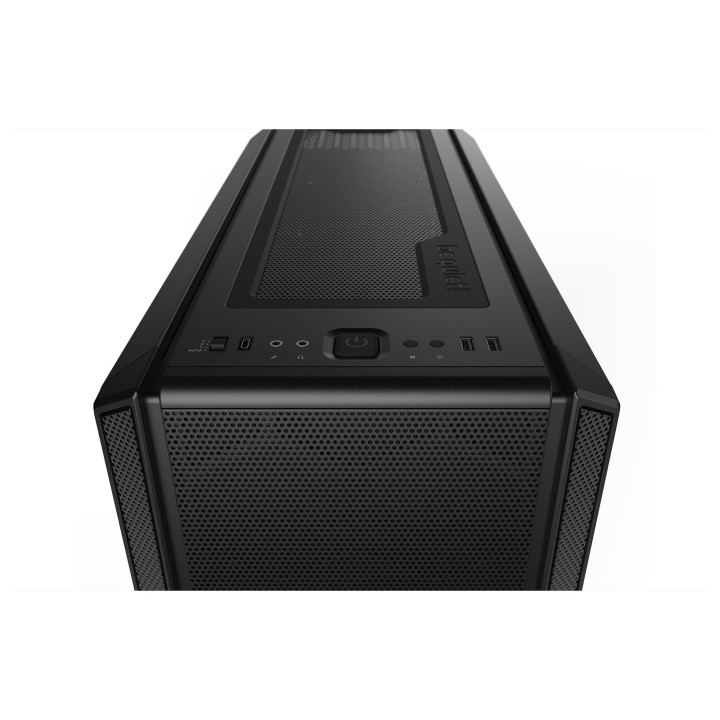
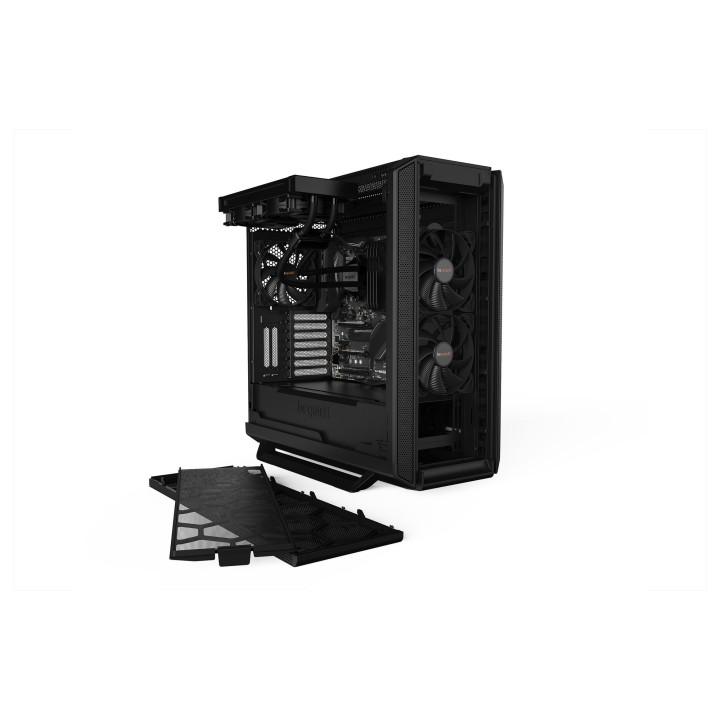
- Wymienna pokrywa górna i panel przedni zapewniają maksymalny przepływ powietrza lub cichą pracę
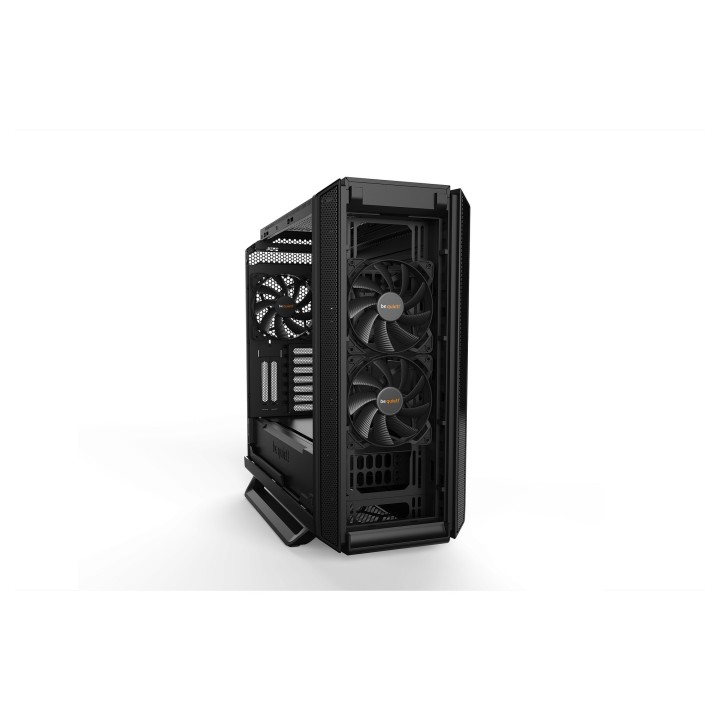
- Trzy wentylatory Pure Wings 2 140mm gwarantują doskonały przepływ powietrza
- Grube maty wyciszające dla lepszej redukcji hałasu
- Najnowocześniejszy panel I/O z kontrolerem wentylatorów i złączem USB 3.2
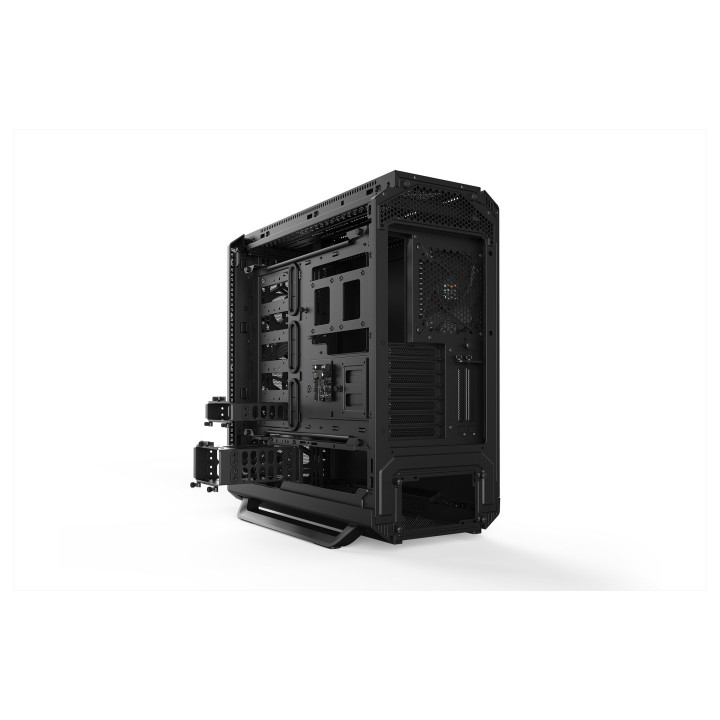
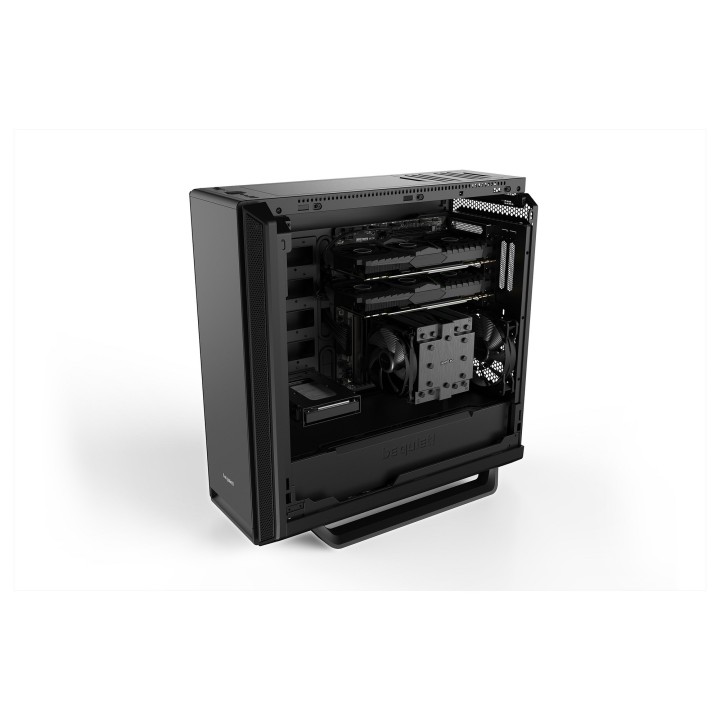
- Oddzieloną tackę płyty głównej można zastosować w układzie odwróconym
- Odłączany wspornik górny ułatwia montaż radiatorów i wentylatorów
- Kompatybilny z radiatorami do 420mm
Specyfikacja
- Typ obudowy: Midi Tower
- Format obudowy: E-ATX
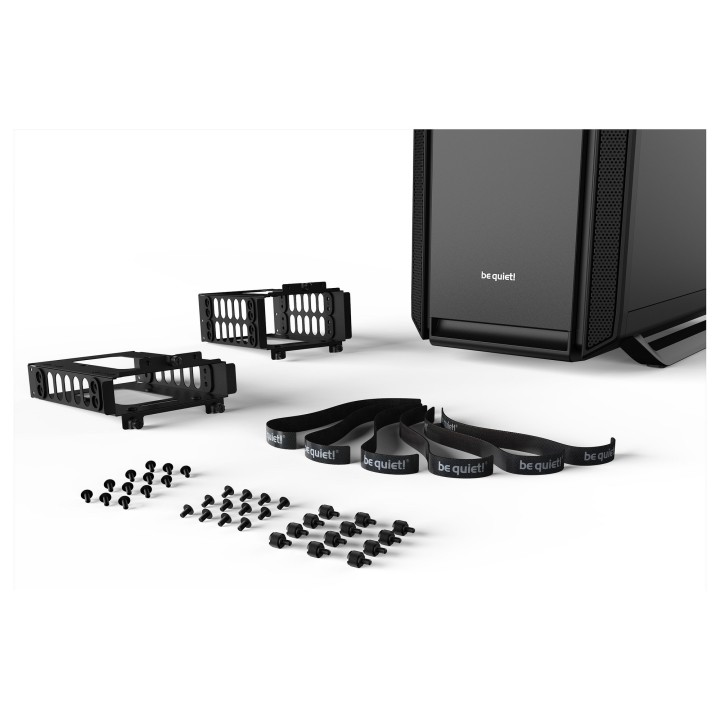
- Liczba miejsc montażowych (sumaryczna): 10
- Miejsca montażowe 3,5'' wewn.: 3
- Miejsca montażowe 2,5'' wewn.: 7
- Wentylator: 14 cm
- Kolor (wyliczeniowy): Czarny
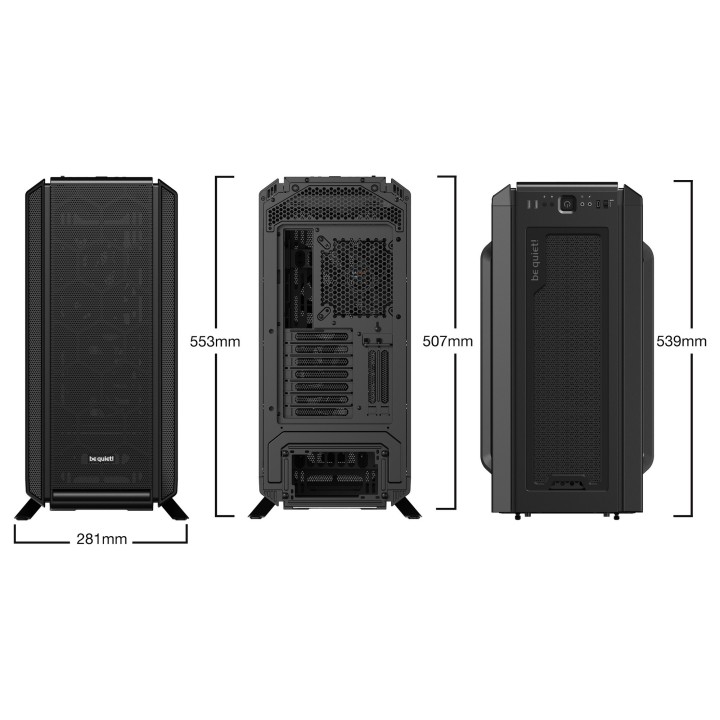
- Wymiary: 539 x 281 x 553 mm
- Waga: 12.6 kg
- Złącza na przednim panelu: Kontroler wentylatorów
- Uwaga: CE+WEEE
Szczegóły produktu
- Marka Be quiet!
- Kod produktu 660fbd1071a267703cb1f08c
- Dostępność 198 Przedmioty
- EAN13 4260052188378
- MPN BG039
Specyfikacja
- Kolor Czarny
- Format obudowy Midi Tower
- Zasilacz w zestawie Nie
- Liczba wentylatorów w zestawie (szt.) 3 szt.
- Maksymalna długość GPU (mm) 449 mm
- Maksymalna wysokość chłodzenia CPU (mm) 185 mm
- Okno boczne Nie
Producent
Producent
Listan Poland sp. z o.o.
Łopuszańska 95 02-457 Warszawa Polska
E-mail: info@bequiet.com
Bezpieczeństwo
Informacje o bezpieczeństwie
List of safety warnings for computer enclosures based on the requirements of General Product Safety Regulation (EU) 2023/988 (GPSR): 1. Risk of electric shock: * Make sure your computer's power supply is properly grounded. * Do not touch the power supply components with wet hands. * Disconnect the computer from power before opening the case. 2. Risk of cuts: * Beware of sharp metal edges when assembling components. * Secure the edges that can cause cuts. * Use protective gloves when working with the case. 3. Risk of fire: * Do not block ventilation openings in the housing. * Make sure that your computer components do not overheat. * Use a power supply with adequate power to avoid overloading. 4. Risk of damage to components: * Ensure proper air circulation in the housing. * Do not place heavy objects on the housing to avoid damage. * Make sure all components are properly fixed in the housing. 5. Hazards for children: * Keep small items (screws, jumpers) out of reach of children. * Do not allow children to open the computer case themselves. 6. Weight Hazards: * When moving your computer case, make sure you are able to support its weight. * Ask the other person for help if the case is too heavy. 7. Cleaning warnings: * Disconnect the computer from power before cleaning the case. * Use a soft, dry cloth to clean the case. * Do not use cleaning products containing corrosive substances. 8. Modification warnings: * Housing modifications may affect the safety and performance of your computer. * Perform modifications only if you have relevant experience and knowledge. 9. Warnings on Dust inhalation: * When cleaning components in the housing with compressed air, use a mask. * Take special care and ensure proper ventilation.
Obudowy
- Nowy
- Nowy
- Nowy
- Nowy
- Nowy
- Nowy
- Nowy
- Nowy
- Nowy
- Nowy
- Nowy