- Nowy
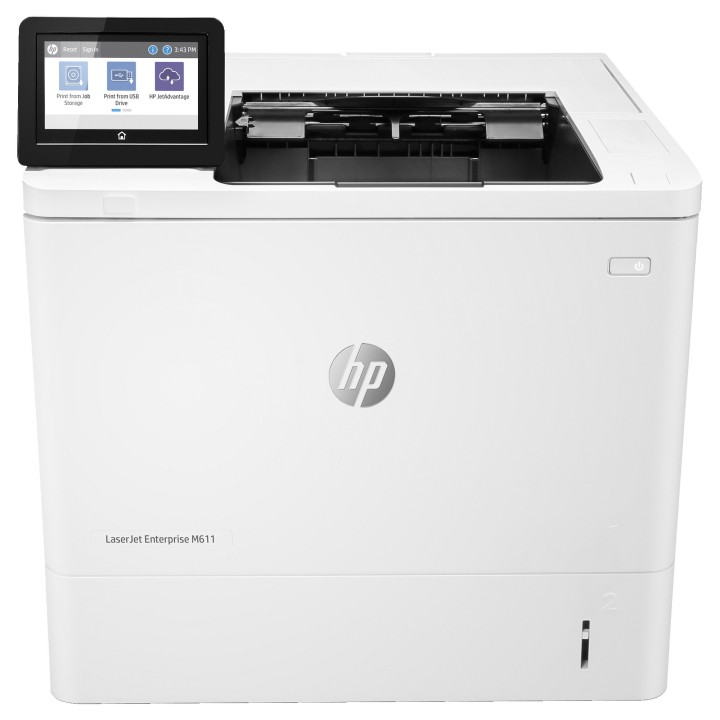
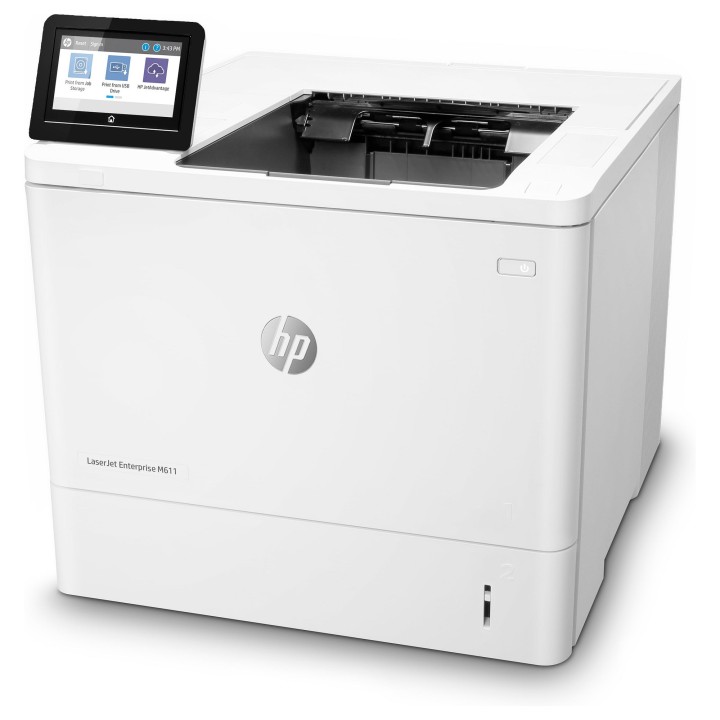
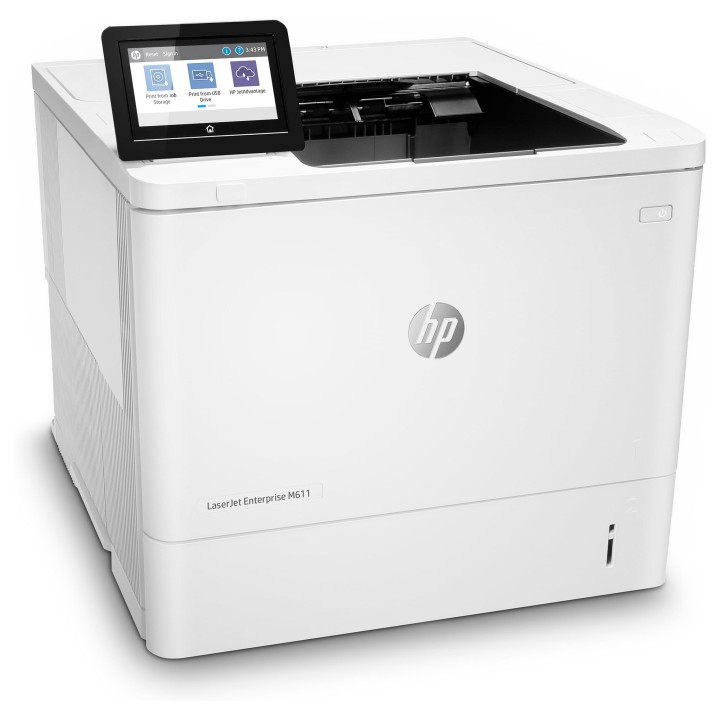
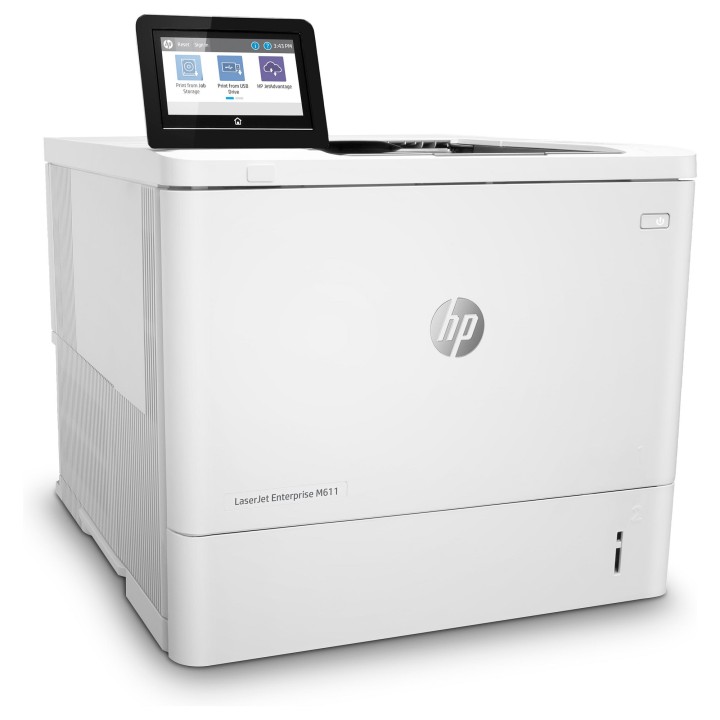
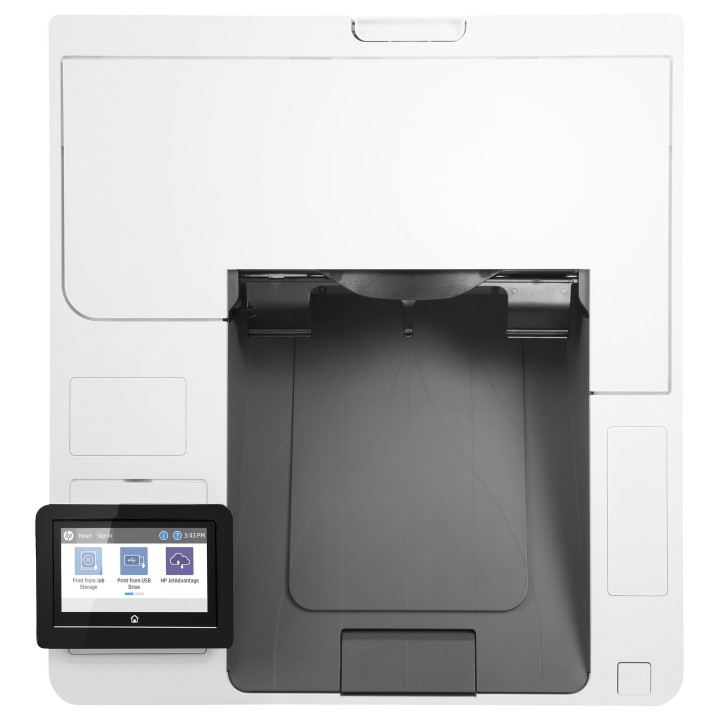
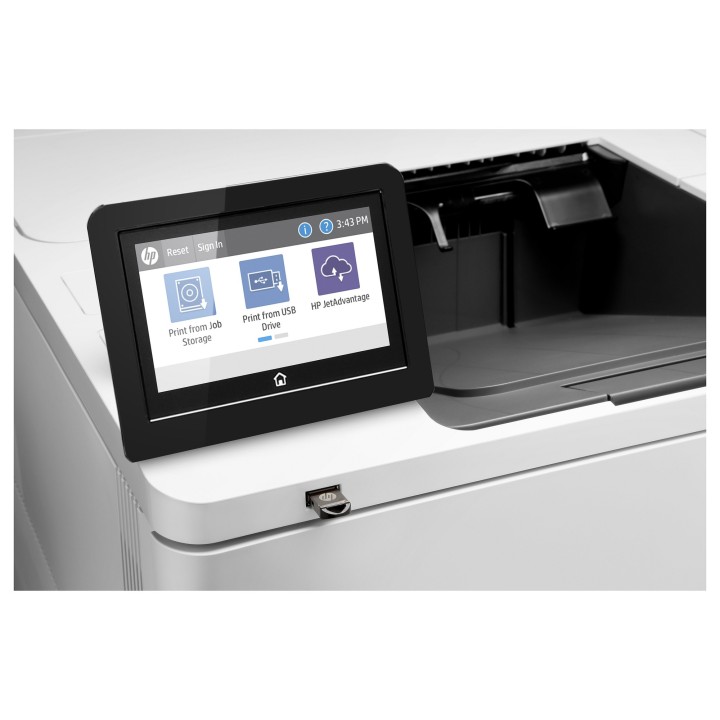
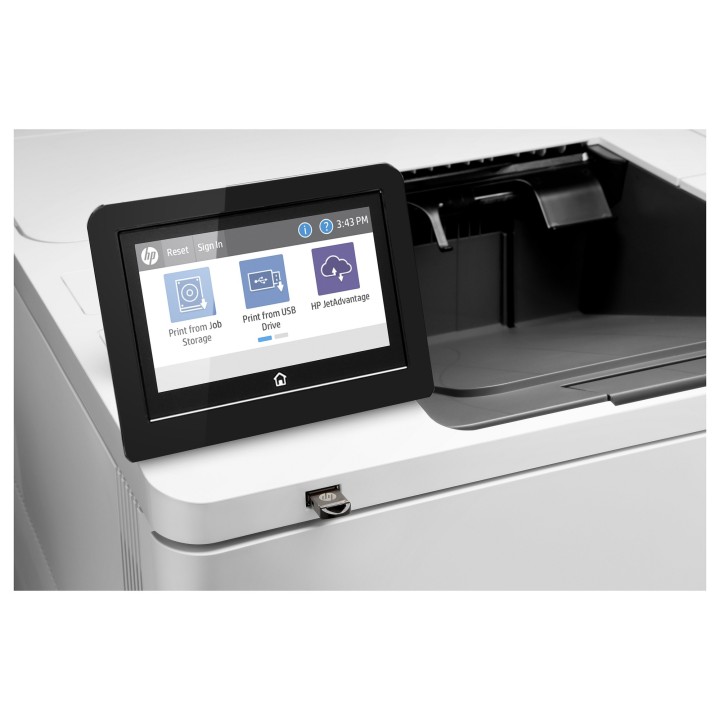
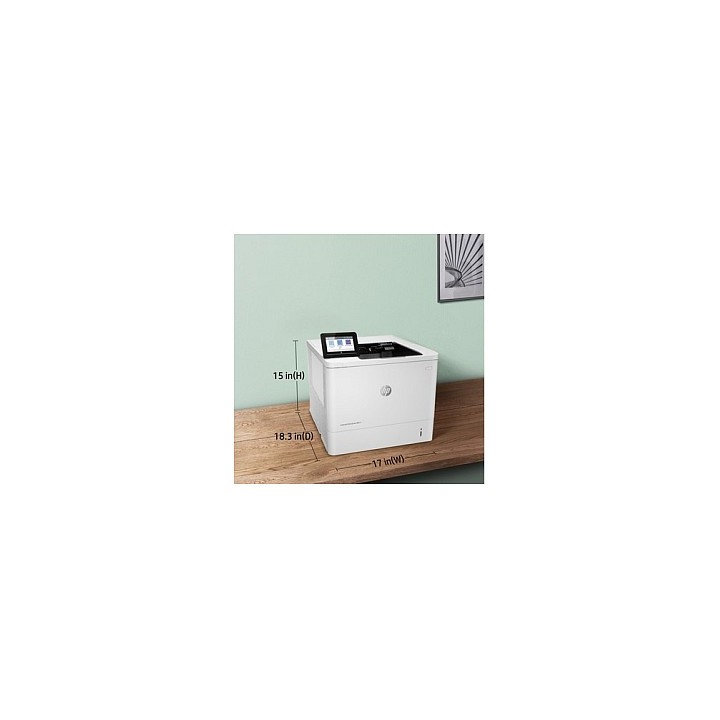
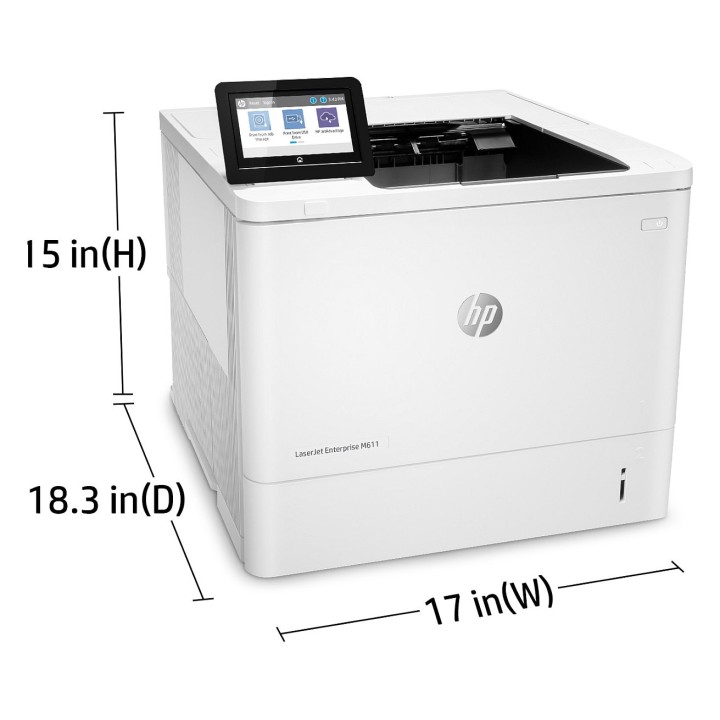
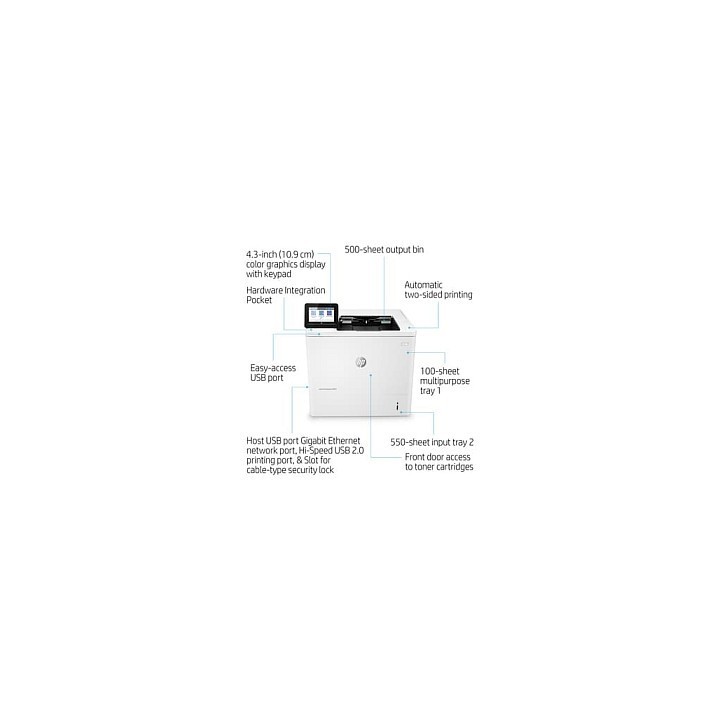
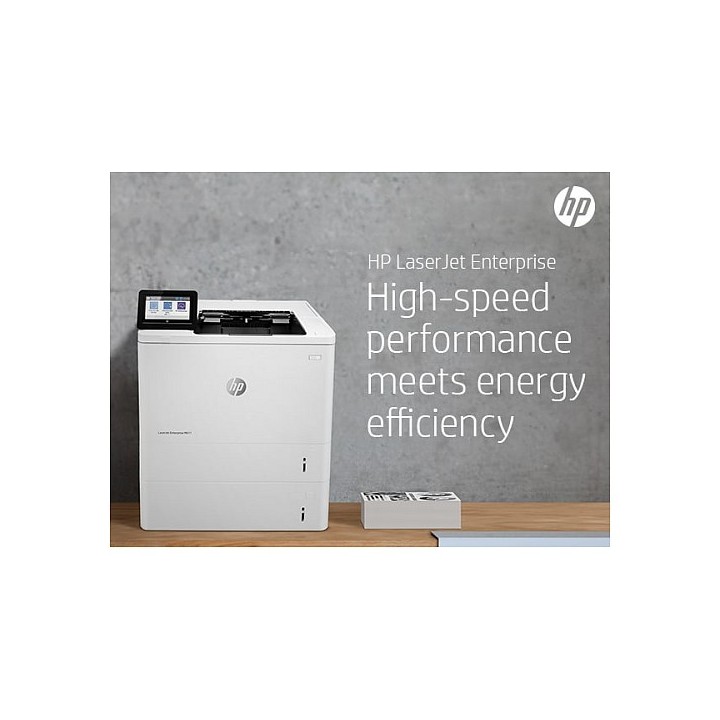
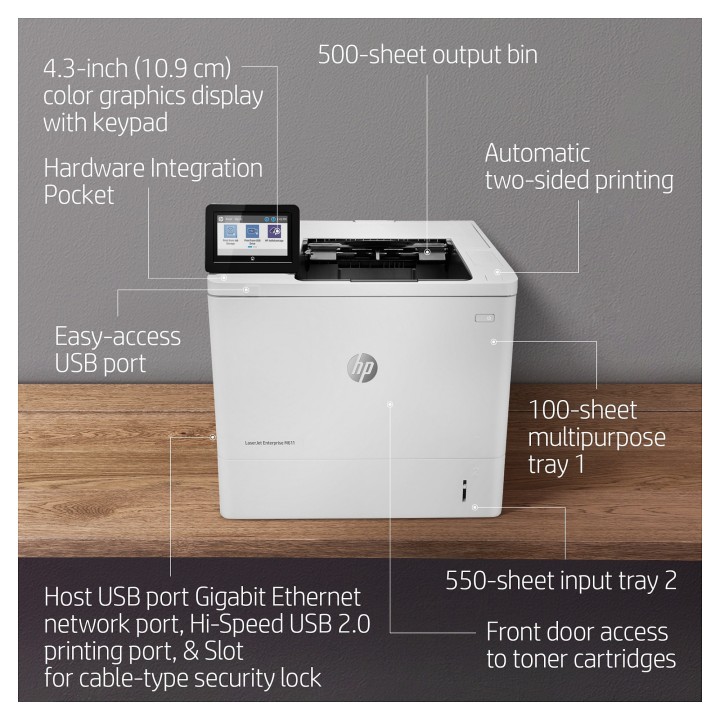
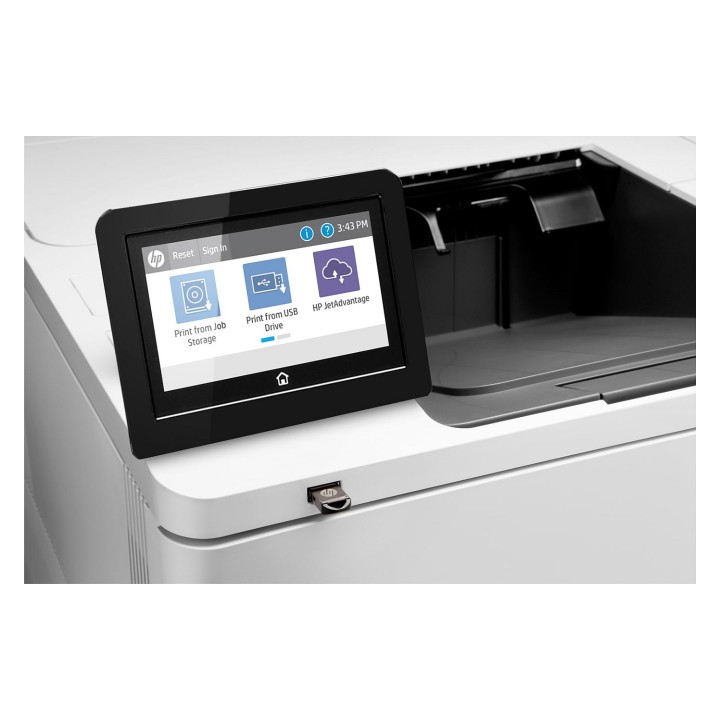
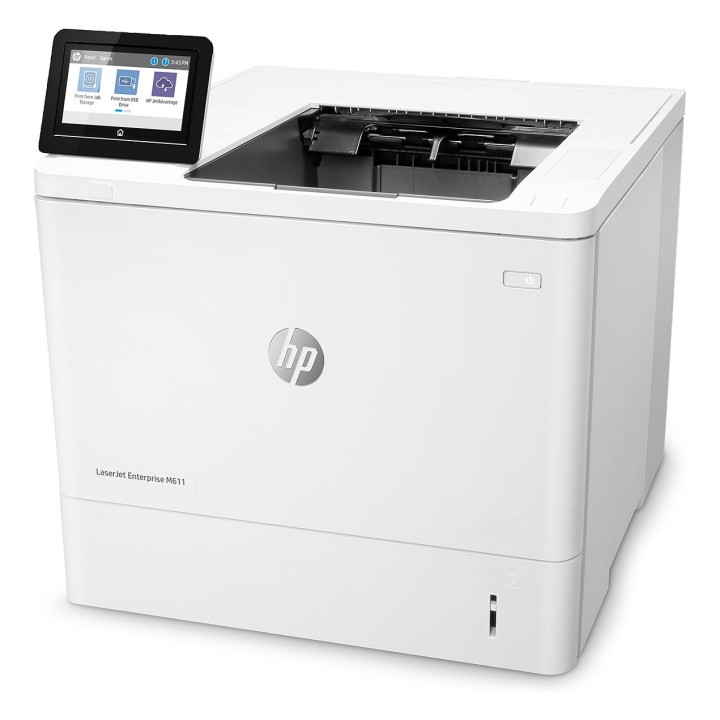
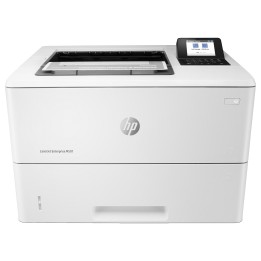
Drukarka HP LASERJET ENTERPRISE M611DN
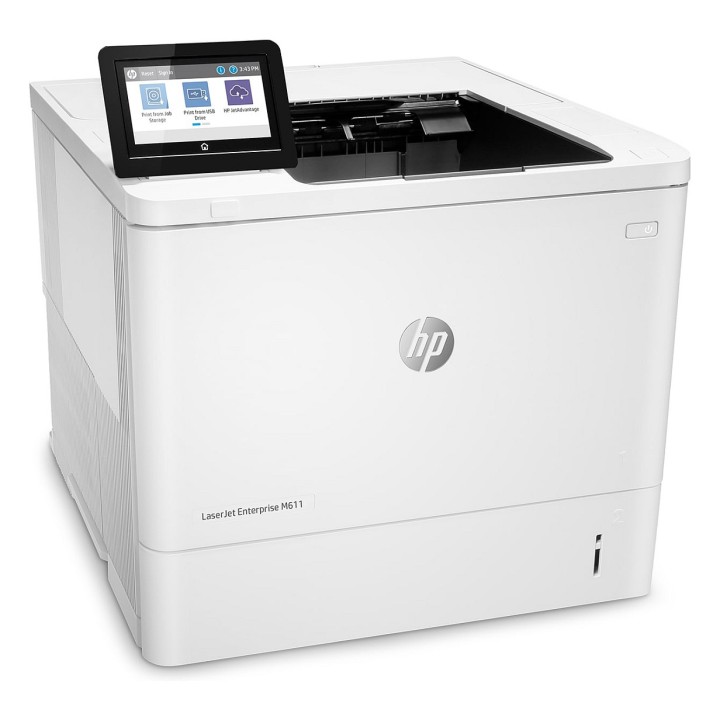
Ta drukarka HP LaserJet z rozwiązaniem JetIntelligence jest wydajna, energooszczędna i zapewnia bezpieczeństwo.
Drukarka HP LaserJet z technologią JetIntelligence łączy w sobie wyjątkową wydajność i energooszczędność z drukiem dokumentów profesjonalnej jakości dokładnie wtedy, gdy są potrzebne a jednocześnie chroni sieć przed atakami za pomocą najmocniejszych w branży zabezpieczeń.
Najbezpieczniejsze drukowanie oferowane przez HP
Dzięki funkcji HP Sure Start kod operacyjny jest automatycznie sprawdzany podczas uruchamiania i sam się naprawia, jeśli okaże się, że został naruszony.
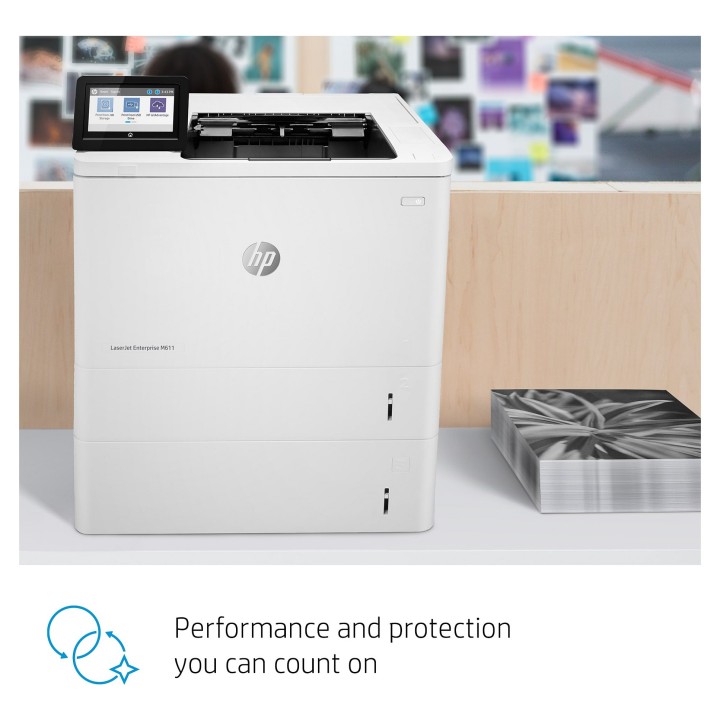
Wydajność i ochrona, na które można liczyć
Precyzyjna technologia czarnego tonera zapewnia wyrazistość tekstu, głęboką czerń i ostrość graki.
Połączenie wydajności i energooszczędności
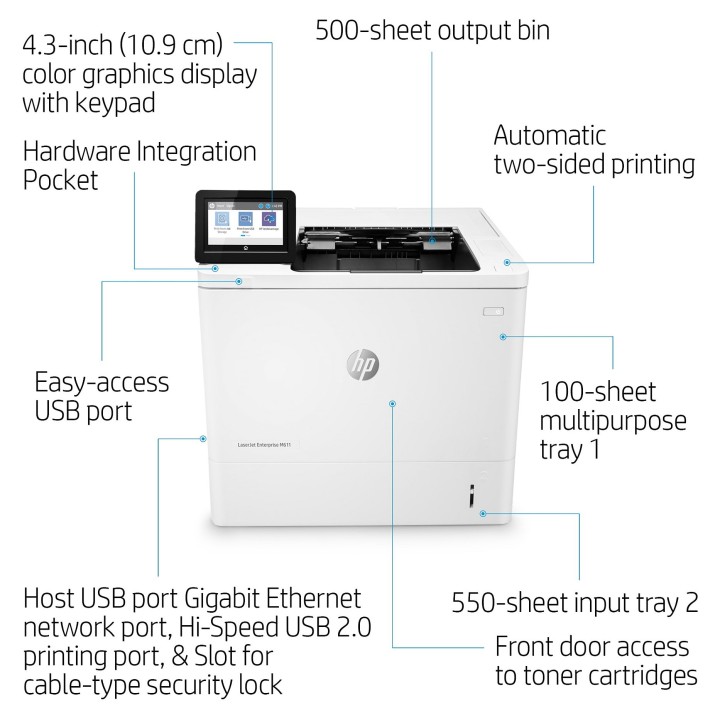
Szybko wykonuj zadania i oszczędzaj papier. Drukuj dwustronne dokumenty prawie tak samo szybko, jak jednostronne.
HP Inc Polska Sp. z o.o.
ul. Szturmowa 2a 02-678 Warszawa Polska
E-mail: support@hp.com
Formularz kontaktowy: https://www.hp.com/us-en/contact-hp/contact.html
Telefon: +1 650-857-1501
HP Inc Polska sp. z o.o
Plac marsz. Józefa Piłsudskiego 1 00-078 Warszawa Polska
E-mail: support@hp.com
List of safety warnings for inkjet and laser printers based on the requirements of Regulation (EU) 2023/988 on General Product Safety (GPSR): 1. Risk of electric shock: * Make sure that the printer is connected to an outlet with grounding. * Do not touch the power cable with wet hands. 2. Risk of burns: * Wait for the printer to cool down before replacing consumables. 3. Risk to vision (laser printers): * Avoid looking at the laser beam while the printer is running. 4. Risk of fire: * Do not place the printer near flammable materials. * Regularly clean the inside of your printer to remove accumulated dust and paper debris. 5. Risk of hearing damage (needle printers): * Use the printer in a quiet environment or use protective headphones. 6. Risk for children: * Place the printer out of reach of children. * Do not allow children to play with consumables. 7. Risk of cuts: * Beware of sharp edges inside the printer. * Use protective gloves when replacing consumables. 8. Risk of poisoning: * Do not inhale toner fumes. * Dispose of used consumables in accordance with local regulations. 9. Risk of injury: * Place the printer on a stable surface to prevent it from tipping over. * Do not put heavy objects on the printer. 10. Maintenance risk: * Disconnect the printer from the power supply before cleaning. * Use only the intended cleaning products. 11. Warnings on battery (if applicable): * Do not throw the battery into the fire. * Keep batteries out of reach of children. 12. Allergy risk: * Use protective gloves when replacing toner.
Produkty, które ostatnio zwróciły Twoją uwagę.