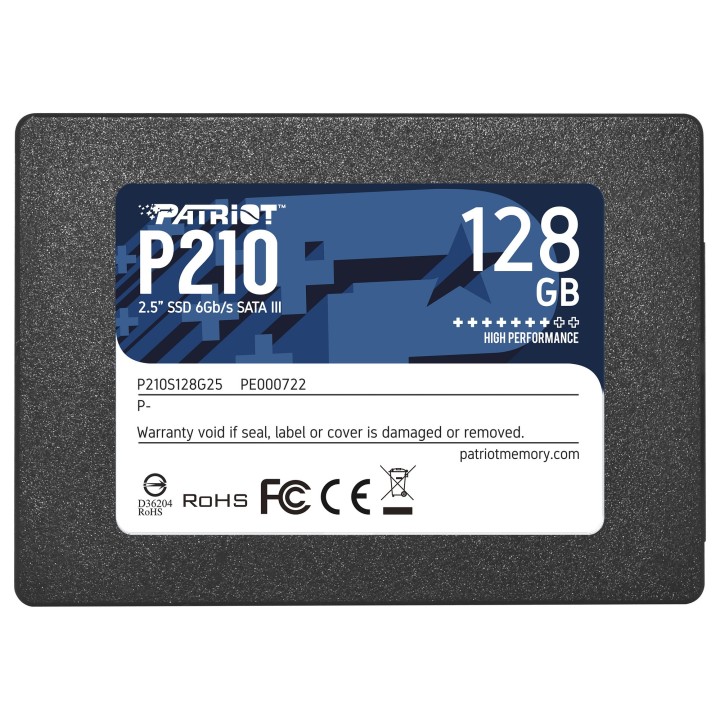
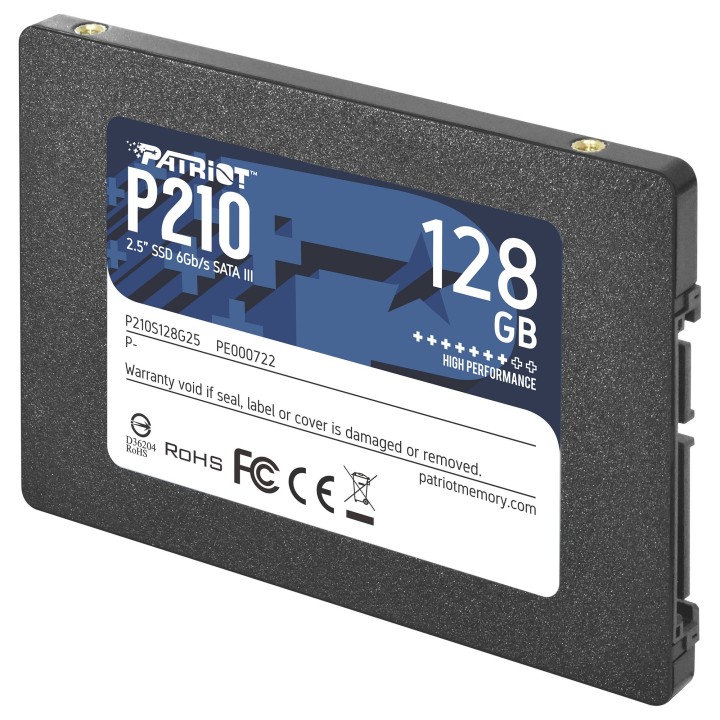
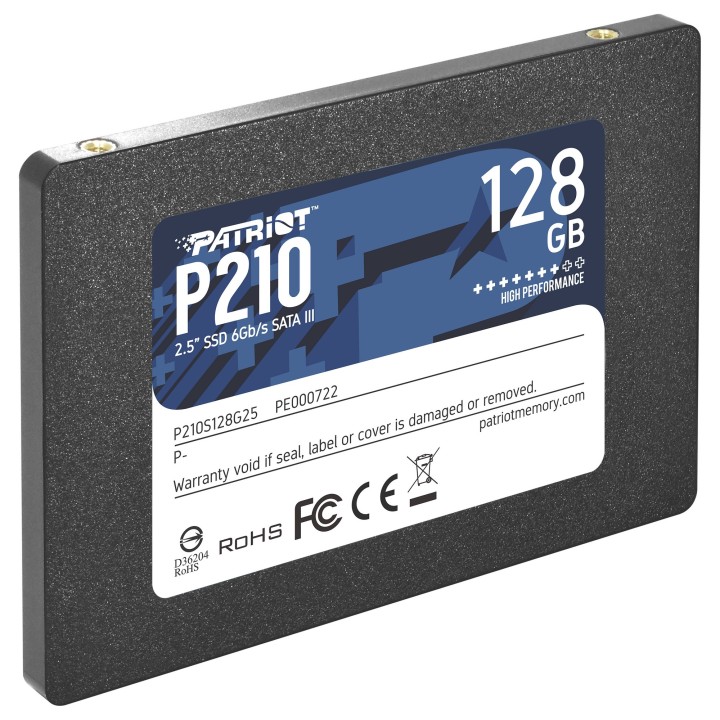
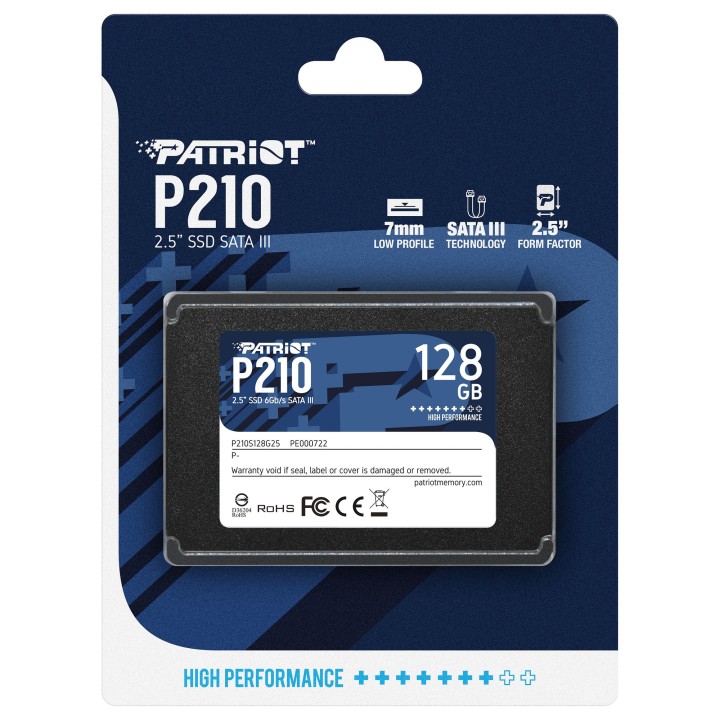
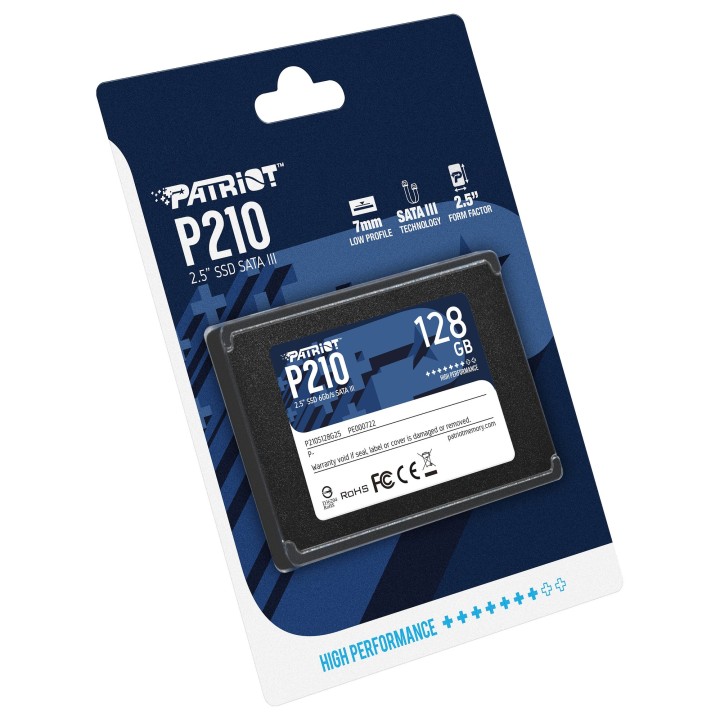
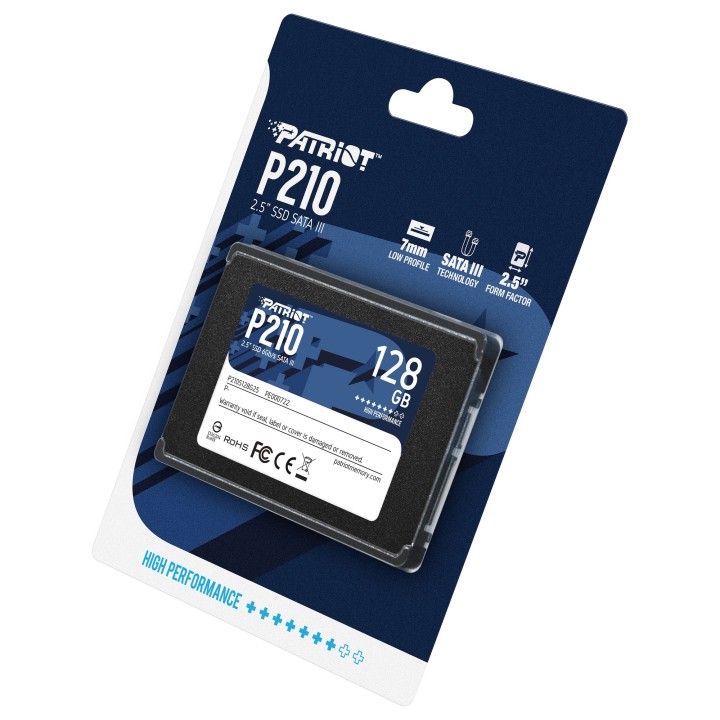
Patriot P210 SSD 128 GB SATA III 2.5" 7 mm
Opis produktu
Patriot P210 to dysk SSD o pojemności 128 GB zaprojektowany do montażu w komputerach stacjonarnych i laptopach z interfejsem SATA III (6 Gb/s). Zapewnia szybki, sekwencyjny odczyt danych do 450 MB/s, co przyspiesza uruchamianie systemu i ładowanie aplikacji.
Nośnik obsługuje operacje losowe na poziomie 30 000 IOPS zarówno dla odczytu, jak i zapisu (4KB), a także funkcję TRIM poprawiającą wydajność i długoterminową wydajność zapisu. Parametr TBW wynoszący 60.0 wskazuje na wytrzymałość nośnika przy intensywnym użytkowaniu.
Kompaktowa obudowa 2,5" o wysokości 7 mm oraz wymiary 69,6 x 100 x 7 mm i masa około 46 g ułatwiają instalację w cienkich laptopach i standardowych zatokach dyskowych. Dysk pracuje w temperaturach od 0 do 70 °C, co czyni go odpowiednim do typowych warunków pracy komputerów osobistych.
Specyfikacja
- Marka: Patriot
- Model: P210
- Pojemność dysku: 128 GB
- Format dysku: 2.5"
- Interfejs: SATA III (6 Gb/s)
- Prędkość odczytu (sekwencyjna, max): 450 MB/s
- Losowy odczyt (4KB): 30000 IOPS
- Losowy zapis (4KB): 30000 IOPS
- TRIM: Tak
- TBW: 60.0
- Wysokość: 7 mm
- Szerokość: 69.6 mm
- Głębokość: 100 mm
- Waga: 46 g
- Temperatura pracy: 0 - 70 °C
- Przeznaczenie: PC / Laptop
- Kompatybilne systemy operacyjne: Windows 7, Windows 8, Windows 8.1, Windows 10

Szczegóły produktu
- Marka Patriot
- Kod produktu 660fbd2071a267703cb2048b
- Dostępność 11 Przedmioty
- EAN13 0814914026847
- MPN P210S128G25
Specyfikacja
- Pojemność nośnika (GB) 128 GB
- Format dysku 2,5 cala
- Interfejs dysku SATA III - 6 Gb/s
- Prędkość odczytu (MB/s) 450 MB/s
- Prędkość zapisu (MB/s) 430 MB/s
Producent
Producent
Patriot Memory B.V.
Innsbruckweg 190-192 3047 AH Rotterdam Netherlands
E-mail: EUsales@patriotmemory.com
Formularz kontaktowy: https://www.patriotmemory.com/contact-us
Telefon: +31 (0)10-2931-250
Bezpieczeństwo
Informacje o bezpieczeństwie
List of SSD security warnings based on General Product Safety Regulation (GPSR) 2023/988 requirements: * Before installing or disassembling an SSD, make sure your computer is turned off and disconnected from power. * When installing an SSD, use the appropriate tools and screws to avoid damaging your drive or computer. * Do not open the SSD enclosure as this may result in loss of warranty and damage to the drive. * Protect your SSD from moisture, dust, and extreme temperatures. * Use SSD management software according to the manufacturer's instructions to monitor its health and performance. * Regularly back up data from your SSD to avoid data loss in the event of a drive failure. * Do not disassemble the SSD while writing or reading data, this can lead to data loss. * Do not expose your SSD to shocks, drops, or other mechanical damage. * Once usage is complete, delete data from the SSD securely to prevent unauthorized access to the data. * Follow the rules for the safe handling of electronic waste when disposing of an SSD.
Dyski SSD
Ostatnio oglądane
Produkty, które ostatnio zwróciły Twoją uwagę.