- Nowy
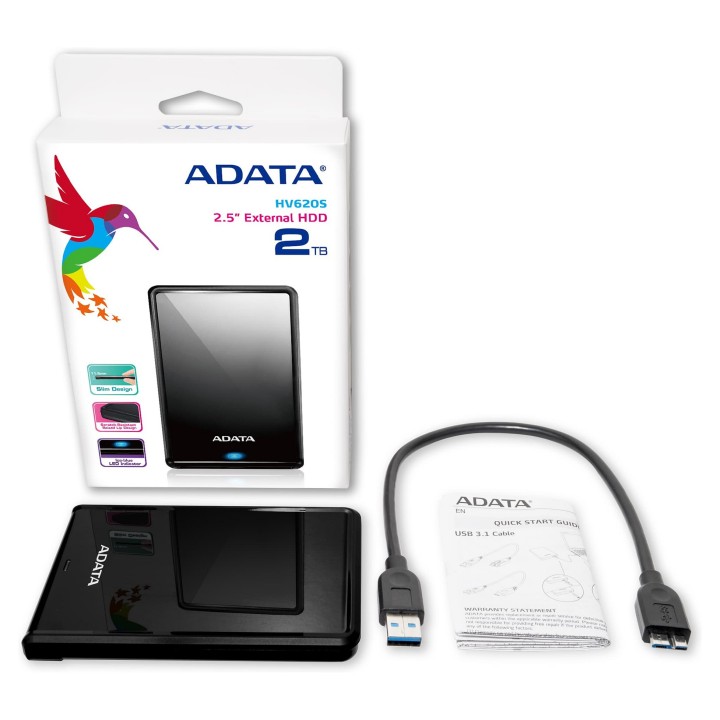
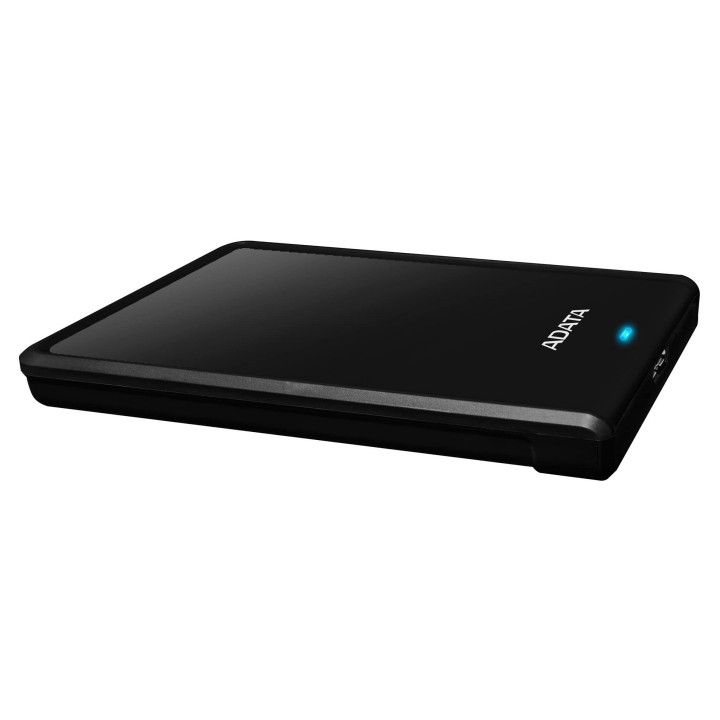
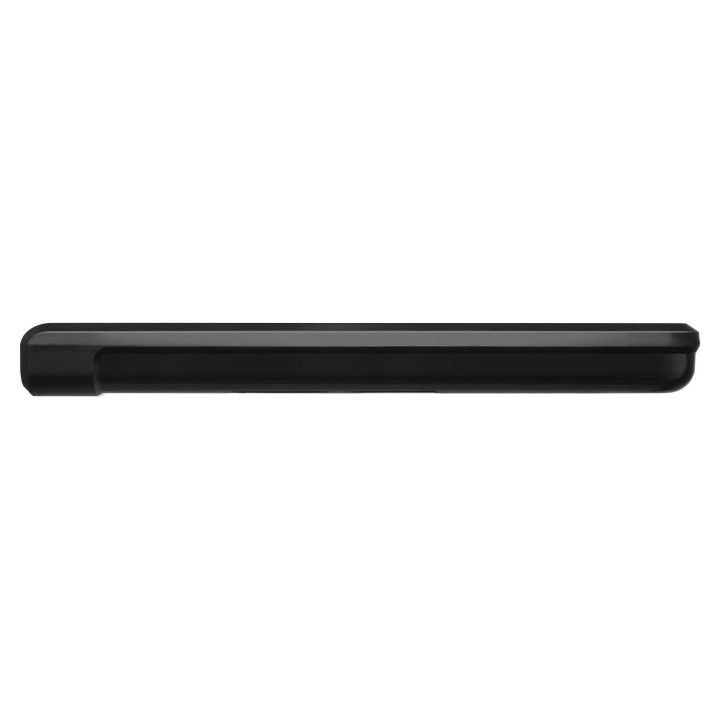
Adata HV620S 4 TB 2.5" USB 3.1 Gen1 Czarny obrazki
Adata HV620S 4 TB 2.5" USB 3.1 Gen1 Czarny
Opis produktu
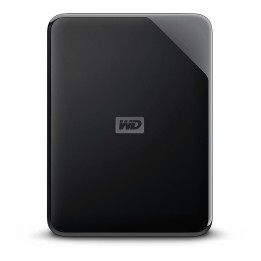
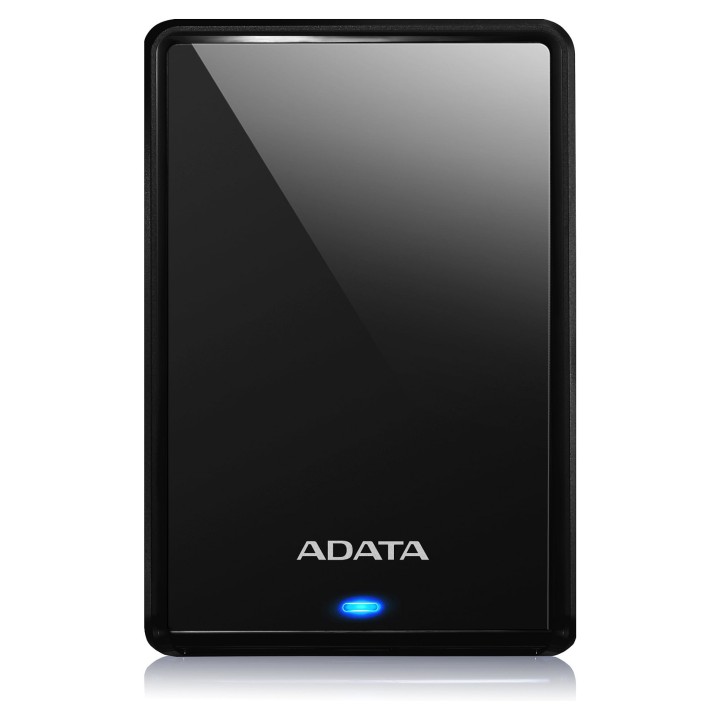
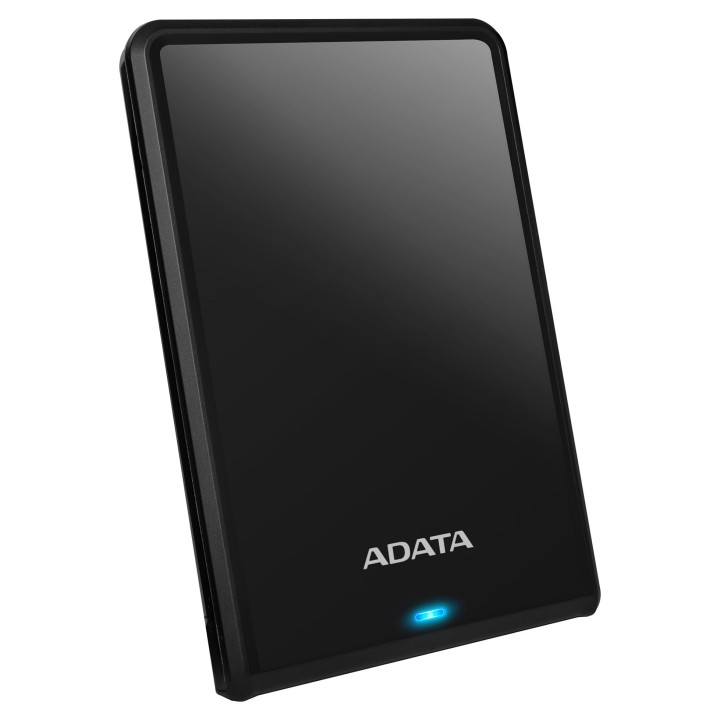
Adata HV620S to przenośny dysk twardy o pojemności 4 TB zamknięty w kompaktowej obudowie 2,5 cala. Zaprojektowany z myślą o użytkownikach potrzebujących dużej pojemności w formacie mobilnym, łączy klasyczny dysk HDD z eleganckim, czarnym wykończeniem.
Urządzenie korzysta z interfejsu USB 3.1 Gen1, zapewniając szybkie przesyłanie danych i zgodność wsteczną z USB 2.0. Złącze Micro-USB B umożliwia łatwe podłączenie do szerokiej gamy komputerów i laptopów. Dysk jest zasilany bezpośrednio z magistrali USB (5 V); przy użyciu portów USB 2.0 wymagane może być podłączenie do dwóch portów w celu zapewnienia wystarczającego zasilania.
Obudowa wykonana jest z tworzywa sztucznego o odpornej powierzchni, zabezpieczającej przed zarysowaniami, a niewielkie wymiary i waga (115 × 78 × 21 mm, 230 g) ułatwiają codzienne przenoszenie i użytkowanie w podróży.
Specyfikacja
- Marka: Adata
- Model: HV620S
- Pojemność: 4 TB
- Format dysku: 2.5"
- Interfejs: USB 3.1 Gen1 (zgodny wstecznie z USB 2.0)
- Złącze: Micro-USB B
- Zasilanie: Zasilanie magistrali USB
- Napięcie zasilania: 5 V
- Kolor: Czarny
- Materiał obudowy: Plastik
- Odporność: Odporny na zadrapania
- Szerokość: 115 mm
- Głębokość: 78 mm
- Wysokość: 21 mm
- Waga: 230 g
Szczegóły produktu
- Marka Adata
- Kod produktu 660fbd4e71a267703cb23ba4
- Dostępność 20 Przedmioty
- EAN13 4713218463715
- MPN AHV620S4TU31CBK
Specyfikacja
- Pojemność nośnika (GB) 4000 GB
Producent
Producent
ADATA Technology B.V.
Transistorweg 7 6534 AT Nijmegen Netherlands
E-mail: adata@adata.com
Formularz kontaktowy: https://www.adata.com/pl/contact?tab=business-needs
Osoba odpowiedzialna w UE
EARN Elektroaltgeräte Service GmbH
Landstrasse 91 38644 Goslar Germany
Formularz kontaktowy: https://www.adata.com/en/support/contact-us/
Bezpieczeństwo
Informacje o bezpieczeństwie
List of external and portable drive safety warnings based on the requirements of General Product Safety Regulation (GPSR) 2023/988: * Use the drive according to the manufacturer’s instructions to avoid mechanical damage or data loss. * Do not expose the disc to extreme temperatures, moisture, or direct sunlight to prevent overheating or damage. * Protect your drive from drops and bumps, as this can cause damage to internal components and data loss. * Disconnect the drive from your computer in a secure manner (using the "Safe Hardware Removal" feature) to avoid data loss or damage to the drive. * Do not open the disk housing, as this may result in loss of warranty and damage to delicate components. * In case of disk failure, do not try to repair it yourself; contact a professional data recovery service. * Keep the drive away from strong magnetic fields that can disrupt operation and cause data loss. * Use only the original cables and power supplies that came with the drive to avoid compatibility issues and damage. * Regularly back up data from disk to other media to avoid losing important information in the event of a failure. * Keep the disc out of reach of children to avoid accidental damage or ingestion of small items. * When transporting the disk, protect it from shocks and moisture by placing it in a suitable protective case. * Do not attempt to connect a damaged drive to your computer as this may cause additional problems. * Regularly scan the drive with an antivirus program to prevent malware infection. * Do not use the disc near flammable substances, as overheating and fire may occur in the event of a breakdown. * Make sure the voltage in the electrical outlet complies with the requirements of the disk power supply to avoid damage. * If the drive overheats, disconnect it from power immediately and let it cool before reusing. * Clean the disc housing with a soft, dry cloth; do not use chemicals that can damage the surface. * For long-term disk storage, place it in a dry and cool place to avoid component degradation. * If your drive is equipped with encryption software, make sure your password is secure and remembered to avoid permanent loss of access to your data. * When connecting and disconnecting the drive, hold by the housing, not by the cable, to avoid damaging the connector.