- Nowy
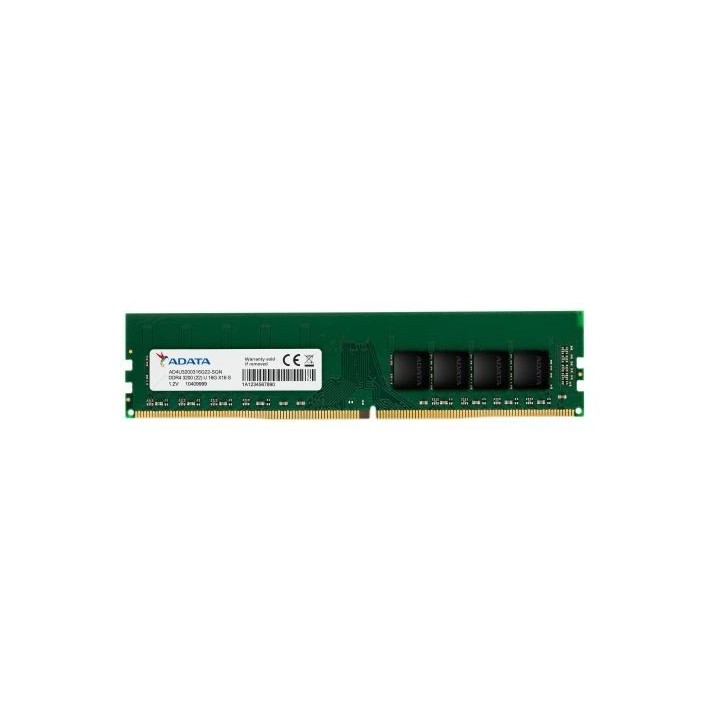
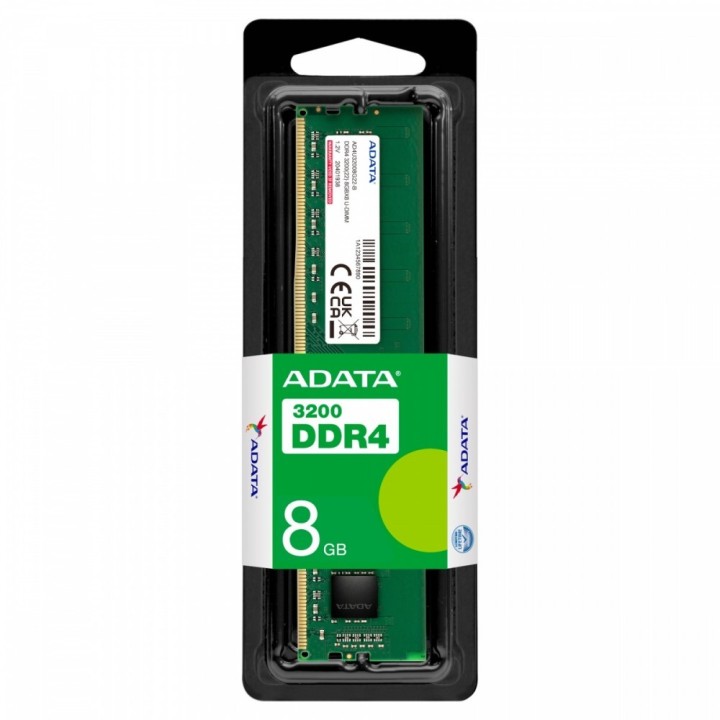
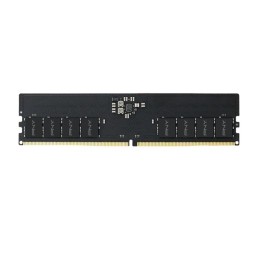
Pamięć Premier DDR4 3200 DIMM 8GB CL22 ST
Niebuforowana pamięć DIMM Premier DDR4 3200 firmy ADATA to nowe rozwiązanie modernizacyjne, które obsługuje najnowsze platformy Intel/AMD oraz zapewnia szybszy transfer danych i lepszą efektywność energetyczną. Dzięki zastosowaniu 288-pinowego złącza napięcie robocze zostało zmniejszone z 1,5V do 1,2V, co nie tylko zmniejsza zużycie energii o 20%, ale również pozwala zwiększyć szybkość transmisji do 25,6 GB/s. Każdy układ scalony w modułach pamięci ADATA spełnia rygorystyczne standardy JEDEC i RoHS, dzięki czemu nasze produkty są kompatybilne, stabilne i przyjazne dla użytkownika.
ADATA Technology B.V.
Transistorweg 7 6534 AT Nijmegen Netherlands
E-mail: adata@adata.com
Formularz kontaktowy: https://www.adata.com/pl/contact?tab=business-needs
EARN Elektroaltgeräte Service GmbH
Landstrasse 91 38644 Goslar Germany
Formularz kontaktowy: https://www.adata.com/en/support/contact-us/
List of RAM security warnings based on the requirements of Regulation (EU) 2023/988 on General Product Safety (GPSR) 1. Risk of hardware damage: * Make sure you shut down your computer before installing or disassembling RAM to avoid electrical damage. * Check the compatibility of RAM with your computer's motherboard to avoid problems with system operation. 2. Risk of cuts: * Be careful when manipulating RAM to avoid cuts to sharp edges. 3. Electrostatic hazard: * Protect your RAM from electrostatic discharge (ESD) that can damage electronic components. Use an antistatic band and work on an antistatic surface. 4. Risk of incorrect assembly: * Thoroughly insert RAM modules into the sockets to ensure proper connection and avoid problems with system operation. 5. Overheating: * Provide adequate ventilation in the computer case to prevent overheating of RAM, which can lead to unstable system operation. 6. Voltage: * Make sure the voltage settings in the BIOS are appropriate for the installed RAM to avoid damage or malfunction. 7. Hazard for children: * Keep RAM out of reach of children to prevent ingestion of small items. 8. Suitable use: * Use RAM for its intended purpose, avoid extreme conditions that can lead to damage. 9. Disassembly: * Carefully disassemble the RAM so as not to damage the modules or sockets on the motherboard. 10. Disposal: * Dispose of used RAM in accordance with local e-waste recycling regulations.
Produkty, które ostatnio zwróciły Twoją uwagę.