- Nowy

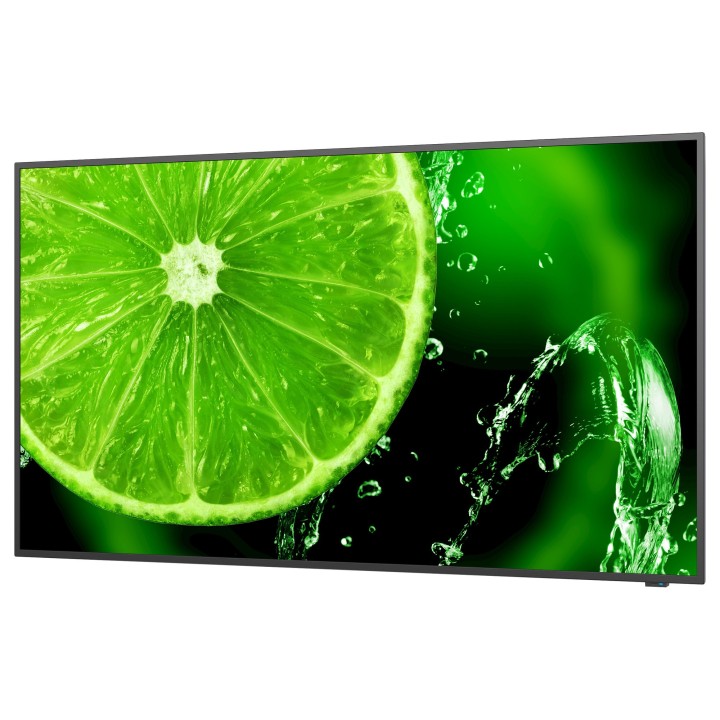
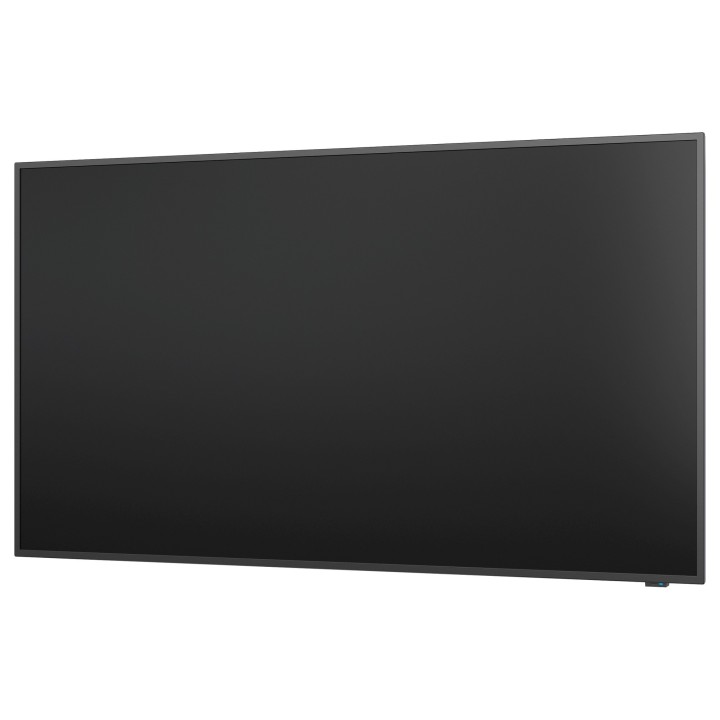
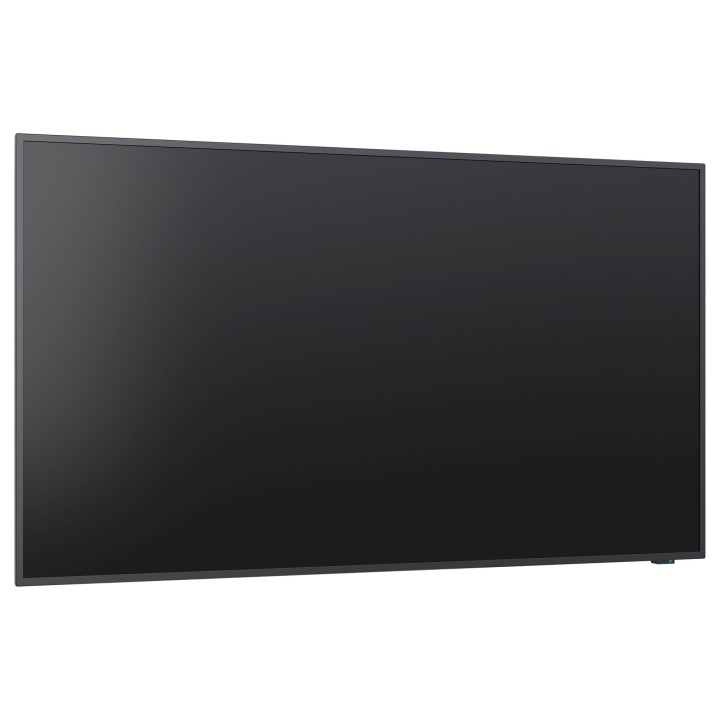
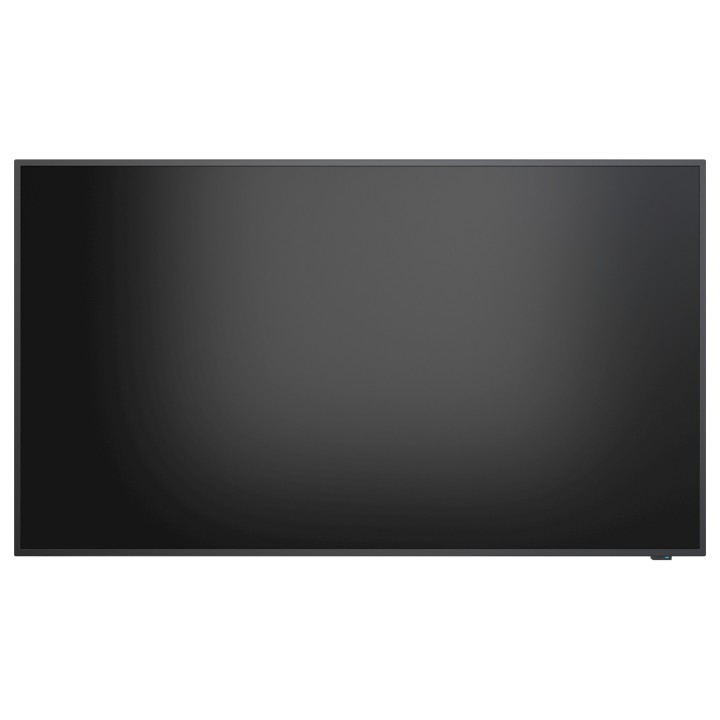
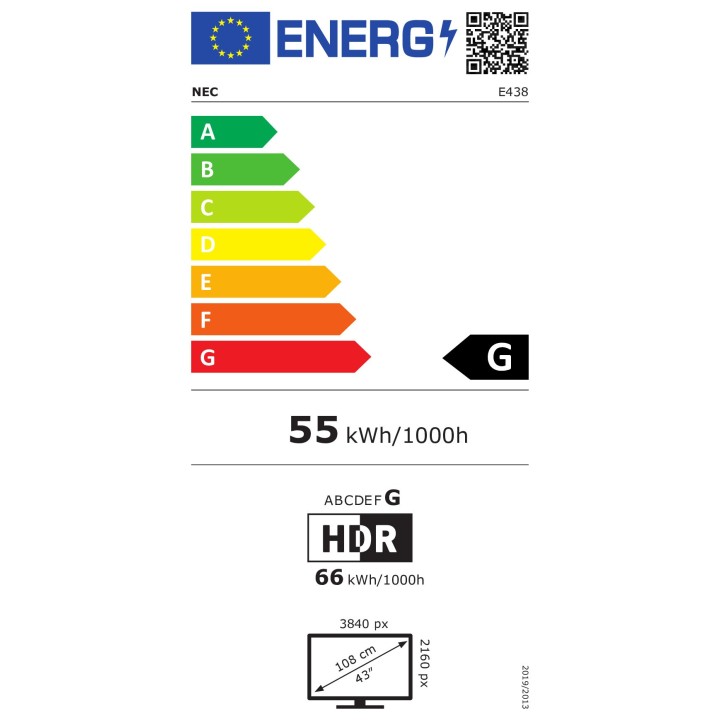
Monitor wielkoformatowy 43 cale MultiSync E438 UHD 350cd/m2 16/7 obrazki
Monitor wielkoformatowy 43 cale MultiSync E438 UHD 350cd/m2 16/7
Opis produktu
MultiSync E438
Potrzebne funkcje po wymarzonej cenie
Dzięki serii E z profesjonalnymi rozwiązaniami na potrzeby zastosowań niskobudżetowych domowe telewizory nieprzystosowane do tego typu użytkowania przestają być atrakcyjną alternatywą. Urządzenia z serii E zaprojektowano pod kątem rygorów zastosowań komercyjnych, przez co zapewniają potrzebne funkcje i niezawodność, przy jednoczesnym zachowaniu przystępnej ceny.
Zintegrowany odtwarzacz MediaPlayer obsługuje natywną rozdzielczość UHD oraz tryb szerokiego zakresu dynamiki HDR, gwarantuje głęboki kontrast i naturalny wygląd treści odtwarzanych również przy użyciu funkcji autoodtwarzania. Dzięki wyeliminowaniu dodatkowych kabli, zewnętrznych urządzeń i programów do obsługi treści informacyjno-reklamowych odtwarzacz USB MediaPlayer stał się prostym, bezproblemowym, i profesjonalnym rozwiązaniem. Jednocześnie 10-watowy interfejs USB umożliwia podłączanie urządzeń zewnętrznych, jeśli potrzebna jest dodatkowa moc obliczeniowa.
Wejścia są wykrywane automatycznie, a dodatkowo można łatwo przełączać się między źródłami HDMI, tak aby błyskawicznie uruchamiać system w salach konferencyjnych. Menedżerowie obiektów z zadowoleniem odkryją możliwość zdalnego sterowania cyfrowymi instalacjami przez sieć przy zastosowaniu zintegrowanych funkcji sieci LAN oraz NEC NaviSet Administrator 2. Dlatego seria E doskonale odpowiada na potrzeby korporacyjnych sal konferencyjnych oraz podstawowych cyfrowych zastosowań informacyjno-reklamowych.
Korzyści:
- Cienka konstrukcja i wbudowane głośniki estetyczna konstrukcja jest przyjemna dla oka i pozwala na prostą instalację po niskich kosztach.
- Możliwość podłączania przyszłych technologii urządzenie jest wyposażone w wiele cyfrowych i analogowych wejść sygnałowych stanowiących standard branżowy, co gwarantuje elastyczną integrację z infrastrukturami AV.
- Bezproblemowe odtwarzanie treści wbudowany odtwarzacz multimediów z USB obsługuje różne formaty plików graficznych i wideo, gwarantując bezproblemowe odtwarzanie treści przy użyciu samodzielnego urządzenia.
- Profesjonalna integracja monitor wzbogacony o podstawowe funkcje RS232, obsługę podczerwieni oraz blokadę przycisków, jak również cyfrowe wyjście audio S/PDIF, można łatwo integrować w profesjonalnych systemach wykorzystywanych w miejscach publicznych.
- Samodzielna praca monitor zaprojektowano tak, aby mógł pracować jako samodzielne urządzenie, wyposażając go w zintegrowany odtwarzacz multimediów z USB, głośniki oraz funkcje planowania.
Szczegóły produktu
- Marka NEC
- Kod produktu 660fbd7571a267703cb26550
- Dostępność 6 Przedmioty
- EAN13 5028695120464
- MPN 60005045
Specyfikacja
- Przekątna ekranu (cal) 42,5 cal
- Rozdzielczość natywna 3840 × 2160
- Typ matrycy IPS
- Częstotliwość odświeżania (Hz) 60 Hz
- Ekran dotykowy Nie
- Standard VESA 400 × 200
- Pivot Nie
Producent
Producent
Sharp NEC Display Solutions Europe
ul. Bociana 22A 31-231 Kraków Polska
E-mail: biuro.sndse@sharp.eu
Formularz kontaktowy: https://www.sharpnecdisplays.eu/p/pl/pl/support/hotline.xhtml
Telefon: +48 12 614 53 53
Osoba odpowiedzialna w UE
Sharp NEC Display Solutions Europe
ul. Bociana 22A 31-231 Kraków Polska
E-mail: biuro.sndse@sharp.eu
Formularz kontaktowy: https://www.sharpnecdisplays.eu/p/pl/pl/support/hotline.xhtml
Telefon: +48 12 614 53 53
Bezpieczeństwo
Informacje o bezpieczeństwie
List of computer monitor safety warnings based on the requirements of General Product Safety Regulation (EU) 2023/988 (GPSR): * Risk to vision: Long-term gazing at the monitor screen may cause eye strain, dry eyes or headaches. * Limit the working time with the monitor. * Take regular breaks. * Maintain proper distance from the screen. * Ensure proper lighting in the room. * Set the brightness and contrast of the monitor to a comfortable level. * Ergonomics: Incorrect position when working with the monitor can lead to back, neck, and shoulder pain. * Set the monitor to the correct height so that the top edge of the screen is at eye level or slightly below. * Use an adjustable chair and desk to ensure an ergonomic position. * Maintain proper posture while sitting. * Risk of electric shock: Improper use or damage to the monitor can lead to electric shock. * Do not use the monitor in humid environments. * Do not touch the monitor with wet hands. * Do not put any items inside the monitor. * If the power cable is damaged, replace it with a new one. * Disconnect the monitor from power before cleaning. * Fire risk: Overheating or short circuiting in the monitor can cause a fire. * Do not cover the ventilation holes of the monitor. * Do not place the monitor near heat sources. * Use only the original power supply that came with your monitor. * If the monitor overheats, disconnect it from power immediately. * Mechanical damage: The fall of the monitor can cause damage and pose a threat to the user. * Set the monitor on a stable surface. * Secure cables to avoid accidental tripping. * For monitor transport, use appropriate protective packaging. * Cleaning: Improper cleaning of the monitor can damage the screen or cause other problems. * Use only a soft, dry cloth to clean the screen. * Do not use cleaning products containing alcohol, ammonia or other corrosive substances. * Disconnect the monitor from power before cleaning. * Disposal: Incorrect disposal of the monitor can pose a threat to the environment. * Return the used monitor to the e-waste collection point. * Do not throw the monitor in a regular trash can. * Children: The monitor is not a toy and should not be used by children without supervision. * Make sure children do not touch the power cables. * Make sure kids don't play around with the monitor packaging. * Repairs: Do not try to repair the monitor yourself. * Any repairs should be done by qualified personnel. * Monitor portability: Be careful when moving your monitor. * Disconnect all cables before moving. * Use appropriate packaging. * Weather conditions: Do not expose the monitor to extreme temperatures or moisture. * Protect your monitor from direct sunlight. * Adjustable settings: Do not use extreme brightness or contrast settings. * These can cause faster eye strain. * Noise: If the monitor makes disturbing noises, turn it off immediately. * Contact the technical service. * Environmental protection: Be sure to turn off the monitor when not in use. * You save energy this way. * Software: Use only the software provided by the manufacturer. * You will avoid compatibility issues.
Monitory
- Nowy
- Nowy
- Nowy
- Nowy
- Nowy
- Nowy
- Nowy
- Nowy
- Nowy
Ostatnio oglądane
Produkty, które ostatnio zwróciły Twoją uwagę.
- Nowy
- Nowy
- Nowy
- Nowy
- Nowy
- Nowy
- Nowy
- Nowy
- Nowy
- Nowy
- Nowy