- Nowy
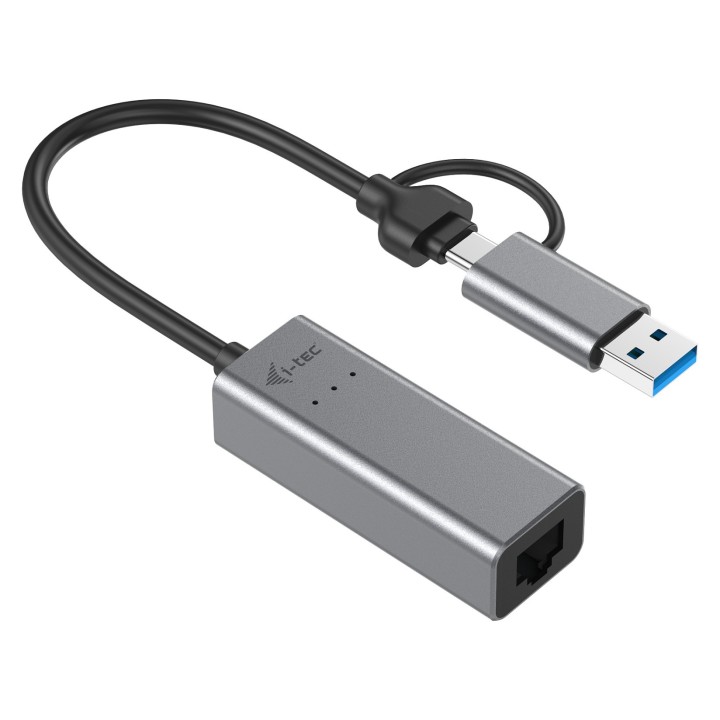
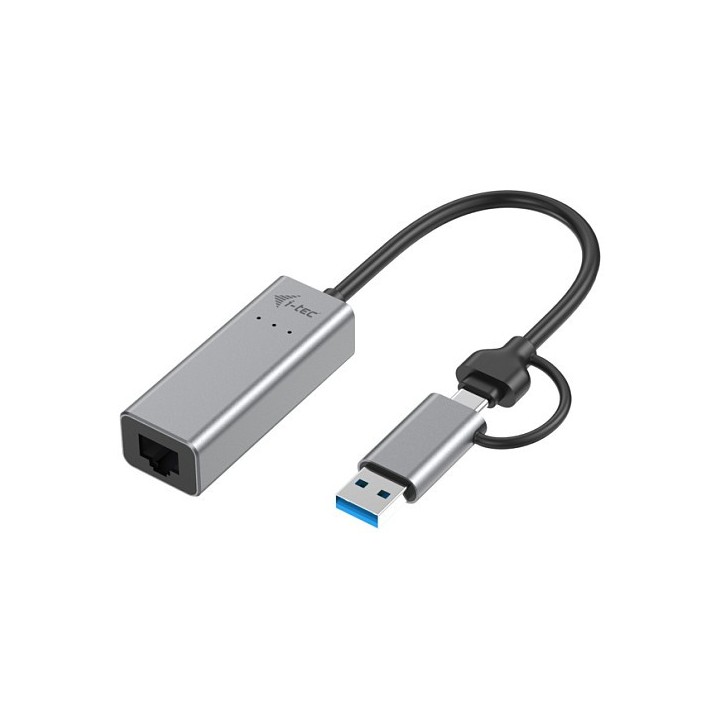
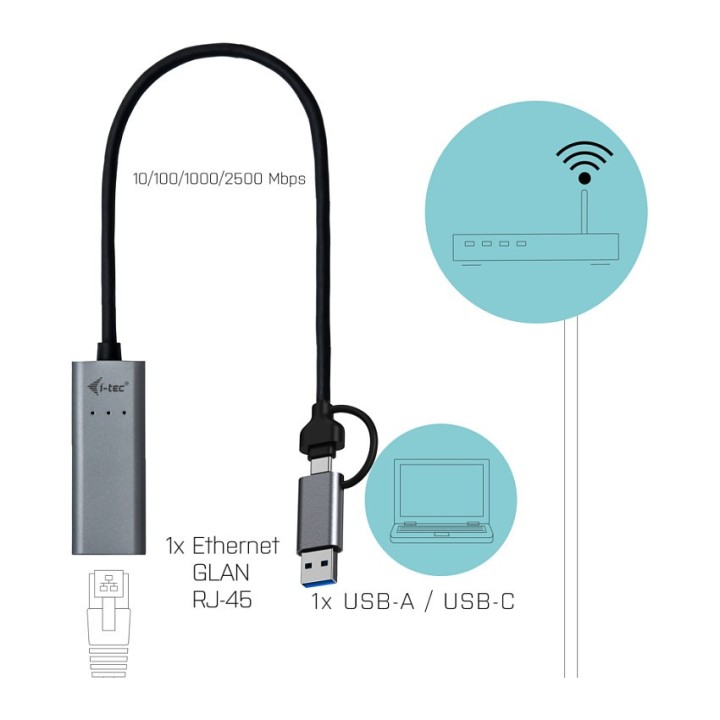

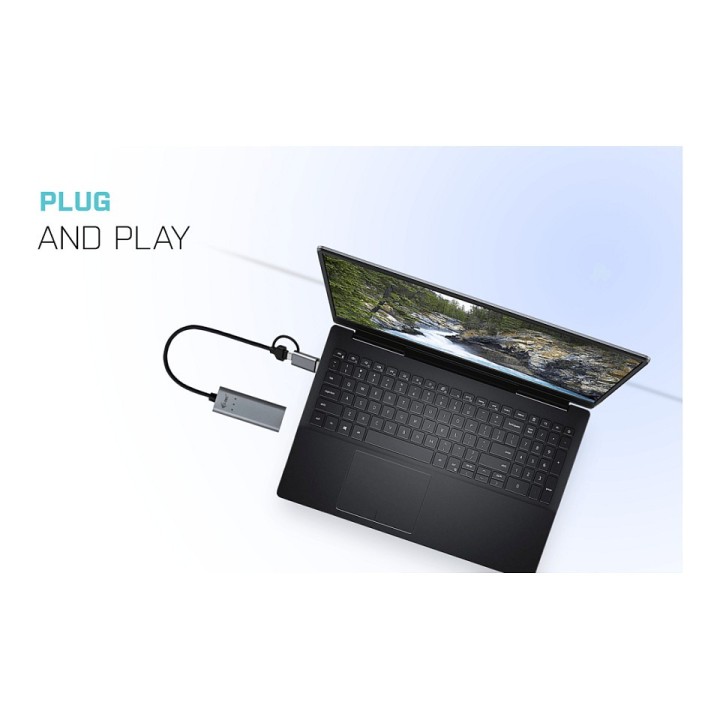
USB-C Metal 2.5Gb ps Ethernet Adapter obrazki
USB-C Metal 2.5Gb ps Ethernet Adapter
Opis produktu
USB-C Metal 2.5Gb ps Ethernet Adapter
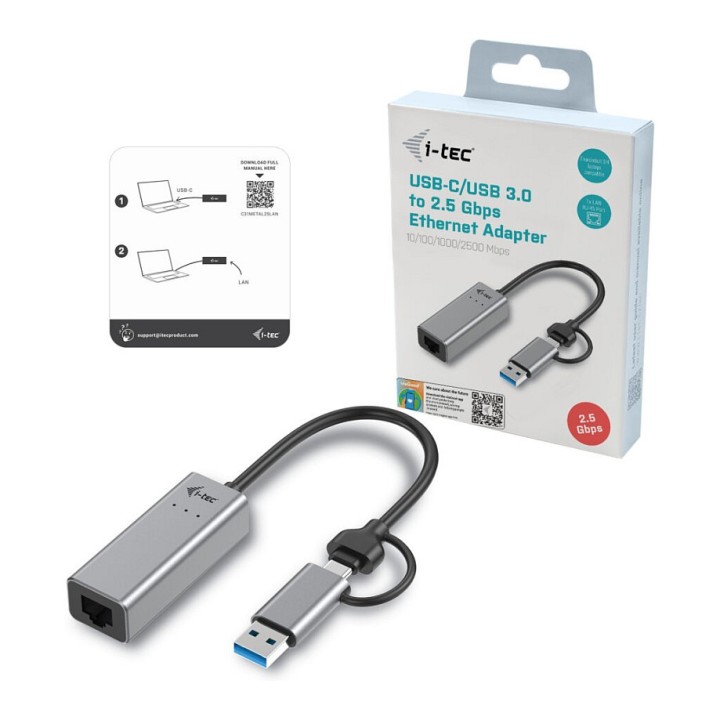
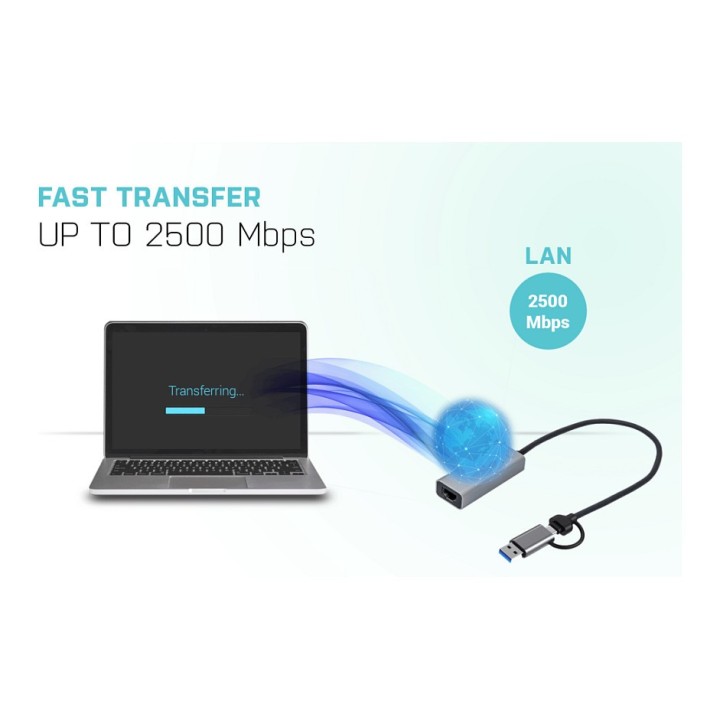
- Nowoczesna, ultraszybka karta sieciowa, która zapewni Twojemu laptopowi, tabletowi lub komputerowi z portem USB-C lub Thunderbolt3 łatwe, szybkie i niezawodne połączenie z siecią firmową i Internetem. Adapter może działać z prędkością 10/100/1000/2500 Mb / s, dzięki czemu możesz wygodnie korzystać z szybkiego łącza internetowego bez żadnych zakłóceń.
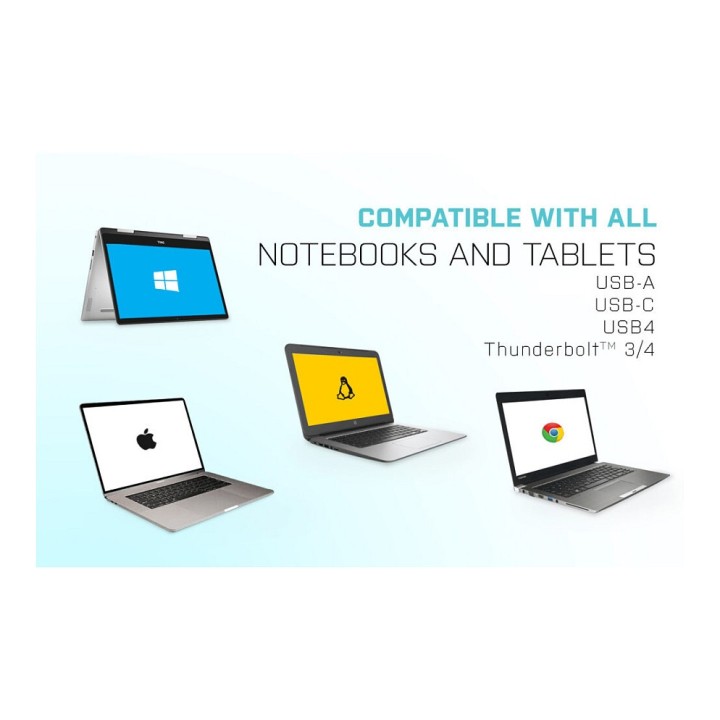
- Adapter nie wymaga zewnętrznego źródła zasilania i obsługuje szeroką gamę systemów operacyjnych, od Windows i macOS po Linux. Umożliwia również połączenie Ethernet w systemie Android.
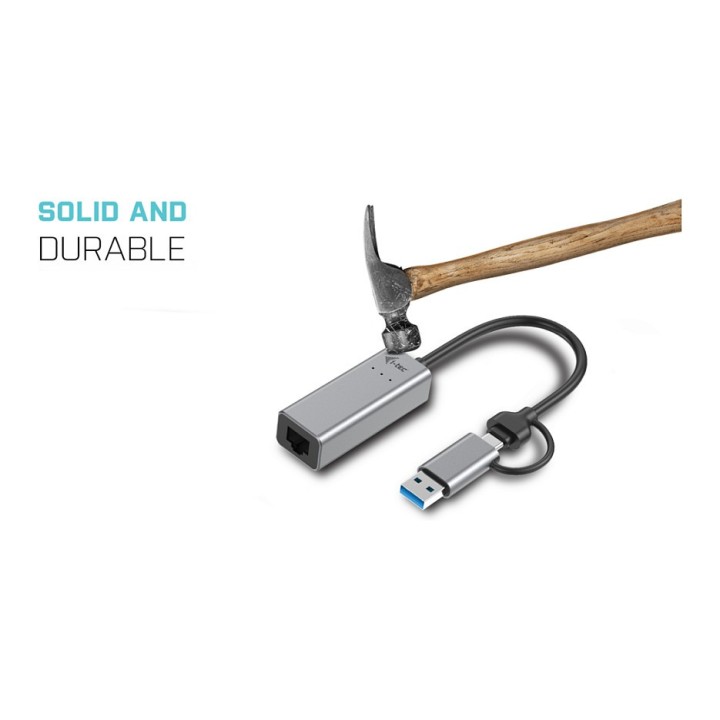
- Adapter jest przeznaczony do długotrwałej pracy z maksymalną prędkością, a jego wysokiej jakości ochrona cieplna zapewnia przewidywaną żywotność ponad 60 miesięcy. Dodatkowo metalowa obudowa chroni adapter przed uszkodzeniem i zarysowaniem.
Specyfikacja
- Długość przewodu: 30 cm
- Rodzaj kabla: Kabel
- Zastosowanie kabla/adaptera: Komputerowy
- Złącza #1: RJ45 Żeńska
- Złącza #2: USB Typ C Żeńska
- Wymagania sprzętowe: System operacyjny: Windows 7/8 / 8.1 / 10, macOS X, Linux, Android, Chrome OS
- Kolor (wyliczeniowy): Czarny
- Wymiary: Wymiary opakowania: 130 x 100 x 20 mm Wymiary produktu: 61 x 23 x 17 mm
- Waga: 35 g
- Pozostałe parametry: Sygnalizacja LED
- Uwaga: CE+WEEE
Szczegóły produktu
- Marka i-tec
- Kod produktu 660fbd8671a267703cb27725
- Dostępność 11 Przedmioty
- EAN13 8595611703898
- MPN C31METAL25LAN
Specyfikacja
- Interfejs do komputera USB Type-C
Producent
Producent
i-tec Technologies s.r.o
Teslova 2 702 00 Ostrava Czechy
E-mail: skropka@i-tec.pl
Telefon: +48 513 168 695
Bezpieczeństwo
Informacje o bezpieczeństwie
List of network card security warnings based on the requirements of General Product Safety Regulation (GPSR) 2023/988: * Make sure that the installation of the network adapter complies with the manufacturer’s instructions. Incorrect installation can lead to damage to your device or computer. * Before installing or disassembling the network card, turn off the computer and disconnect it from power. * Protect your network card from moisture and extreme temperatures. Do not use it in places where it may be exposed to water or direct sunlight. * Use the network adapter for its intended purpose. Do not try to modify or repair it on your own. * Regularly check that the network card is properly attached to the motherboard slot. A loose connection can cause network problems. * Make sure your network adapter drivers are up to date. Outdated drivers can lead to compatibility and security issues. * Use a dry, soft cloth when cleaning the network card. Avoid using cleaning products that can damage components. * If your network card has an antenna, make sure it is properly attached and undamaged. A damaged antenna can affect signal quality. * Pay attention to sharp edges or card components that may pose a potential injury hazard during installation or disassembly. * If your network card has electronic components, keep it away from children.
Karty sieciowe i adaptery Bluetooth
Ostatnio oglądane
Produkty, które ostatnio zwróciły Twoją uwagę.
- Nowy