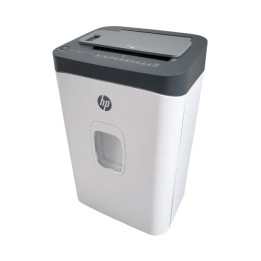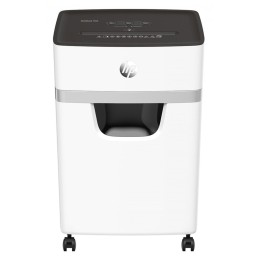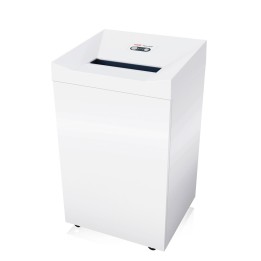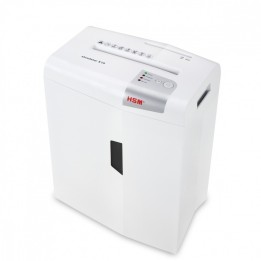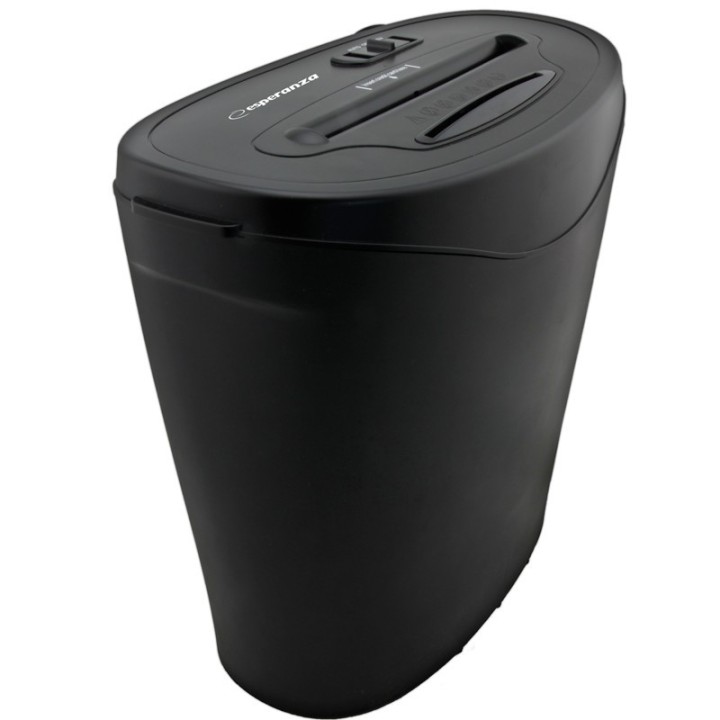
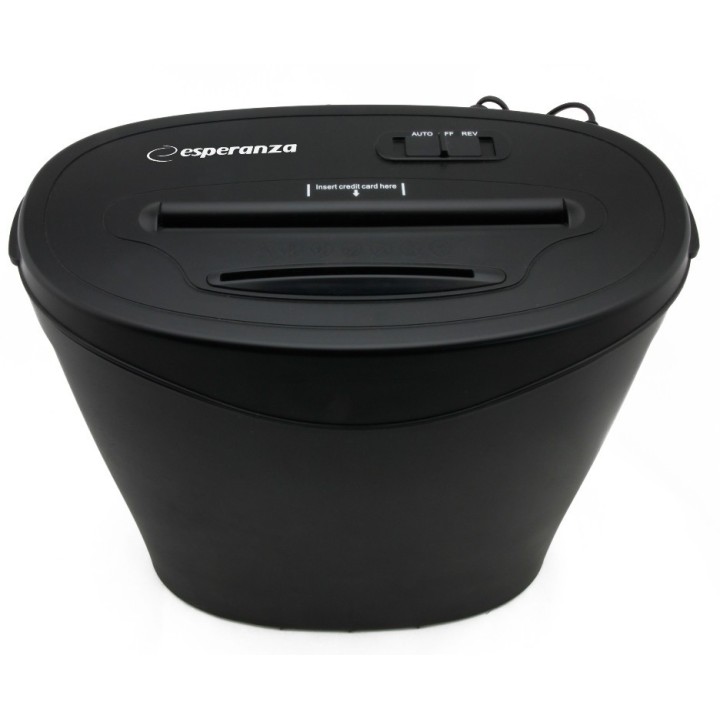
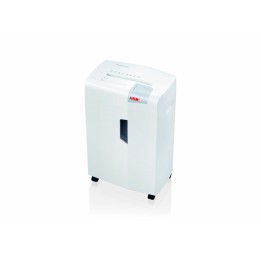
NISZCZARKA EN103 RAZOR ŚCINKI 35x4mm PAPIER/KARTY KRED/PŁYTY CD,DVD,BDR
Opis produktu
Niszczarka do papieru, kart kredytowych i CD - RAZOR
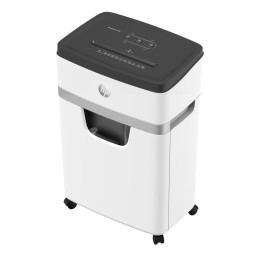
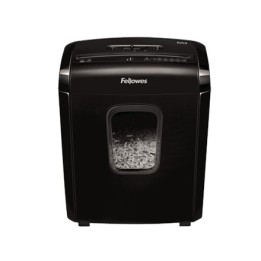
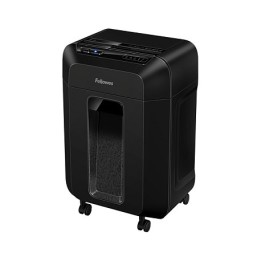
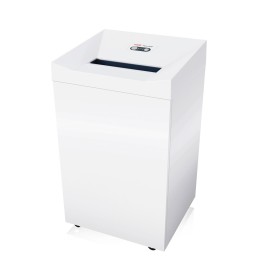
Niszczarka Esperanza RAZOR znajduje zastosowanie do papieru, kart kredytowych oraz nośników optycznych, typu CD, DVD, czy BluRay. Sprawnie niszczy jednocześnie do 10 arkuszy papieru (80g) w rozmiarze A4, zamieniając dokumenty w ścinki o szerokości ok. 4 mm.
Niszczarka została wyposażona w blokadę bezpieczeństwa oraz wyłącznik termiczny.
Ilość niszczonych arkuszy: 10 kartek /80g
Prędkość cięcia: 2,3m/1min
Specyfikacja
- Rodzaj cięcia: ścinki
- Rozmiar cięcia w mm: 4 x 35
- Poziom bezpieczeństwa DIN 66399: P - 3 (były DIN - 3)
- Szerokość szczeliny wejściowej: 220 mm
- Pojemność kosza: 18 l
- Możliwość niszczenia: płyty CD/DVD
- Wymiary: 380 x 210 x 380 mm
- Uwaga: CE+WEEE
Szczegóły produktu
- Marka Esperanza
- Kod produktu 660fb8bb71a267703cab4ea8
- Dostępność 10 Przedmioty
- EAN13 5901299900550
- MPN EN103
Specyfikacja
- Liczba arkuszy jednocześnie (szt.) 10 szt.
- Rozmiar ścinka 4 x 35
- Pojemność kosza (l) 18 l
Producent
Producent
Esperanza Sp. J. Poterek
Poznańska 129/133 05-850 Ożarów Mazowiecki Polska
E-mail: pawel.derewiaka@esperanza.com.pl
Formularz kontaktowy: https://esperanza.pl/kontakt,21,54.htm
Telefon: 725522535
Osoba odpowiedzialna w UE
Esperanza Spółka Jawna Poterek
POZNAŃSKA 129/133 05-850 OŻARÓW MAZOWIECKI Polska
E-mail: safety@esperanza.com.pl
Bezpieczeństwo
Informacje o bezpieczeństwie
List of shredder safety warnings based on the requirements of General Product Safety Regulation (GPSR) 2023/988: 1. Risk of injury: Be careful when using the shredder to avoid injury by sharp cutting elements. 2. Risk of pulling in: Make sure loose clothing items, hair and jewelry are kept away from the shredder’s entry hole to prevent pulling in. 3. Child protection: The shredder should be kept out of reach of children to avoid accidental start-up and potential injury. 4. Power off: Always disconnect the shredder from power before cleaning, maintaining or emptying the clipping container. 5. Overload protection: Do not exceed the recommended number of sheets of paper during one-time destruction to avoid overloading and damage to the device. 6. Suitable materials: Destroy only materials intended for destruction by the shredder. Avoid destroying metal, plastic, credit cards (unless the shredder is designed for this) or other hard objects that can damage the device. 7. Electrical safety: Make sure the shredder is grounded and connected to the appropriate power source. Do not use the device in wet conditions. 8. Overheating protection: Avoid prolonged, continuous use of the shredder to prevent overheating. Allow the device to cool down after each work cycle. 9. Regular cleaning: Regularly clean the shredder to remove accumulated paper and dust, ensuring proper operation and preventing potential hazards. 10. Safe emptying: Empty the clipping container regularly to avoid overfilling and potential problems with the operation of the device. 11. Avoid contact with water: Protect the shredder from contact with water and other liquids. 12. Stable Setting: Set the shredder on a stable surface to prevent the device from tipping over. 13. Maintenance: All repairs and maintenance activities should be performed by qualified personnel. 14. Manual storage: Store the instruction manual in an easily accessible location so that you can quickly check safety and usage policies if needed. 15. Disposal: Used shredders must be disposed of in accordance with local regulations on electronic waste.