- Nowy
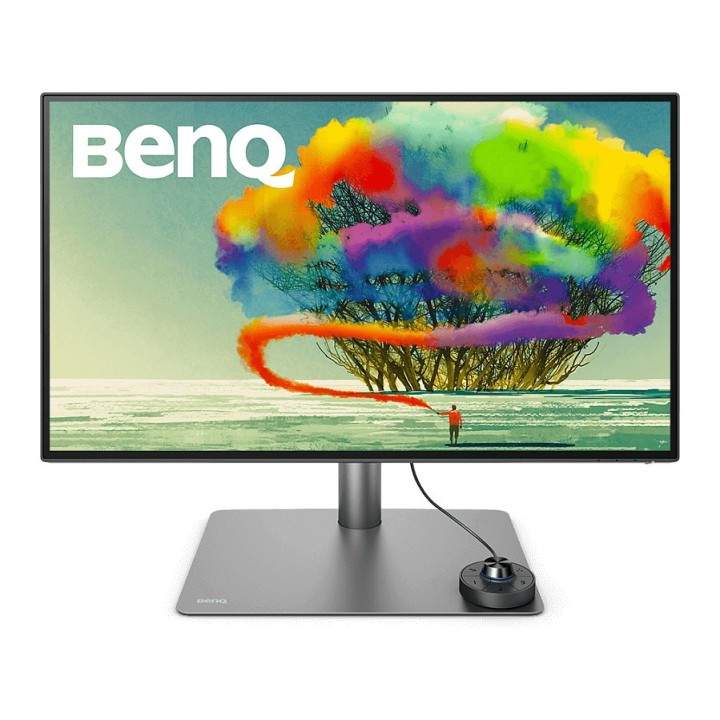
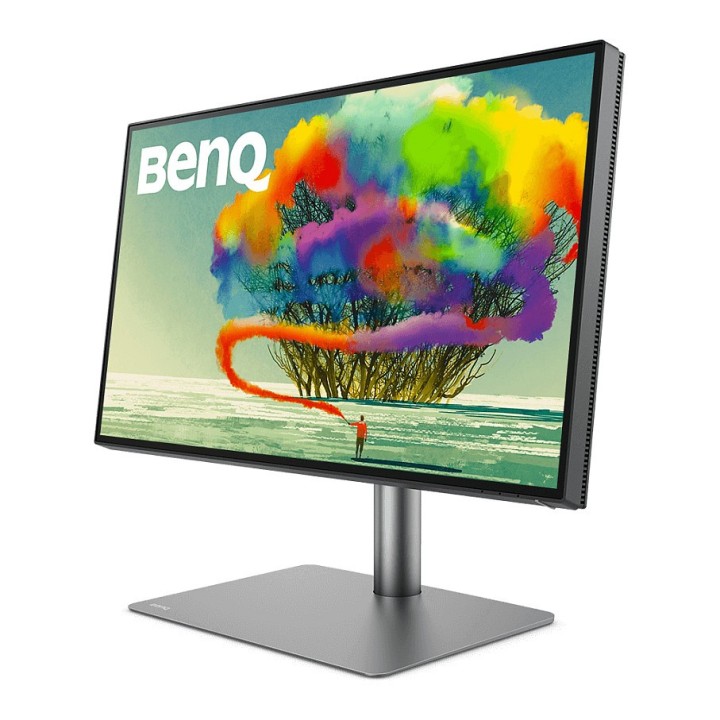
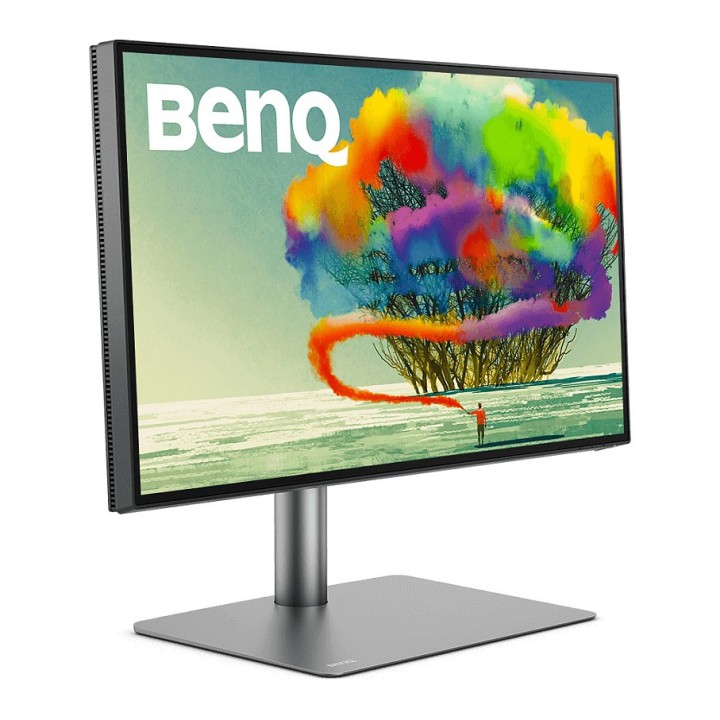
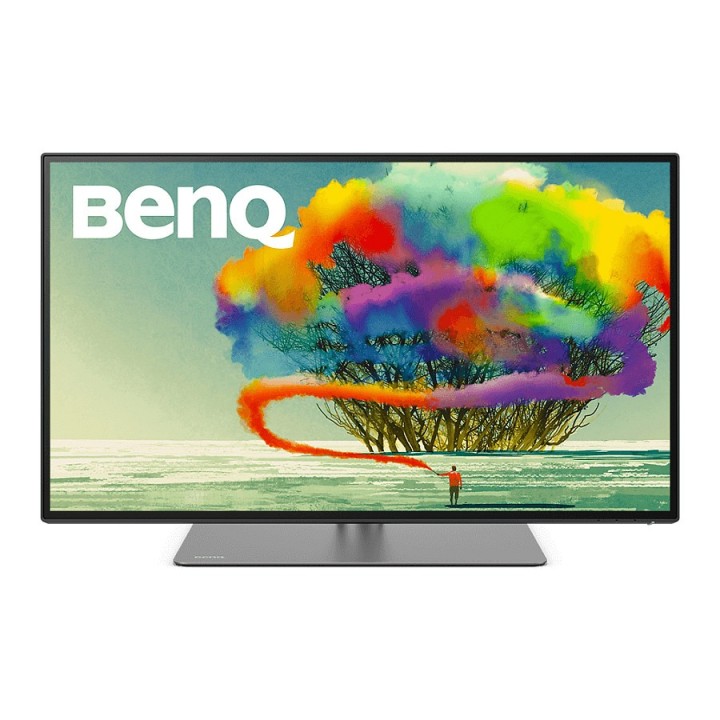
Monitor 27 PD2725U LED 5ms/4K/IPS/HDMI/DP/USB obrazki
Monitor 27 PD2725U LED 5ms/4K/IPS/HDMI/DP/USB
Opis produktu
Niech inspiracja stanie się rzeczywistością.
Lepsze projektowanie dzięki doskonałej precyzji odwzorowania barw
Stopień profesjonalny. Uniwersalne podejście.
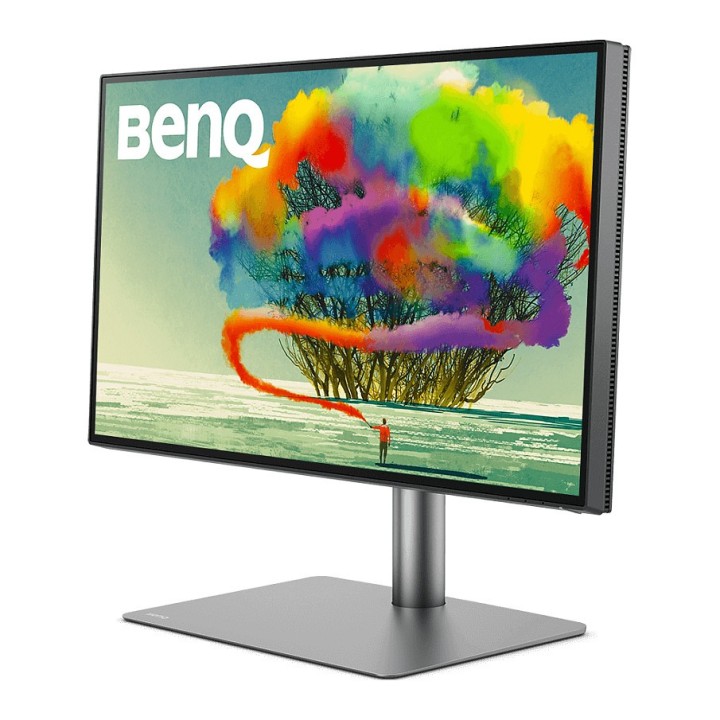
- Wszechstronność i piękny design PD2725U zainspirują Cię. Wyświetla ponad miliard kolorów, ma błyskawiczną łączność Thunderbolt 3 do przesyłania danych / wideo / audio / zasilania i jest wyposażony w niestandardowe tryby i zwiększa produktywność.
Mac Ready
- Pozbądź się niepotrzebnej złożoności procesu twórczego. PD2725U eliminuje żmudne, powtarzające się korekty, uwalniając Twój czas i energię na to, co najważniejsze.
Uproszczona łączność
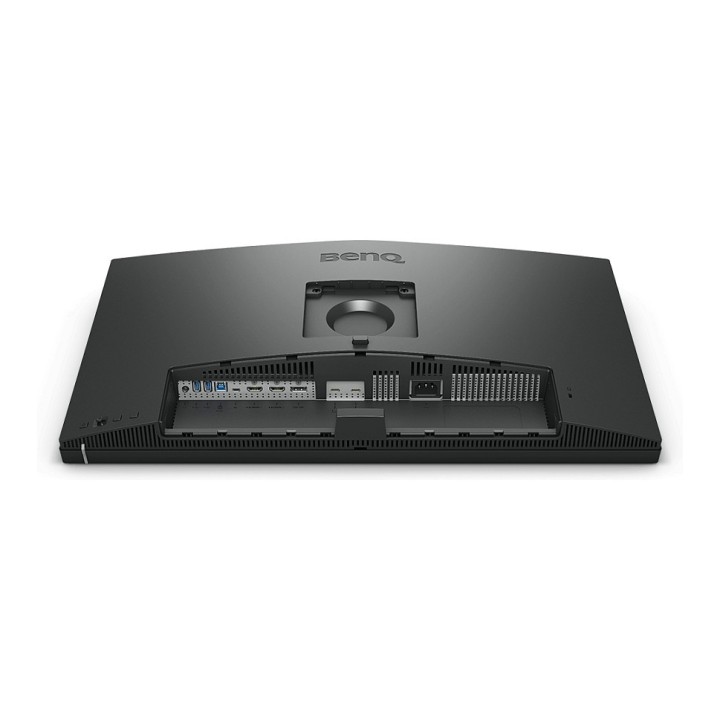
- Thunderbolt 3 to wszystko. Jeden kabel umożliwia przesyłanie dźwięku, obrazu i danych wraz z zasilaniem 65 W. Wygodny pojedynczy kabel eliminuje rozpraszający bałagan. Dodatkową łączność zapewnia wygodny koncentrator USB.
Uproszczona synchronizacja kolorów
- Potrzebujesz koloru, który najlepiej pasuje do Twojego Maca. Osiągnij to dzięki trybowi M-Book, włączonemu za pomocą sterownika Hotkey Puck G2 lub oprogramowania Display Pilot. Ponadto ICCsync synchronizuje profile kolorów między monitorem a komputerem Mac po aktywacji z poziomu oprogramowania.
Uproszczone zarządzanie
- Oprogramowanie Display Pilot, dostępne dla komputerów Mac lub Windows, oszczędza czas i zwiększa wydajność. To zastrzeżone oprogramowanie umożliwia zaprogramowanie wielu ustawień monitora za pomocą myszy. Oferuje narzędzia pomocnicze, dzięki którym praca projektowa jest wygodniejsza i bardziej elastyczna.
DisplayHDR 400
- PD2725U jest zgodny z HDR10 i posiada certyfikat VESA HDR 400. Uzyskaj lepsze wyniki wydajniej, wyświetlając podgląd efektu HDR na wideo podczas edycji.
Technologia AQCOLOR
- Technologia BenQ AQCOLOR zapewnia Dokładną reprodukcję. Przekłada się to na wyświetlanie kolorów dokładnie tak, jak mają się prezentować. Kierowany przez eksperta w dziedzinie kolorów zespół BenQ wziął współpracował z ICC* oraz ISO** w celu ustalenia standardów związanych z kolorami i wytycznych dotyczących ich wdrażania.
Szeroka gama kolorów zapewniająca doskonałe odwzorowanie kolorów
- PD2725U obejmuje 95% przestrzeni kolorów P3, 100% sRGB i Rec.709. Ponieważ coraz więcej aplikacji, urządzeń i witryn internetowych przyjmuje wersję P3, możesz łatwo ładować i wyświetlać obrazy importowane z różnych źródeł. Niesamowita Delta E 3 zapewnia doskonałą dokładność i absolutną pewność kolorów.
Szczegóły produktu
- Marka Benq
- Kod produktu 660fbddd71a267703cb2c76b
- Dostępność 9 Przedmioty
- EAN13 4718755084973
- MPN 9HLJXLATBE
Specyfikacja
- Przekątna ekranu (cal) 27 cal
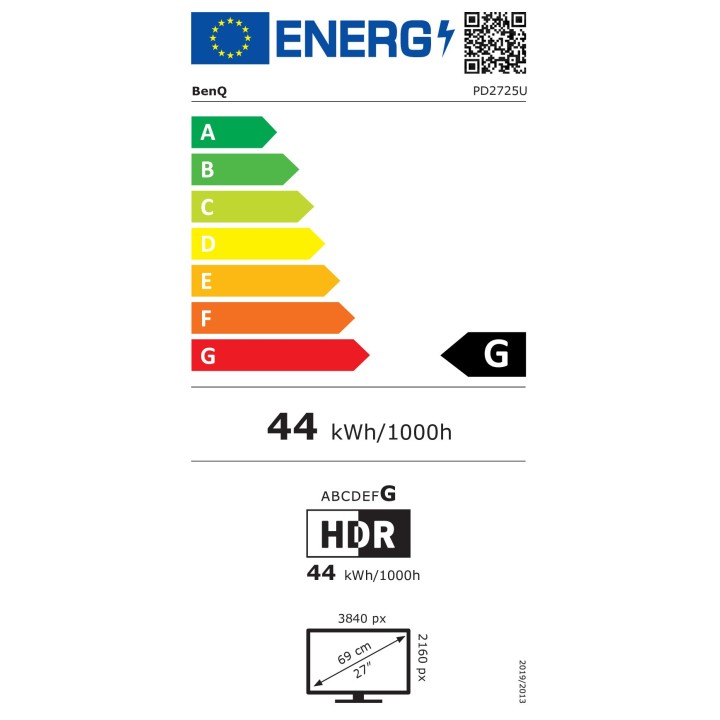
- Rozdzielczość natywna 3840 × 2160
- Typ matrycy IPS
- Częstotliwość odświeżania (Hz) 60 Hz
- Ekran dotykowy Nie
- Zakrzywiony ekran Nie
- Standard VESA 100 × 100
- Pivot Tak
Producent
Producent
BenQ Polska Sp. z o.o.
Al. Jerozolimskie 178 02-486 Warszawa Polska
E-mail: cidertechnology@gmail.com
Formularz kontaktowy: https://www.benq.eu/en-eu/support/contact-us.html
Bezpieczeństwo
Informacje o bezpieczeństwie
List of computer monitor safety warnings based on the requirements of General Product Safety Regulation (EU) 2023/988 (GPSR): * Risk to vision: Long-term gazing at the monitor screen may cause eye strain, dry eyes or headaches. * Limit the working time with the monitor. * Take regular breaks. * Maintain proper distance from the screen. * Ensure proper lighting in the room. * Set the brightness and contrast of the monitor to a comfortable level. * Ergonomics: Incorrect position when working with the monitor can lead to back, neck, and shoulder pain. * Set the monitor to the correct height so that the top edge of the screen is at eye level or slightly below. * Use an adjustable chair and desk to ensure an ergonomic position. * Maintain proper posture while sitting. * Risk of electric shock: Improper use or damage to the monitor can lead to electric shock. * Do not use the monitor in humid environments. * Do not touch the monitor with wet hands. * Do not put any items inside the monitor. * If the power cable is damaged, replace it with a new one. * Disconnect the monitor from power before cleaning. * Fire risk: Overheating or short circuiting in the monitor can cause a fire. * Do not cover the ventilation holes of the monitor. * Do not place the monitor near heat sources. * Use only the original power supply that came with your monitor. * If the monitor overheats, disconnect it from power immediately. * Mechanical damage: The fall of the monitor can cause damage and pose a threat to the user. * Set the monitor on a stable surface. * Secure cables to avoid accidental tripping. * For monitor transport, use appropriate protective packaging. * Cleaning: Improper cleaning of the monitor can damage the screen or cause other problems. * Use only a soft, dry cloth to clean the screen. * Do not use cleaning products containing alcohol, ammonia or other corrosive substances. * Disconnect the monitor from power before cleaning. * Disposal: Incorrect disposal of the monitor can pose a threat to the environment. * Return the used monitor to the e-waste collection point. * Do not throw the monitor in a regular trash can. * Children: The monitor is not a toy and should not be used by children without supervision. * Make sure children do not touch the power cables. * Make sure kids don't play around with the monitor packaging. * Repairs: Do not try to repair the monitor yourself. * Any repairs should be done by qualified personnel. * Monitor portability: Be careful when moving your monitor. * Disconnect all cables before moving. * Use appropriate packaging. * Weather conditions: Do not expose the monitor to extreme temperatures or moisture. * Protect your monitor from direct sunlight. * Adjustable settings: Do not use extreme brightness or contrast settings. * These can cause faster eye strain. * Noise: If the monitor makes disturbing noises, turn it off immediately. * Contact the technical service. * Environmental protection: Be sure to turn off the monitor when not in use. * You save energy this way. * Software: Use only the software provided by the manufacturer. * You will avoid compatibility issues.
Monitory
- Nowy
- Nowy
- Nowy

- Nowy
- Nowy
- Nowy
- Nowy
- Nowy
Ostatnio oglądane
Produkty, które ostatnio zwróciły Twoją uwagę.
- Nowy
- Nowy
- Nowy
- Nowy
- Nowy
- Nowy
- Nowy
- Nowy
- Nowy
- Nowy