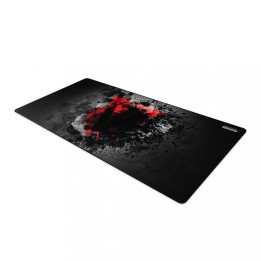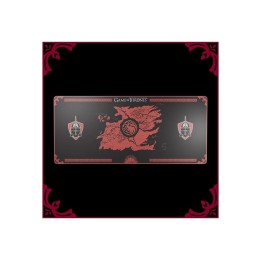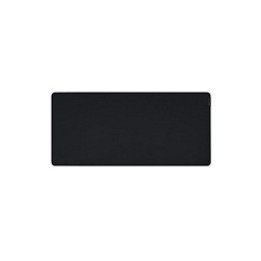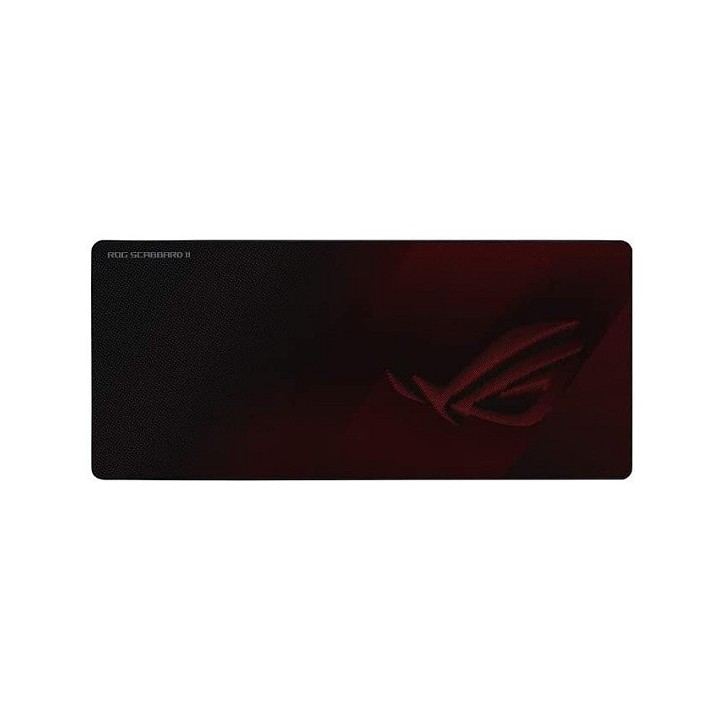
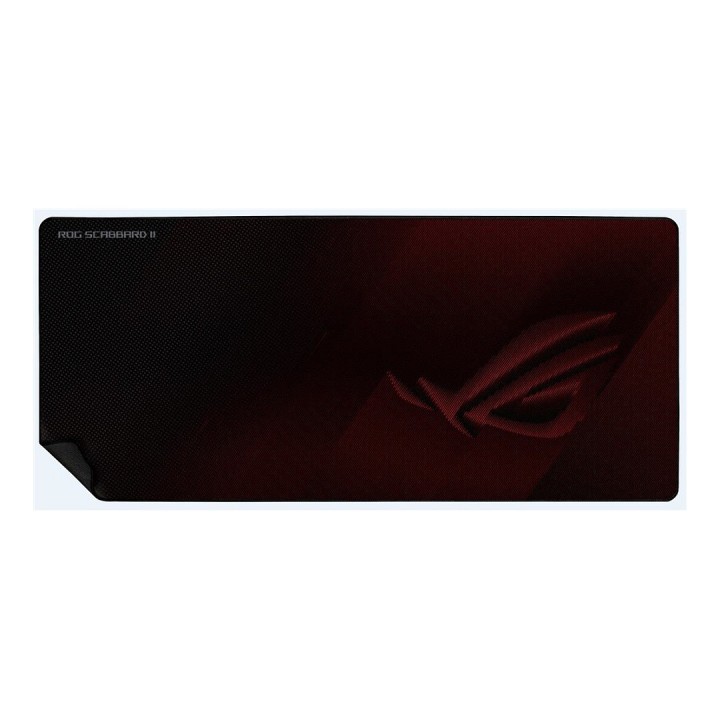
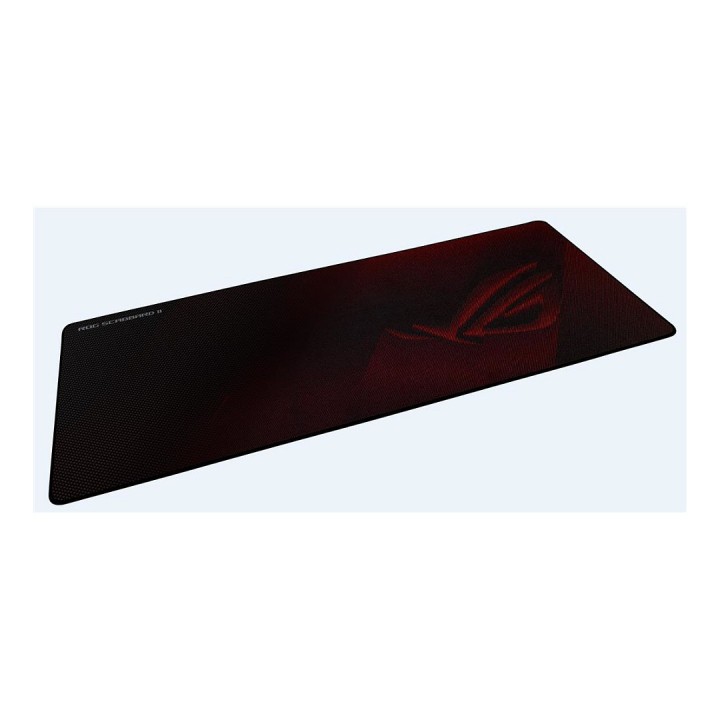
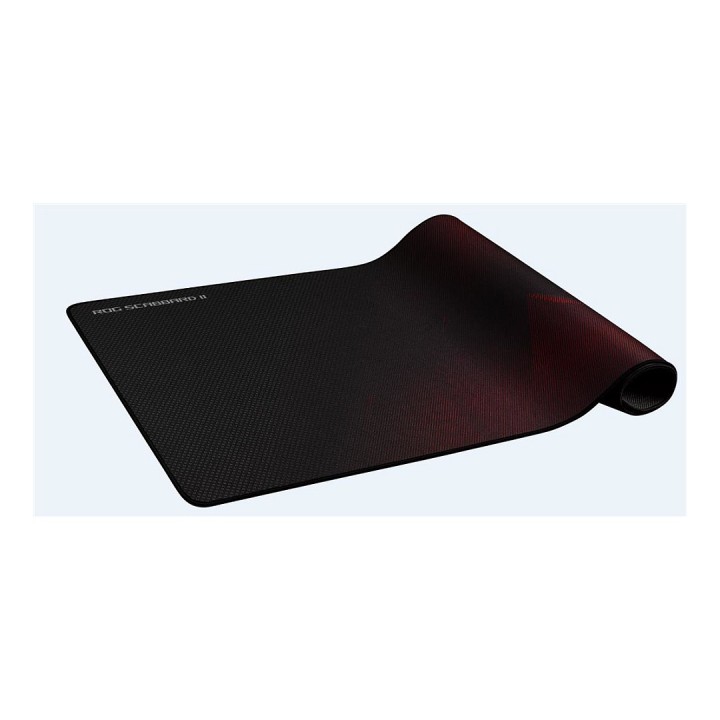
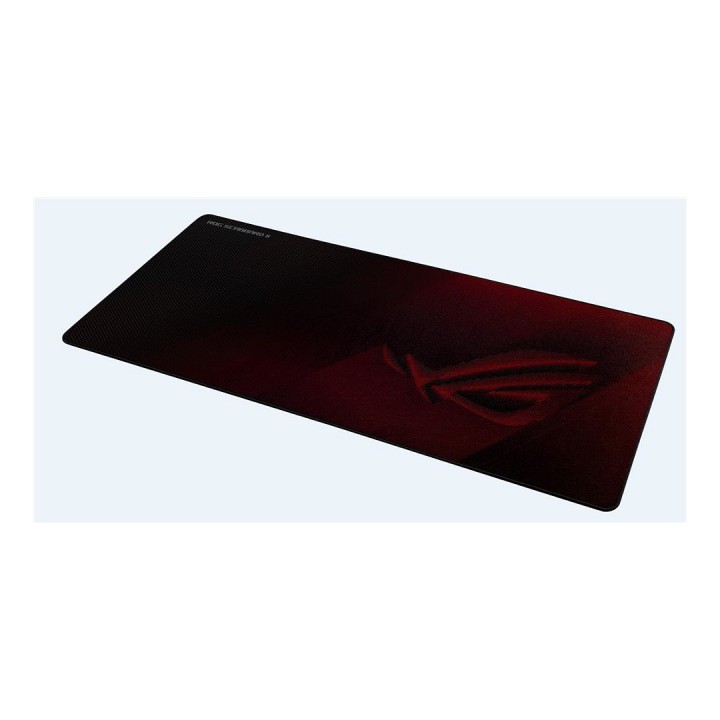
Podkładka pod mysz ROG Scabbard II 40x90x0.3cm

Cena: 179,49 zł
Brutto
Dostępność produktu: Dostępny 14 szt.
Czas dostawy Wysyłka w ciągu 3 dni roboczych
Koszt dostawy Bezpłatna dostawa od 250 zł.

Opis produktu

Podkładka pod mysz ASUS ROG Scabbard II
Rozszerzona podkładka pod mysz dla graczy ROG Scabbard II z ochronną nanopowłoką zapewniającą wodoodporną, odporną na olej i kurz powierzchnię, z antypoślizgowymi, zszywanymi na płasko krawędziach i antypoślizgową gumową podstawą.

  • Ochronna nanopowłoka klasy wojskowej zapewnia powierzchnię odporną na wodę, olej i kurz oraz zapewnia płynny poślizg myszy
  • Nie strzępiące się, zszyte na płasko krawędzie
  • Konstrukcja ramy z wąskimi ściegami zapewnia długotrwałą trwałość i estetykę

Specyfikacja

  • Przeznaczenie (myszy / podkładki): Gaming
  • Wymiary: 900 x 400 x 3 mm
  • Kolor (wyliczeniowy): Bordowy
  • Podkładka pod nadgarstek: Nie
  • Akcesoria w zestawie: Naklejka z logo ROG
  • Uwaga: Kosz zgodnie z zasadami recyklingu

Szczegóły produktu

  • Marka Asus
  • Kod produktu 660fbddd71a267703cb2c821
  • Dostępność 14 Przedmioty
  • EAN13 4718017832670
  • MPN 90MP0210BPUA00

Producent

Producent

ASUS Polska SP. z o.o.

Cybernetyki 9 02-677 Warszawa Polska

E-mail: sales@asus-polska.pl

Osoba odpowiedzialna w UE

ASUS Polska Sp. z o.o.

Harkort str 21-23 40880 Ratingen Germany

E-mail: sales@asus-polska.pl

Telefon: 22 571 80 00

Bezpieczeństwo

Informacje o bezpieczeństwie

List of mouse safety warnings based on the requirements of General Product Safety Regulation (EU) 2023/988 (GPSR): 1. Ergonomics and repetitive movements: I use the mouse ergonomically to avoid strains and injuries. I regularly take breaks to reduce the risk of carpal tunnel syndrome or other problems associated with repetitive movements. 2. Cleaning and Maintenance: I disconnect the mouse from the computer before cleaning. I use a soft, dry cloth to clean my mouse. I avoid using liquids that can get inside the unit and damage it. 3. Cable and Connections: I make sure the mouse cable is properly connected to the computer and is not damaged. A damaged cable may pose a risk of electric shock or cause the mouse to malfunction. 4. Batteries (if applicable): If I use a battery-operated wireless mouse, I use the right type of battery and insert it correctly. I remove the batteries when the mouse is not in use for extended periods of time to prevent leaks and damage. 5. LED lighting (if applicable): I avoid staring at the intense LED light for a long time, which can cause eye strain. 6. Kids: I store my mouse and small items (e.g. batteries) out of reach of children to avoid the risk of ingestion or choking. 7. Recycling: I return the used mouse to the appropriate recycling point to minimize the environmental impact. 8. Usage: I do not use a damaged mouse as this may result in electric shock or injury. 9. Repairs: I do not repair the mouse myself, I give it to the service. 10. Storage: I store the mouse in a dry place, away from moisture and extreme temperatures.

Ładowanie...
Wróć na górę