- Nowy
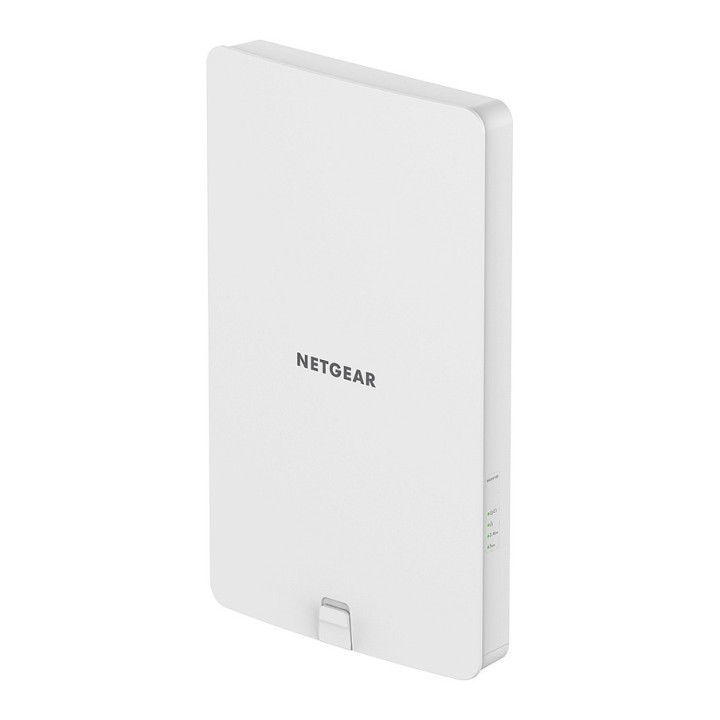
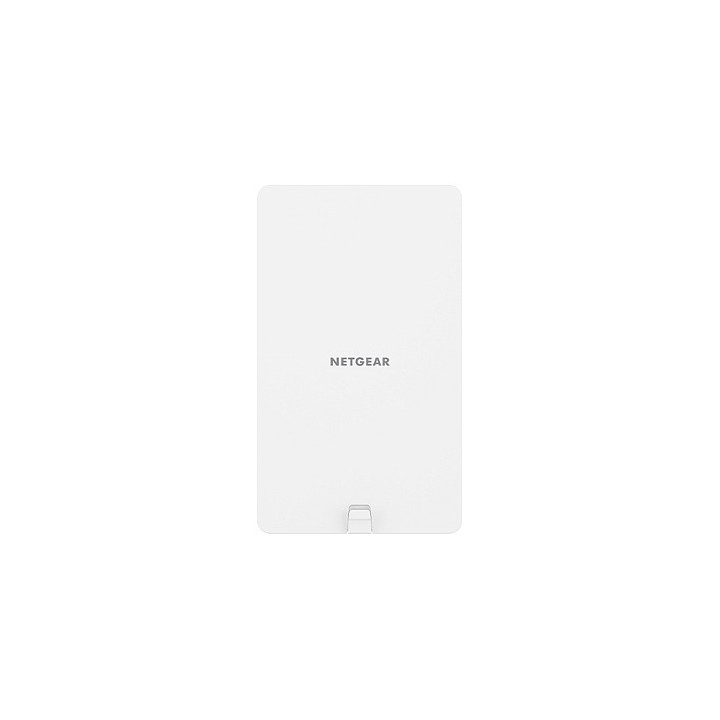
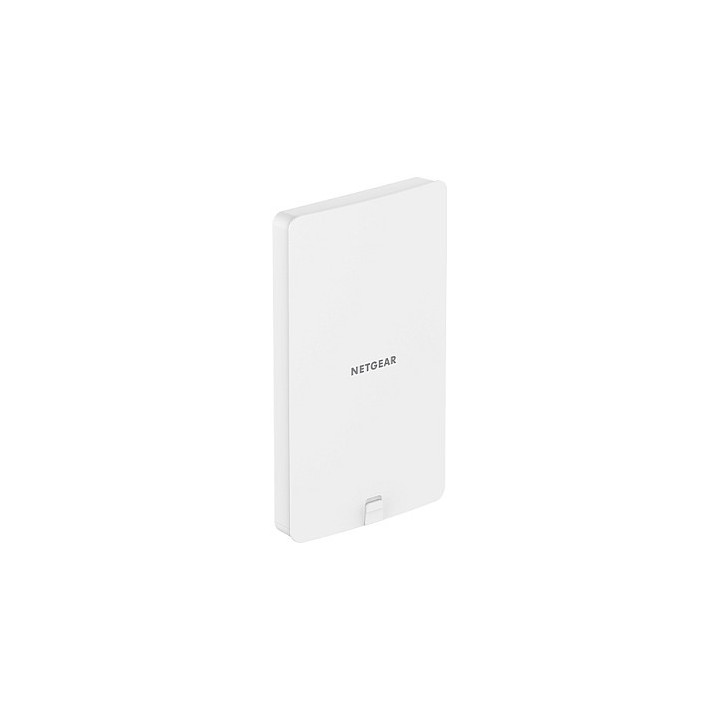
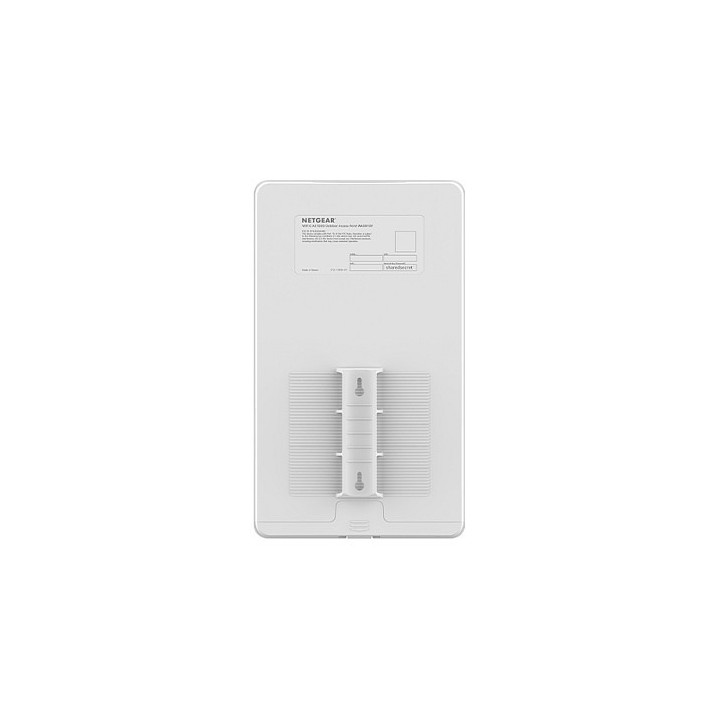
Punkt dostępowy WAX610Y AP WiFi 6 AX1800 outdoor obrazki
Punkt dostępowy WAX610Y AP WiFi 6 AX1800 outdoor
Opis produktu
Punkt dostępowy WAX610Y AP WiFi 6 AX1800 outdoor
Maksymalna WIFI 6
- Zaoferuj klientom i pracownikom najlepszą sieć WiFi z większą prędkością, mniejszym przeciążeniem, większą gęstością urządzeń i wydłużonym czasem pracy baterii dla urządzeń WIFI 6 z systemem WAX610Y.
- Bezpieczeństwo sieci WIFI dla Twojej firmy
- Małe i średnie organizacje korzystają obecnie z zabezpieczeń na poziomie przedsiębiorstwa bez konieczności korzystania z budżetu przedsiębiorstwa. Insight pomaga w konfiguracji i utrzymaniu bezpieczeństwa urządzenia łatwe połączenie z siecią
- Karta WPA2 zapewnia najwyższy poziom zabezpieczeń połączeń WiFi
- 8 oddzielnych sieci bezprzewodowych (SSID) może być używanych do administracji, pracowników, gości i urządzeń IoT (kamery do wideomonitoringu WiFi, termostaty, zamki drzwi i czujniki)
Oddzielne sieci VLAN do rozdzielenia sieci i segregacji między siecią administracyjną, pracownikiem, gościem, działem kadr, działem finansowym itp.
- Rozdzielanie między każdym z urządzeń: Całkowita separacja użytkowników VLAN, uniemożliwiając gościom dostęp do urządzeń innych gości
- Dynamiczne VLAN na UŻYTKOWNIKA RADIUS, funkcja zaprojektowana specjalnie dla firm, które używają RADIUS do efektywnego zarządzania kontami użytkowników i dostępem (Uwaga: Funkcja dostępna w wydaniu oprogramowania sprzętowego z października 2020 r.)
Zdalne monitorowanie oraz zarządzanie przy użyciu aplikacji NETGEAR Insight
- Roczna subskrypcja na Insight
- Natychmiastowe wykrywanie i konfiguracja
- Monitorowanie i zarządzanie lokalne oraz w chmurze dzięki aplikacji Insight i portalowi w chmurze
- Zdalny dostęp i możliwość konfiguracji wielu urządzeń
- Obecność dodatkowych administratorów chmury, urządzeń, menedżerów sieci czy komputerów/serwerów nie jest konieczna
- Wstępna konfiguracja kodu QR w celu szybkiej instalacji
Specyfikacja
- Architektura sieci (switche): GigabitEthernet
- Porty we/wy (sieciówka drobna): 1 x 10/100/1000Base-T RJ-45 port (DMZ)
- Pasma (sieci drobne): 2,4 GHz
- Standardy sieciowe: 802.3af
- Antena (sieci drobne): Wewnętrzna
- Zysk anteny: 4 dBi
- Bezpieczeństwo: Dostęp zabezpieczony WiFi (WPA / WPA2 / WPA3), 802.11i Filtrowanie adresów MAC z kontrolą dostępu Obsługa protokołu 802.1x RADIUS z EAP TLS, TTLS, PEAP Wykrywanie sąsiednich punktów dostępowych Blokuj rozgłaszanie SSID Obsługa sieci VLAN Sieć dla gości / portal dostępowy Zarządzanie pasmem Link Layer Discovery Protocol Sterowanie pasmowe
- Zasilanie: Zasilany wyłącznie przez PoE Zużycie energii PoE 16.1W
- Kolor (wyliczeniowy): Biały
- Waga: 940 g
- Wymiary: 181 x 305 x 34 mm
- Pozostałe parametry: Temperatura robocza 10 ° do 50 ° C (10 ° do 122 ° F) (bez promieniowania słonecznego) Dane Liczba maks. Użytkowników 200 Liczba jednoczesnych użytkowników 50 Idealne zastosowanie - Małe i średnie firmy Do użytku na zewnątrz - IP55 Zarządzanie zdalne - Insight Standalone
- Uwaga: CE+WEEE
Szczegóły produktu
- Marka Netgear
- Kod produktu 660fbe0571a267703cb32378
- Dostępność 12 Przedmioty
- EAN13 0606449152579
- MPN WAX610Y100EUS
Specyfikacja
-
Pasma Wi-Fi
2.4 GHz
5 GHz
Producent
Producent
NETGEAR International Limited
6th Floor, Penrose Two, Penrose Dock T23 YY09 Cork Ireland
E-mail: emea.orders@netgear.com
Formularz kontaktowy: https://www.netgear.com/support/
Telefon: +353 (0)4089 078000
Bezpieczeństwo
Informacje o bezpieczeństwie
List of safety warnings for WiFi and Access Point Routers based on the requirements of Regulation (EU) 2023/988 on General Product Safety (GPSR) 1. Risk of electric shock: * Make sure that the device is connected to a working socket with grounding. * Do not touch the plug or cable with wet hands. * Avoid using the device in places with high humidity. 2. Risk of overheating: * Provide adequate ventilation while maintaining at least 5 cm of free space around the device. * Do not block ventilation openings. 3. Fire risk: * Use only original power supplies and accessories recommended by the manufacturer. * Do not leave the device on unattended near flammable materials. 4. Hazards at high temperatures: * Do not expose the device to direct sunlight. * Avoid using the router at temperatures above the recommended range (usually 5-35°C). 5. Risk of damage during cleaning: * Before cleaning, disconnect the device from the power supply and use a soft, slightly damp cloth. * Avoid using strong detergents that can damage the surface of the device. 6. Warnings for children: * Keep power cables out of reach of children. * Make sure that children do not play with the device or accessories that can be dangerous. 7. Regularly check the technical condition of the device: * Check the condition of the device regularly for mechanical damage, cracks or other defects. * Do not use the device if it has visible mechanical damage. 8. Use in humid environments * Avoid using your router in the bathroom, in the rain or in other humid environments 9. Interference with other devices * Using a router near medical devices such as pacemakers can cause electromagnetic interference. * Keep a distance of at least 15 cm between your router and medical devices. 10. Regular maintenance * Failure to regularly clean ports and sockets can lead to damage or failure. * Clean ports and sockets regularly using a dry and clean cloth, avoiding moisture input. 11. Risk of loss of water resistance * Do not immerse in water if it is not waterproof. 12. Electromagnetic interference * Smartwatches can interfere with medical devices such as pacemakers. 13. Small parts: * Components of the device, can be swallowed by children. * Keep your device and its accessories out of reach of children. Do not allow children to use the device themselves without supervision. 14. Risk of battery damage * Improper use, such as overheating or using a non-original charger, can lead to battery damage and, in extreme cases, to battery explosion. * Charge your device at room temperature and use only original accessories. Do not expose your smartwatch to high temperatures. 15. Maintenance and cleaning * Impurities such as sweat or dirt can cause discomfort and damage to materials. * Clean your smartwatch and strap regularly with a soft, damp cloth. Avoid using harsh chemicals.
Routery Wi-Fi i Access Pointy
- Nowy
- Nowy
- Nowy
- Nowy
- Nowy
- Nowy
- Nowy
- Nowy
- Nowy
Ostatnio oglądane
Produkty, które ostatnio zwróciły Twoją uwagę.
- Nowy
- Nowy
- Nowy
- Nowy
- Nowy
- Nowy
- Nowy
- Nowy
- Nowy
- Nowy
- Nowy