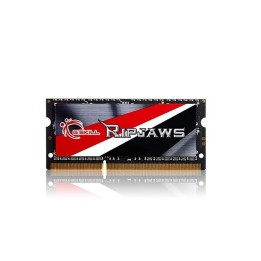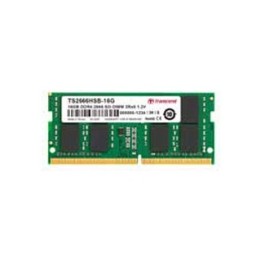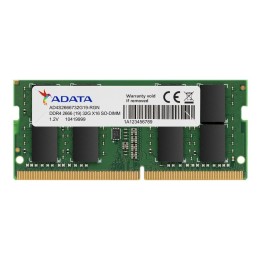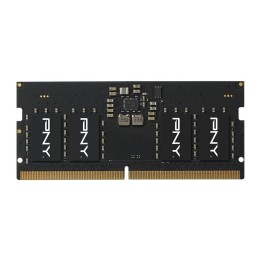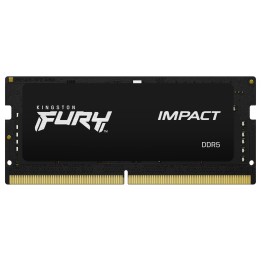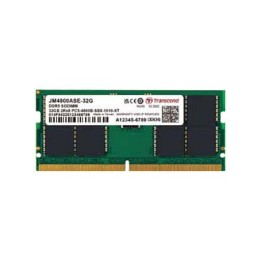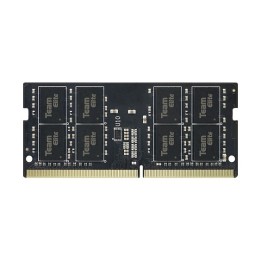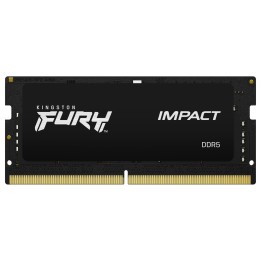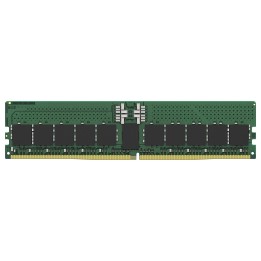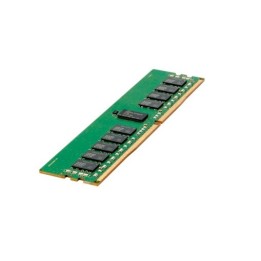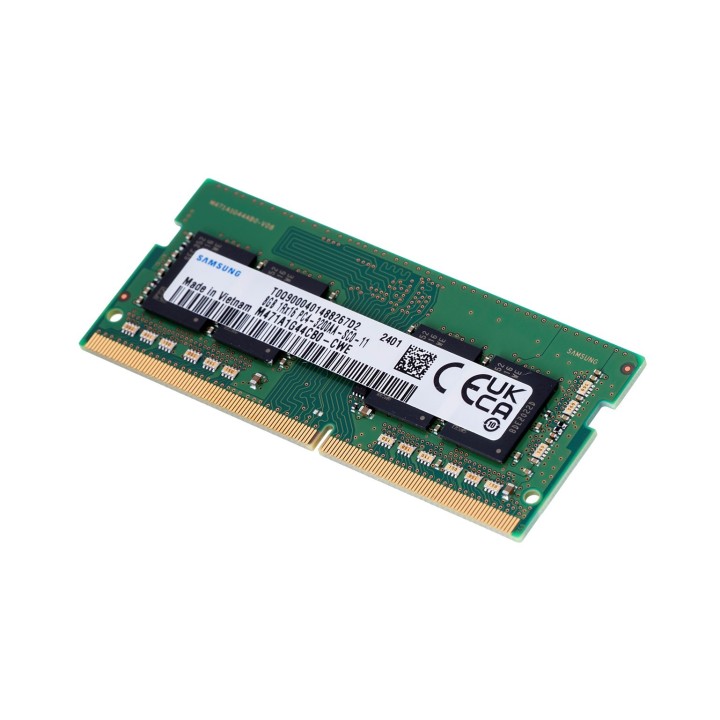
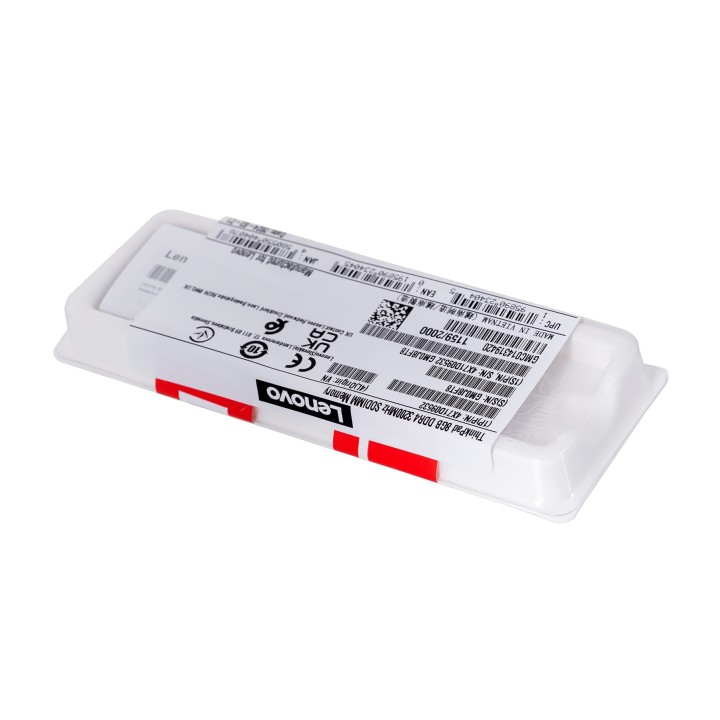
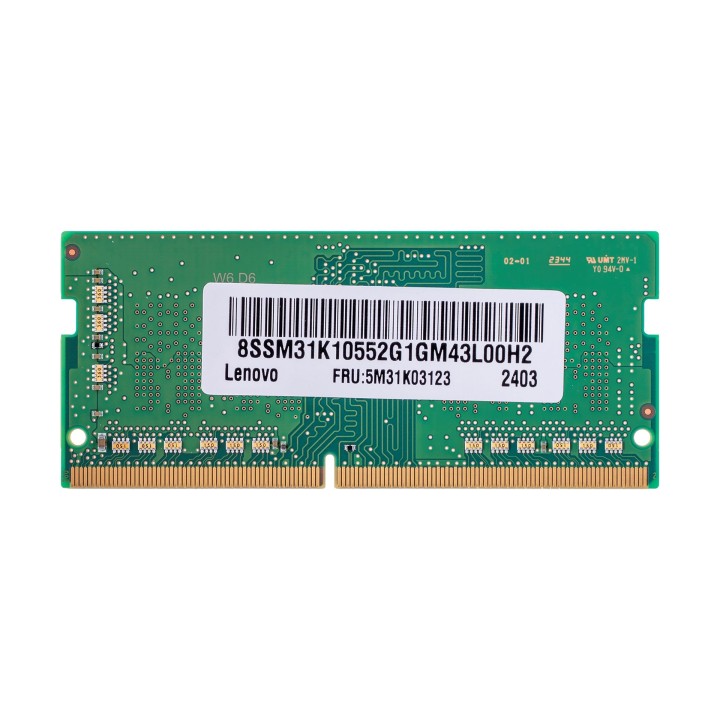
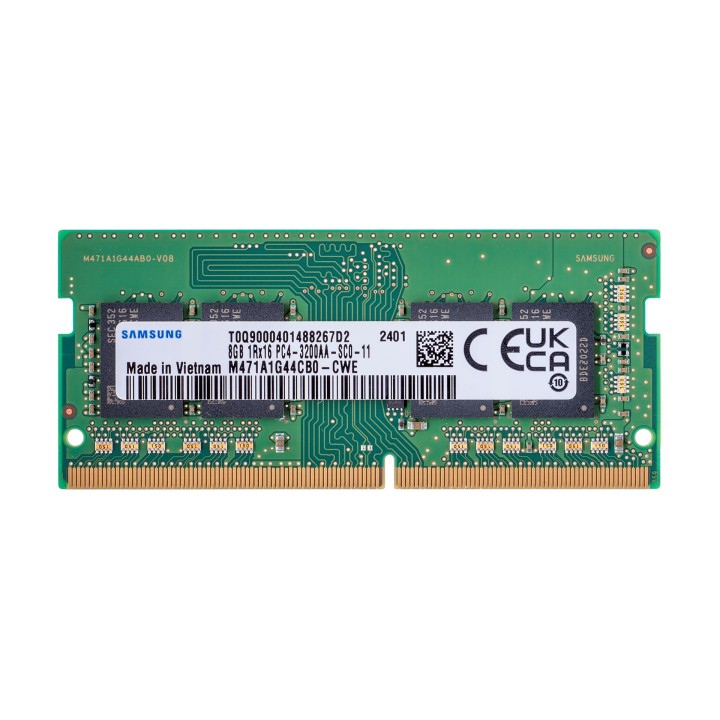
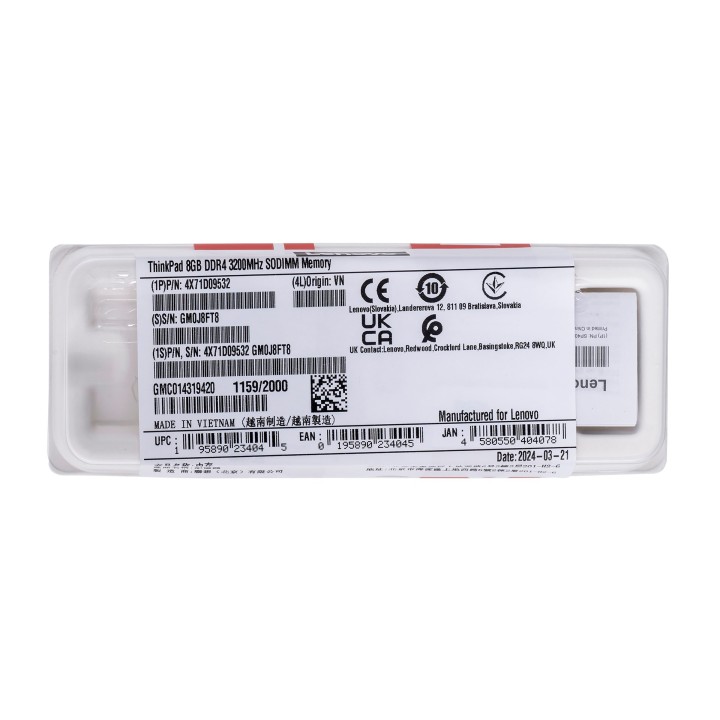
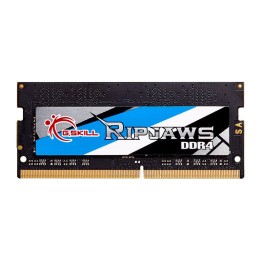
Pamięć 8GB DDR4 3200Mhz SoDIMM Memory G2 4X71D0953

Cena: 410,99 zł
Brutto
Dostępność produktu: Dostępny 30 szt.
Czas dostawy Wysyłka w ciągu 2 dni roboczych
Koszt dostawy Bezpłatna dostawa od 250 zł.

Opis produktu

Pamięć ThinkPad 8 GB DDR4 3200 MHz SoDIMM 2. generacji zwiększa standardową pojemność pamięci w wybranych komputerach PC, poprawiając wydajność i umożliwiając komputerowi jednoczesne uruchamianie większej liczby programów.

Smartfind - Service & Accessories

Specyfikacja

  • Rodzaj pamięci: SODIMM DDR4
  • Całkowita pojemność pamięci: 8 GB
  • Częstotliwość szyny pamięci: 3200 MHz
  • Liczba pamięci w zestawie: 1
  • Uwaga: CE+WEEE

Szczegóły produktu

  • Marka Lenovo
  • Kod produktu 660fbe3071a267703cb36c7c
  • Dostępność 30 Przedmioty
  • EAN13 0195890234045
  • MPN 4X71D09532

Specyfikacja

  • Typ pamięci RAM DDR4
  • Pojemność zestawu RAM (GB) 8 GB
  • Pojemność jednego modułu (GB) 8 GB
  • Liczba modułów (szt.) 1 szt.
  • ECC Nie

Producent

Producent

Lenovo Technology B.V. Sp. z o.o. Oddział w Polsce

ul. Gottlieba Daimlera 1 02-460 Warszawa Polska

Osoba odpowiedzialna w UE

Lenovo (Slovakia) s.r.o.

Landererova 12 811 09 Bratislava SLOVAKIA

E-mail: balenovo_sk@lenovo.com

Telefon: +421 2/686 880 00

Bezpieczeństwo

Informacje o bezpieczeństwie

List of RAM security warnings based on the requirements of General Product Safety Regulation (GPSR) 2023/988 * Short circuit risk: Ensure that RAM modules are properly installed and secured in the slots on the laptop motherboard. Incorrect connection can lead to short circuit and damage to components. * Risk of Electrostatic Damage (ESD): Before touching the RAM modules, ground yourself to avoid electrostatic discharges that can damage electronic components. * Risk of overheating: Provide adequate ventilation inside the laptop to prevent RAM modules from overheating during heavy use. * Compatibility: Make sure the RAM modules you purchase are compatible with your laptop model and motherboard specifications. Incompatible modules can cause operating problems or system corruption. * Installation: Turn off your laptop and disconnect it from power before installing or replacing RAM modules. Follow the laptop manufacturer's instructions for proper installation. * Mechanical Damage: Avoid dropping or hitting RAM modules, as they can be damaged and stop working. * Kids: Keep RAM modules out of reach of children, as small items can pose a choking hazard. * Recycling: Recycle used RAM modules at appropriate collection points to avoid negative environmental impacts. * Moisture and liquids: Avoid contact of RAM modules with moisture and liquids that can cause corrosion and damage.

Ładowanie...
Wróć na górę