- Nowy
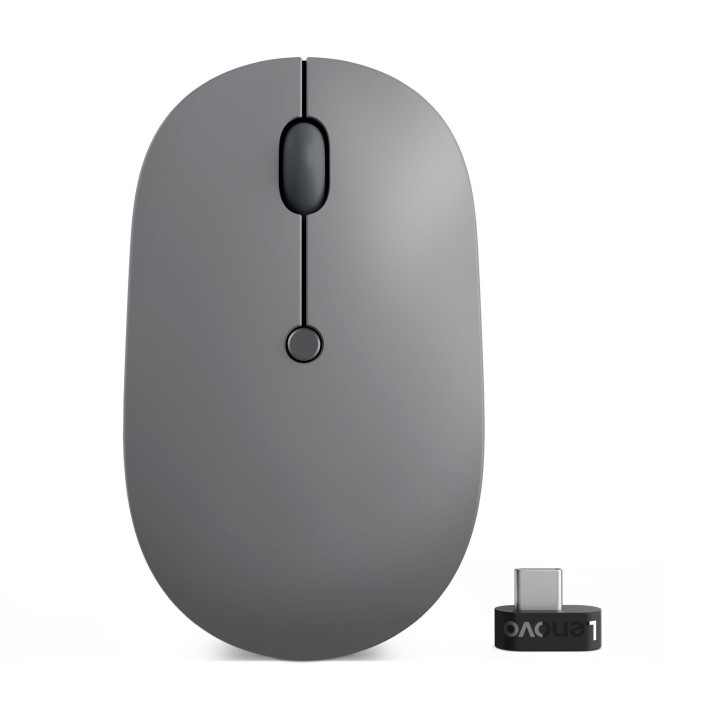
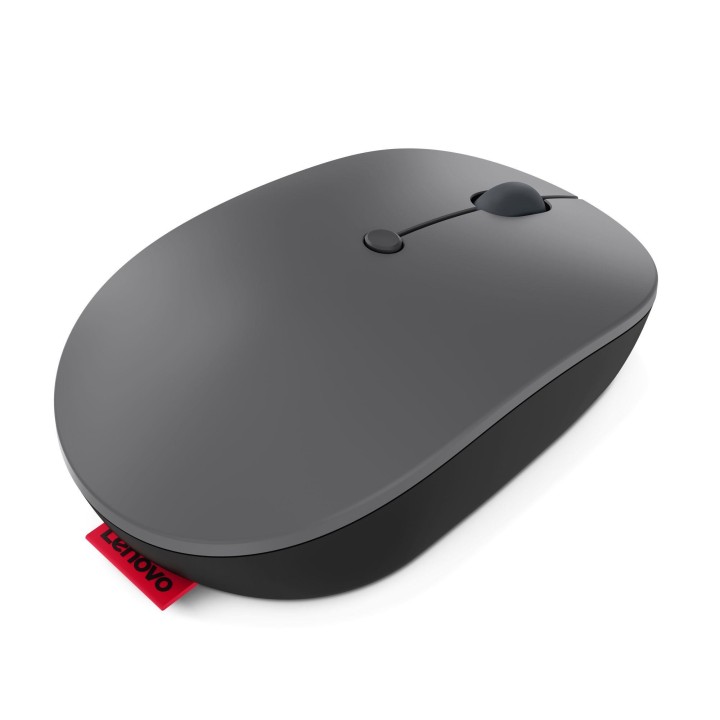
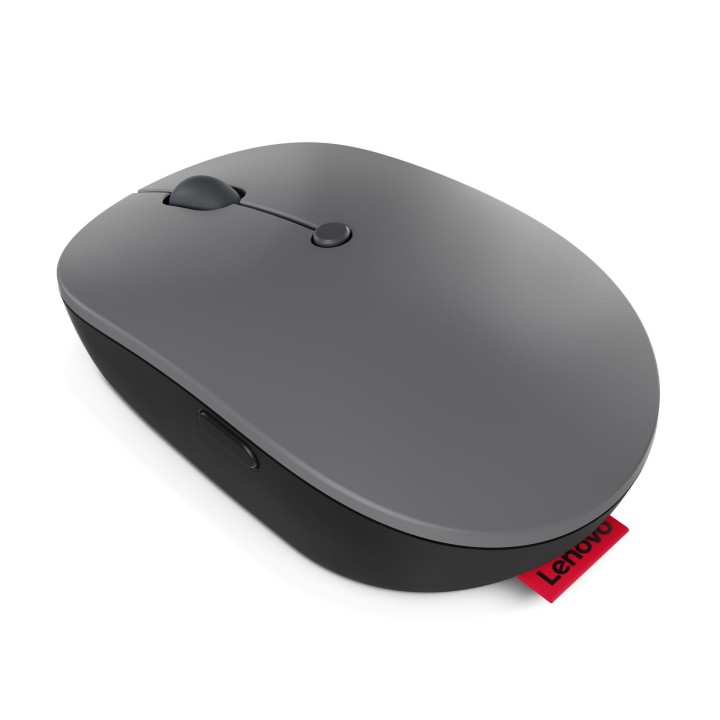
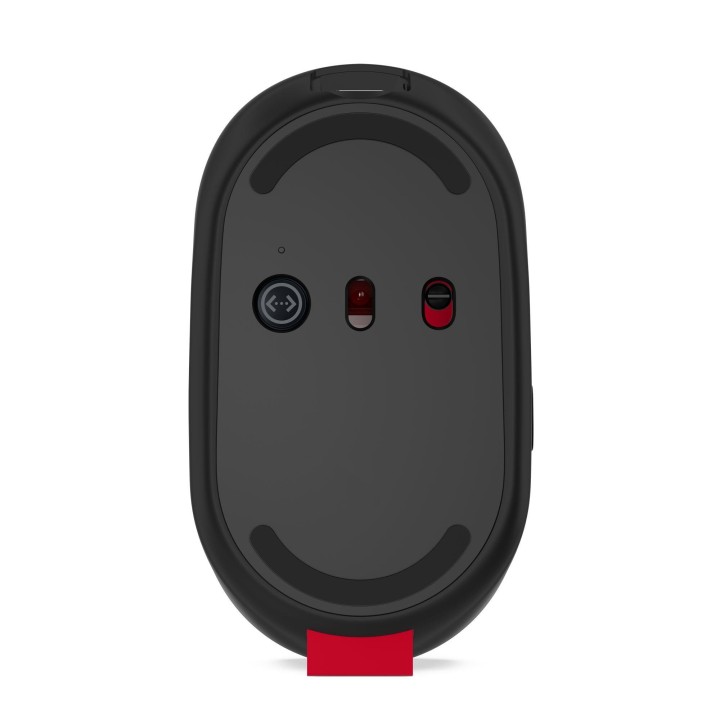
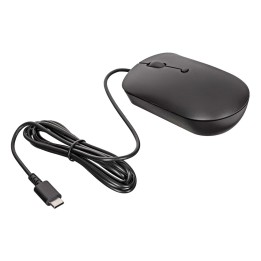
Mysz bezprzewodowa Go USB-C 4Y51C21216 obrazki
Mysz bezprzewodowa Go USB-C 4Y51C21216
Opis produktu
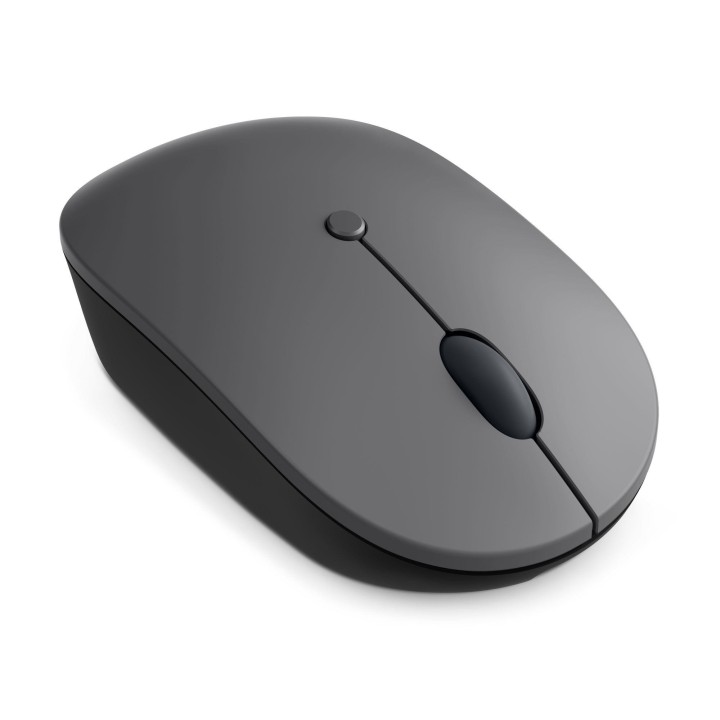
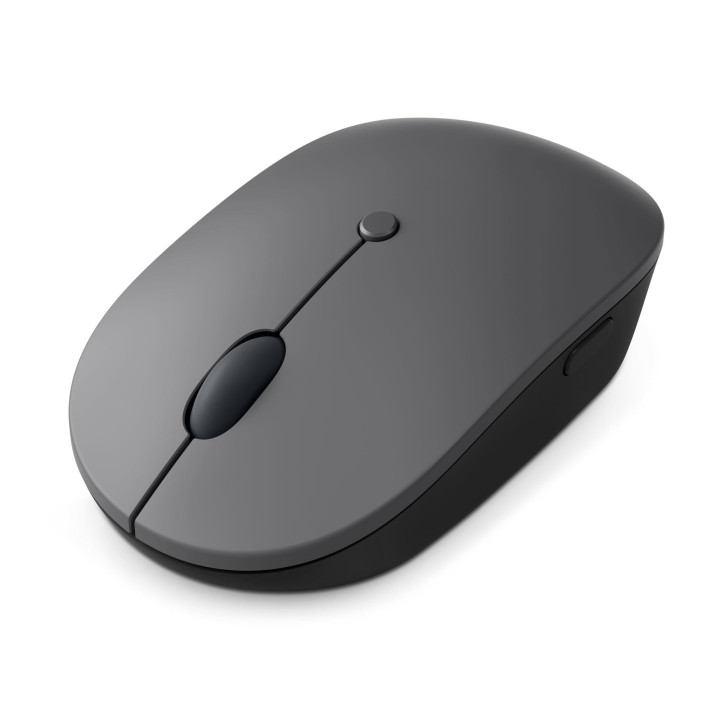
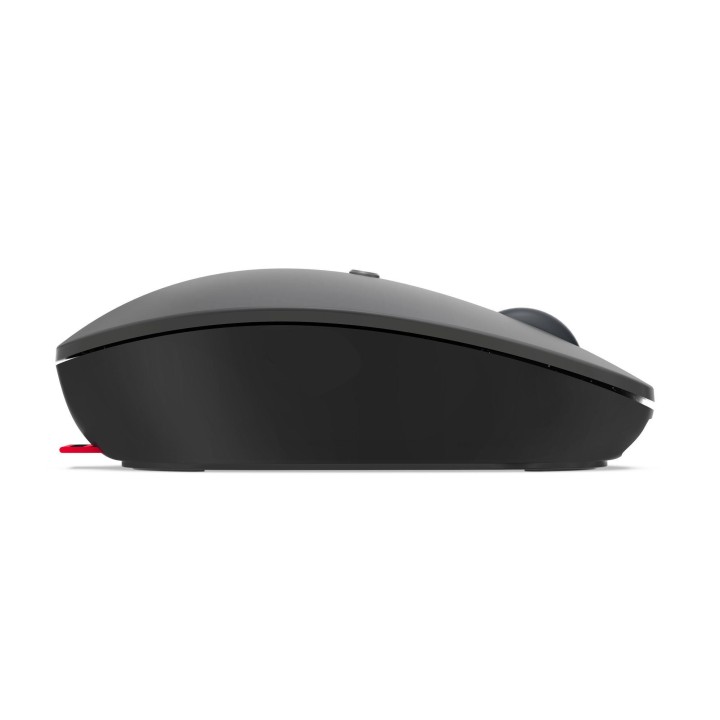
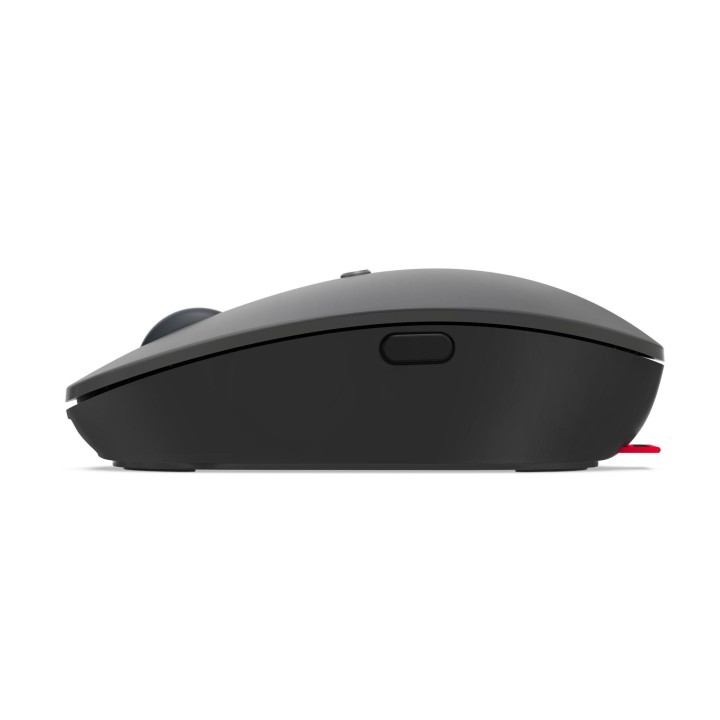
Bezprzewodowa mysz Lenovo Go USB-C
Zaprojektowana, aby uzupełnić styl życia użytkowników ultrabooków, mysz Lenovo Go USB-C Wireless Mouse została stworzona z myślą o doskonałej przenośności i wygodzie. Dzięki niebieskiemu czujnikowi optycznemu, który działa na większości powierzchni i złączu USB-C, jest gotowy do pracy w dynamicznym miejscu pracy. Bardzo długa żywotność baterii i programowalny przycisk narzędziowy zapewniają, że jest on zdolny do każdego zadania i gotowy do użycia w każdej chwili.
Smartfind - Service & Accessories
Specyfikacja
- Model: Go USB-C Wireless
- Przeznaczenie (myszy / podkładki): Biuro
- Sensor myszy: Optyczny
- Liczba przycisków: 5
- Liczba rolek: 1
- Profil: Uniwersalny
- Rozdzielczość (maks.) [dpi/lpi]: 2400 dpi
- Połączenie: Bezprzewodowe
- Interfejs: Radio 2,4 GHz
- Podświetlenie: Nie
- Zasilanie (lista): USB 5V
- Akcesoria w zestawie: Kabel ładujący USB-A do USB-C (0,5 m)
- Kolor (wyliczeniowy): Szary
- Wymiary: 101 x 59 x 34 mm
- Waga: 71 g
- Pozostałe parametry: 1.52 godziny do pełnego naładowania 15-minutowe ładowanie może wystarczyć na tydzień pracy (zależy od intensywności użytkowania) Żywotność przycisku do 3 milionów kliknięć
- Uwaga: CE+WEEE
Szczegóły produktu
- Marka Lenovo
- Kod produktu 660fbe4571a267703cb38db2
- Dostępność 30 Przedmioty
- EAN13 0195477678842
- MPN 4Y51C21216
Specyfikacja
- Sposób połączenia Bezprzewodowa
- Typ sensora Optyczna
- Maksymalna czułość (DPI) 2400 DPI
- Profil dłoni Symetryczny
- Liczba przycisków (szt.) 5 szt.
- Masa (g) 71 g
Producent
Producent
Lenovo Technology B.V. Sp. z o.o. Oddział w Polsce
ul. Gottlieba Daimlera 1 02-460 Warszawa Polska
Osoba odpowiedzialna w UE
Lenovo (Slovakia) s.r.o.
Landererova 12 811 09 Bratislava SLOVAKIA
E-mail: balenovo_sk@lenovo.com
Telefon: +421 2/686 880 00
Bezpieczeństwo
Informacje o bezpieczeństwie
List of mouse safety warnings based on the requirements of General Product Safety Regulation (EU) 2023/988 (GPSR): 1. Ergonomics and repetitive movements: I use the mouse ergonomically to avoid strains and injuries. I regularly take breaks to reduce the risk of carpal tunnel syndrome or other problems associated with repetitive movements. 2. Cleaning and Maintenance: I disconnect the mouse from the computer before cleaning. I use a soft, dry cloth to clean my mouse. I avoid using liquids that can get inside the unit and damage it. 3. Cable and Connections: I make sure the mouse cable is properly connected to the computer and is not damaged. A damaged cable may pose a risk of electric shock or cause the mouse to malfunction. 4. Batteries (if applicable): If I use a battery-operated wireless mouse, I use the right type of battery and insert it correctly. I remove the batteries when the mouse is not in use for extended periods of time to prevent leaks and damage. 5. LED lighting (if applicable): I avoid staring at the intense LED light for a long time, which can cause eye strain. 6. Kids: I store my mouse and small items (e.g. batteries) out of reach of children to avoid the risk of ingestion or choking. 7. Recycling: I return the used mouse to the appropriate recycling point to minimize the environmental impact. 8. Usage: I do not use a damaged mouse as this may result in electric shock or injury. 9. Repairs: I do not repair the mouse myself, I give it to the service. 10. Storage: I store the mouse in a dry place, away from moisture and extreme temperatures.
Myszy i trackballe
- Nowy
- Nowy
- Nowy
- Nowy
- Nowy
- Nowy
- Nowy
- Nowy
- Nowy
Ostatnio oglądane
Produkty, które ostatnio zwróciły Twoją uwagę.
- Nowy
- Nowy