Stojak na laptopa NSLS075 BLACK
Opis produktu
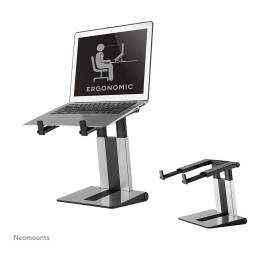
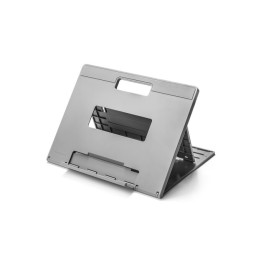
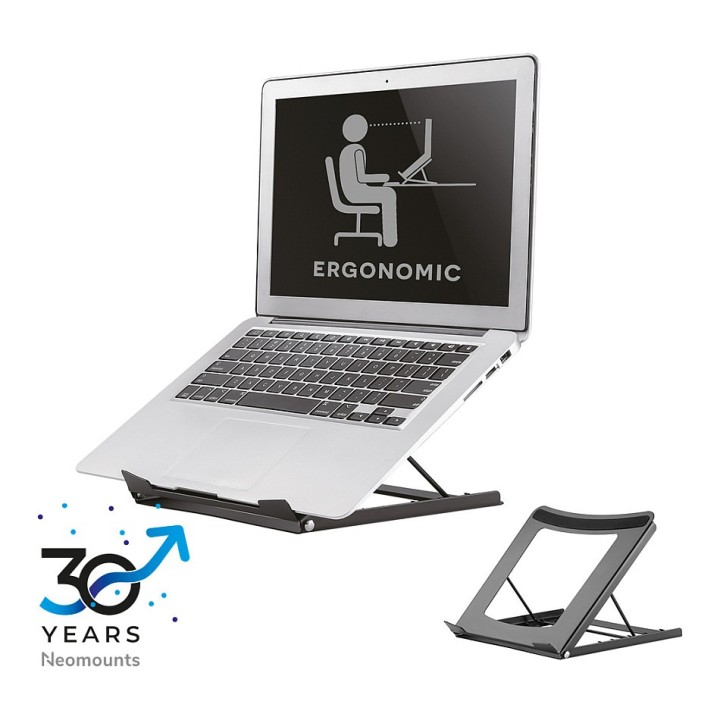
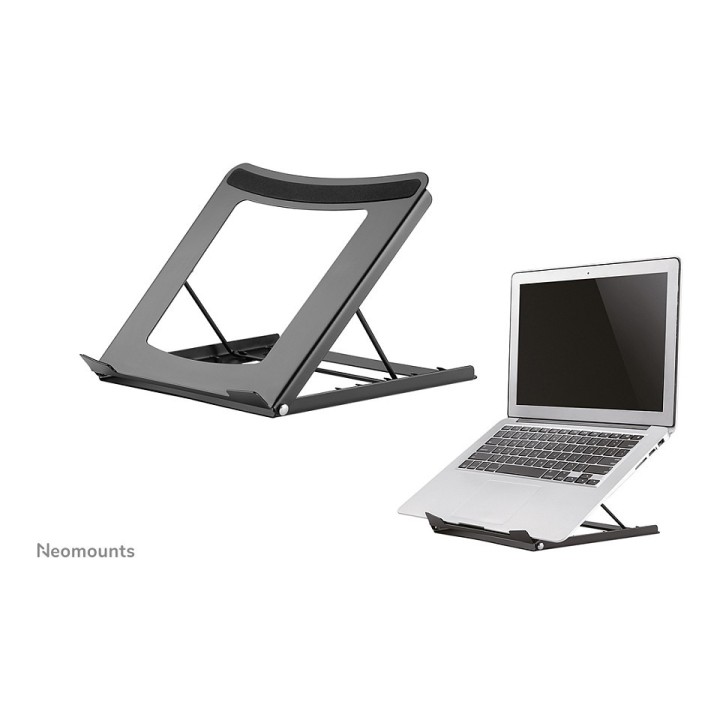
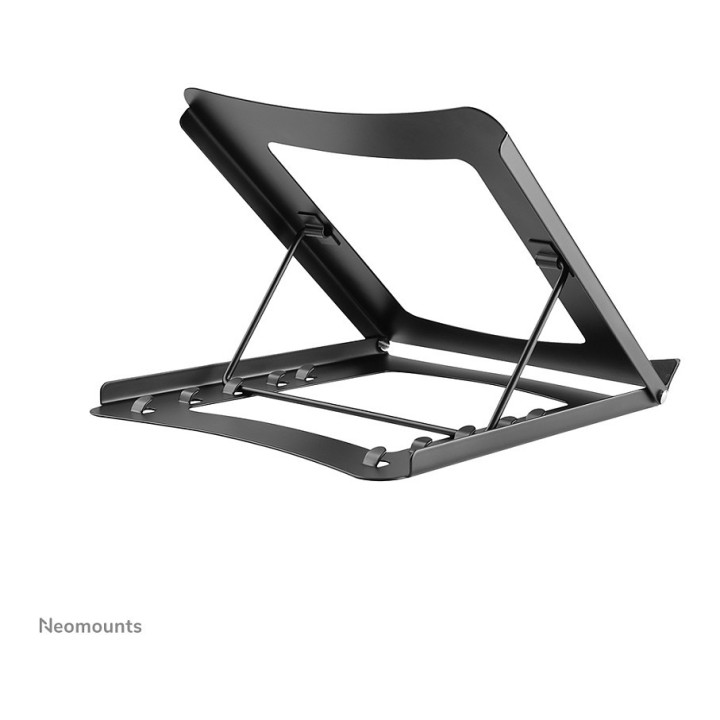
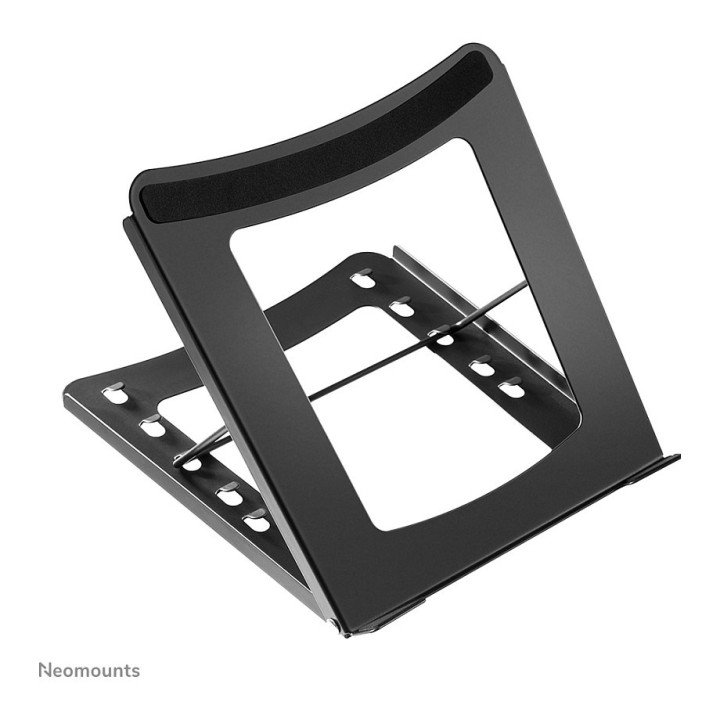
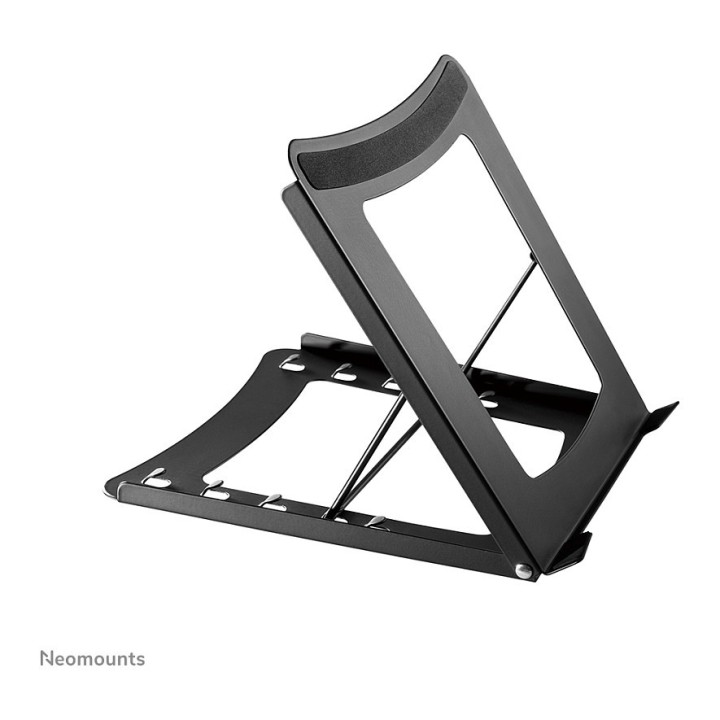
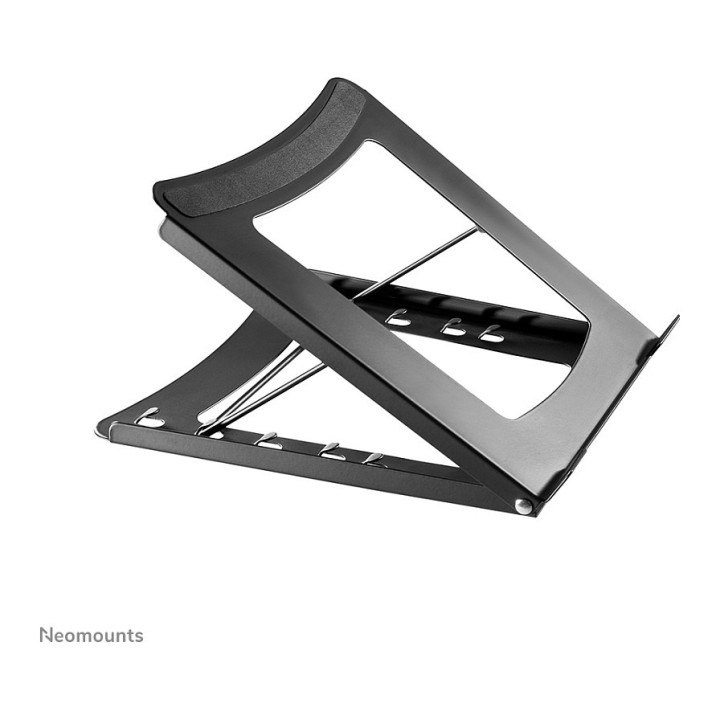
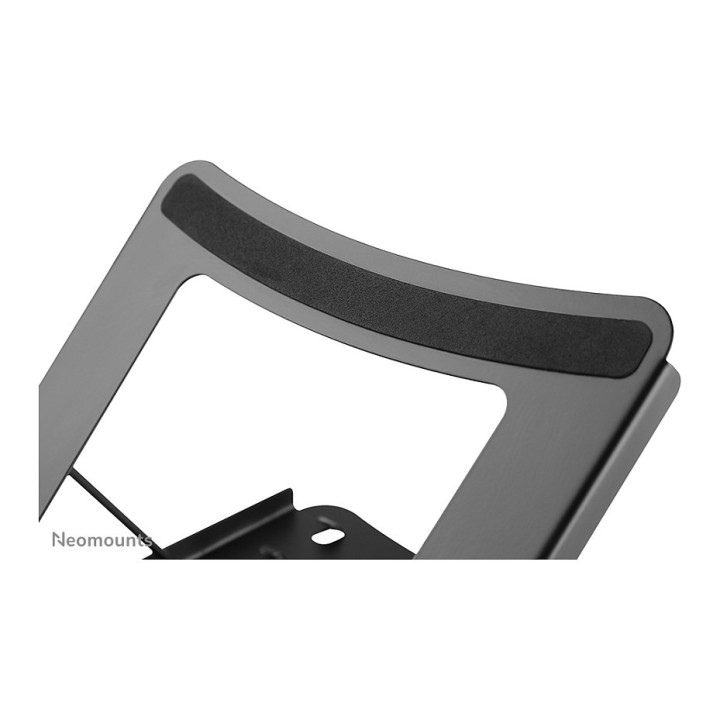
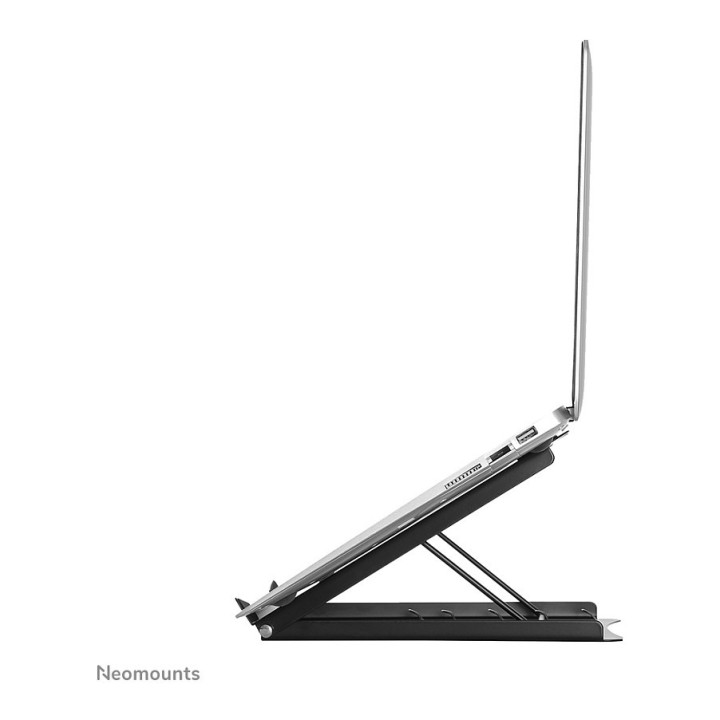
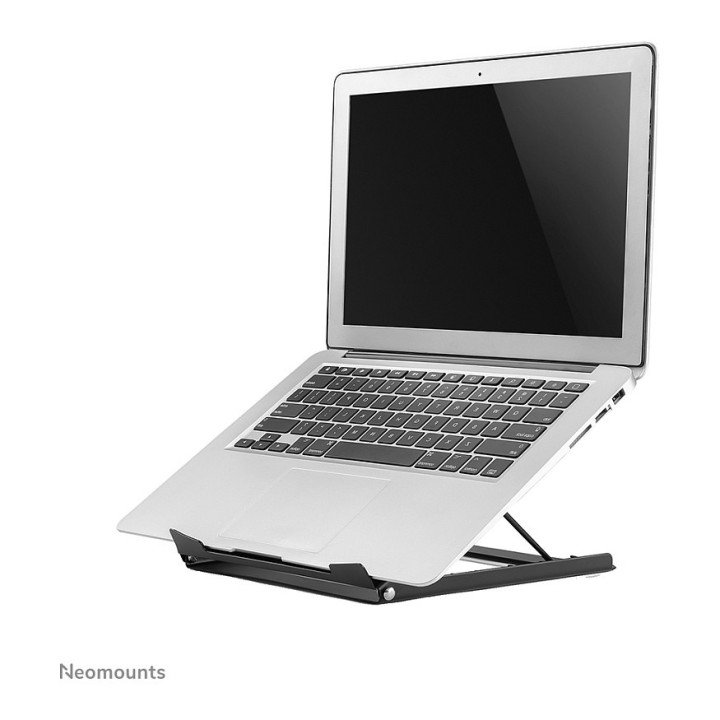
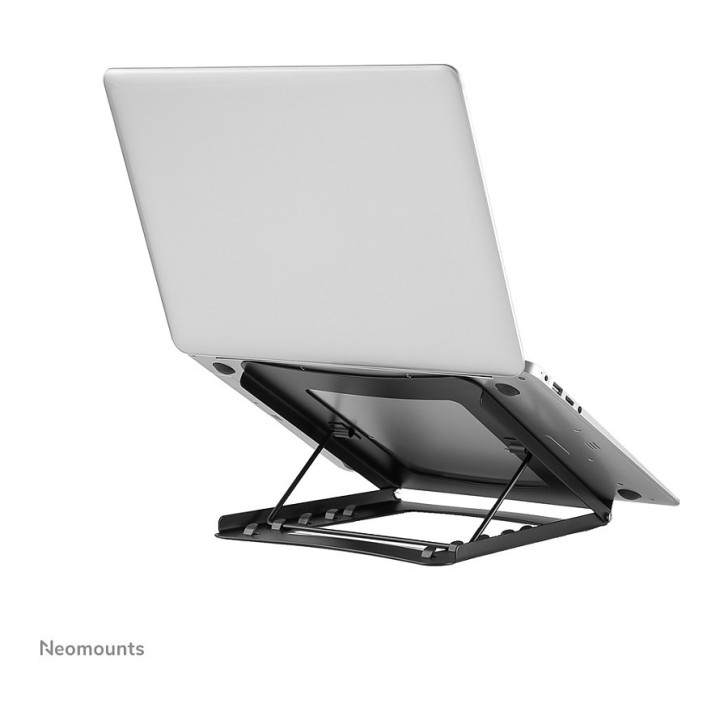
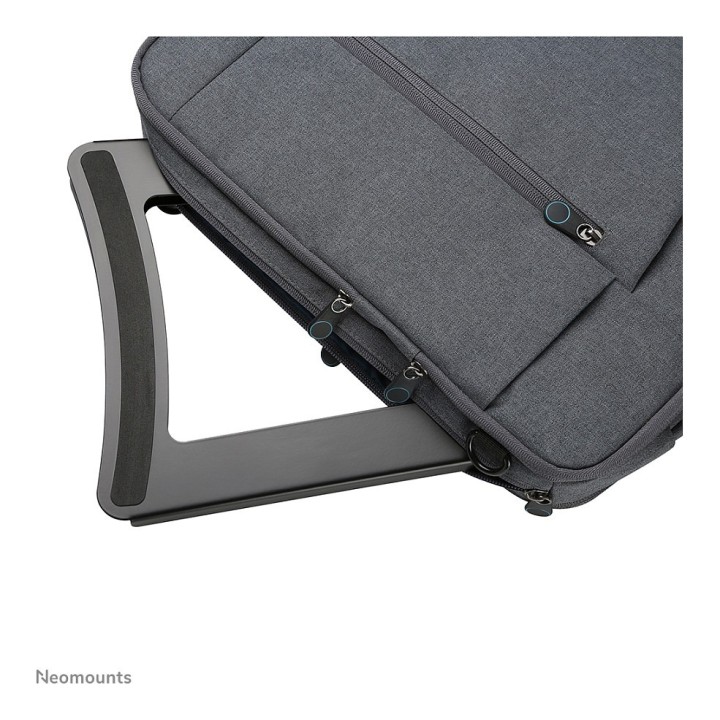
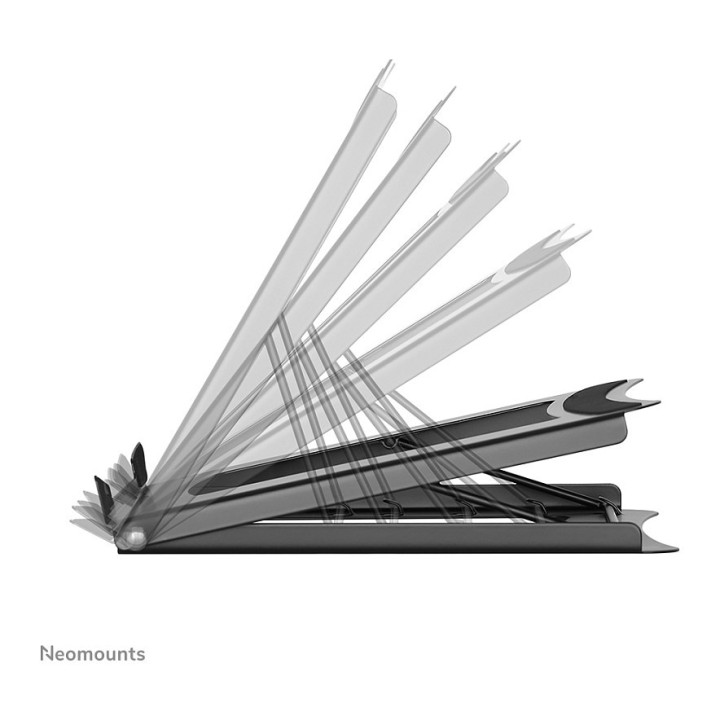
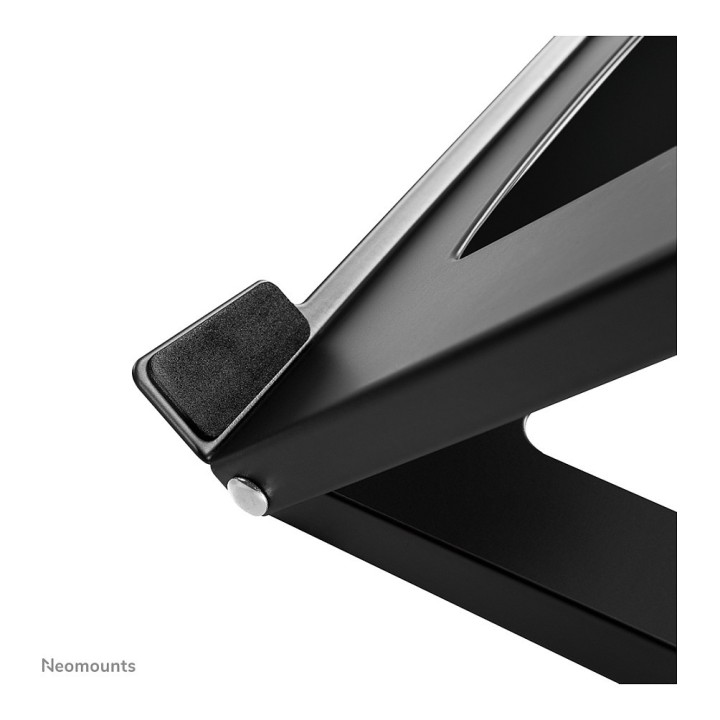
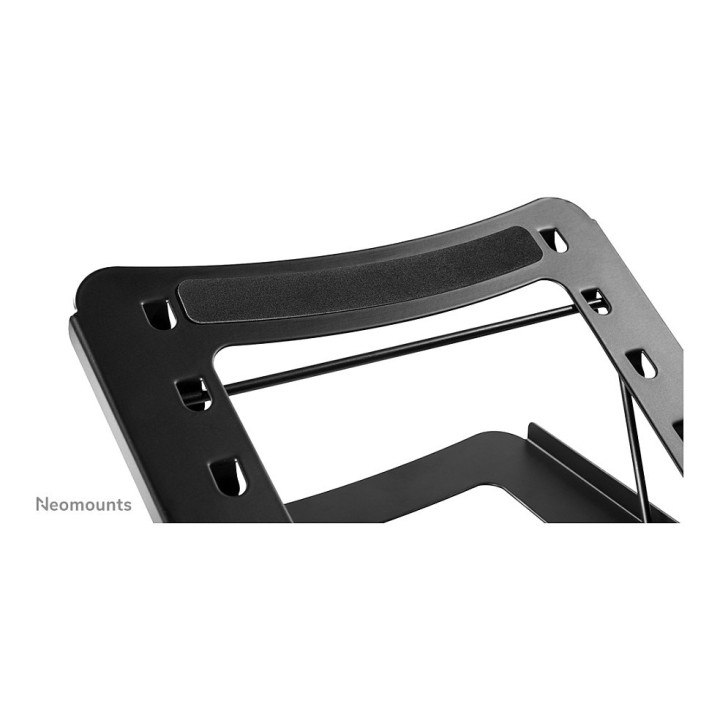
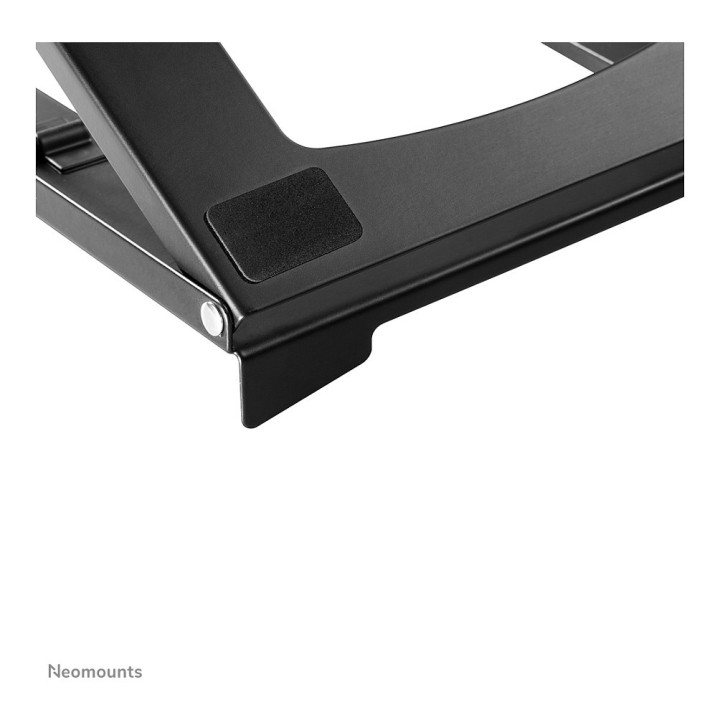
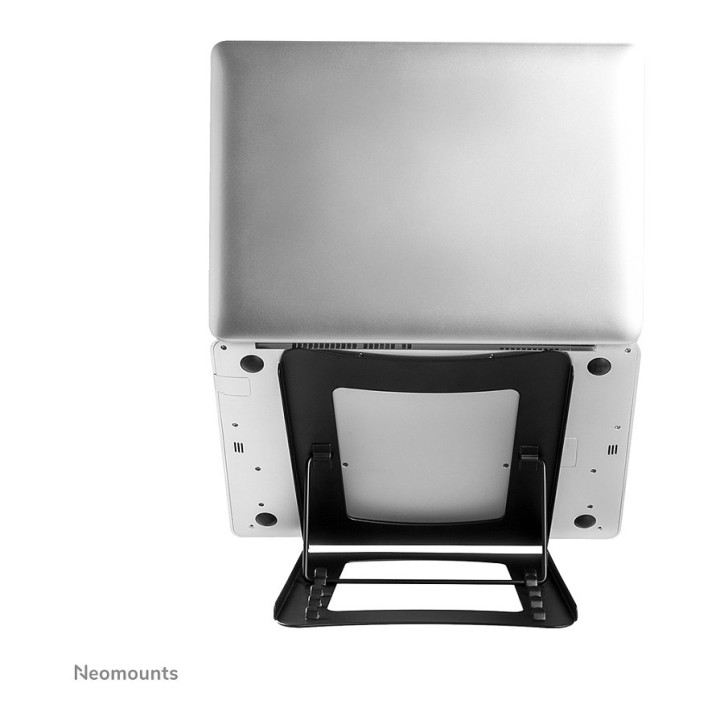
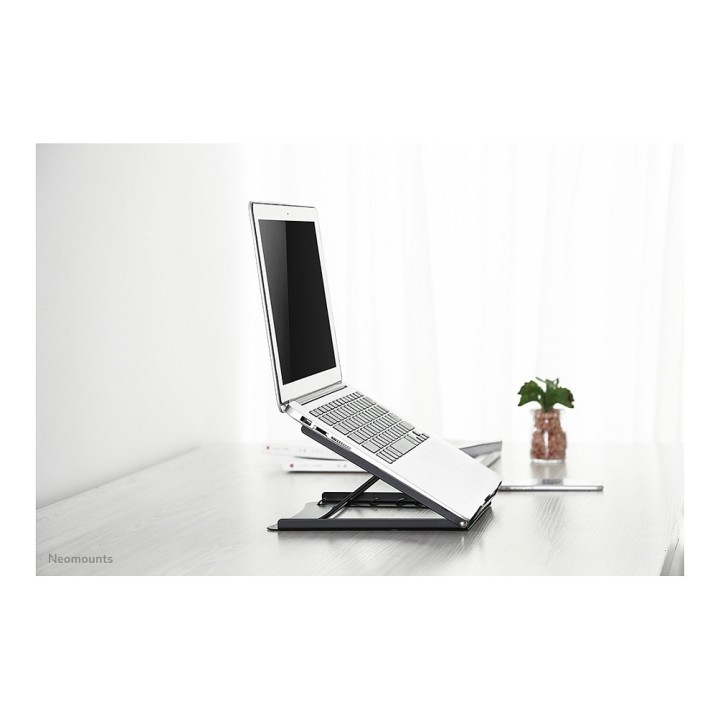
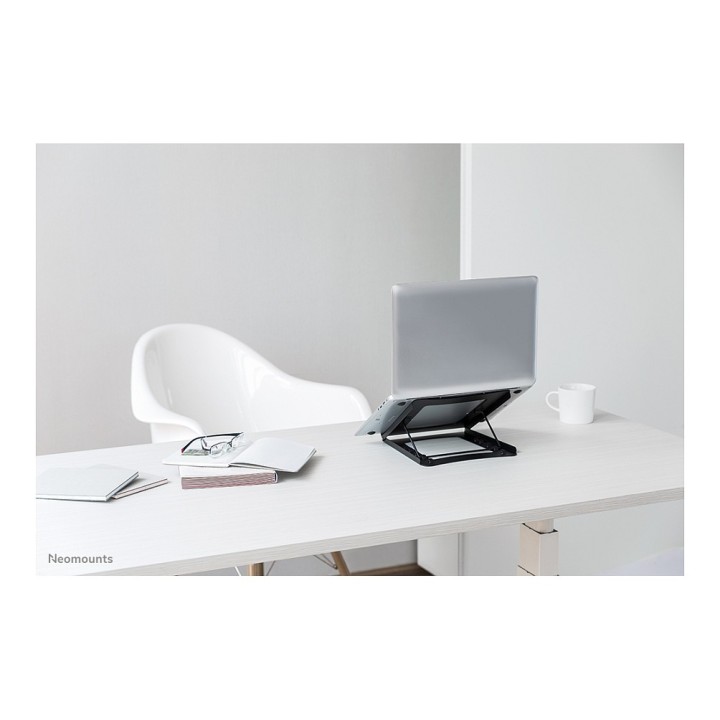
Uniwersalny stojak na tablet i notebook, model NSLS075BLACK, to uniwersalny stojak na notebooki. Oferuje pięć różnych pozycji pochylenia dla maksymalnego komfortu oglądania. Łatwy do złożenia płaski, lekki i przenośny. Wgłębiona konstrukcja wykonana ze stali malowanej proszkowo z antypoślizgowymi podkładkami silikonowymi pozwala uniknąć problemów z przegrzewaniem, zapewniając maksymalną prędkość tabletu i laptopa. Ten model NSLS075BLACK jest idealnym narzędziem do podróżowania. Kompaktowy, lekki i łatwy do przenoszenia. Stojak mieści 5 kilogramów i oferuje pomiary głębokości 25 cm.
Specyfikacja
- Przekątna ekranu ntb: 15''
- Chłodzenie (Tak/Nie): Nie
- Wentylator: Brak
- Kolor (wyliczeniowy): Czarny
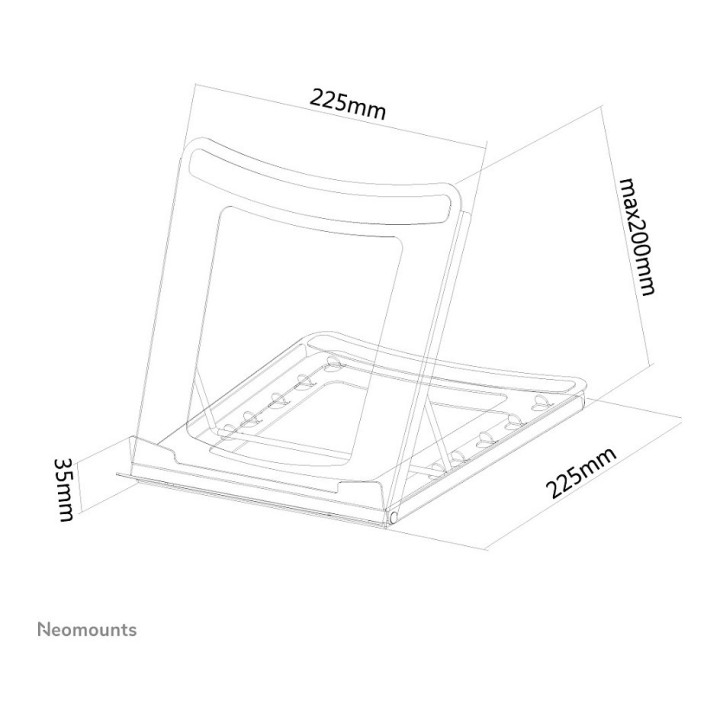
- Wymiary: Szerokość: 25,5 cm Głębokość: 25,5 cm Wysokość: 3,5 cm
- Uwaga: CE+WEEE
Szczegóły produktu
- Marka Neomounts
- Kod produktu 660fbe5071a267703cb39fab
- Dostępność 7 Przedmioty
- EAN13 8717371446598
- MPN NSLS075BLACK
Specyfikacja
- Maksymalne obciążenie (kg) 5 kg
- Aktywne chłodzenie Nie
- Regulacja wysokości Tak
Producent
Producent
Neomounts B.V.
Wateringweg 62 2031 EJ Haarlem Netherlands
E-mail: info@neomounts.com
Formularz kontaktowy: https://www.neomounts.com/contact/
Telefon: +31 23 547 8 888
Bezpieczeństwo
Informacje o bezpieczeństwie
List of safety warnings for laptop tables based on the requirements of Regulation (EU) 2023/988 on General Product Safety (GPSR) 1. Stability: Make sure the table is stable and positioned on an even surface to avoid the laptop accidentally tipping over. 2. Ventilation: Do not block your laptop's vents to prevent overheating. 3. Overload: Do not overload the table with excessive weight to avoid damage or tipping over. 4. Height adjustment: If the table is adjustable in height, make sure the locking mechanism is properly secured before use. 5. Storage: Store the table in a safe place, away from children, to avoid potential injuries. 6. Cleaning: Clean the table according to the manufacturer's instructions, using appropriate cleaning agents to avoid damage to the material. 7. Use on soft surfaces: Avoid placing the table on soft surfaces, such as a bed or carpet, to ensure proper ventilation of the laptop. 8. Cables: Watch out for power cables and other wires to avoid tripping or damage. 9. Long-term use: During long-term use of the table, be sure to have an ergonomic position to avoid back and vision problems. 10. Damage: Regularly check the condition of the table, and if you notice damage (e.g. cracks, sharp edges) stop using.