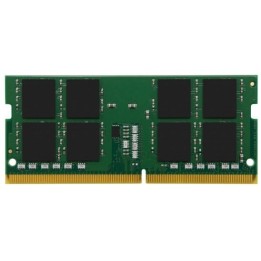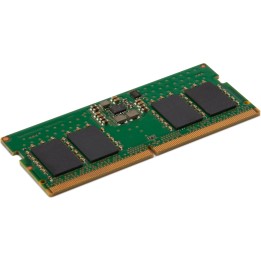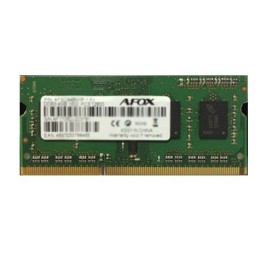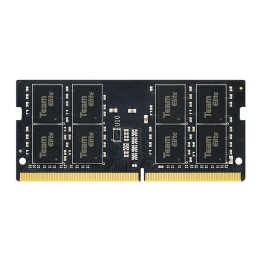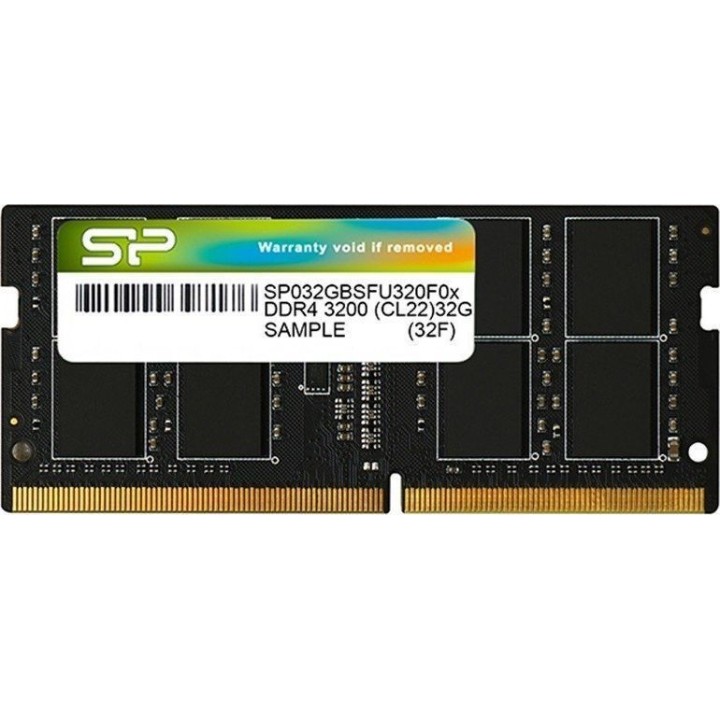
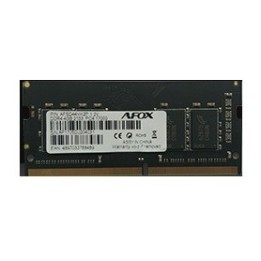
Pamięć DDR4 8GB/3200 (1*8GB) CL22 SODIMM
Opis produktu
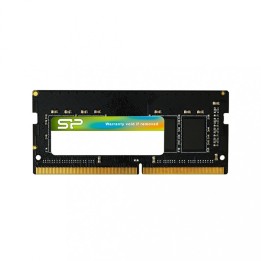
Silicon Power SODIMM 8GB
Pamięć Silicon Power została zaprojektowana tak, aby przyśpieszyć działanie Twojego systemu. Oferuje wysoką częstotliwość taktowania wynoszącą 2666 MHz. Ponadto technologia DDR4 jest nawet dwukrotnie szybsza niż jej poprzedniczka, DDR3, zapewniając większą przepustowość i większą efektywność energetyczną. Pamięć jest kompatybilna z szeroką gamą laptopów i zapobiega zawieszaniu się i resetowaniu systemu, które towarzyszą niezgodnemu modułowi pamięci. Seria DDR4 SODIMM została przetestowana w 100%, aby zagwarantować najwyższy poziom stabilności, trwałości i niezawodności. Jeśli to nie jest wystarczająco uspokajające, pamięć jest objęta dożywotnią gwarancją.

Specyfikacja
- Rodzaj pamięci: SODIMM DDR4
- Całkowita pojemność pamięci: 8 GB
- Częstotliwość szyny pamięci: 3200 MHz
- Liczba pamięci w zestawie: 1
- CAS Latency: CL22
- Obsługa ECC: Nie
- Uwaga: CE+WEEE
Szczegóły produktu
- Marka Silicon Power
- Kod produktu 660fbf2671a267703cb4ec0e
- Dostępność 97 Przedmioty
- EAN13 4713436144137
- MPN SP008GBSFU320X02
Specyfikacja
- Typ pamięci RAM DDR4
- Opóźnienie CAS CL22
- Pojemność zestawu RAM (GB) 8 GB
- Format modułu RAM SO-DIMM
- Pojemność jednego modułu (GB) 8 GB
- Liczba modułów (szt.) 1 szt.
- ECC Nie
- Napięcie pamięci (V) 1,2 V
Producent
Producent
Silicon Power
7F., No.106, Zhouzi St., Neihu District 114 Taipei Taiwan
E-mail: service@silicon-power.com
Formularz kontaktowy: https://www.silicon-power.com/web/contact_us
Telefon: +886-2-8797-8833
Osoba odpowiedzialna w UE
Silicon Power
Antennestraat 16 1322 AB Almere Netherlands
E-mail: service@eu.silicon-power.com
Formularz kontaktowy: https://www.silicon-power.com/web/contact_us
Telefon: +31 (0)85 560 00 10
Bezpieczeństwo
Informacje o bezpieczeństwie
List of RAM security warnings based on the requirements of General Product Safety Regulation (GPSR) 2023/988 * Short circuit risk: Ensure that RAM modules are properly installed and secured in the slots on the laptop motherboard. Incorrect connection can lead to short circuit and damage to components. * Risk of Electrostatic Damage (ESD): Before touching the RAM modules, ground yourself to avoid electrostatic discharges that can damage electronic components. * Risk of overheating: Provide adequate ventilation inside the laptop to prevent RAM modules from overheating during heavy use. * Compatibility: Make sure the RAM modules you purchase are compatible with your laptop model and motherboard specifications. Incompatible modules can cause operating problems or system corruption. * Installation: Turn off your laptop and disconnect it from power before installing or replacing RAM modules. Follow the laptop manufacturer's instructions for proper installation. * Mechanical Damage: Avoid dropping or hitting RAM modules, as they can be damaged and stop working. * Kids: Keep RAM modules out of reach of children, as small items can pose a choking hazard. * Recycling: Recycle used RAM modules at appropriate collection points to avoid negative environmental impacts. * Moisture and liquids: Avoid contact of RAM modules with moisture and liquids that can cause corrosion and damage.
Pamięć RAM do laptopów
Ostatnio oglądane
Produkty, które ostatnio zwróciły Twoją uwagę.