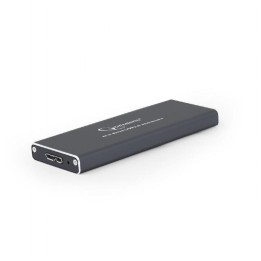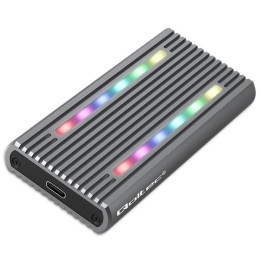
IB-1817MC-C31 TypeC USB 3.1 (Gen 2) na PCI NVMe & SATA M.2 2230/2242/2260/2280 SSD

Cena: 121,99 zł
Brutto
Dostępność produktu: Dostępny 8 szt.
Czas dostawy Wysyłka w ciągu 2 dni roboczych
Koszt dostawy Bezpłatna dostawa od 250 zł.

Opis produktu

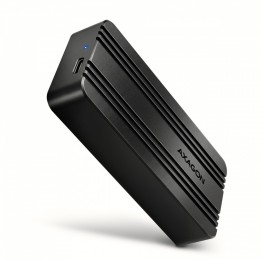
ICY BOX IB-1817MC-C31

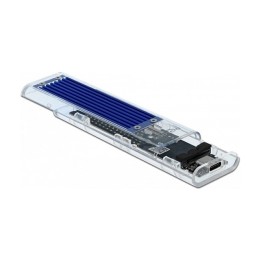
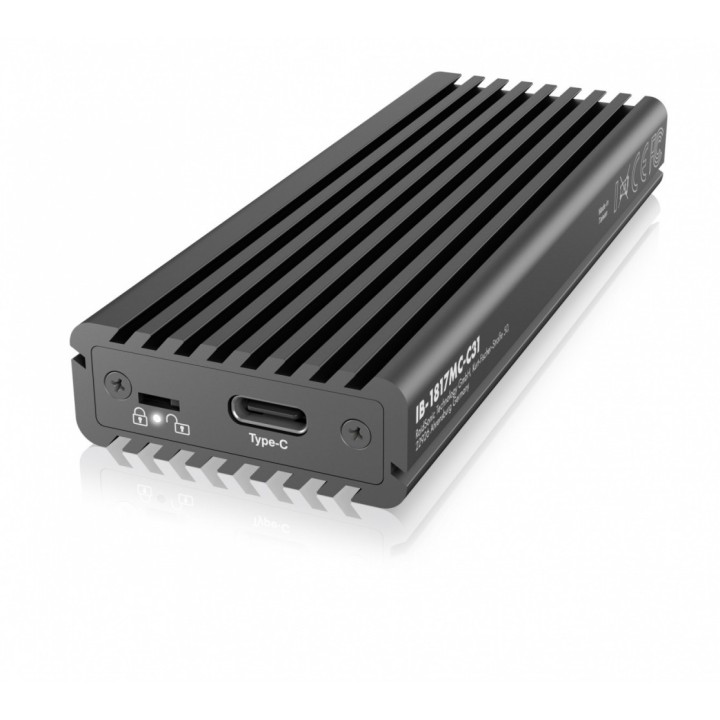
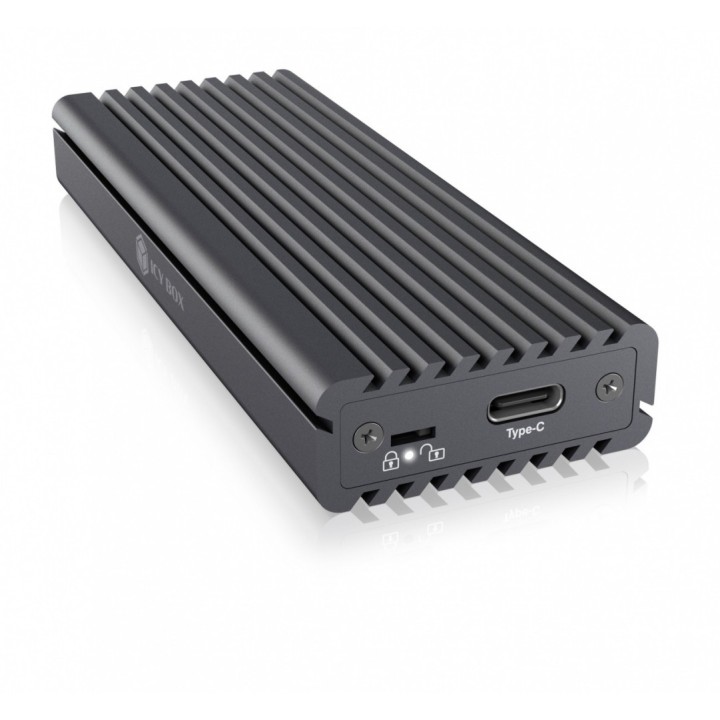
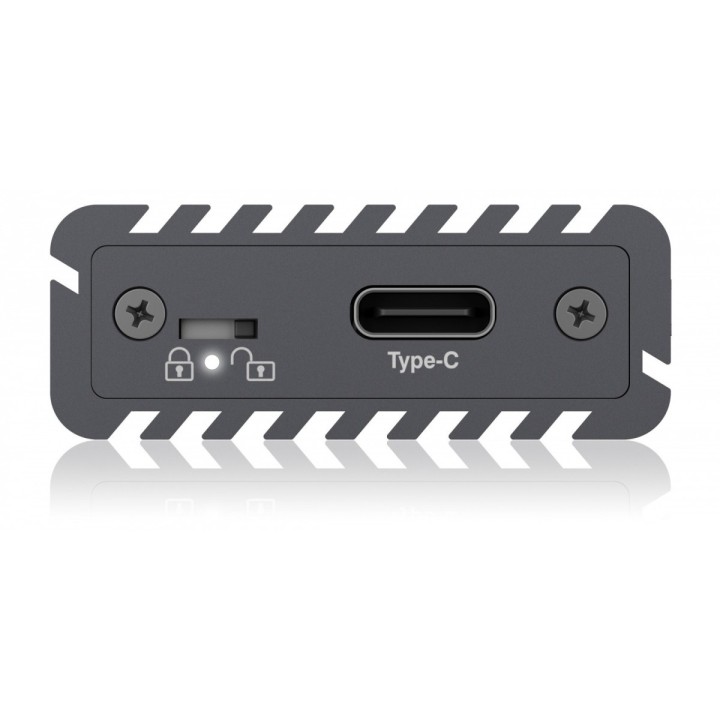
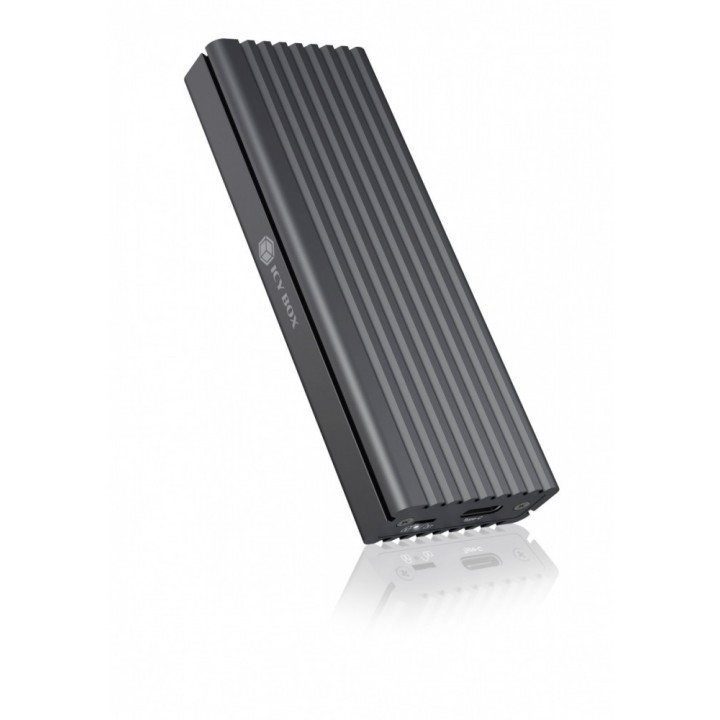
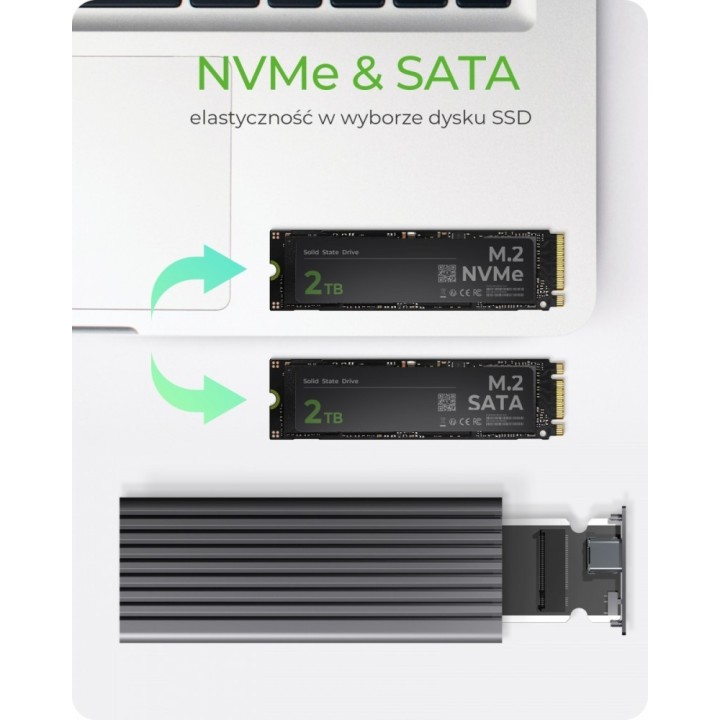
Obudowa dla 1x M.2 NVMe i SATA SSD z połączeniem USB TYPE-C

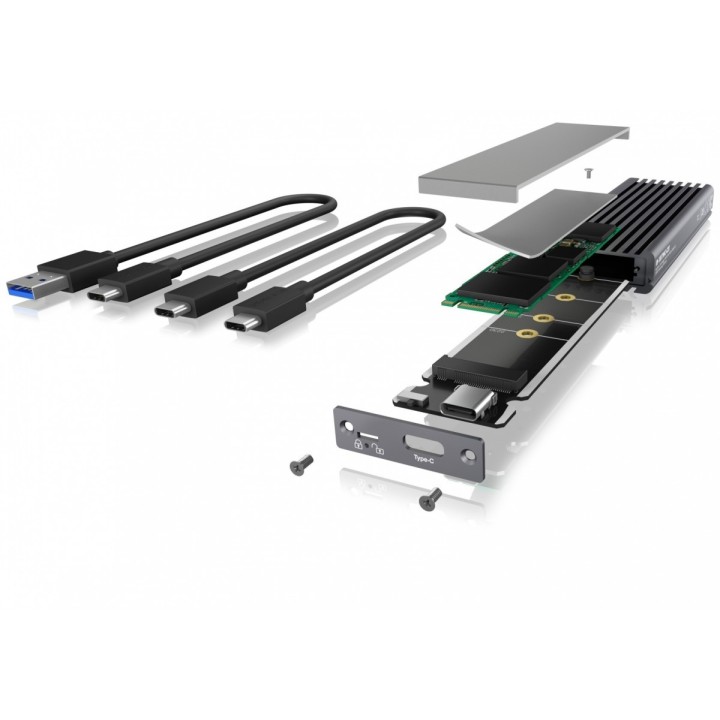
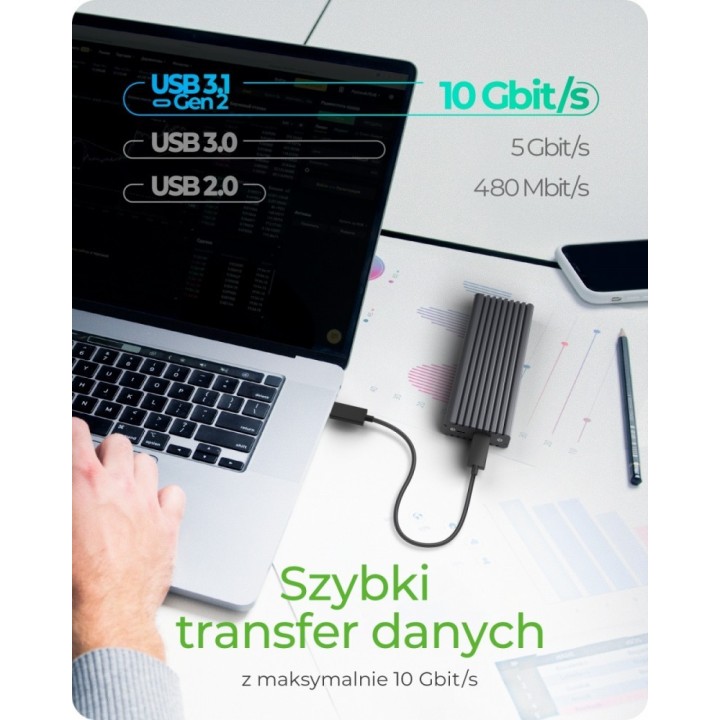
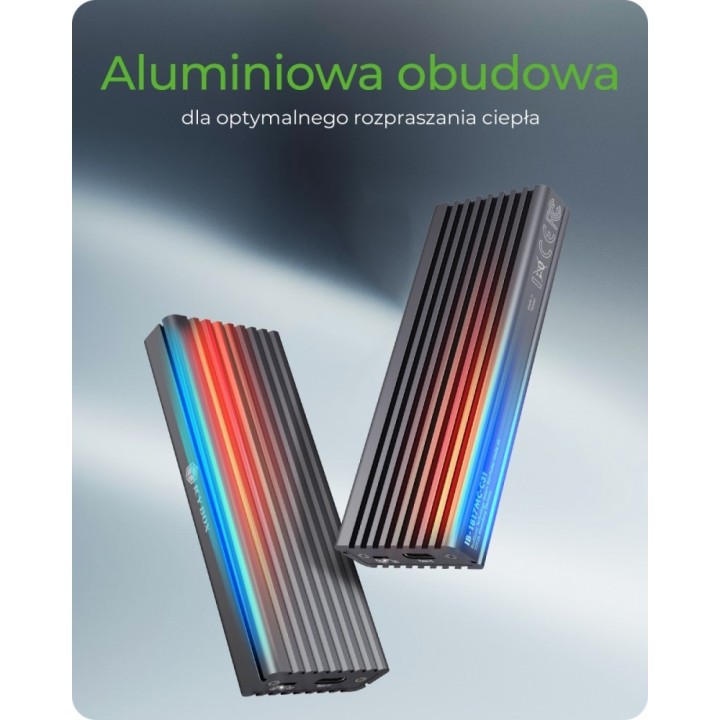
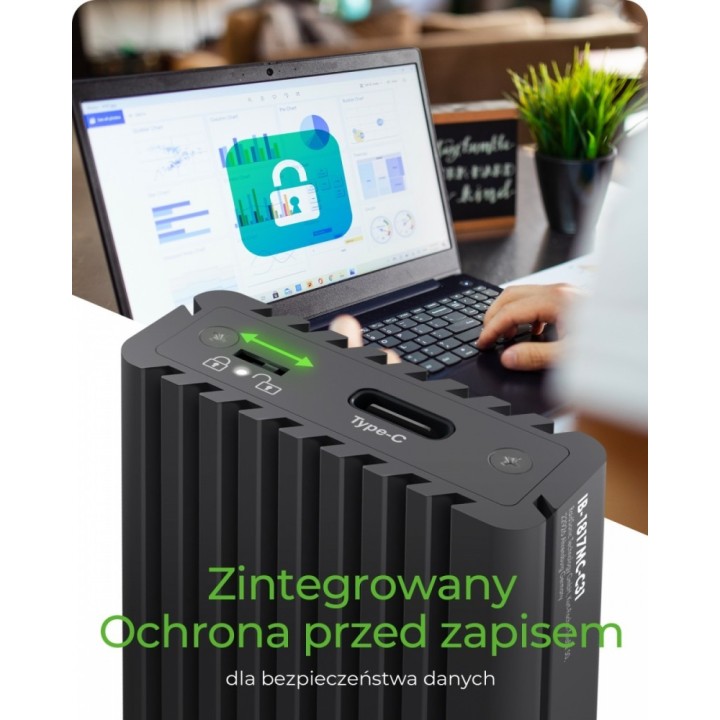
Wysokiej jakości aluminium z innowacyjną konstrukcją żeber chłodzących Połączenie z komputerem hosta: USB 3.1 (Gen 2) Type-C i Type-A, do 10 Gb/s Obsługuje PCIe 3.0 x2 i SATA III Gniazdo M-Key do 22x 30/42/60/80 mm Posiada dodatkowy, opatentowany radiator i podkładkę termiczną wewnętrznie Aktywacja ochrony przed zapisem za pomocą przełącznika Dioda LED do obsługi i dostępu do dysku twardego Obsługuje Windows, macOS

Specyfikacja

  • Typ obudowy HDD: Obudowa zewnętrzna
  • Format szerokości dysku: M.2 2280
  • Interfejs dysku: M.2
  • Złącza: 1 x USB (Type C)
  • Materiał: Aluminium
  • Obsługiwane systemy operacyjne: Windows
  • Kolor (wyliczeniowy): Szary
  • Wymiary: 104x40x15 mm
  • Waga: 0.092 kg
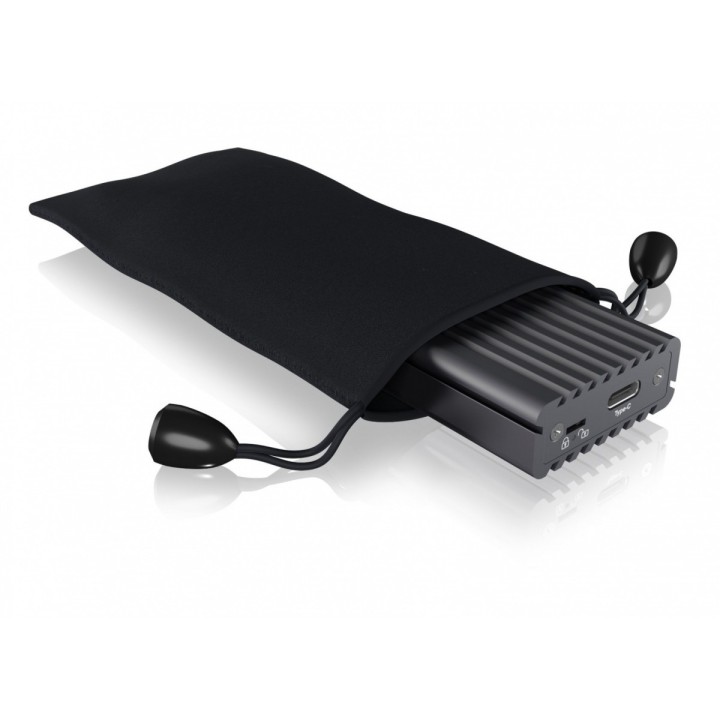
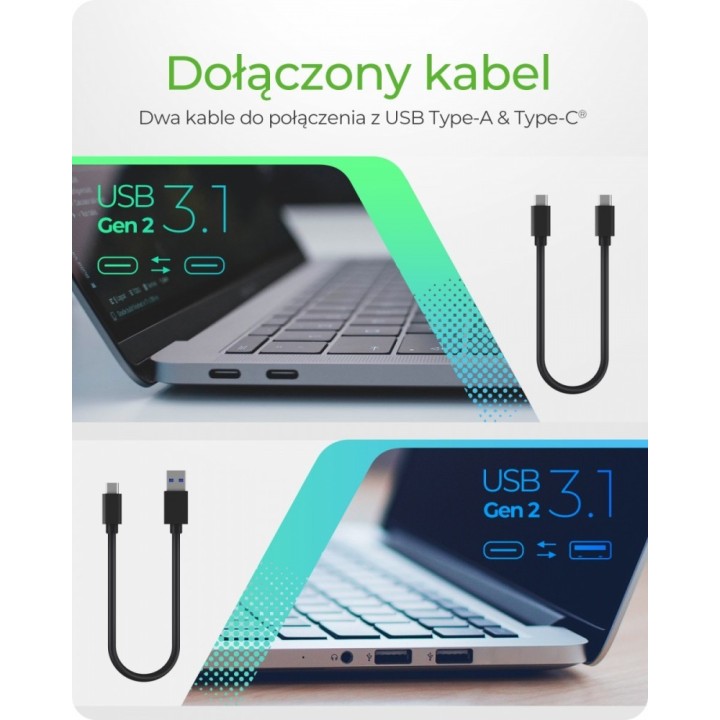
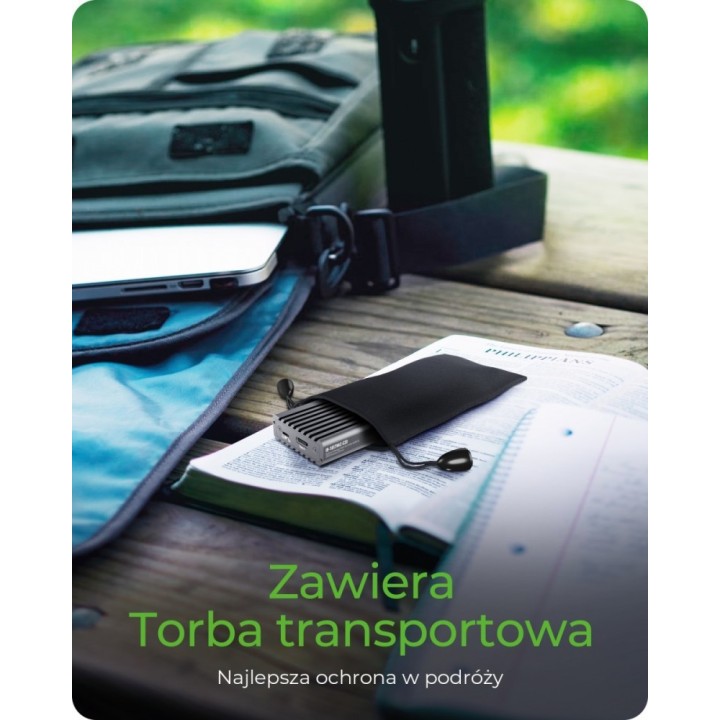
  • Akcesoria w zestawie: 1x IB-1817MC-C31 (brak napędu w zestawie) 1x kabel Type-C do Type-C (20 cm) 1x kabel Type-C do Type-A (20 cm) 1x silikonowa podkładka termiczna 1x radiator 1x narzędzie do przełącznika zabezpieczenia przed zapisem 1x śrubokręt 1x zestaw śrub 1x instrukcja szybkiej instalacji
  • Uwaga: CE+WEEE

Szczegóły produktu

  • Marka IcyBox
  • Kod produktu 660fbf3771a267703cb5052f
  • Dostępność 8 Przedmioty
  • EAN13 4250078172451
  • MPN IB1817MCC31

Producent

Producent

RaidSonic Technology GmbH

Kurt-Fischer-Strasse 50 D- 22926 Ahrensburg Germany

E-mail: potrykus@raidsonic.de

Formularz kontaktowy: https://icybox.de/contact

Telefon: +49 4102 468900

Bezpieczeństwo

Informacje o bezpieczeństwie

List of safety warnings Enclosures and pockets based on the requirements of General Product Safety Regulation (GPSR) 2023/988: 1. Risk of electric shock: Before opening the case, make sure your computer is disconnected from power. Do not touch electronic components with wet hands. 2. Risk of hardware damage: Be careful when installing drives to avoid damaging them or the enclosure. Use the right tools and screws. 3. Sharp edges: Enclosures may have sharp edges, so be careful when assembling to avoid cuts. Use protective gloves. 4. Overheating: Make sure the housing provides adequate ventilation to prevent the discs from overheating. Do not block ventilation openings. 5. Grounding: The housing should be properly grounded to prevent the accumulation of electrostatic charges. 6. Compatibility: Make sure the case and pocket are compatible with the drive type (e.g. SATA, NVMe) and computer interface (e.g. USB, Thunderbolt). 7. Weight: Some enclosures with mounted discs can be heavy, so be careful when moving to avoid injuries. 8. Children: Keep small items (screws, jumpers) away from children to prevent ingestion. Do not allow children to assemble themselves. 9. Moisture: Protect your enclosure and discs from moisture and flooding. 10. Damage: Do not use a damaged case or pocket.

Ładowanie...
Wróć na górę