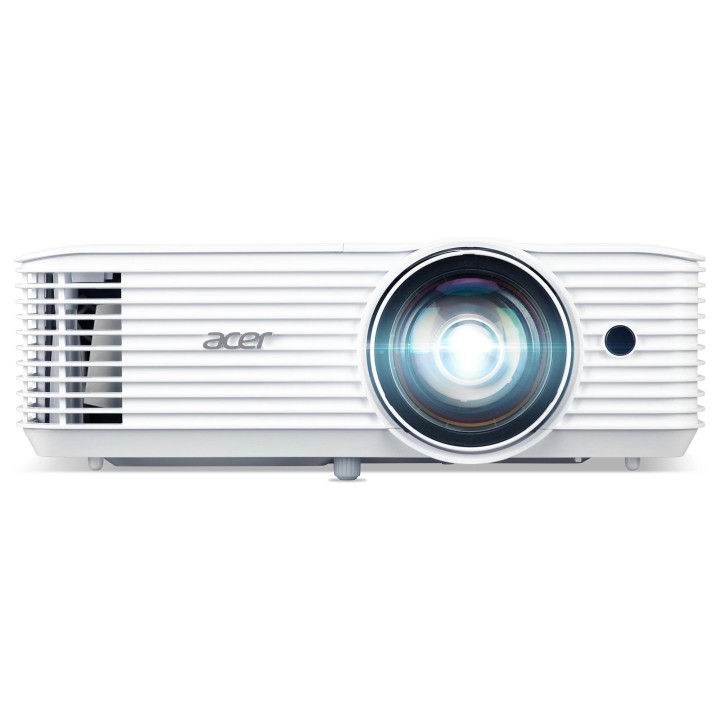
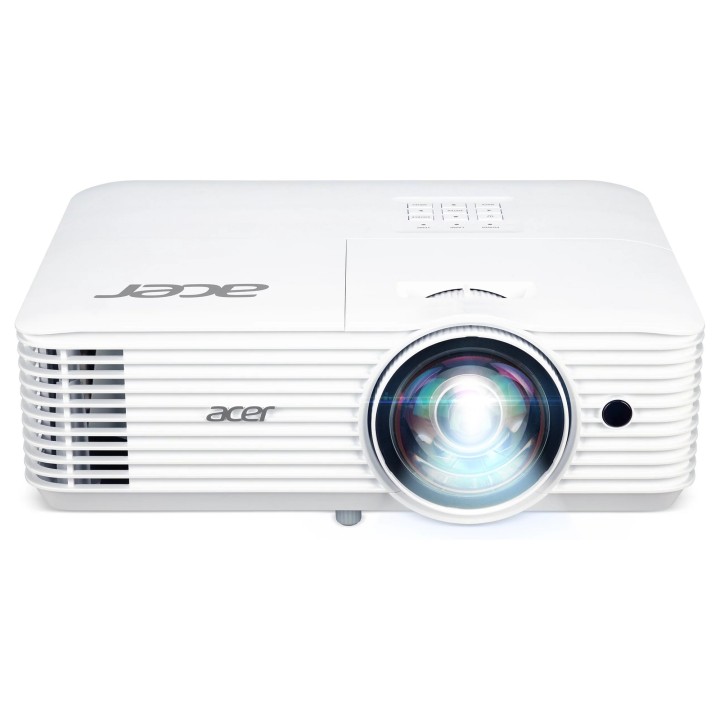
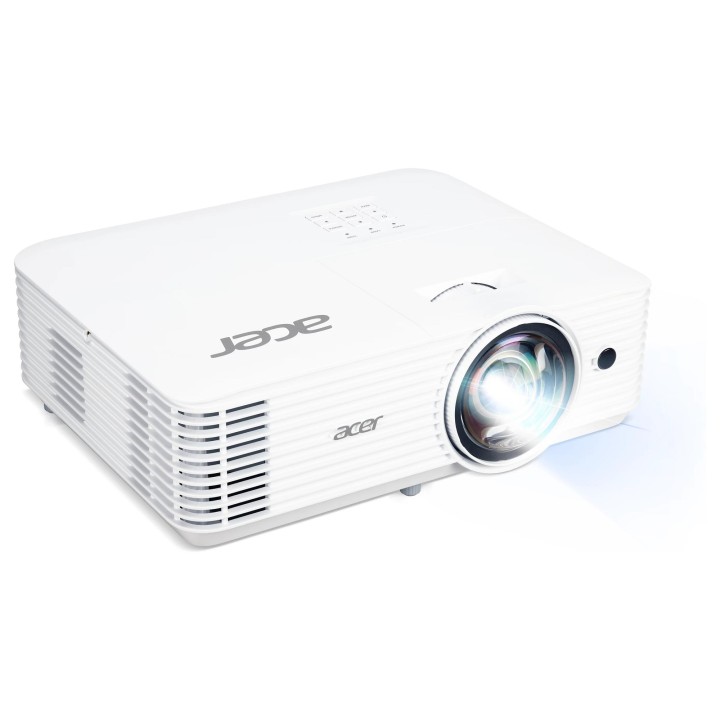
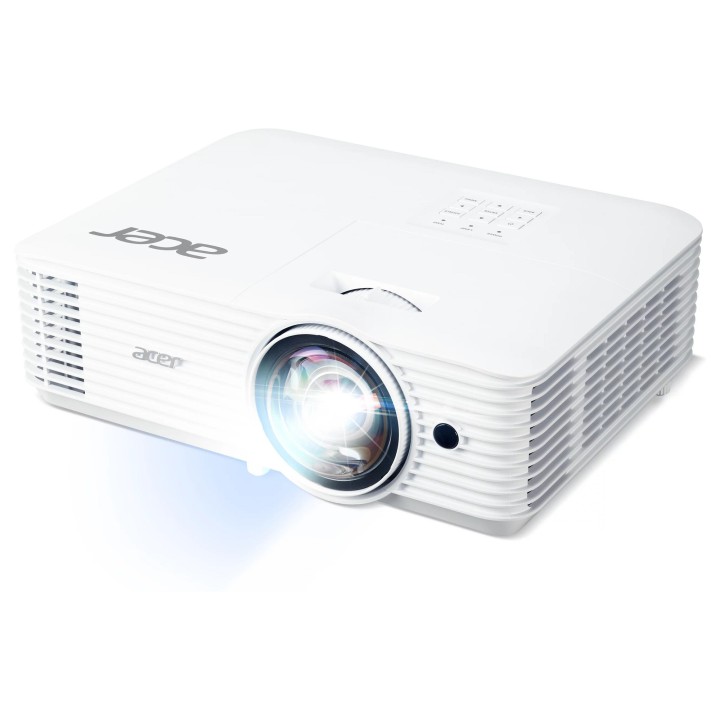
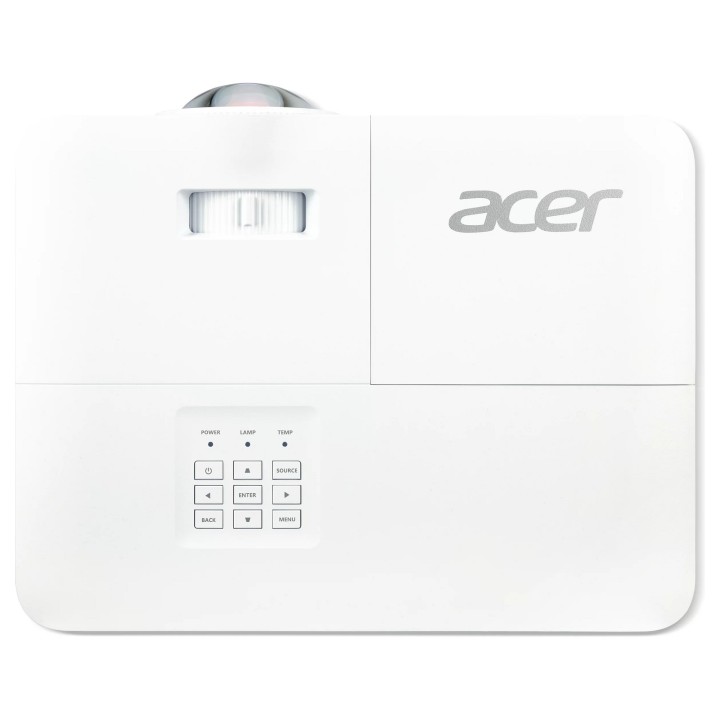
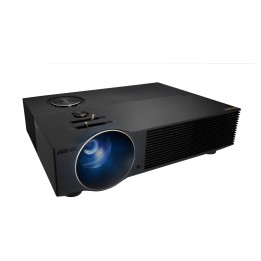
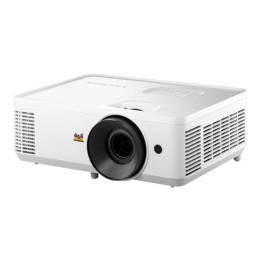
Projektor H6518STi DLP ST FHD/3500AL/10000:1/2.95kg
Opis produktu
H6518STi
Przedstawiamy doskonały krótkoogniskowy projektor do zastosowań domowych, wyświetlający naturalny obraz w rozdzielczości FHD o jasności na poziomie 3500 lumenów. Nawet z odległości 1,1 m od ekranu pozwala wyświetlić obraz o przekątnej 100 cali z telefonu lub komputera, bez konieczności podłączania kabli lub instalowania specjalnych aplikacji. Technologia LumiSense chroni oczy oglądających przed zmęczeniem, dostosowując jasność w oparciu o warunki w pomieszczeniu, a BlueLightShield ogranicza ilość niebieskiego światła.
Specyfikacja
- Model: H6518STi
- Projekcja (projektory): Krótkoogniskowa
- Technologia wyświetlania: DLP
- Źródło światła (projektory): Standard
- Rozdzielczość: 1920 x 1080 (FHD 1080)
- Jasność: 3500 ANSI Lumenów
- Kontrast statyczny: 10 000:1
- Zoom: 2,0x
- Minimalna przekątna obrazu: 1.143 m
- Maksymalna przekątna obrazu: 7.7 m
- Minimalna odległość ekranu: 0.5 m
- Maksymalna odległość ekranu: 3.4 m
- Proporcje obrazu: 16:9
- Ilość kolorów: 1,07 mld
- Częstotliwość pozioma min.: 15 kHz
- Częstotliwość pozioma max.: 100 kHz
- Częstotliwość pionowa min.: 24 Hz
- Częstotliwość pionowa max.: 120 Hz
- Trwałość źródła światła: 5000 h
- Trwałość źródła światła (ECO): 10000 h
- Audio: Tak
- Komunikacja bezprzewodowa: Opcjonalna
- Gniazda we/wy: 1 x 15-pin D-Sub
- Poziom hałasu: 36 dB
- Pobór mocy: 290 W
- Kolor (wyliczeniowy): Biały
- Wymiary: 100.2 x 313 x 255.3 mm
- Waga: 2.95 kg
- Uwaga: CE+WEEE

Szczegóły produktu
- Marka Acer
- Kod produktu 660fbf7a71a267703cb56348
- Dostępność 5 Przedmioty
- EAN13 4710180941937
- MPN MRJSF11001
Specyfikacja
- Rozdzielczość natywna 1920 × 1080
- Rodzaj projektora Krótkoogniskowa
- Technologia projekcji DLP
- Jasność ANSI (lm) 3500 lm
Producent
Producent
Acer Poland Sp. z o.o.
ul. Graniczna 8D/E, 54-610 Wrocław 54-610 Wrocław Poland
E-mail: contact.pl@acer.com
Formularz kontaktowy: https://www.acer.com/pl-pl/support/contact-acer/service-contact
Telefon: +48 22 209 89 88
Osoba odpowiedzialna w UE
Acer Poland Sp. z o.o.
ul. Graniczna 8D/E, 54-610 Wrocław 54-610 Wrocław Poland
E-mail: contact.pl@acer.com
Formularz kontaktowy: https://www.acer.com/pl-pl/support/contact-acer/service-contact
Telefon: +48 22 209 89 88
Bezpieczeństwo
Informacje o bezpieczeństwie
List of projector safety warnings based on the requirements of General Product Safety Regulation (EU) 2023/988 (GPSR): 1. Risk of electric shock: * Make sure the projector is connected to an outlet with grounding. * Do not touch the plug or power cable with wet hands. * Avoid using the projector in damp rooms. 2. Risk of overheating: * Provide adequate ventilation around the projector while maintaining at least 50 cm of free space. * Do not block ventilation openings. * Do not place the projector on soft surfaces such as blankets or pillows. 3. Fire risk: * Use only original chargers and accessories recommended by the manufacturer. * Do not leave the projector on unattended near flammable materials. 4. Risk of eye damage: * Do not look directly into the projector light. * Set the projector at a safe distance from viewers to avoid eye strain. 5. Projector Drop Risk: * Use the projector on a stable surface. * Make sure the ceiling mount is suitable for the weight of the projector and properly mounted. 6. Risk of hearing damage: * Set projector volume to safe. * Avoid prolonged listening to loud noises. 7. Hazards at high temperatures: * Do not expose the projector to direct sunlight. * Avoid using the projector at temperatures above the recommended range. 8. Risk of damage during cleaning: * Before cleaning, disconnect the projector from the power supply and use a soft, slightly damp cloth. * Avoid using strong detergents that can damage the surface of the projector. 9. Caution when replacing accessories: * Use only the accessories recommended by the manufacturer. * If replacing the lamp, follow the manufacturer's instructions and do not expose the lamp to high temperatures. 10. Warnings for children: * Keep power cables out of reach of children. * Make sure your kids don’t play with the projector or accessories that can be dangerous. 11. Transport * Before transportation, make sure the projector cools down and is well packed to avoid mechanical damage. 12. Other hazards: * Do not try to repair the projector yourself. Turn to a qualified service. * Do not use the projector near flammable substances.
Projektory
Ostatnio oglądane
Produkty, które ostatnio zwróciły Twoją uwagę.