- Nowy
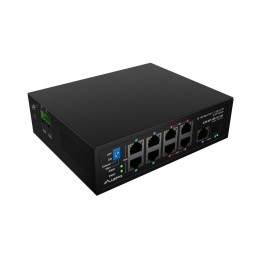
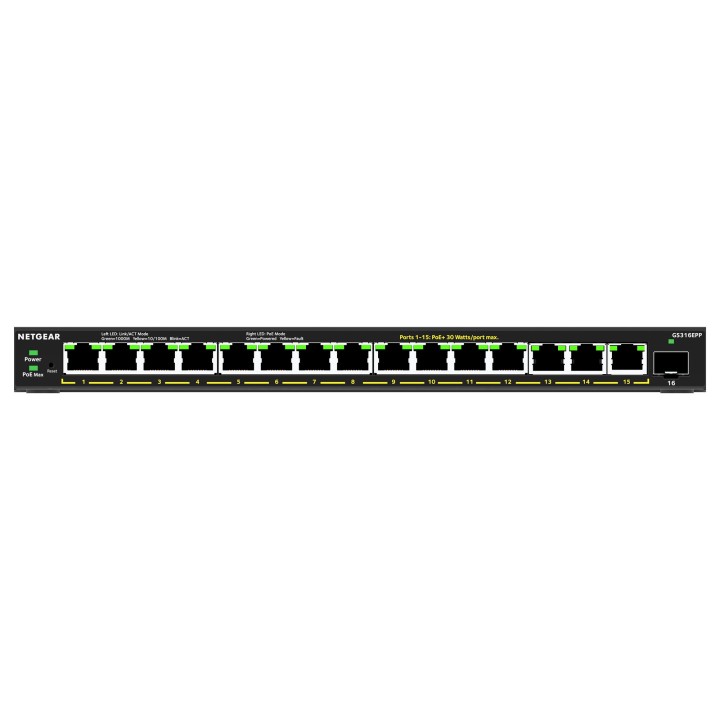
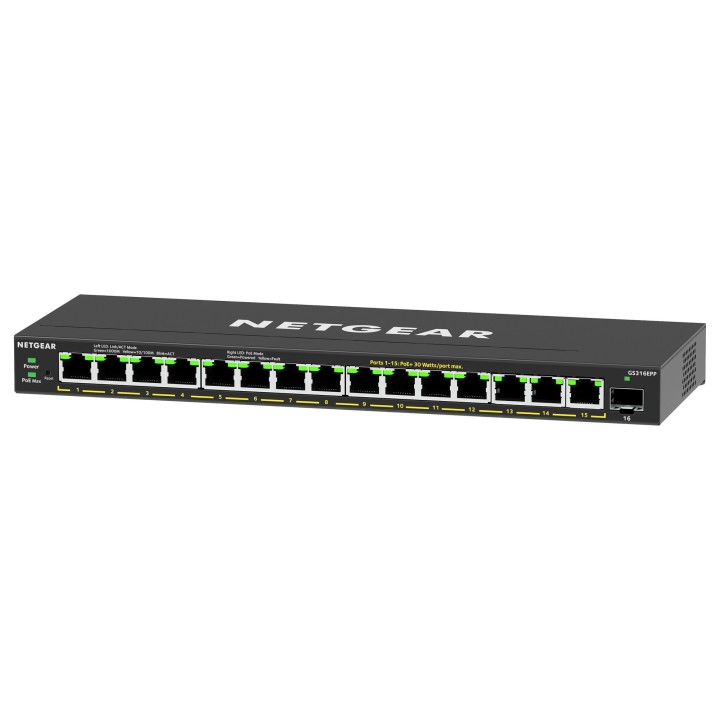
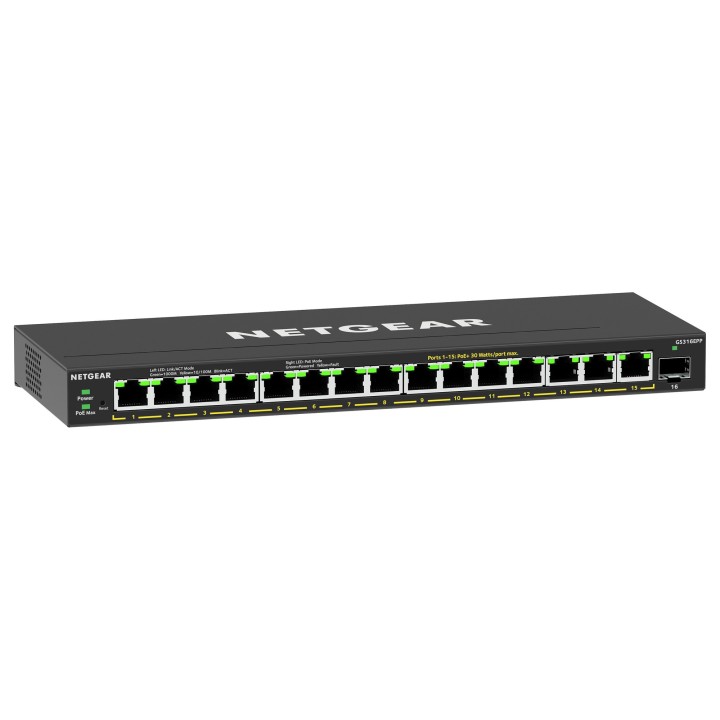
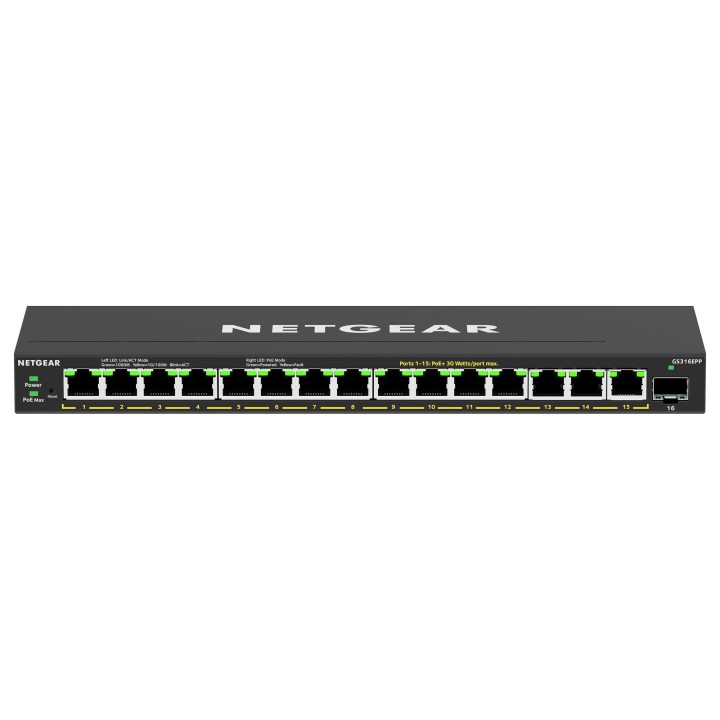
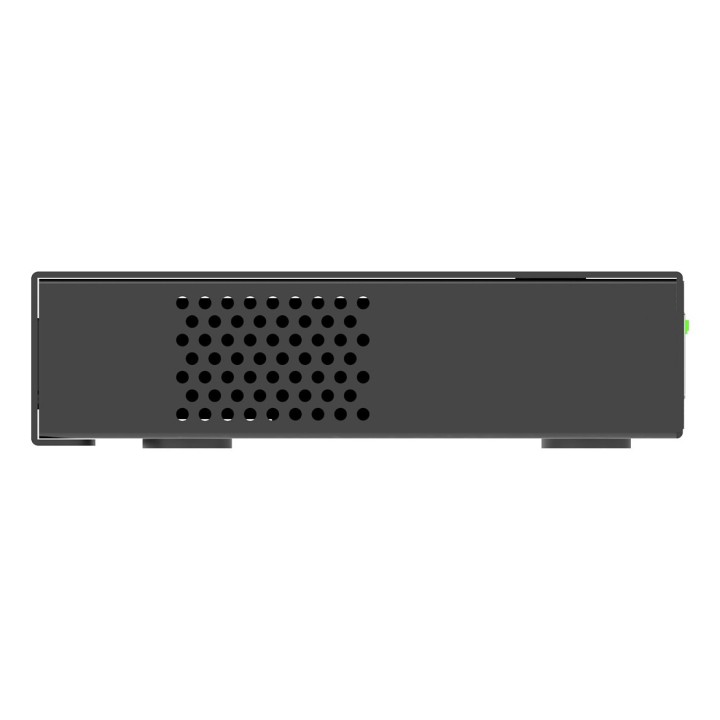
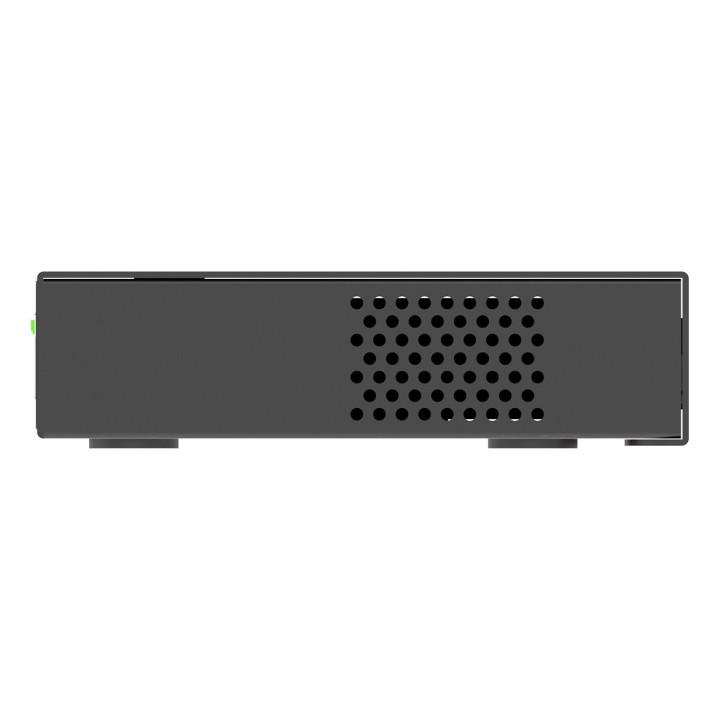

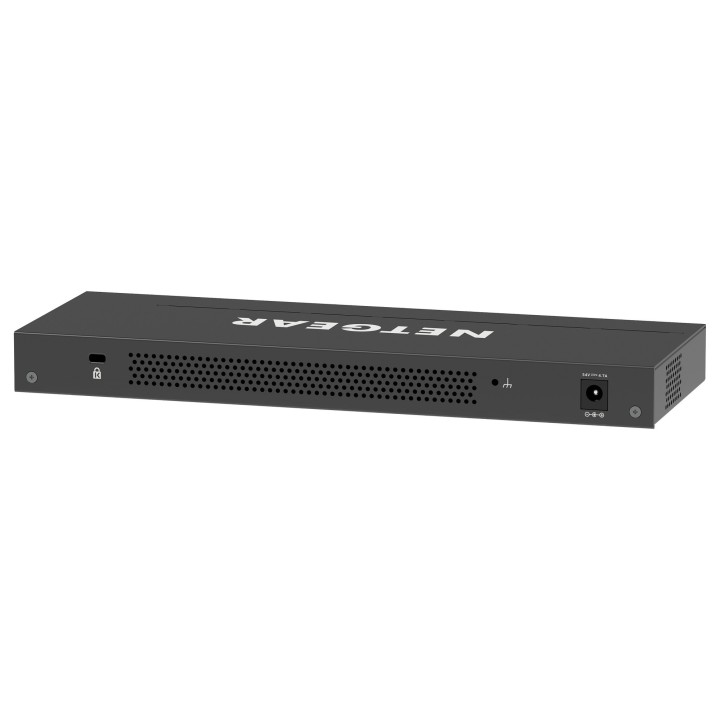
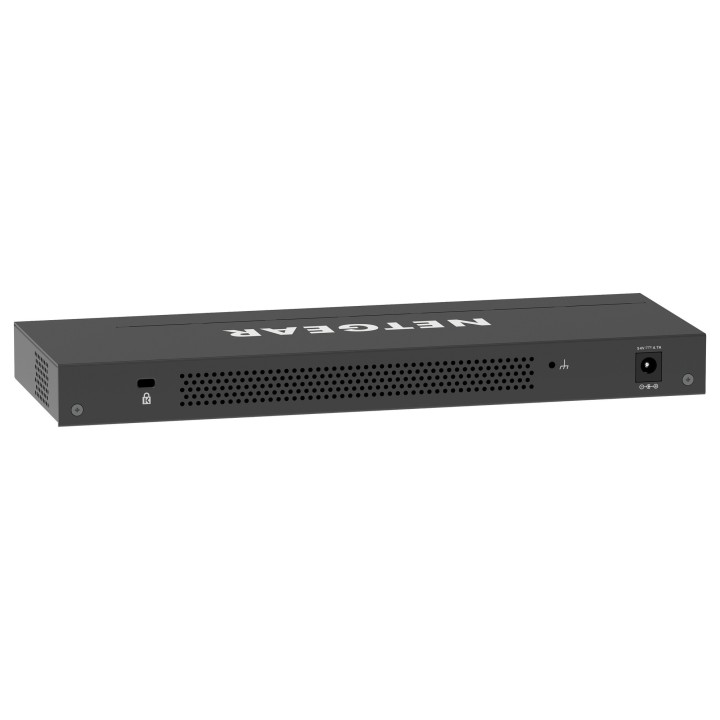
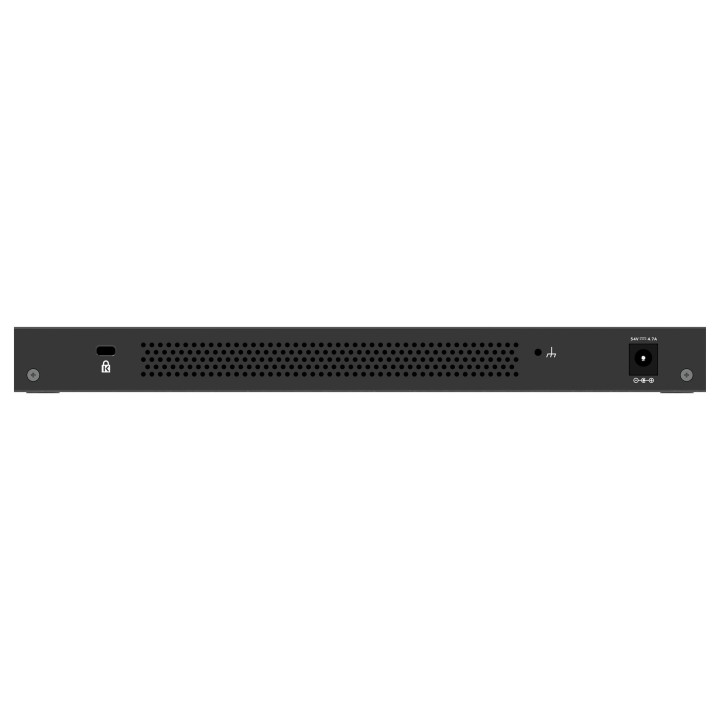
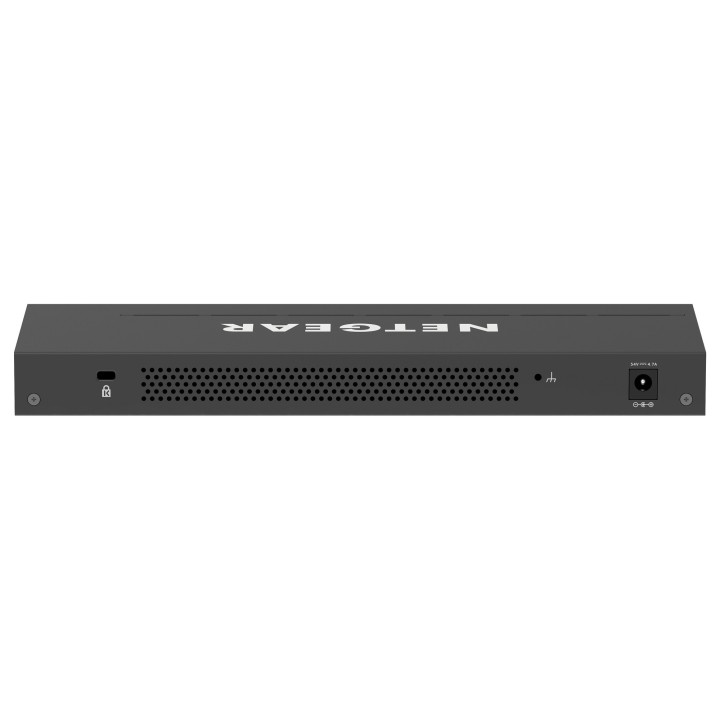
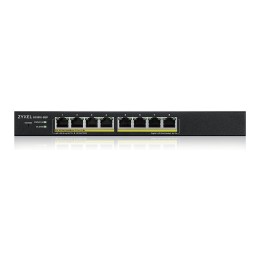
16-portowy przełącznik PoE+ Gigabit Ethernet Plus o dużej mocy (231W) z 1 Port SFP
Gigabit Ethernet
Każdy z 16 portów zapewnia do 1000 Mb/s dedykowanej, nieblokującej przepustowości.
Obsługa PoE+
15 portów PoE+ zapewnia łącznie 231 W mocy, dzięki czemu możesz zasilać i podłączać swoje urządzenia jednym przewodem.
Zaawansowane sterowanie PoE
Zarządzanie priorytetami PoE, limitem zasilania PoE na port, planowaniem PoE i innymi funkcjami w celu zapewnienia prostej kontroli nad wszystkimi urządzeniami zasilanymi przez PoE.
Przełączanie bez blokowania
Sieć szkieletowa o szybkości łącza 10 Gb/s (10/100/1000 Mb/s) zapewnia łączność z urządzeniami bez ograniczeń.
Konstrukcja bez wentylatora
Cicha praca sprawia, że ten przełącznik jest idealny do środowisk wrażliwych na hałas.
Wszechstronne opcje montażu
Zainstaluj przełącznik na pulpicie lub zamontuj go na na ścianie za pomocą elementów montażowych dostarczonych w opakowaniu.
NETGEAR International Limited
6th Floor, Penrose Two, Penrose Dock T23 YY09 Cork Ireland
E-mail: emea.orders@netgear.com
Formularz kontaktowy: https://www.netgear.com/support/
Telefon: +353 (0)4089 078000
List of safety warnings for network equipment based on the requirements of General Product Safety Regulation (GPSR) 2023/988: 1. Risk of electric shock: * Make sure that the device is connected to a working socket with grounding. * Do not touch the plug or cable with wet hands. * Avoid using the device in places with high humidity. 2. Risk of overheating: * Provide adequate ventilation while maintaining at least 5 cm of free space around the device. * Do not block ventilation openings and avoid putting network equipment on soft surfaces such as blankets or pillows. 3. Fire risk: * Use only original power supplies and accessories recommended by the manufacturer. * Do not leave the device on unattended near flammable materials. 4. Risk of bodily injury: * Use the device on a stable surface to minimize the risk of falling. 5. Hazards in humid environments: * Do not use network equipment outdoors in rain or in places with high humidity. * If the device is flooded, immediately disconnect it from the power source and contact the service. 6. Hazards at high temperatures: * Do not expose the device to direct sunlight. * Avoid using network equipment at temperatures above the recommended range (usually 5-35°C). 7. Risk of damage during cleaning: * Before cleaning, disconnect the device from the power supply and use a soft, slightly damp cloth. * Avoid using strong detergents that can damage the surface of the device. 8. Caution when replacing accessories: * Use only the accessories recommended by the manufacturer. * When replacing batteries, follow the manufacturer's instructions and do not expose the battery to high temperatures. 9. Risks associated with battery use: * Avoid damage to the battery by impact or puncture. * If the battery overheats or swells, stop using the device immediately. 10. Warnings for children: * Keep power cables out of reach of children. * Make sure that children do not play with the device or accessories that can be dangerous. 11. Electromagnetic interference: * Using network equipment near medical devices such as pacemakers can cause electromagnetic interference. * Maintain a distance of at least 15 cm between network equipment and medical devices. 12. Fire hazard: * Storing network equipment near flammable materials or using non-original power supplies may increase the risk of fire. * Use your smartphone away from fabrics, paper, and other flammable materials. 13. Regular maintenance: * Failure to regularly clean ports and sockets can lead to damage or failure. * Clean ports and sockets regularly using a dry and clean cloth, avoiding moisture input.
Produkty, które ostatnio zwróciły Twoją uwagę.