- Nowy
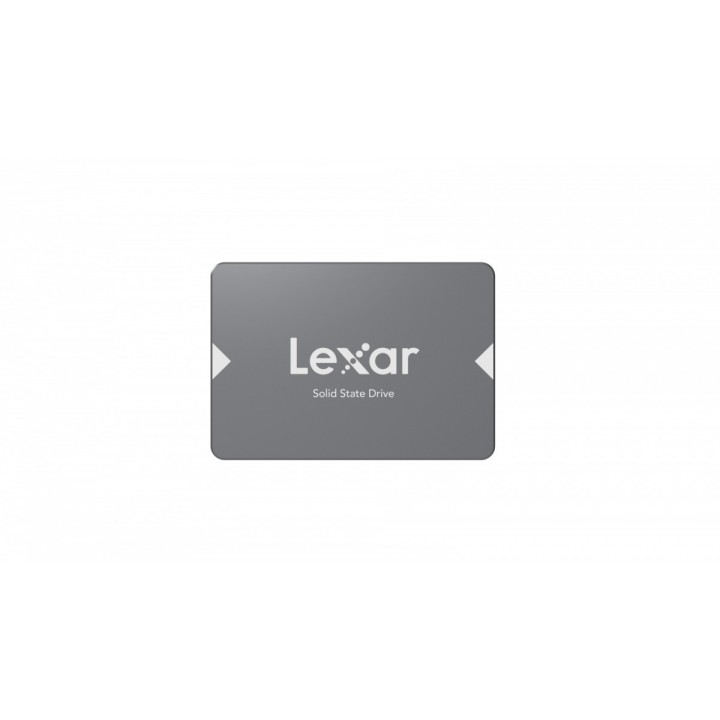
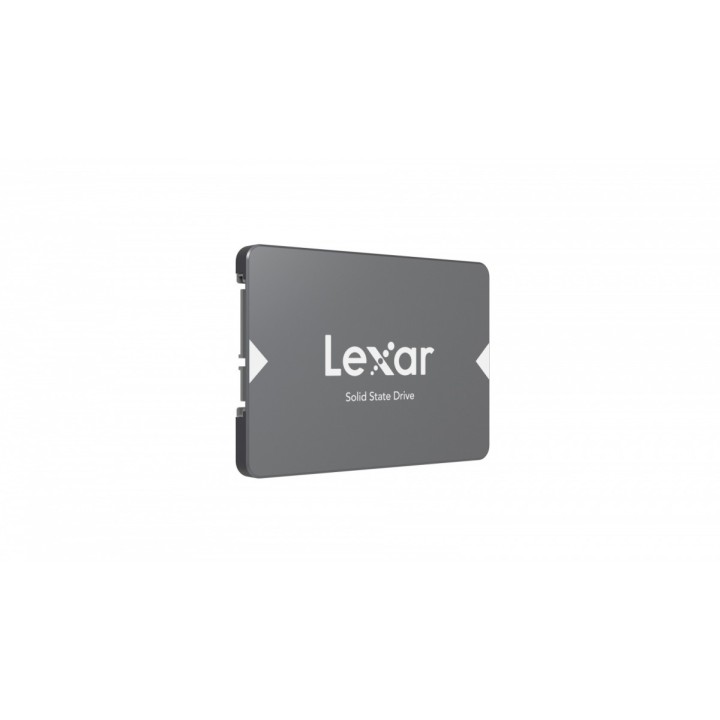
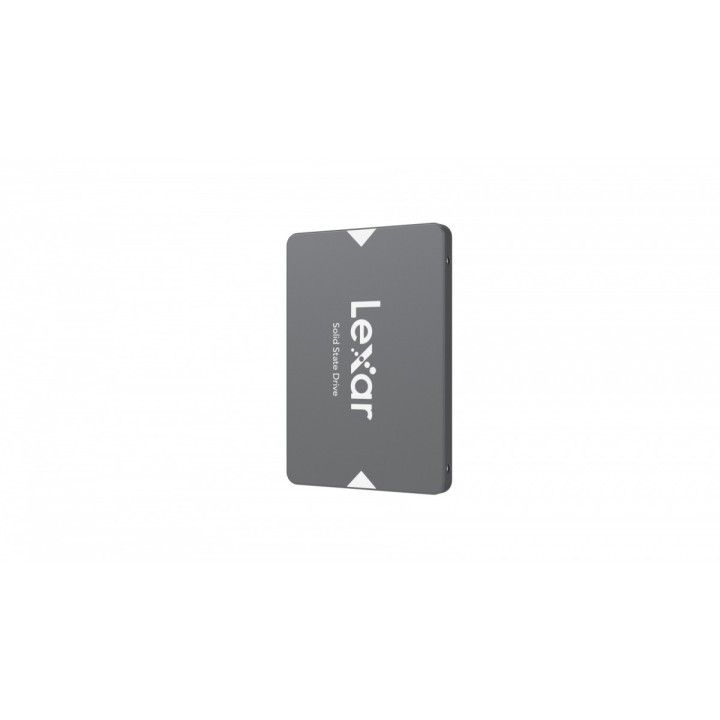
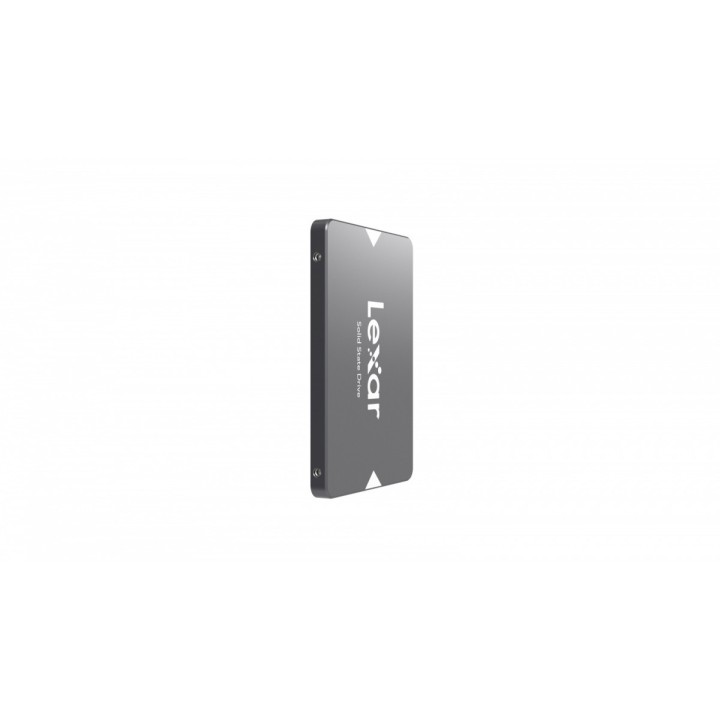
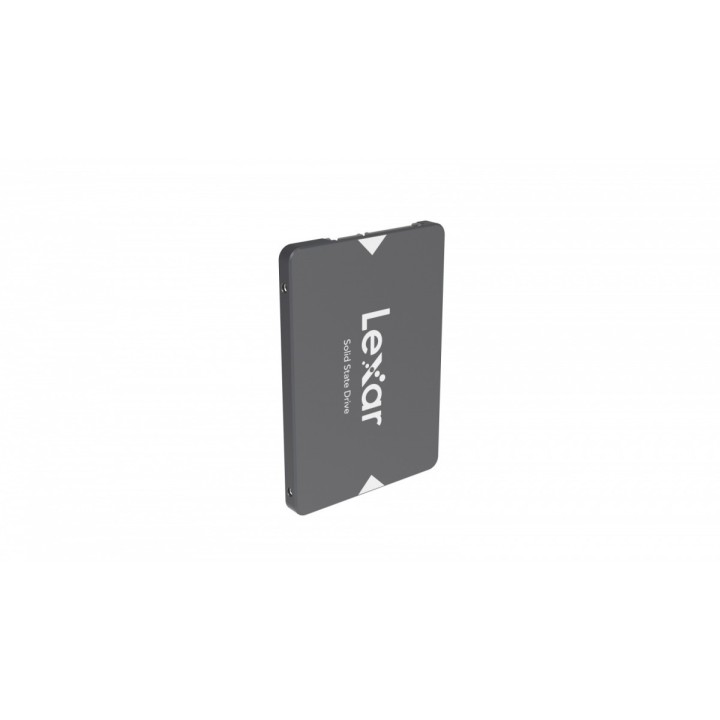
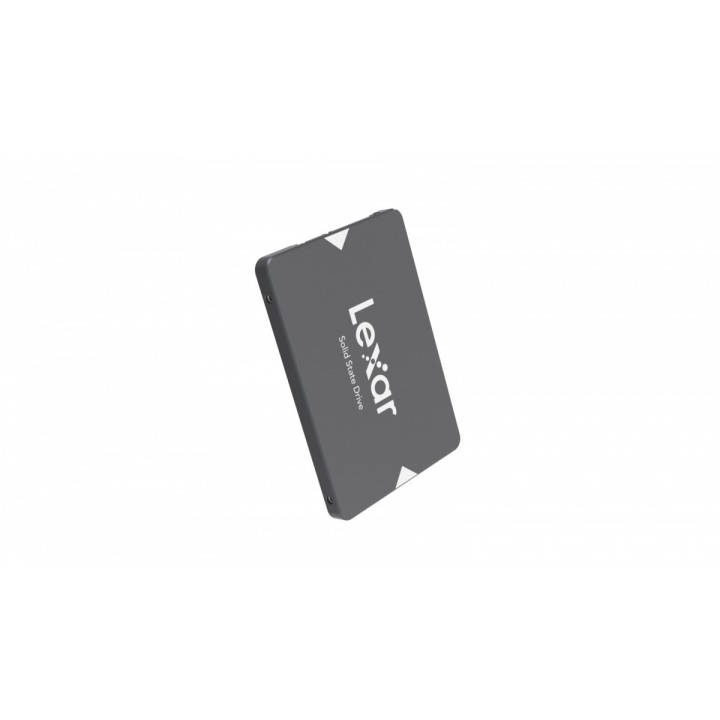
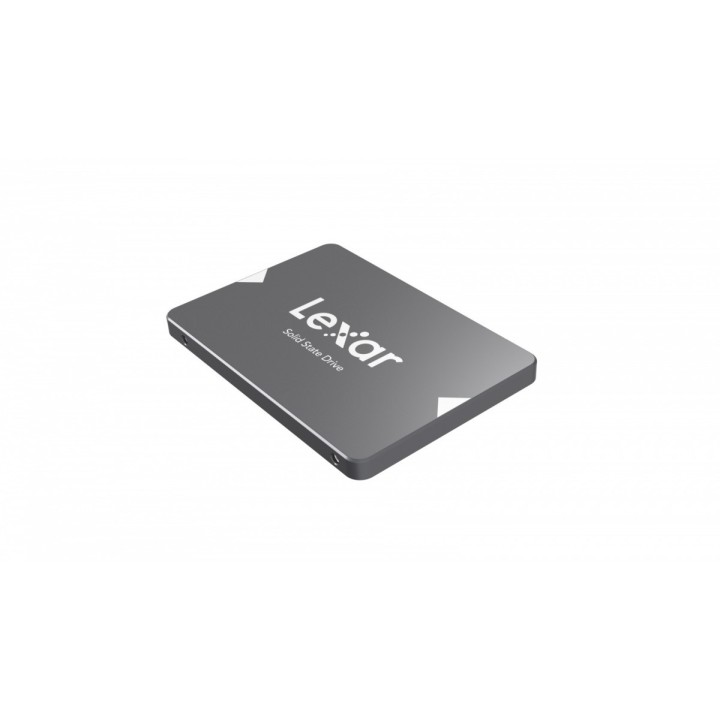
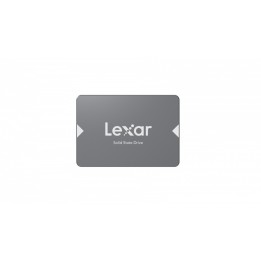
LEXAR NS100 256GB SATA III 2.5" 7mm
Lexar Europe B.V.
Grevelingstraat 40 2161 WG Lisse Holandia
E-mail: info-europe@lexar.com
Formularz kontaktowy: https://www.lexar.com/global/support/
Telefon: +31 628 305 357
Lexar Europe B.V.
Grevelingstraat 40 2161 WG Lisse Netherlands
E-mail: info-europe@lexar.com
Formularz kontaktowy: https://www.lexar.com/global/support/
Telefon: +31 628 305 357
List of SSD security warnings based on General Product Safety Regulation (GPSR) 2023/988 requirements: * Before installing or disassembling an SSD, make sure your computer is turned off and disconnected from power. * When installing an SSD, use the appropriate tools and screws to avoid damaging your drive or computer. * Do not open the SSD enclosure as this may result in loss of warranty and damage to the drive. * Protect your SSD from moisture, dust, and extreme temperatures. * Use SSD management software according to the manufacturer's instructions to monitor its health and performance. * Regularly back up data from your SSD to avoid data loss in the event of a drive failure. * Do not disassemble the SSD while writing or reading data, this can lead to data loss. * Do not expose your SSD to shocks, drops, or other mechanical damage. * Once usage is complete, delete data from the SSD securely to prevent unauthorized access to the data. * Follow the rules for the safe handling of electronic waste when disposing of an SSD.