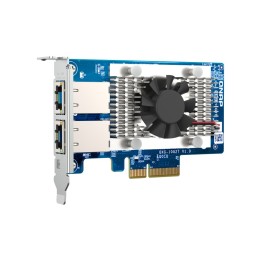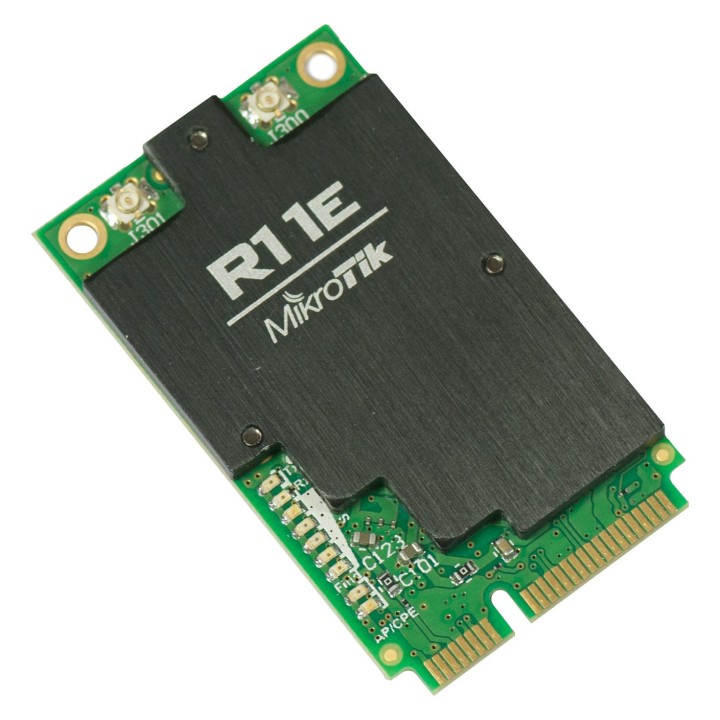
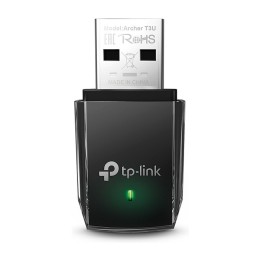
Karta sieciowa Wireless Card 2GHz R11e-2HnD
Opis produktu
R11e-2HnD to niskoprofilowa, niższa moc naszej karty miniPCIe 2,4 Ghz - ma mały radiator, złącze u.Fl i mniejszą moc wyjściową. Niski profil jest przydatny, jeśli musisz zainstalować kartę w urządzeniu, takim jak laptop.
Specyfikacja
- Typ karty sieciowej: WiFi
- Interfejs: miniPCIe
- Pasma (sieci drobne): 2,4 GHz
- Standardy sieciowe: 802.11b
- Liczba anten (sieci drobne): 2-złącza na anteny
- Pozostałe parametry: Może być używany w pomieszczeniach: Tak Może być używany na zewnątrz: Tak Certyfikacja: FCC, IC Złącze: uFl Format: miniPCIe Maksymalny pobór mocy: 4,6 W Rozmiar pamięci: 4 KB Typ pamięci: FLASH Testowana temperatura otoczenia: -40C do +65C Generacja Wi-Fi: Wi-Fi 4 Bezprzewodowe 2,4 GHz Maksymalna szybkość transmisji danych: 300 Mbit/s Model układu bezprzewodowego 2,4 GHz: AR9582 Generacja bezprzewodowa 2,4 GHz: Wi-Fi 4 Liczba łańcuchów bezprzewodowych 2,4 GHz: 2 Standardy łączności bezprzewodowej 2,4 GHz: 802.11b/g/n Standardy bezprzewodowe: 802.11b/g/n
- Uwaga: CE+WEEE
Szczegóły produktu
- Marka Mikrotik
- Kod produktu 660fbfc371a267703cb5c907
- Dostępność 29 Przedmioty
- EAN13 4752224002570
- MPN R11e-2HnD
Specyfikacja
- Interfejs do komputera RF Wireless
Producent
Producent
Mikrotikls SIA
Ūnijas iela 2 LV-1039 Rīga Latvia
E-mail: support@mikrotik.com
Formularz kontaktowy: https://mikrotik.com/support
Telefon: +371 67317700
Bezpieczeństwo
Informacje o bezpieczeństwie
List of network card security warnings based on the requirements of General Product Safety Regulation (GPSR) 2023/988: * Make sure that the installation of the network adapter complies with the manufacturer’s instructions. Incorrect installation can lead to damage to your device or computer. * Before installing or disassembling the network card, turn off the computer and disconnect it from power. * Protect your network card from moisture and extreme temperatures. Do not use it in places where it may be exposed to water or direct sunlight. * Use the network adapter for its intended purpose. Do not try to modify or repair it on your own. * Regularly check that the network card is properly attached to the motherboard slot. A loose connection can cause network problems. * Make sure your network adapter drivers are up to date. Outdated drivers can lead to compatibility and security issues. * Use a dry, soft cloth when cleaning the network card. Avoid using cleaning products that can damage components. * If your network card has an antenna, make sure it is properly attached and undamaged. A damaged antenna can affect signal quality. * Pay attention to sharp edges or card components that may pose a potential injury hazard during installation or disassembly. * If your network card has electronic components, keep it away from children.