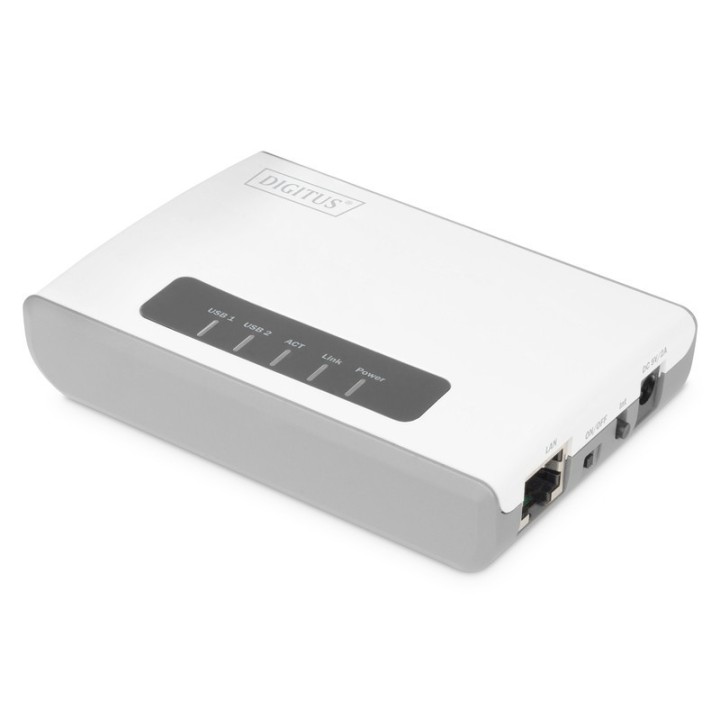
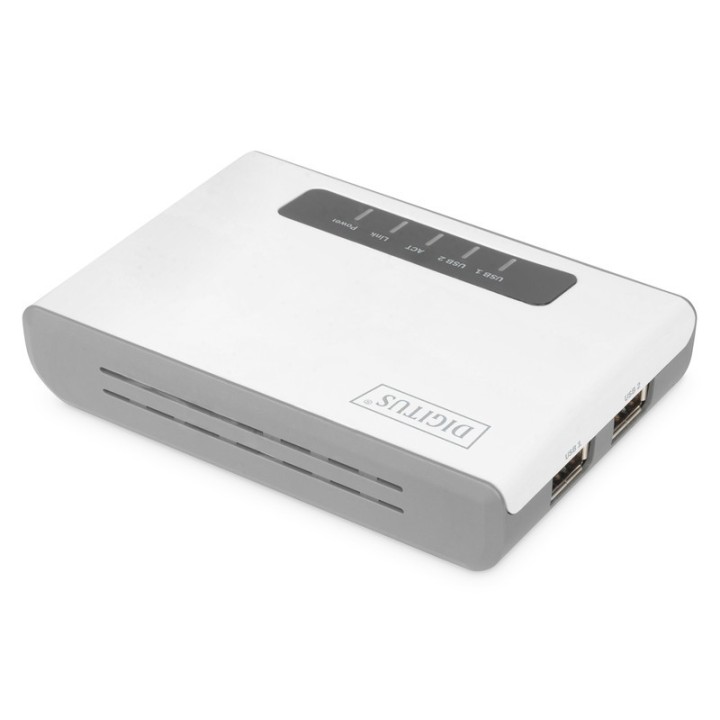
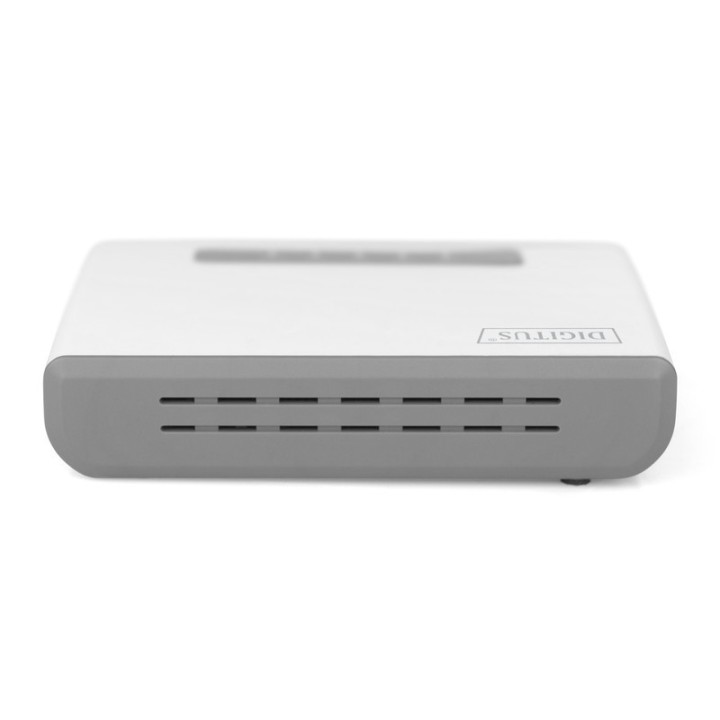
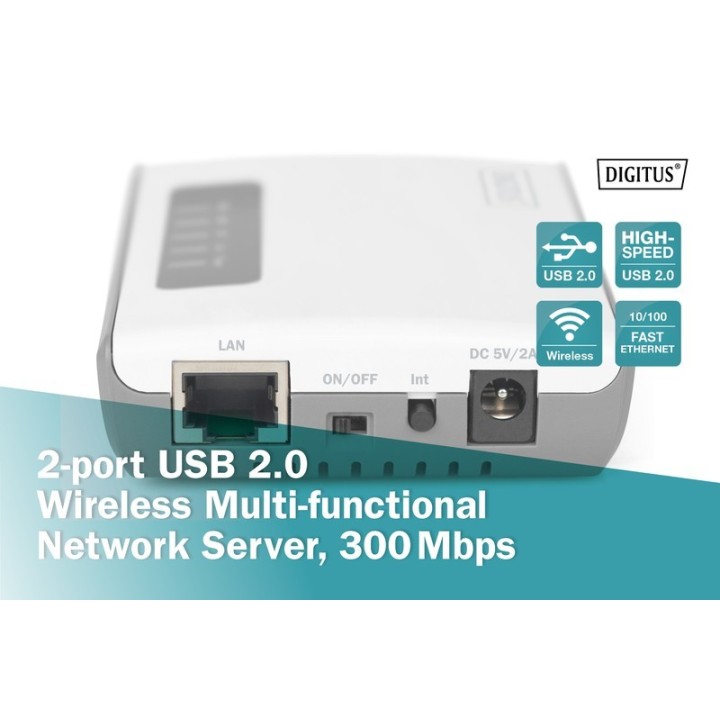
Dzięki 2-portowemu, wielofunkcyjnemu, bezprzewodowemu serwerowi sieciowemu USB 2.0 marki DIGITUS można obsługiwać urządzenia USB bez podłączania ich bezpośrednio do komputera PC lub notebooka. Uzyskaj dostęp do urządzeń USB w dowolnym miejscu w sieci lokalnej, zsynchronizuj smartfony lub zainstaluj zdalnie sterowniki drukarki. Ponadto przez sieć można uzyskać dostęp do pamięci kompatybilnych urządzeń USB, na przykład drukarek wielofunkcyjnych lub zewnętrznych dysków twardych. Ten serwer sieciowy osiąga prędkości do 300 Mbps i można dzięki niemu podłączyć bezprzewodowo wszystkie urządzenia obsługujące USB. Podłączone urządzenia końcowe i wielofunkcyjny, bezprzewodowy serwer sieciowy można konfigurować w szerokim zakresie przy użyciu przyjaznego dla użytkownika interfejsu internetowego. Zmień dowolne kompatybilne urządzenie USB w urządzenie sieciowe i obsługuj je zdalnie.
- Zmień urządzenia USB w sieciowe urządzenia końcowe z dostępem przez WLAN do 300 Mb/s (2T2R)
- Serwer wydruku idealny do drukarek wielofunkcyjnych
- NAS Połącz nośniki danych i zmień serwer w serwer sieciowy NAS. Uzyskaj dostęp do swoich danych przez sieć lub Internet. Gdziekolwiek chcesz!
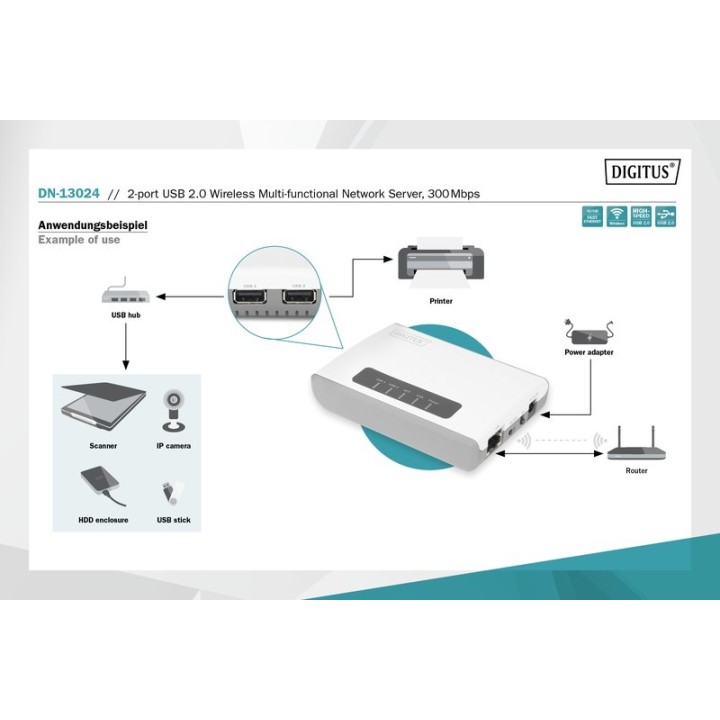
- Sieciowy koncentrator USB połącz urządzenia USB przez sieć! Koniec z uciążliwymi kablami dla mobilnych użytkowników!
- Obsługuje wszystkie typy drukarek, skanerów, napędów DVD, nośników danych, aparatów fotograficznych, kamer internetowych, cyfrowych tunerów telewizyjnych, iPodów, iPadów, iPhone'ów i wiele innych...
- Bezprzewodowe połączenie pomiędzy drukarkami USB a wieloma urządzeniami sieciowymi
- Łatwa instalacja poprzez przeglądarkę internetową oraz przyjazny interfejs internetowy
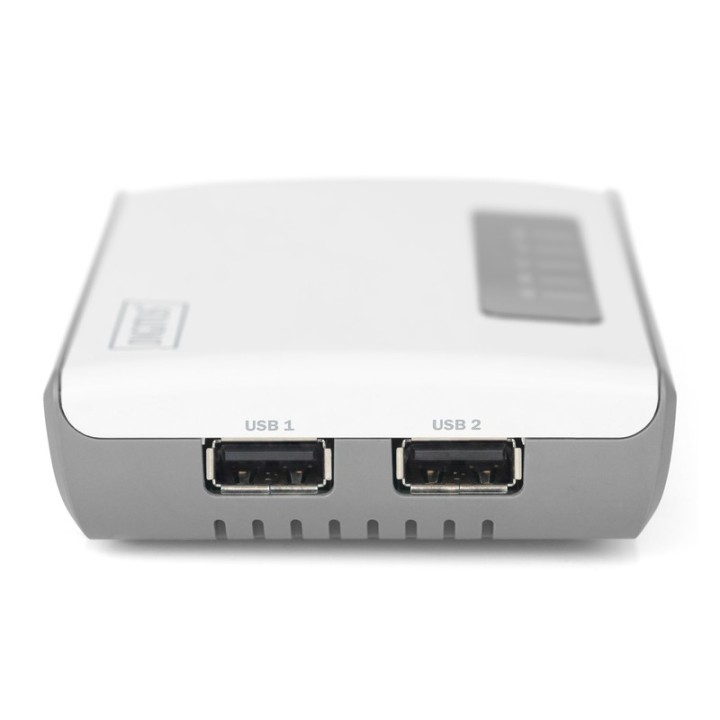
- Posiada miejsce na 2 urządzenia USB (maks. 128 urządzeń z odpowiednim koncentratorem)
- Obsługiwane systemy operacyjne: Windows 7, 8, 10, macOS X 10.7 Lion, macOS X 10.8 Mountain Lion, macOS X 10.9 Mavericks, macOS X 10.10 Yosemite, macOS X 10.11 El Capitan, macOS X 10.12 Sierra, macOS X 10.13 High Sierra, macOS X 10.14.Mojave
Specyfikacja
- Port drukarki: 1 x USB Type A
- Porty we/wy (sieciówka drobna): 1 x 10/100 Mbit/s
- Standardy sieciowe: 802.11b
- Protokoły sieciowe: IPv4 TCP/IP
- Zarządzanie, monitorowanie, konfiguracja: TFTP, DHCP, HTTP, aktualizacja oprogramowania układowego, restart, reset
- Obsługiwane systemy operacyjne: Windows 10
- Akcesoria w zestawie: Zasilacz CD-ROM Skrócona instrukcja
- Kolor (wyliczeniowy): Biały
- Wymiary: 103 x 69 x 28 mm (dł. x szer. x wys.)
- Waga: 89.8 g
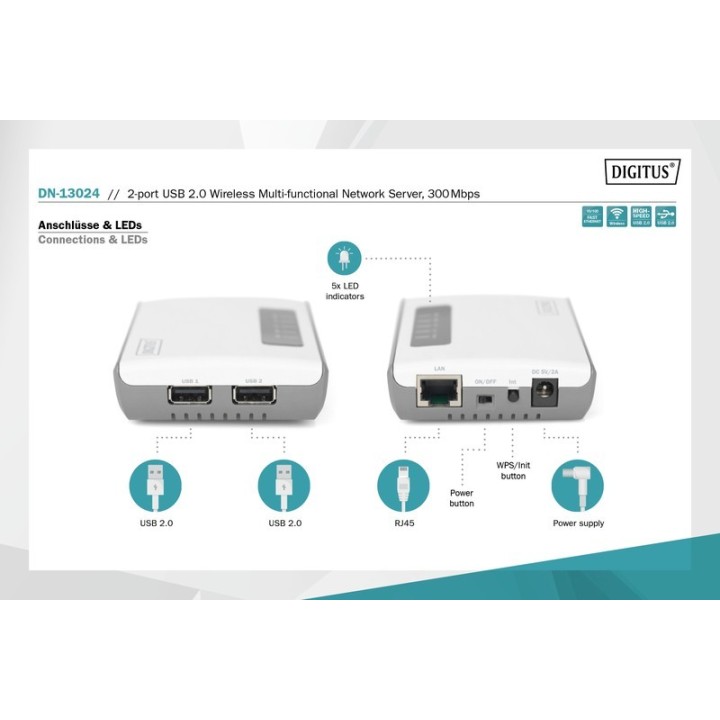
- Pozostałe parametry: Dostęp do miejsc w pamięci drukarek wielofunkcyjnych przez sieć Dostęp do pamięci USB przez sieć Synchronizacja iTunes z iPhon'em/iPadem przez sieć Instalacja sterowników drukarki także przez sieć LAN: 10/100 Mbps Bezprzewodowy LAN: do 300 Mbps, standard IEEE802.11b/g/n 2T2R Bezpieczne szyfrowanie 64/128-bitowe WEP, WPA lub WPA2. Łatwa instalacja poprzez przeglądarkę internetową Porty USB A: 2 x USB 2.0 (High Speed) Pamięć robocza: 64 MB Wskaźniki LED: Power, LINK, ACT, USB1, USB2 Wbudowany procesor: 580 MHz Zasilanie: 5 V / 2 A (wtyczka DC) Kompatybilność z NetUSB Obsługa rozszerzenia koncentratora USB Maksymalna liczba urządzeń USB: 128 (z koncentratorem) Zasilacz: 100 ~ 240 V AC, 50/60 Hz / wyjście: 5 V DC, 2 A
- Uwaga: CE+WEEE