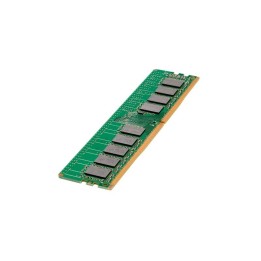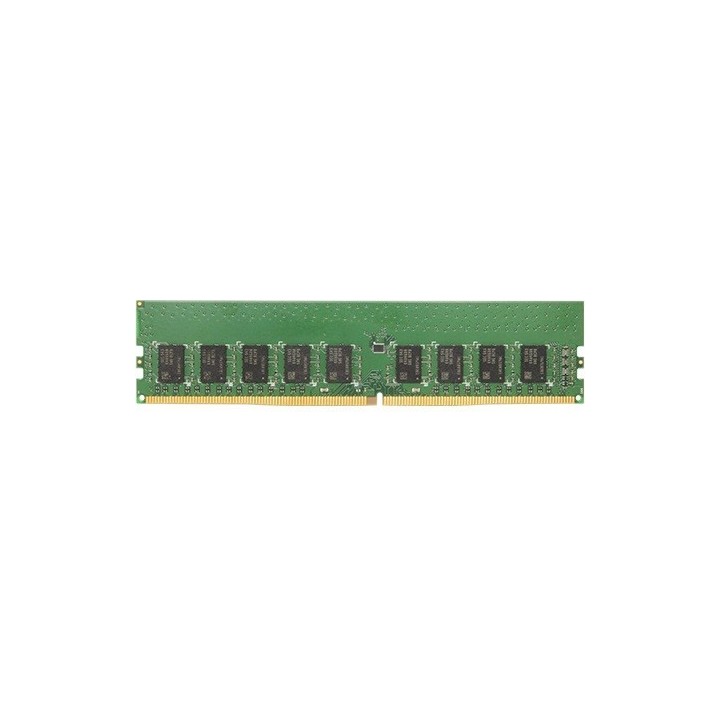
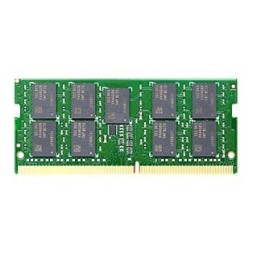
Pamięć DDR4 8GB ECC DIMM D4EU01-8G Unbuffered
Opis produktu
Pamięć DDR4 8GB ECC DIMM D4EU01-8G Unbuffered
Zawsze wybieraj oryginalne moduły pamięci Synology u dystrybutorów, aby zapewnić sobie optymalną zgodność i niezawodność. Instalacja modułów pamięci innych niż określone przez Synology może prowadzić do niestabilności lub awarii systemu. Firma Synology nie zapewnia całkowitej gwarancji na produkt lub pomocy technicznej, jeżeli do rozbudowy pamięci użyto modułów innych niż te firmy Synology.
Specyfikacja
- Rodzaj pamięci: DDR4
- Całkowita pojemność pamięci: 8 GB
- Liczba pamięci w zestawie: 1
- Obsługa ECC: Tak
- Radiator : Nie
- Pasuje do: Seria FS: FS2500
- Uwaga: CE+WEEE
Szczegóły produktu
- Marka Synology
- Kod produktu 660fc11a71a267703cb77728
- Dostępność 10 Przedmioty
- EAN13 4711174724420
- MPN D4EU018G
Producent
Producent
Synology GmbH
Grafenberger Allee 125 40237 Düsseldorf Niemcy
E-mail: pl_sales@synology.com
Formularz kontaktowy: https://www.synology.com/company/contact_us
Osoba odpowiedzialna w UE
Synology GmbH
Allee 295 40237 Düsseldorf Germany
E-mail: pbiel-ext@synology.com
Formularz kontaktowy: https://www.synology.com/form/inquiry/product
Telefon: +49 211 9666 9666
Bezpieczeństwo
Informacje o bezpieczeństwie
List of RAM security warnings based on the requirements of Regulation (EU) 2023/988 on General Product Safety (GPSR) 1. Risk of hardware damage: * Make sure you shut down your computer before installing or disassembling RAM to avoid electrical damage. * Check the compatibility of RAM with your computer's motherboard to avoid problems with system operation. 2. Risk of cuts: * Be careful when manipulating RAM to avoid cuts to sharp edges. 3. Electrostatic hazard: * Protect your RAM from electrostatic discharge (ESD) that can damage electronic components. Use an antistatic band and work on an antistatic surface. 4. Risk of incorrect assembly: * Thoroughly insert RAM modules into the sockets to ensure proper connection and avoid problems with system operation. 5. Overheating: * Provide adequate ventilation in the computer case to prevent overheating of RAM, which can lead to unstable system operation. 6. Voltage: * Make sure the voltage settings in the BIOS are appropriate for the installed RAM to avoid damage or malfunction. 7. Hazard for children: * Keep RAM out of reach of children to prevent ingestion of small items. 8. Suitable use: * Use RAM for its intended purpose, avoid extreme conditions that can lead to damage. 9. Disassembly: * Carefully disassemble the RAM so as not to damage the modules or sockets on the motherboard. 10. Disposal: * Dispose of used RAM in accordance with local e-waste recycling regulations.
Podzespoły serwerowe
Ostatnio oglądane
Produkty, które ostatnio zwróciły Twoją uwagę.