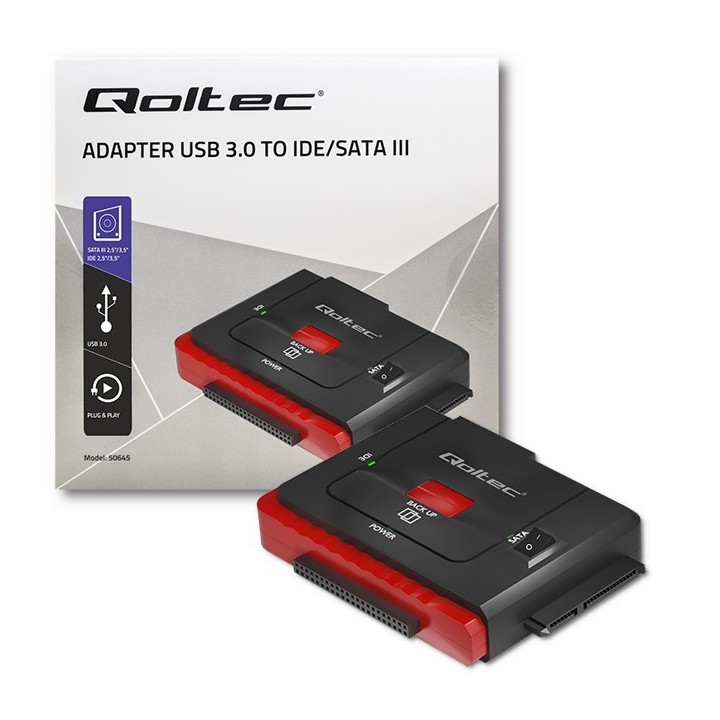
Adapter USB 3.0 do IDE | SATA III

Cena: 116,49 zł
Brutto
Dostępność produktu: Dostępny 4 szt.
Czas dostawy Wysyłka w ciągu 2 dni roboczych
Koszt dostawy Bezpłatna dostawa od 250 zł.

Opis produktu

Innowacja w Twoim domu
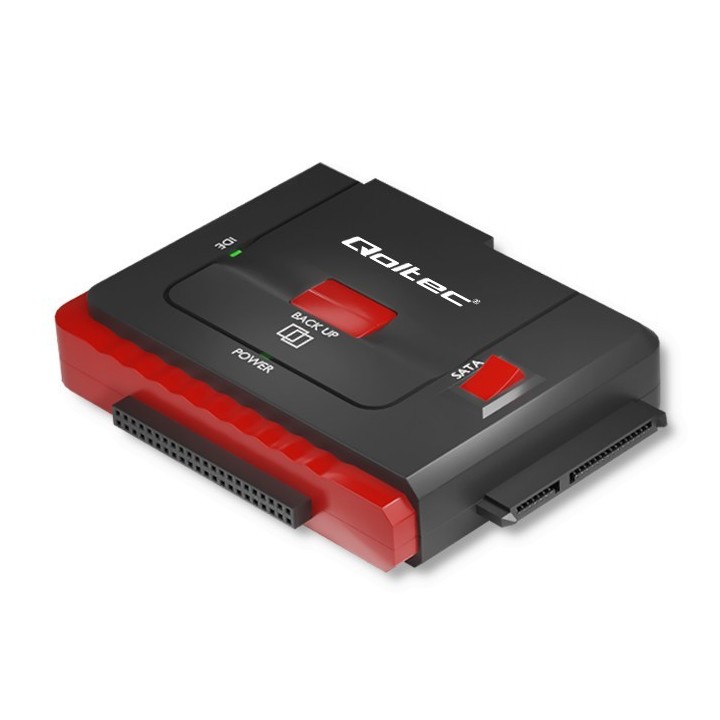
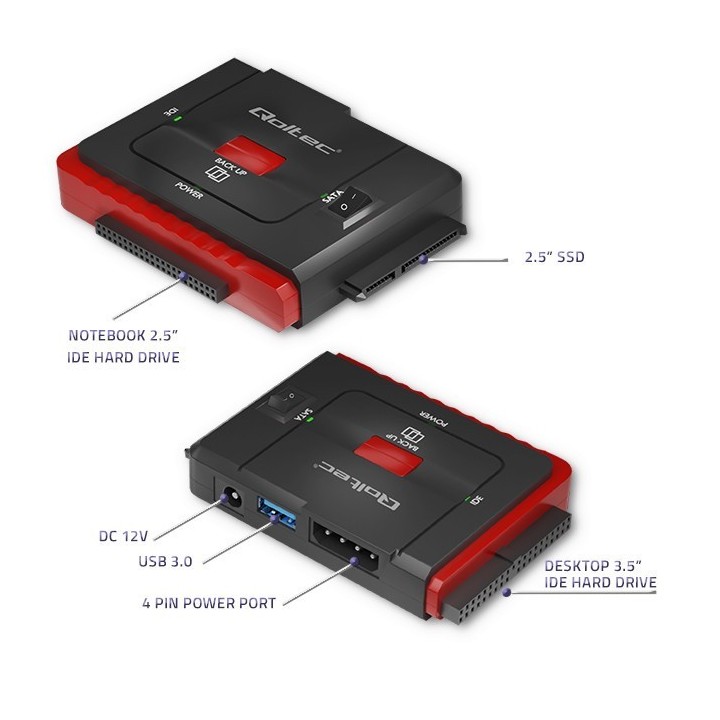
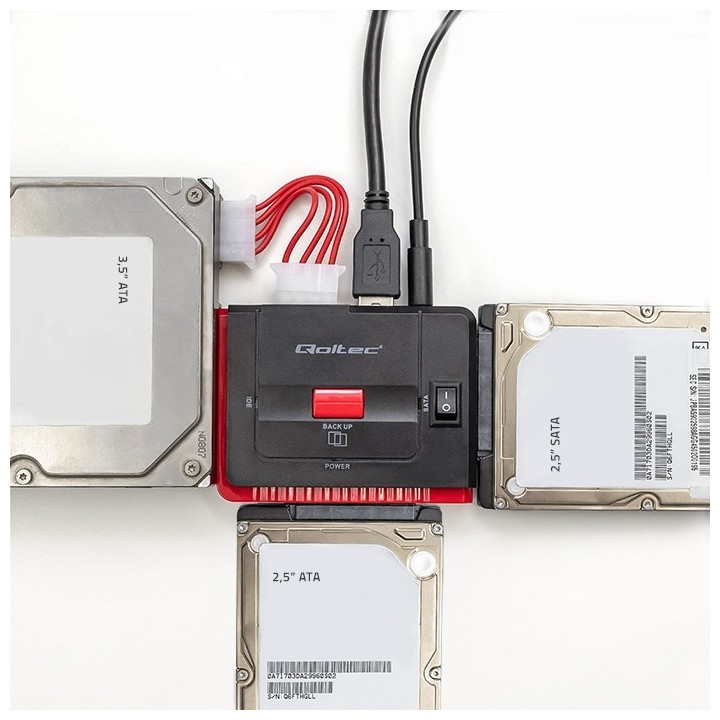
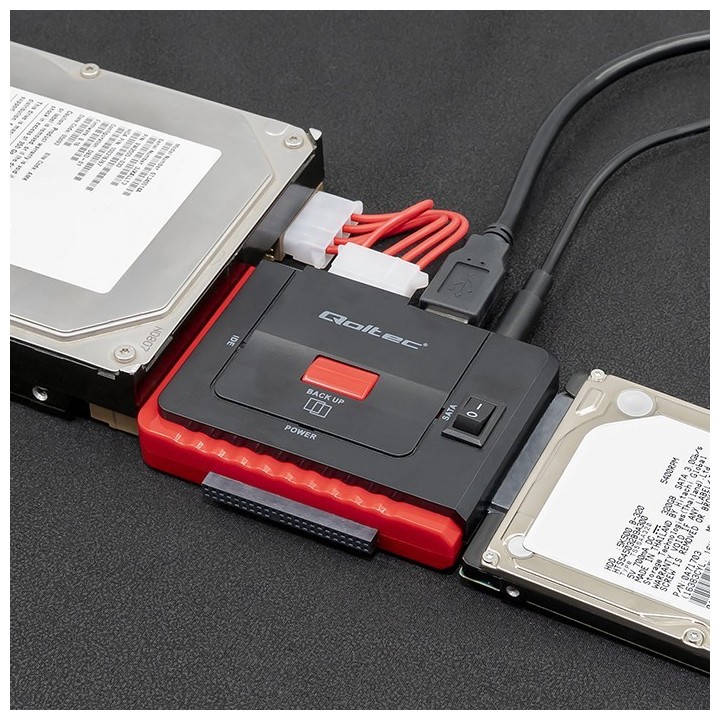
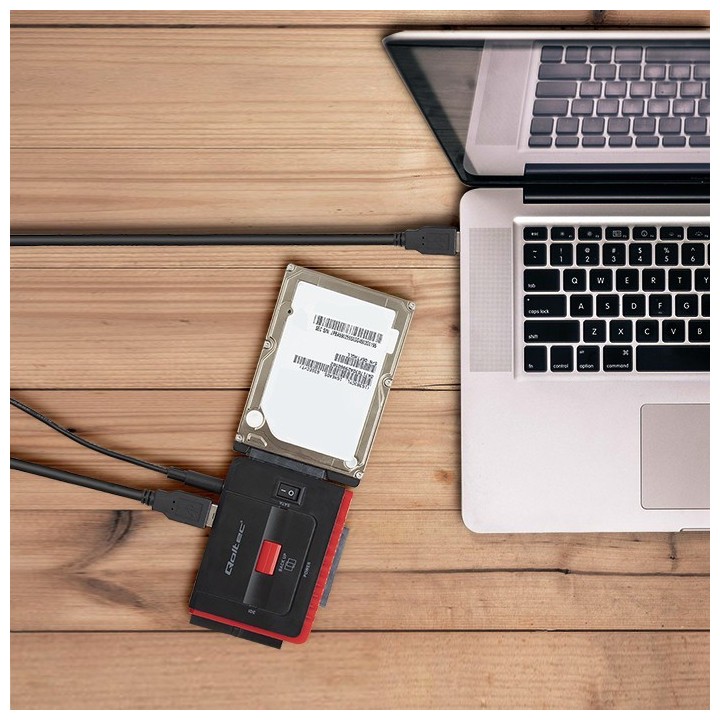
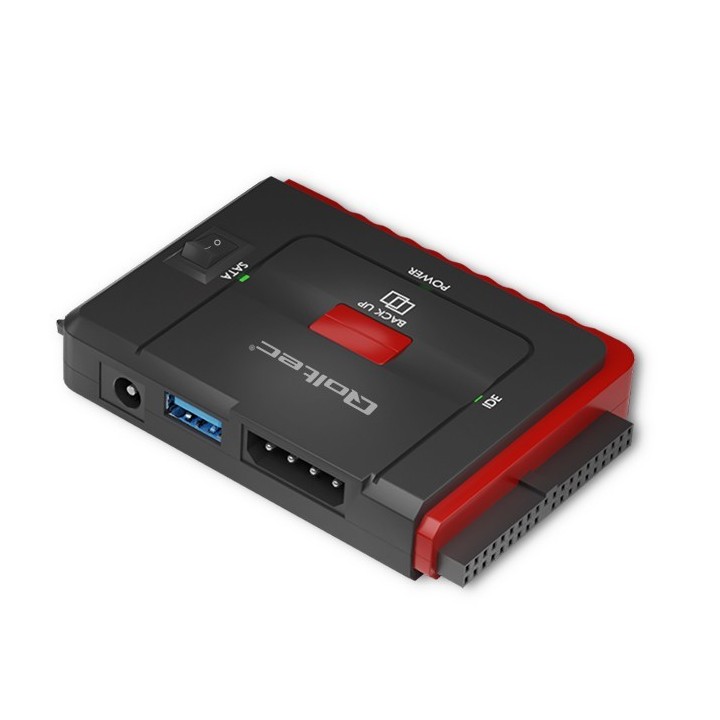
Adapter USB 3.0 marki Qoltec to bardzo przydatne urządzenie, które umożliwia szybką wymianę danych pomiędzy podłączonymi dyskami 2.5" SATA i IDE. Adapter umożliwia jednoczesne podłączenie 3 dysków.

Z roku na rok producenci oferują nam coraz to lepsze parametry komputerów, adapter sprawdzi się gdy chcemy zgrać zdjęcia ze starego dysku IDE lub zrzucić cenne dane oraz gdy chcemy sklonować nasz dysk. Wzbogacony w interfejs Plug&Play nie wymaga instalowania sterowników. Adaprter obsługuje napęd CD oraz DVD. Umożliwia podpięcie nagrywarki.

Szybka wymiana danych

Nowoczesny adapter USB do SATA III oraz IDE umożliwi podłączenie dysku: HDD i SDD 2.5".

Nasze urządzenie oferuje:

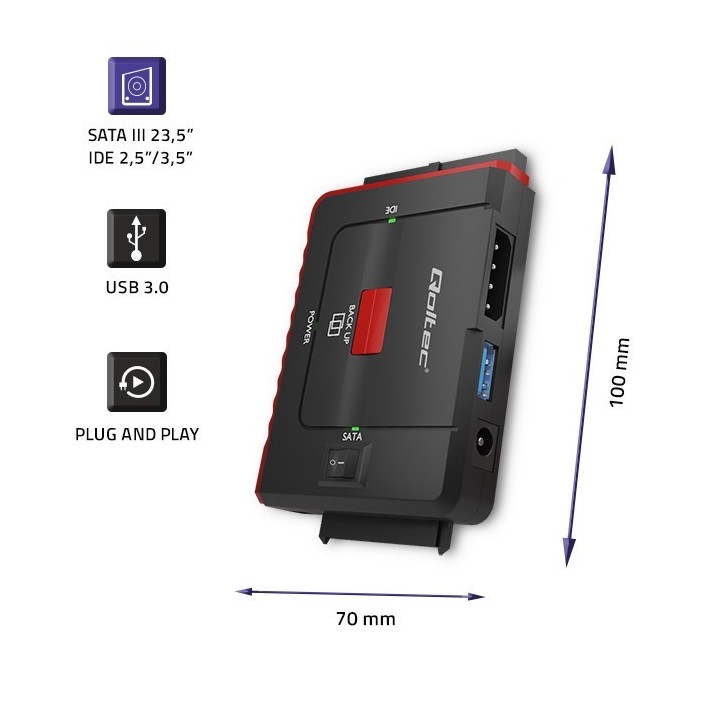
  • Obsługa dysków SATA 2.5" oraz IDE 2,5" i 3,5''
  • Kompatybilność z systemami Windows, Mac, Android, Linux,
  • Obsługę standardu USB 3.0 oraz SATA3 i IDE,
  • Interfejs Plug&Play,
  • Transfer danych z prędkością 5 Gbps,

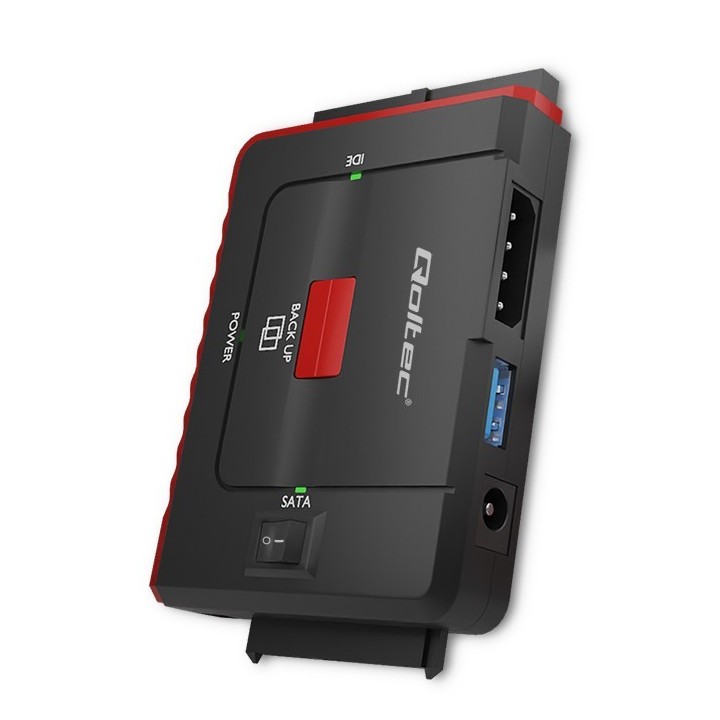
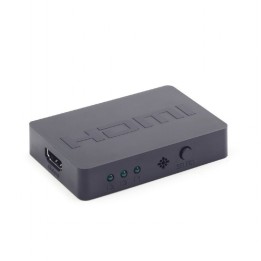
Aby ułatwić pracę z urządzeniem adapter ma wbudowane wskaźniki LED oraz przełącznik on/off.

Specyfikacja

  • Typ obudowy HDD: Obudowa zewnętrzna
  • Materiał: Tworzywo sztuczne (plastik)
  • Obsługiwane systemy operacyjne: Android
  • Kolor (wyliczeniowy): Czerwony
  • Wymiary: 70 x 100 x 15 mm
  • Waga: 0.151 kg
  • Akcesoria w zestawie: Adapter USB 3.0 SATA III/ IDE Zasilacz z kablem o długości 1.40 m Kabel MOLEX Kabel USB 3.0 Instrukcja obsługi Karta gwarancji
  • Uwaga: CE+WEEE
Szczegóły produktu

  • Marka Qoltec
  • Kod produktu 660fc14471a267703cb7a496
  • Dostępność 4 Przedmioty
  • EAN13 5901878506456
  • MPN 50645

Producent

Producent

ntec sp. z o.o.

Chorzowska 44B 44-100 Gliwice Polska

E-mail: info@qoltec.pl

Telefon: +48 32 600 79 89

Bezpieczeństwo

Informacje o bezpieczeństwie

List of safety warnings Enclosures and pockets based on the requirements of General Product Safety Regulation (GPSR) 2023/988: 1. Risk of electric shock: Before opening the case, make sure your computer is disconnected from power. Do not touch electronic components with wet hands. 2. Risk of hardware damage: Be careful when installing drives to avoid damaging them or the enclosure. Use the right tools and screws. 3. Sharp edges: Enclosures may have sharp edges, so be careful when assembling to avoid cuts. Use protective gloves. 4. Overheating: Make sure the housing provides adequate ventilation to prevent the discs from overheating. Do not block ventilation openings. 5. Grounding: The housing should be properly grounded to prevent the accumulation of electrostatic charges. 6. Compatibility: Make sure the case and pocket are compatible with the drive type (e.g. SATA, NVMe) and computer interface (e.g. USB, Thunderbolt). 7. Weight: Some enclosures with mounted discs can be heavy, so be careful when moving to avoid injuries. 8. Children: Keep small items (screws, jumpers) away from children to prevent ingestion. Do not allow children to assemble themselves. 9. Moisture: Protect your enclosure and discs from moisture and flooding. 10. Damage: Do not use a damaged case or pocket.

Ładowanie...
Wróć na górę