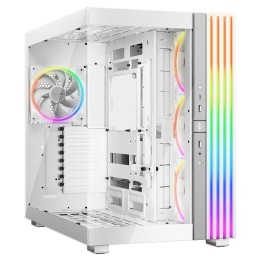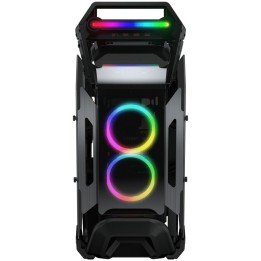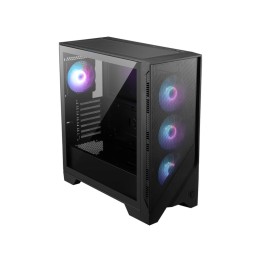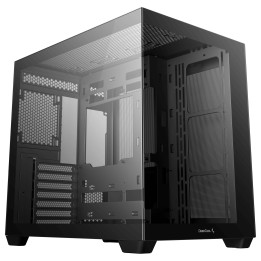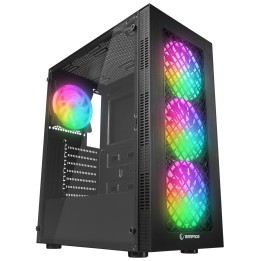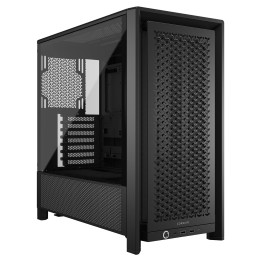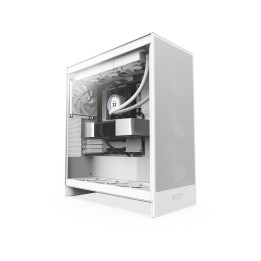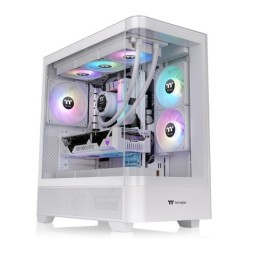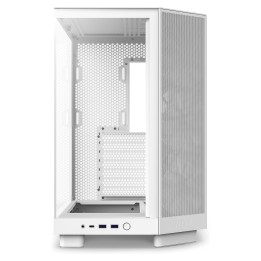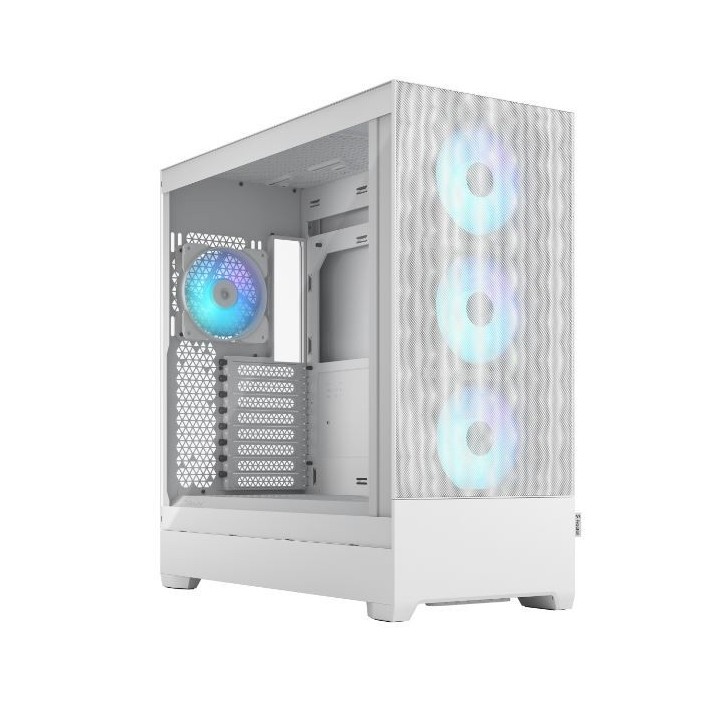
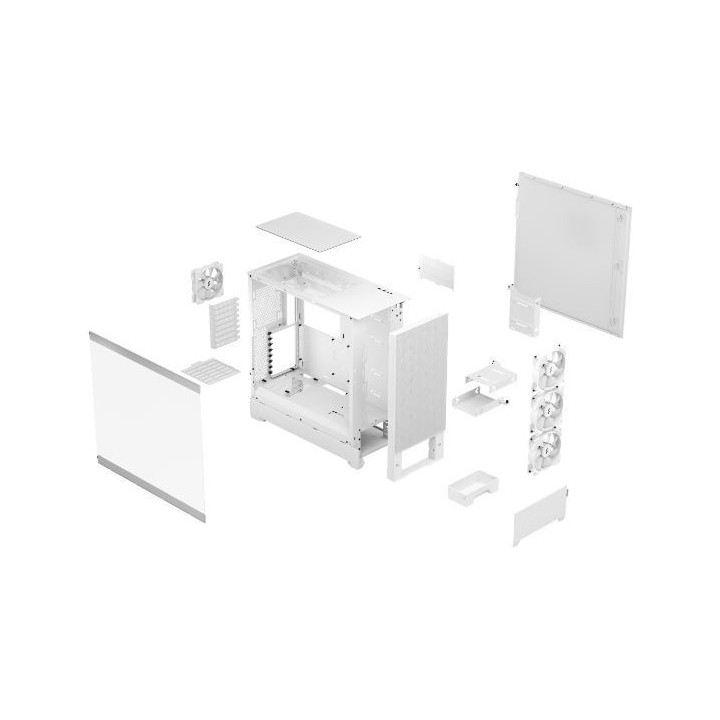
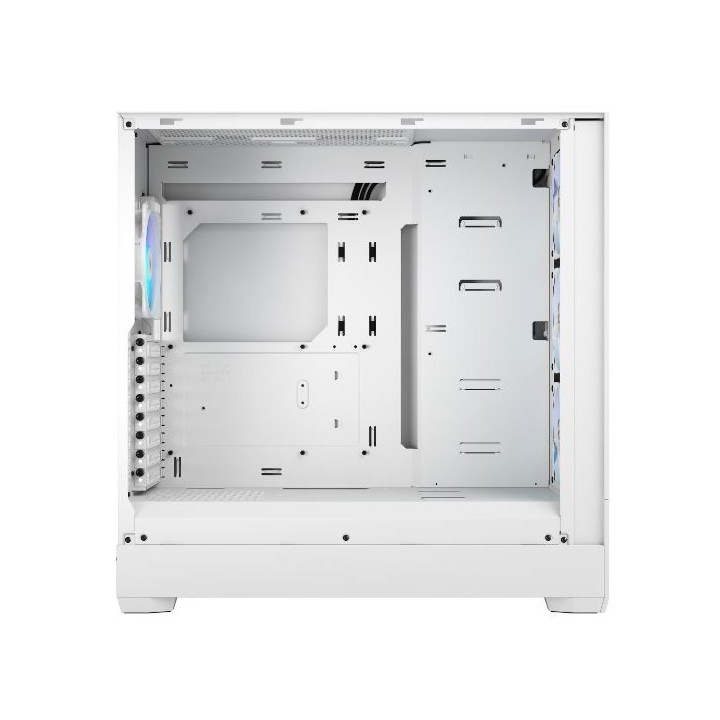
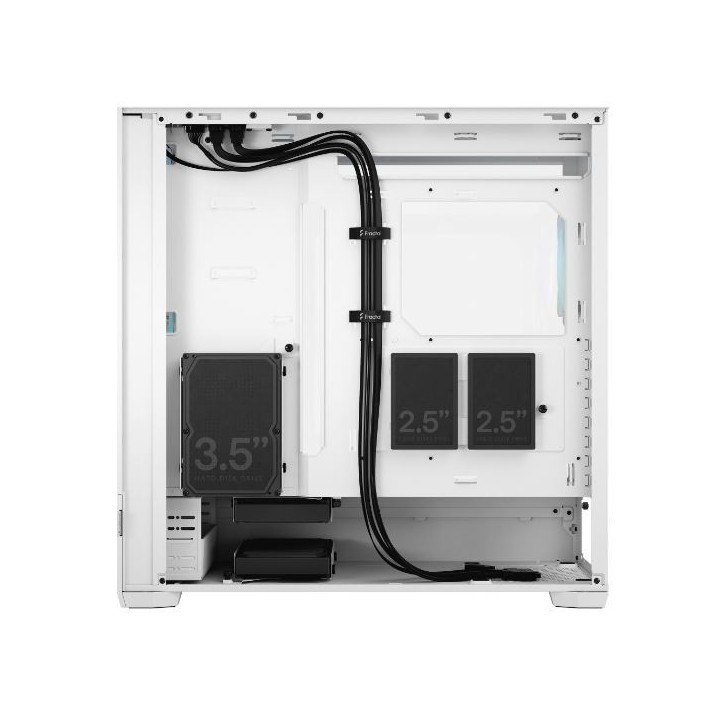
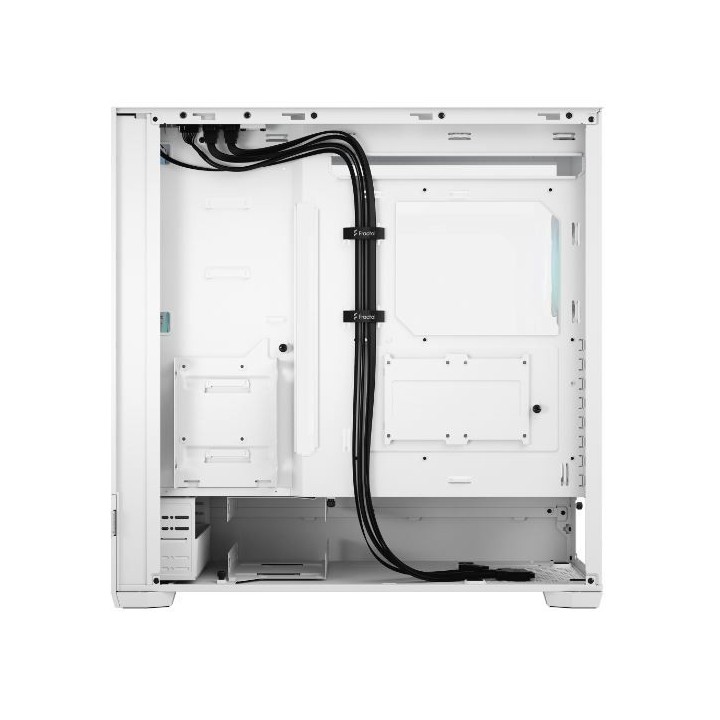
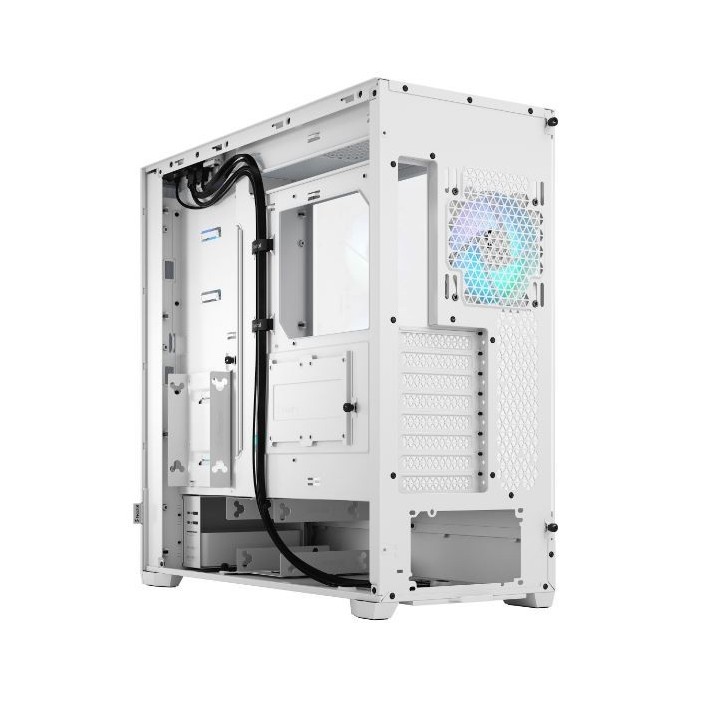
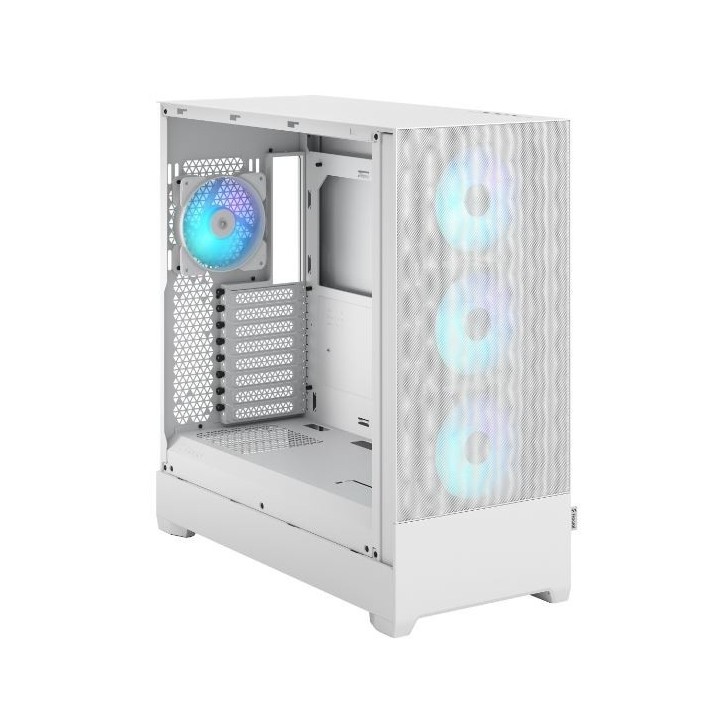
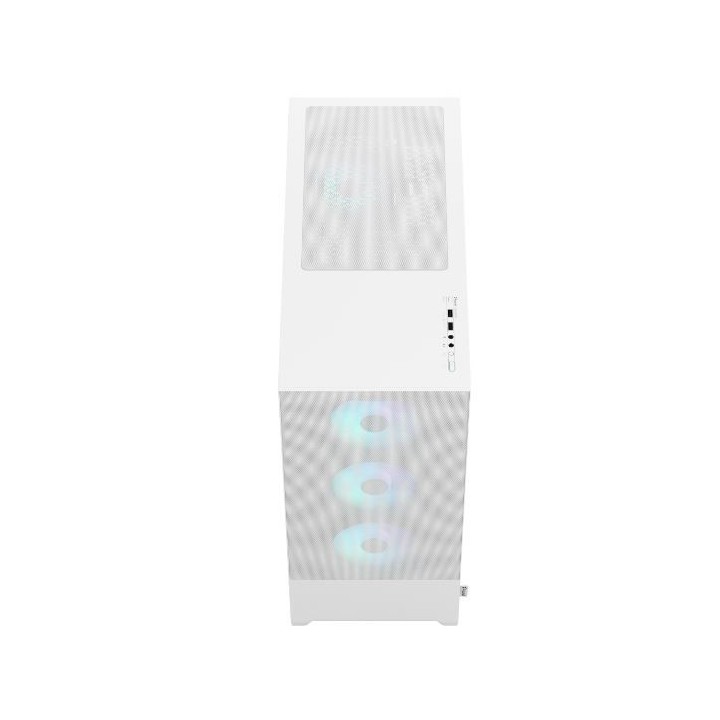
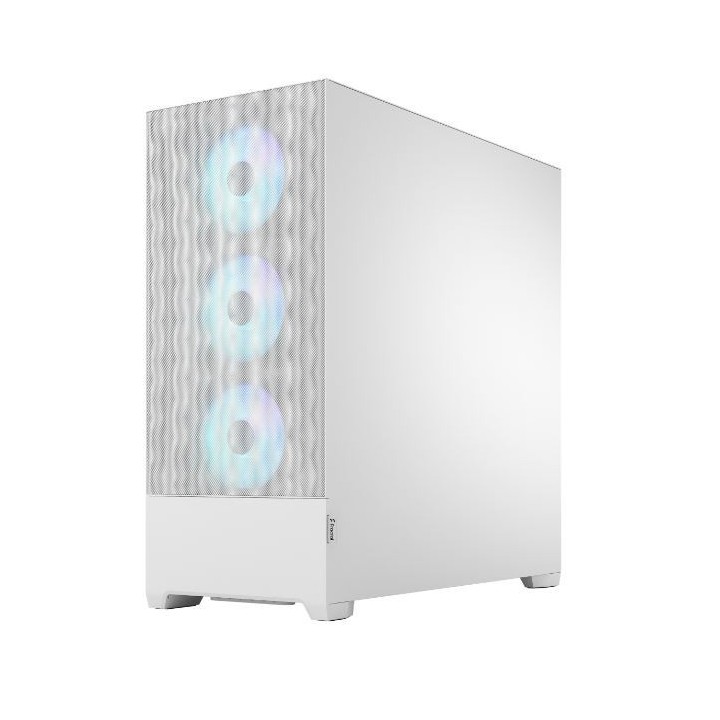
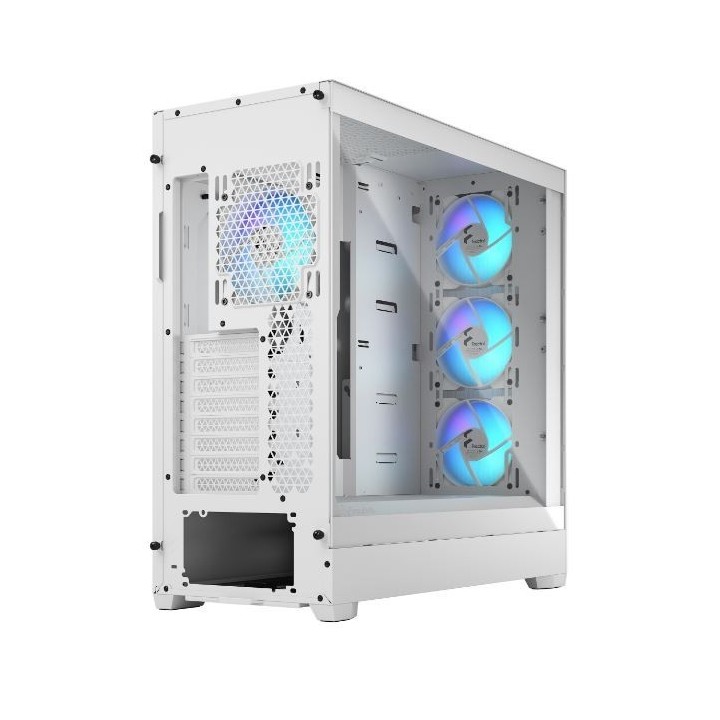
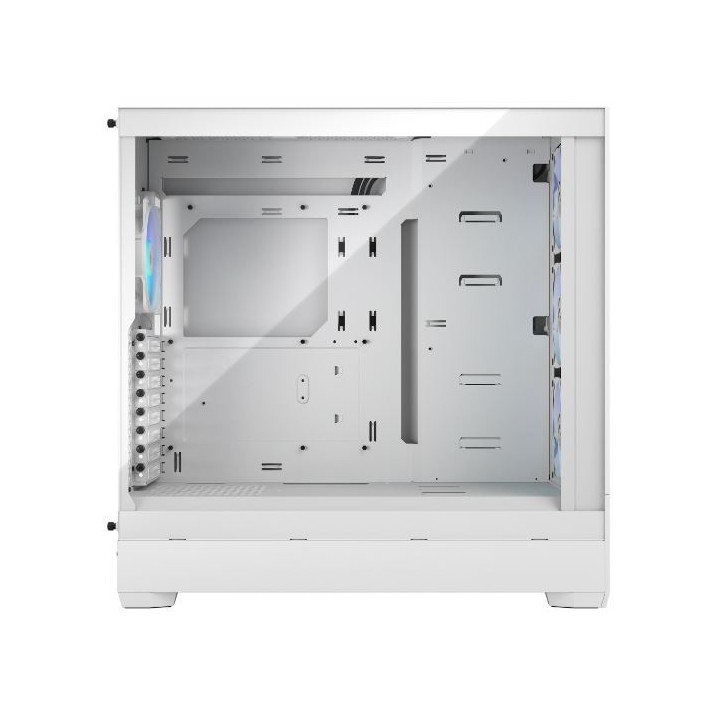
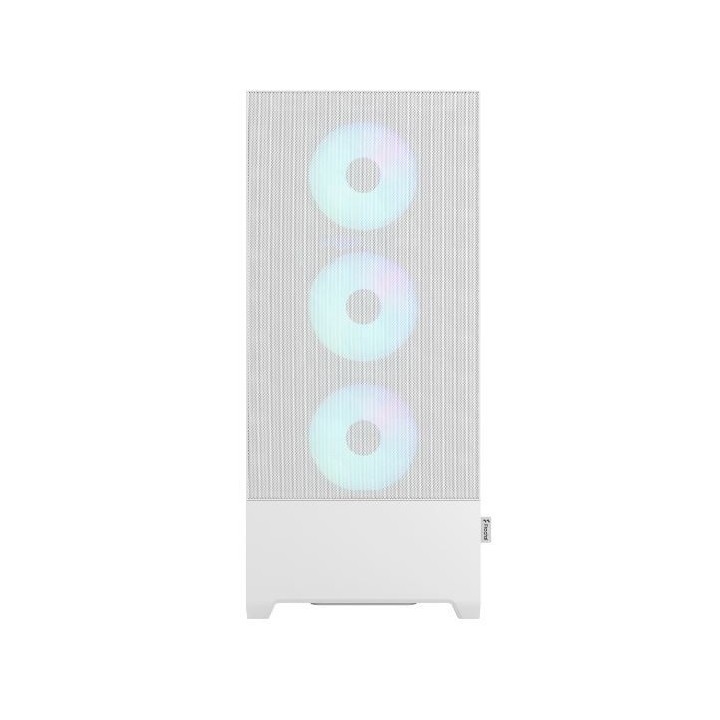
Obudowa Pop XL Air RGB White TG Clear Tint

Cena: 644,99 zł
Brutto
Dostępność produktu: Dostępny 44 szt.
Czas dostawy Wysyłka w ciągu 7 dni roboczych
Koszt dostawy Bezpłatna dostawa od 250 zł.

Opis produktu

Pop XL Air

Poznaj połączenie stylu i funkcjonalności z serią Pop. Pop XL Air łączy precyzyjną inżynierię z dynamicznym designem, oferując jednocześnie przestrzeń i elastyczność dzięki dużemu formatowi.

  • Mieści płyty główne E-ATX (do 280 mm) / ATX / mATX / Mini ITX
  • Łatwy w montażu panel boczny ze szkła hartowanego umożliwia wyeksponowanie komponentów
  • Maksymalnie cztery dyski twarde i sześć dysków SSD (lub trzy dyski twarde i pięć dysków SSD przy użyciu jednej wnęki na napęd optyczny)

Specyfikacja

  • Typ obudowy: Big Tower
  • Format obudowy: Mini ITX
  • Panel boczny: Szkło hartowane
  • Liczba miejsc montażowych (sumaryczna): 8
  • Miejsca montażowe 3,5'' wewn.: 2
  • Miejsca montażowe 5,25'' wewn.: 2
  • Miejsca montażowe 2,5'' wewn.: 4
  • Wentylator: 12 cm
  • Kolor (wyliczeniowy): Biały
  • Wymiary: 522 x 230 x 520 mm
  • Waga: 9.65 kg
  • Złącza na przednim panelu: 1 x mikrofon
  • Uwaga: CE+WEEE

Szczegóły produktu

  • Marka Fractal Design
  • Kod produktu 660fc1d971a267703cb83f72
  • Dostępność 44 Przedmioty
  • EAN13 7340172703181
  • MPN FDCPOR1X01

Specyfikacja

  • Kolor Biały
  • Zasilacz w zestawie Nie
  • Obsługiwane formaty płyt ATX
    E-ATX
    Micro ATX
    Mini ITX
  • Maksymalna długość GPU (mm) 455 mm
  • Materiał panelu bocznego Szkło hartowane
  • Maksymalna wysokość chłodzenia CPU (mm) 185 mm

Producent

Producent

Fractal Gaming AB

Victor Hasselblads gata 16A 421 31 Västra Frölunda Szwecja

E-mail: info@fractal-design.com

Formularz kontaktowy: https://www.fractal-design.com/contact-us/

Telefon: +46 31 38 07 100

Bezpieczeństwo

Informacje o bezpieczeństwie

List of safety warnings for computer enclosures based on the requirements of General Product Safety Regulation (EU) 2023/988 (GPSR): 1. Risk of electric shock: * Make sure your computer's power supply is properly grounded. * Do not touch the power supply components with wet hands. * Disconnect the computer from power before opening the case. 2. Risk of cuts: * Beware of sharp metal edges when assembling components. * Secure the edges that can cause cuts. * Use protective gloves when working with the case. 3. Risk of fire: * Do not block ventilation openings in the housing. * Make sure that your computer components do not overheat. * Use a power supply with adequate power to avoid overloading. 4. Risk of damage to components: * Ensure proper air circulation in the housing. * Do not place heavy objects on the housing to avoid damage. * Make sure all components are properly fixed in the housing. 5. Hazards for children: * Keep small items (screws, jumpers) out of reach of children. * Do not allow children to open the computer case themselves. 6. Weight Hazards: * When moving your computer case, make sure you are able to support its weight. * Ask the other person for help if the case is too heavy. 7. Cleaning warnings: * Disconnect the computer from power before cleaning the case. * Use a soft, dry cloth to clean the case. * Do not use cleaning products containing corrosive substances. 8. Modification warnings: * Housing modifications may affect the safety and performance of your computer. * Perform modifications only if you have relevant experience and knowledge. 9. Warnings on Dust inhalation: * When cleaning components in the housing with compressed air, use a mask. * Take special care and ensure proper ventilation.

Ładowanie...
Wróć na górę