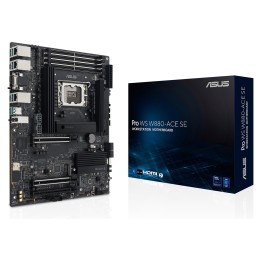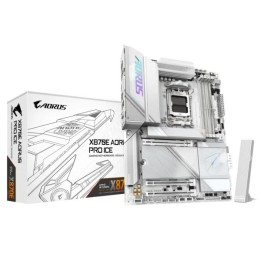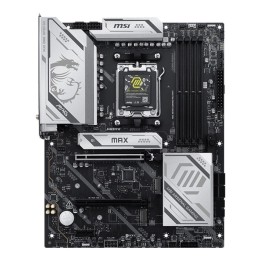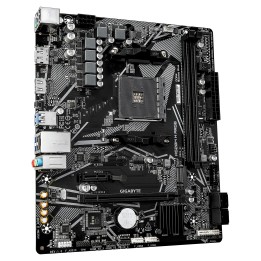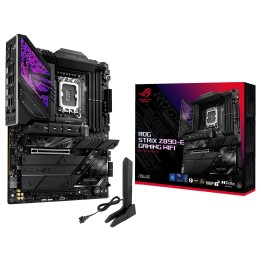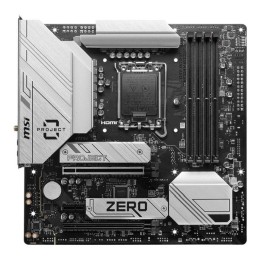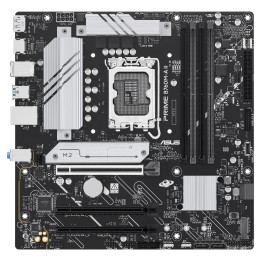
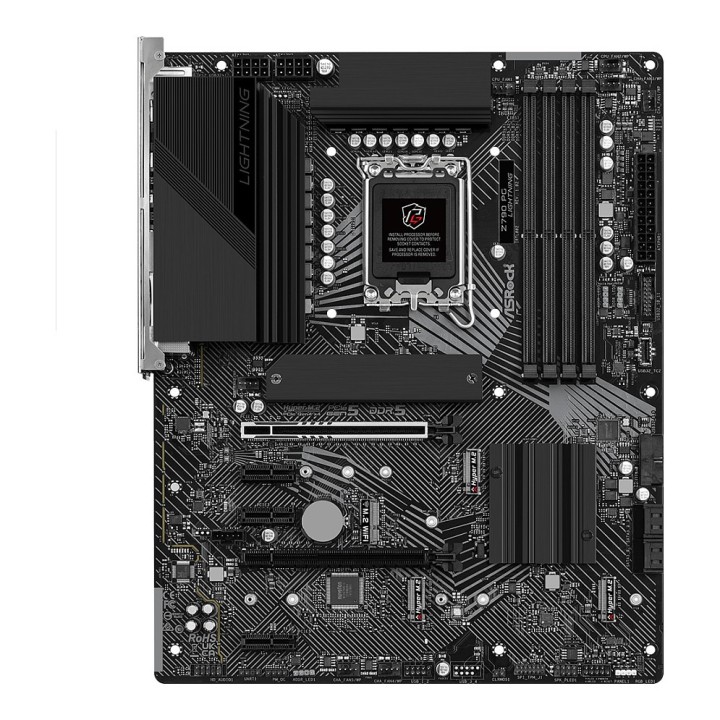
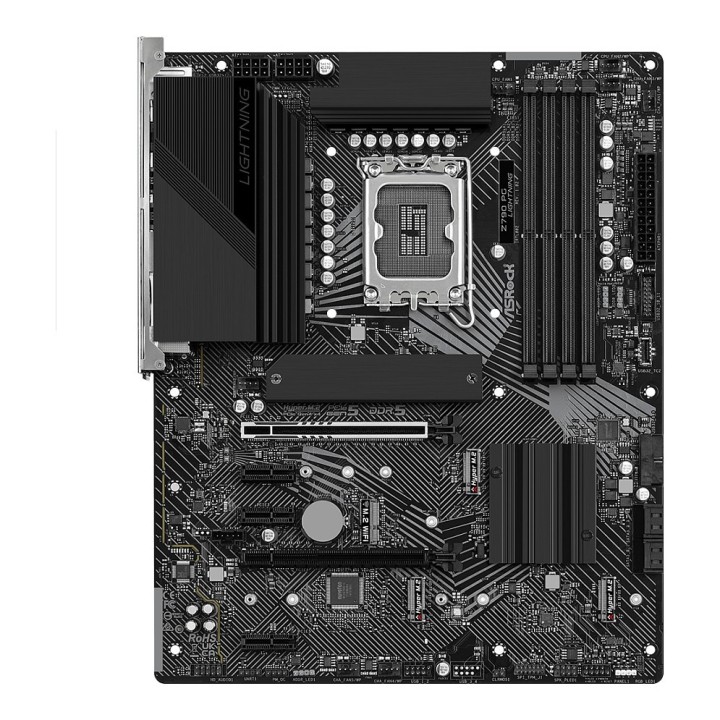
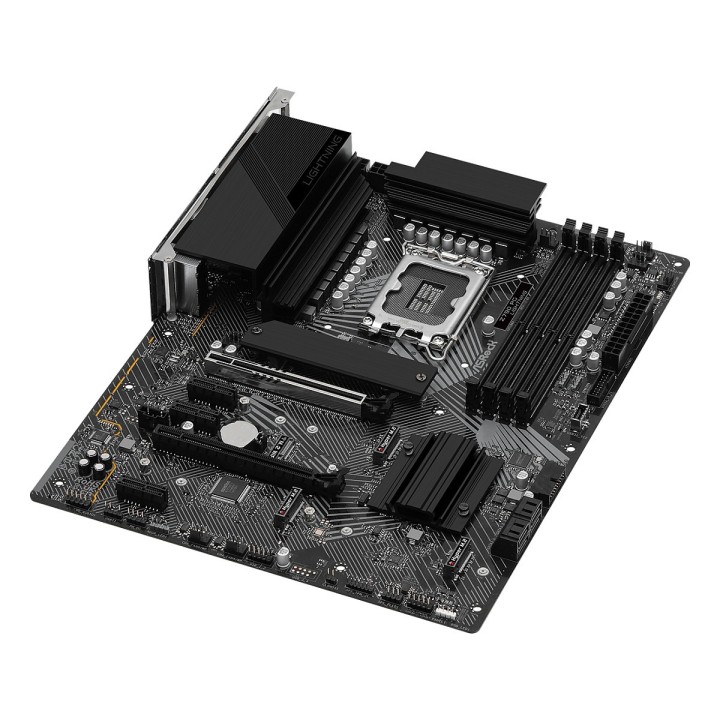
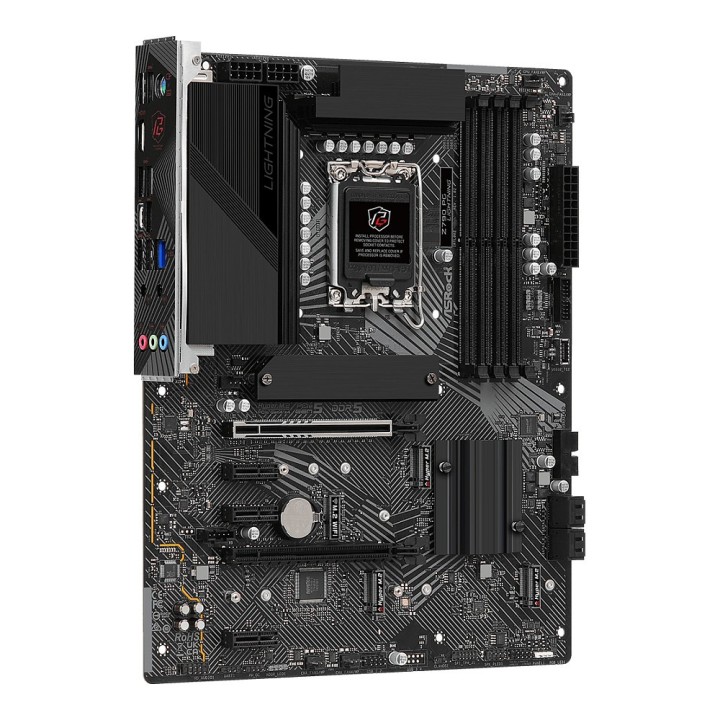
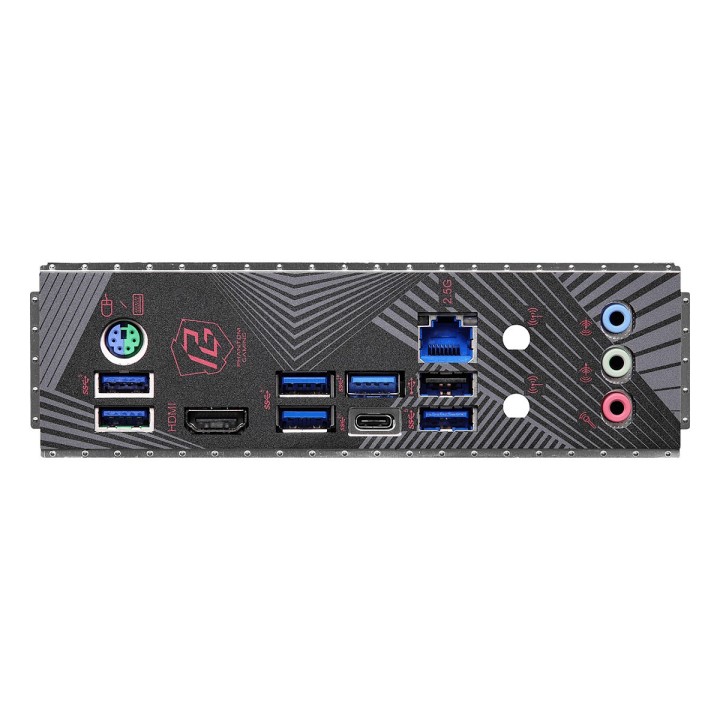
Płyta główna Z790 PG LIGHTNING S1700 4DDR5 HDMI M2 ATX
Opis produktu
Płyta główna Z790 PG LIGHTNING
- Obsługuje procesory Intel Core 13. i 12. generacji
- 7.1 CH HD Audio (kodek audio Realtek ALC897), Nahimic Audio
- Realtek 2.5G LAN
Specyfikacja
- Model: Z790 PG LIGHTNING
- Gniazdo procesora: LGA1700
- Rodzina procesora: Intel Core
- Zintegrowany procesor: Nie
- Producent chipsetu MB: Intel
- Chipset: Intel Z790
- Rodzaj pamięci: DDR5
- Liczba gniazd DDR5: 4
- Częstotliwość szyny pamięci: 4800 MHz
- Maks. wielkość pamięci: 128 GB
- Gniazda rozszerzeń: 1 x M.2
- Maksymalna ilość urządzeń SATA: 4
- Maksymalna ilość urządzeń ATA: 0
- RAID: Tak
- Szczegółowe dane o interfejsach dysków/napędów: PROCESOR: 1 x gniazdo Hyper M.2 (M2_1, Key M), obsługuje tryb 2260/2280 PCIe Gen4x4 (64 Gb/s)* Chipset: 1 x gniazdo Hyper M.2 (M2_2, Key M), obsługuje typ 2242/2260/2280 PCIe Gen4x4 (64 Gb/s)* 1 x gniazdo Hyper M.2 (M2_3, Key M), obsługuje tryby 2260/2280 SATA3 6.0 Gb/s i PCIe Gen4x4 (64 Gb/s)* 1 x gniazdo Hyper M.2 (M2_4, Key M), obsługuje tryb 2260/2280 PCIe Gen4x4 (64 Gb/s)* 4 złącza SATA3 6.0 Gb/s *Obsługuje Urządzenie do Zarządzania Woluminami Intel (VMD)Obsługa bootowania z dyskiem NVMe SSD
- Grafika: Intel Xe Graphics Architecture (Gen 12) 1 x eDP 1.4, supports max. Rozdzielczośćup to Full HD 60Hz 1 x HDMI 2.1 TMDS Compatible, supports HDCP 2.3 and max. Rozdzielczośćup to 4K 60Hz *Technologie Intel UHD Graphics Built-in Visual oraz wyjścia obrazu mogą być obsługiwane tylko przez procesory wyposażone w zintegrowane GPU.
- Karta dźwiękowa: 7.1 CH HD Audio (Realtek ALC897 Audio Codec) Nahimic Audio
- Interfejs sieciowy: Dragon RTL8125BGObsługuje oprogramowanie sieciowe Phantom Gaming LAN Inteligentna automatyczna regulacja przepustowości Wizualny, przyjazny dla użytkownika interfejs użytkownika Wizualne statystyki użytkowania sieci Zoptymalizowane ustawienia domyślne dla trybów gry, przeglądarki i strumieniowania Kontrola priorytetów dostosowana przez użytkownika
- Porty USB na tylnym panelu: 8
- Porty USB do wyprowadzenia z płyty: 7
- Liczba portów USB 3.0/USB 3.1 gen 1/USB 3.2 gen 1: 10
- Liczba portów USB 3.1/USB 3.1 gen 2/USB 3.2 gen 2: 2
- FireWire (IEEE 1394): Nie
- Port / Złącze COM (szeregowy): Nie
- Port / Złącze LPT (równoległy): Nie
- Złącza zewnętrzne: 5 x USB 3.0
- Złącza dostępne na płycie: 1 x Thunderbolt
- Bios: 128Mb AMI UEFI Legal BIOS z obsługą graficznego interfejsu użytkownika
- Format płyty: ATX
- Wymiary: 30.5 x 24.4 cm
- Akcesoria w zestawie: 1 x Instrukcja Obsługi 2 x SATA Data Cables 5 x Screws for M.2 Sockets 1 x Standoff for M.2 Socket
- Obsługiwane systemy operacyjne: Windows 11
- Oprogramowanie: ASRock Motherboard Utility (Funkcja Phantom Gaming Tuning) ASRock Sieć Phantom Gaming LAN Software ASRock Polychrome SYNC* *Można pobrać z Live Update & APP Shop.
- Pozostałe informacje: Certyfikaty FCC, CE ErP/EuP ready (ErP/EuP ready power supply is required)
- Uwaga: CE+WEEE
Szczegóły produktu
- Marka ASRock
- Kod produktu 660fc27f71a267703cb8f10b
- Dostępność 1 Przedmiot
- EAN13 4710483940965
- MPN Z790PGLIGHTNING
Specyfikacja
- Typ pamięci RAM DDR5
- Gniazdo procesora 1700
- Maksymalna pojemność RAM (GB) 128 GB
- Chipset Intel Z790
- Format płyty ATX
- Liczba slotów RAM (szt.) 4 szt.
- Liczba gniazd M.2 (szt.) 1 szt.
Producent
Producent
ASRock EUROPE B.V.
Bijsterhuizen 11-11, 6546 AR Nijmegen 6546 AR Nijmegen Netherlands
E-mail: sales@asrock.nl
Formularz kontaktowy: https://www.asrock.com/support/index.asp
Telefon: +31-24-345-44-33
Osoba odpowiedzialna w UE
ASRock EUROPE B.V.
Bijsterhuizen 11-11, 6546 AR Nijmegen 6546 AR Nijmegen Netherlands
E-mail: sales@asrock.nl
Formularz kontaktowy: https://www.asrock.com/support/index.asp
Telefon: +31-24-345-44-33
Bezpieczeństwo
Informacje o bezpieczeństwie
List of motherboard safety warnings based on the requirements of General Product Safety Regulation (EU) 2023/988 (GPSR): * Risk of electric shock: Make sure the power supply is disconnected before installing or disassembling any components. Do not touch pins, connectors or paths on the board with wet hands or in humid environments. * Short-circuit risk: Be careful that no metal objects come into contact with the plate during installation or use. * Risk of Electrostatic Damage (ESD): Use an antistatic band when working with the motherboard to avoid damage to sensitive components. * Risk of injury: Sharp edges and small elements on the board can pose a risk of injury. Be careful when manipulating. * Fire risk: Incorrect connection of power supply or overheating of components can lead to fire. Make sure all connections are correct and cooling is adequate. * Risk of component damage: Do not use excessive force when installing components to avoid damaging the board or the component itself. * Compatibility: Make sure that all components (processor, RAM, graphics card) are compatible with your motherboard. * Stability: Place the motherboard on a stable, flat surface to prevent mechanical damage. * Overheating: Provide adequate cooling to prevent the motherboard and its components from overheating. Clean radiators and fans regularly. * Kids: Keep the motherboard and small items out of reach of children to avoid the risk of ingestion or other accidents. * Installation: Disconnect the motherboard from power before any interference.
Płyty główne
Ostatnio oglądane
Produkty, które ostatnio zwróciły Twoją uwagę.